
Top 10 project management software
There are nearly 1.9 million nonprofits in the U.S. alone, each with its own unique cause and challenges. But they all have one thing in common: the need for structure — especially when it comes to projects. Dealing with limited budgets, volunteer schedules, and other general uncertainties makes proper management tools essential to nonprofit organizations.
This is why project management software for nonprofits can be so important. These digital solutions enable organizations to streamline operations and manage key initiatives more effectively by providing automation, visualization, and centralized data management tools.
But with so many options available today, how do you identify the best project management software for nonprofits? To simplify the search, we’ve compiled a list of top project management software options designed specifically for your sector.
Benefits of project management software for nonprofits
You may be thinking: Why do I need specific software for project management? These digital solutions offer nonprofits significant benefits when integrated into their toolbelt, including
- Improved team collaboration: Many project management tools come with features like shared project timelines, task assignment, comments, and more. These help your team stay on the same page by providing clear visibility into every step of your project, facilitating effortless communication.
- Better resource management: One of your biggest challenges is producing results on a limited budget. Project management software for nonprofits provides a transparent and organized view of resource utilization across various assignments, ensuring your team stays on target financially.
- Enhanced task organization: Keeping track of every step, stage, and role in every project you run can seem impossible at times. Through task lists, deadlines, and prioritization, you can make sure nothing slips through the cracks.
- Smoother grant and fundraising management: Dedicated donor relationship tools, offered by some nonprofit project management software, allow you to better manage relationships with key stakeholders. This, combined with reporting, can help you run a more streamlined and effective nonprofit fundraising campaign.
- Increased efficiency and automation: Nonprofits can get bogged down by a never-ending cycle of busywork. Automated project management for nonprofits reduces manual processes. When integrated with your tech stack, this technology can streamline repetitive workflows and handle low-value tasks on your behalf.
- Elevated data-driven decision making: Every move you make as a nonprofit has an impact. But what is the exact impact of the projects you’re working on? With access to analytics and reporting, you can gain a clear understanding of your results (whether positive or negative) and make informed decisions on future initiatives.
These tools can alter the trajectory of your organization and change the way your team approaches nonprofit management. So, how do you tap into these benefits? The journey toward increased efficiency begins with identifying the right solution — and that means you need to know exactly what you’re looking for in nonprofit project management software.
Key features to look for in nonprofit project management software
While all project management software shares some baseline features, a few tools are specifically designed for nonprofit project management. These more tailored solutions should ideally include
- Budgeting and grant tracking: From how much money you’re spending on projects to how much you’re bringing in from grants or fundraising, these tools make it easy to keep tabs on your budget. Visualization features are a plus, as they enable your team to quickly get an idea of your current cash flow.
- Volunteer and team collaboration tools: It’s crucial that everyone, including volunteers who may be unfamiliar with your internal processes, is on the same page. Project management software with collaboration tools for both external and internal team members can maximize transparency and curb miscommunication.
- Task and workflow automation: You shouldn’t have to micromanage your project management. The software you select should offer workflow automation tools that eliminate repetitive tasks and streamline your processes.
- Donor and stakeholder reporting: To assess whether your team is on track to meet fundraising goals, you need a holistic view of donor contributions. Tools that collect, organize, and analyze donor and stakeholder data can inform your fundraising efforts and help you stay on track.
- Integration with fundraising platforms: Your project data may be scattered across multiple digital platforms. With better connectivity, your project management software can seamlessly integrate with your existing tech stack and reduce the need for manual data entry or tool switching.
Effective project management starts with the right tools, and the best solution for your organization will likely include some (or all) of these features. However, even when using these criteria to narrow down your selection, there are still plenty of viable options to choose from. Dive even deeper into the top project management software for nonprofits below.
The best project management software for nonprofits
Investing in nonprofit project management software requires serious consideration. Not only are you allocating a portion of your limited budget to this new tool, but the capabilities it provides will also shape the way your organization operates moving forward.
Before making your final decision, consider factors such as the tool’s impact on your budget, its usefulness to your team, and what users like you say in their reviews about the software overall. In our list of top contenders, we’ve compiled the pros and cons of each to help. Note that the listed pricing for these tools is as billed annually, unless stated otherwise, and is priced before any potential nonprofit discounts.
1. Jotform Boards
Gone are the days of constantly creating and managing project tasks thanks to Jotform Boards. This intuitive, automated task management system helps streamline and organize nonprofit project workflows. You can either create a project board from scratch or automatically generate tasks using form responses from a Jotform form. Connect one or more forms to this drag-and-drop, kanban-style project visualization tool to ensure your tasks are accessible and centralized.
This nonprofit project management software features organizational tools like search and filter fields that allow you to quickly find the tasks you’re looking for and structure your project steps. Jotform Boards also features collaboration tools like shared boards and assigned tasks to keep your team on the same page.
Not only is this solution mobile-responsive (allowing you to access it from anywhere), but it’s also fully customizable. Personalize the visual style of your boards to match your branding, and adjust the layout and fields to best suit your preferred work style. Using this solution, your nonprofit can optimize project management, enhance productivity, and improve team collaboration.
- Best for: Automated task generation and tracking
- Developer: Jotform
- Key features: Customizable project boards, automated task generation, team collaboration tools
- Pros: More than 1,000 free templates, user-friendly, unlimited boards on all plans
- Cons: Fewer advanced features compared to other solutions, usage caps on some features
- Plans/pricing:
- Free (free)
- Bronze ($34 per month)
- Silver ($39 per month)
- Gold ($99 per month)
- Enterprise (custom pricing)
- Nonprofit discount: 50% off base plans, 30% off Enterprise
- G2 rating: 4.7/5
2. Asana
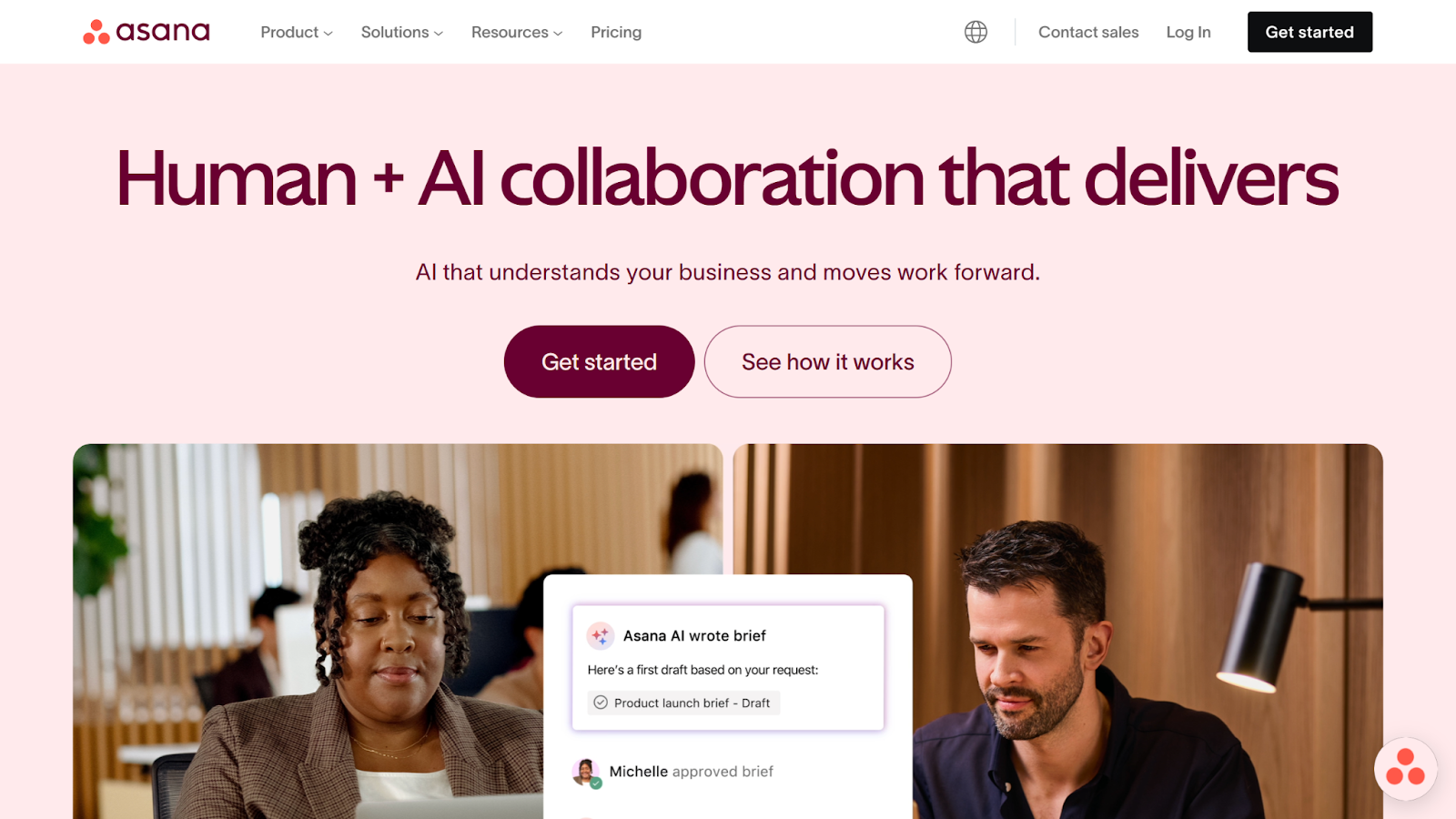
Built for nonprofit organizations of all sizes, Asana is a user-friendly project management software made to keep your team on task. It enables you to create and manage task timelines via automations, while maintaining team connectivity through collaboration features like assignments.
Although this tool offers a free option, its limitations are notable compared to some of the others on this list. For instance, it lacks access to Asana AI and several advanced features. However, if budgetary constraints are your concern, Asana offers a significant discount for qualified nonprofits.
- Best for: Task-based project management
- Developer: Asana
- Key features: Project visualization, workflow builder, management automations
- Pros: Easy to use, advanced task management, collaboration tools
- Cons: AI is only available on paid plans, limited nonprofit-specific features, assignee limitations
- Plans/pricing:
- Personal (free)
- Starter ($10.99 per user per month)
- Advanced ($24.99 per user per month)
- Enterprise (custom pricing)
- Enterprise + (custom pricing)
- Nonprofit discount: 50% off all plans
- G2 rating: 4.4/5
3. Trello
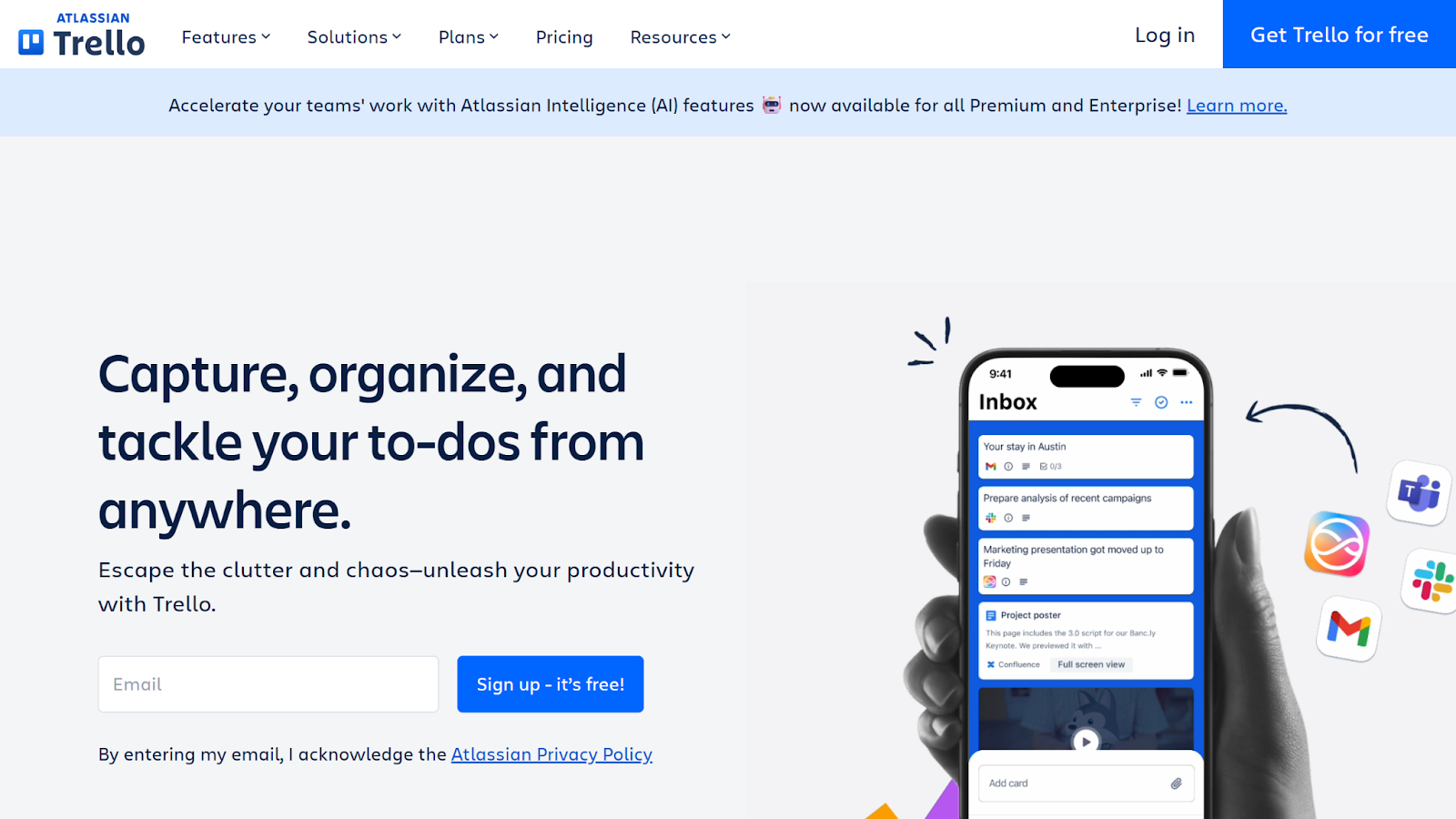
If your team works best with Kanban-style project management, Trello is likely to be top of your shortlist — although it also provides non-Kanban views for those who aren’t familiar with the agile method.
Trello offers a simple, visually driven project management experience. But its simplicity comes at a price. Compared to other nonprofit project management software, Trello lacks advanced features. Large organizations may find that this solution falls short for that reason, but the limitations could be worth ignoring due to its sizable nonprofit discount.
- Best for: Kanban-style project visualizations
- Developer: Atlassian
- Key features: Kanban project boards, drag-and-drop interface, inbox
- Pros: User-friendly interface, visually appealing, straightforward
- Cons: Lack of features, AI limited to top plans, large projects can become cluttered
- Plans/pricing:
- Free (free)
- Standard ($5 per user per month)
- Premium ($10 per user per month)
- Enterprise ($7.38 to $17.50 per user per month, depending on the number of users)
- Nonprofit discount: 75% off standard plans, 50% enterprise plans
- G2 rating: 4.4/5
4. Monday.com
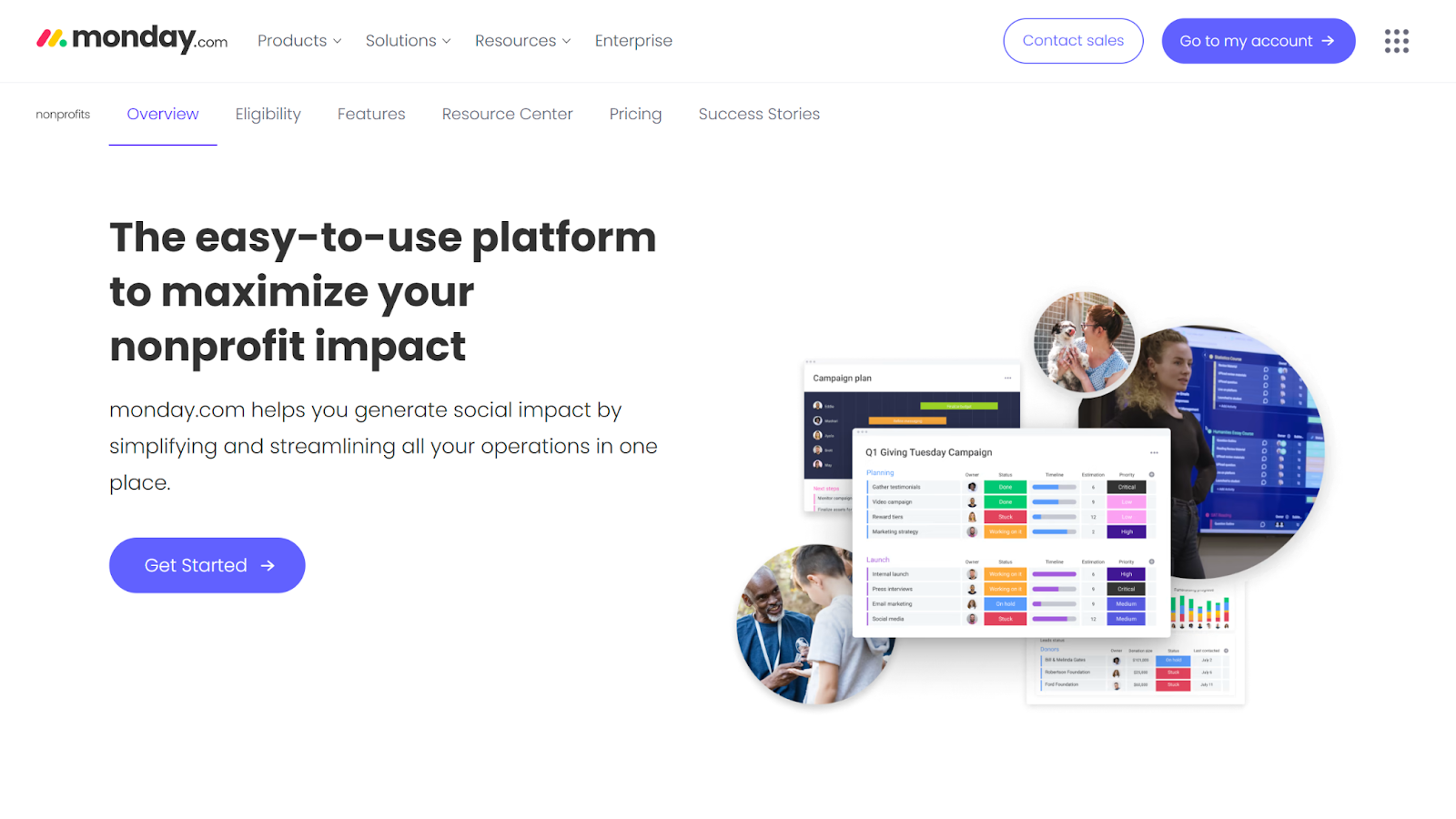
Part of the full Monday.com suite of products, Monday’s work management solution is known for its customization and features. It offers users several workflow visualization options, automations, and a variety of integrations that can make project management a breeze.
What sets Monday apart is its unique package for nonprofits, offering pro-tier tools at a fraction of the cost. However, the robust platform can be challenging for new users to learn, and limitations on automations or integrations may slow down your workflows.
- Best for: Larger nonprofit organizations
- Developer: Monday.com
- Key features: Custom workflows, data chart view, time tracking
- Pros: Dedicated nonprofit version, highly customizable, powerful automations
- Cons: Limited free plan, steep learning curve, limited automation and integration actions
- Plans/pricing:
- Free (free)
- Basic ($9 per seat per month)
- Standard ($12 per seat per month)
- Pro ($19 per seat per month)
- Enterprise (custom pricing)
- Nonprofit discount: 10 free seats, then 70% off each additional seat
- G2 rating: 4.7/5
5. ClickUp
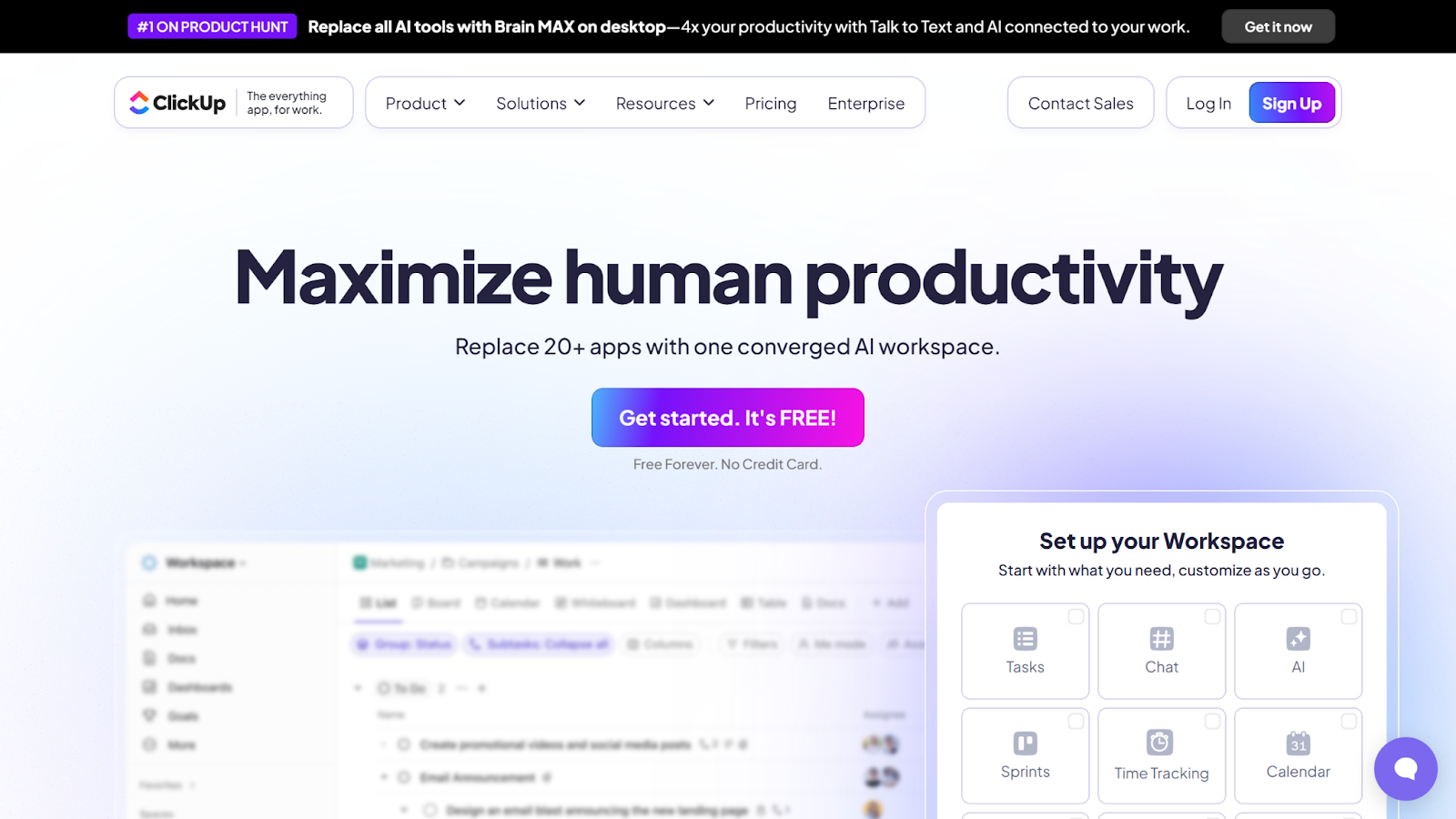
Designed to be a one-stop shop for all of your organizational needs, ClickUp is known to have an impressive depth of features. From project management for nonprofits to collaborative workspaces, ClickUp can replace multiple tools in your current tech stack. Although ClickUp offers discounts for nonprofits, small teams may find that its robust free version meets their needs.
The downside of having such a wide range of tools is that ClickUp can be challenging for some users to master. A steep learning curve, combined with frequently slow loading times, may make this solution a less-than-optimal fit for time-sensitive organizations.
- Best for: All-in-one nonprofit management
- Developer: ClickUp
- Key features: Task management tools, resource management, collaboration suite
- Pros: Robust feature set, powerful free version, centralized organization
- Cons: Steep learning curve, slow, lackluster mobile version
- Plans/pricing:
- Free Forever (free)
- Unlimited ($7 per user per month)
- Business ($12 per user per month)
- Enterprise (custom pricing)
- Nonprofit discount: Customized pricing for qualified nonprofit organizations
- G2 rating: 4.7/5
6. Zoho Projects
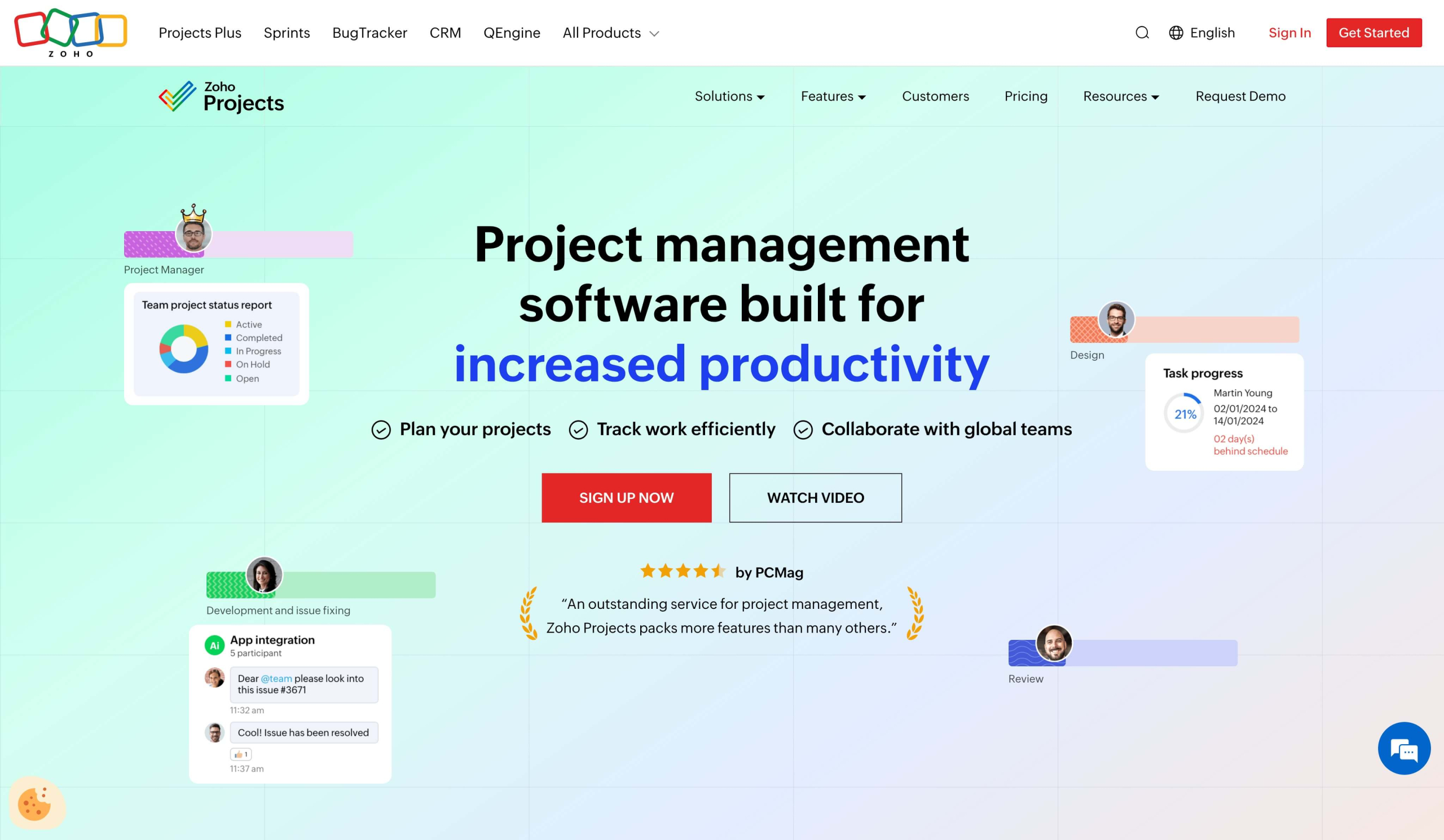
You may already be familiar with the Zoho suite of products, or a user of its customer relationship management (CRM) software or help desk tool. If you are, Zoho Projects is a natural choice for your organization. This project management software provides straightforward task management features that integrate seamlessly into the complete Zoho environment through native connections.
This tool is budget-friendly and offers useful features, but its overall capabilities are somewhat limited compared to others on this list. It’s also less powerful for non-Zoho users, as it relies significantly on the Zoho suite for full functionality.
- Best for: Current Zoho suite users
- Developer: Zoho
- Key features: Gantt charts, timesheets, task automations
- Pros: Low cost, native connection to Zoho, user-friendly interface
- Cons: No clear discount pricing, limited features, limited native integrations
- Plans/pricing:
- Free (free)
- Premium ($4 per user per month)
- Enterprise ($9 per user per month)
- Nonprofit discount: Contact Zoho for information
- G2 rating: 4.3/5
7. Airtable
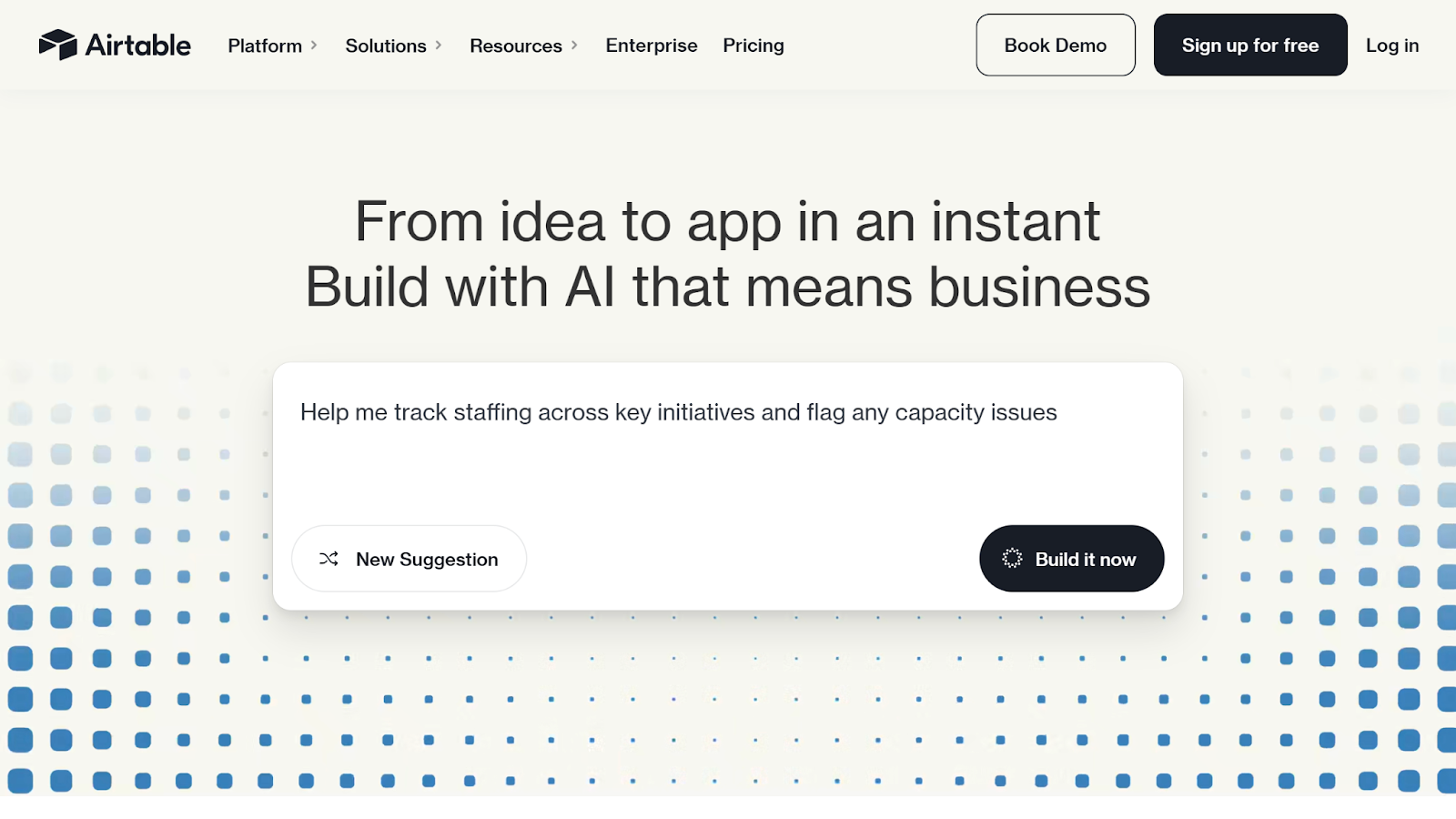
Airtable is a project management software built for organizing your data using spreadsheet-like visualization. Although it’s primarily aimed at app developers, the organizational tools and advanced automation features are also helpful for nonprofits looking to take control of their workflows.
That said, Airtable is considerably less user-friendly than many of the others on this list. If your projects aren’t data-heavy or your team is less tech-savvy, its tools may not meet your needs. But if you’re used to working in Excel or looking for custom workflow automation tools, this might be your best fit.
- Best for: Data-centric project workflows and spreadsheets
- Developer: Airtable
- Key features: Relational databases, workflow automations, custom interfaces
- Pros: Data-friendly, advanced reporting, powerful automations
- Cons: Expensive, challenging to use, limited visual options
- Plans/pricing:
- Free (free)
- Team ($20 per seat per month)
- Business ($45 per seat per month)
- Enterprise Scale (custom pricing)
- Nonprofit discount: 50% off monthly Team licenses
- G2 rating: 4.6/5
8. Hive
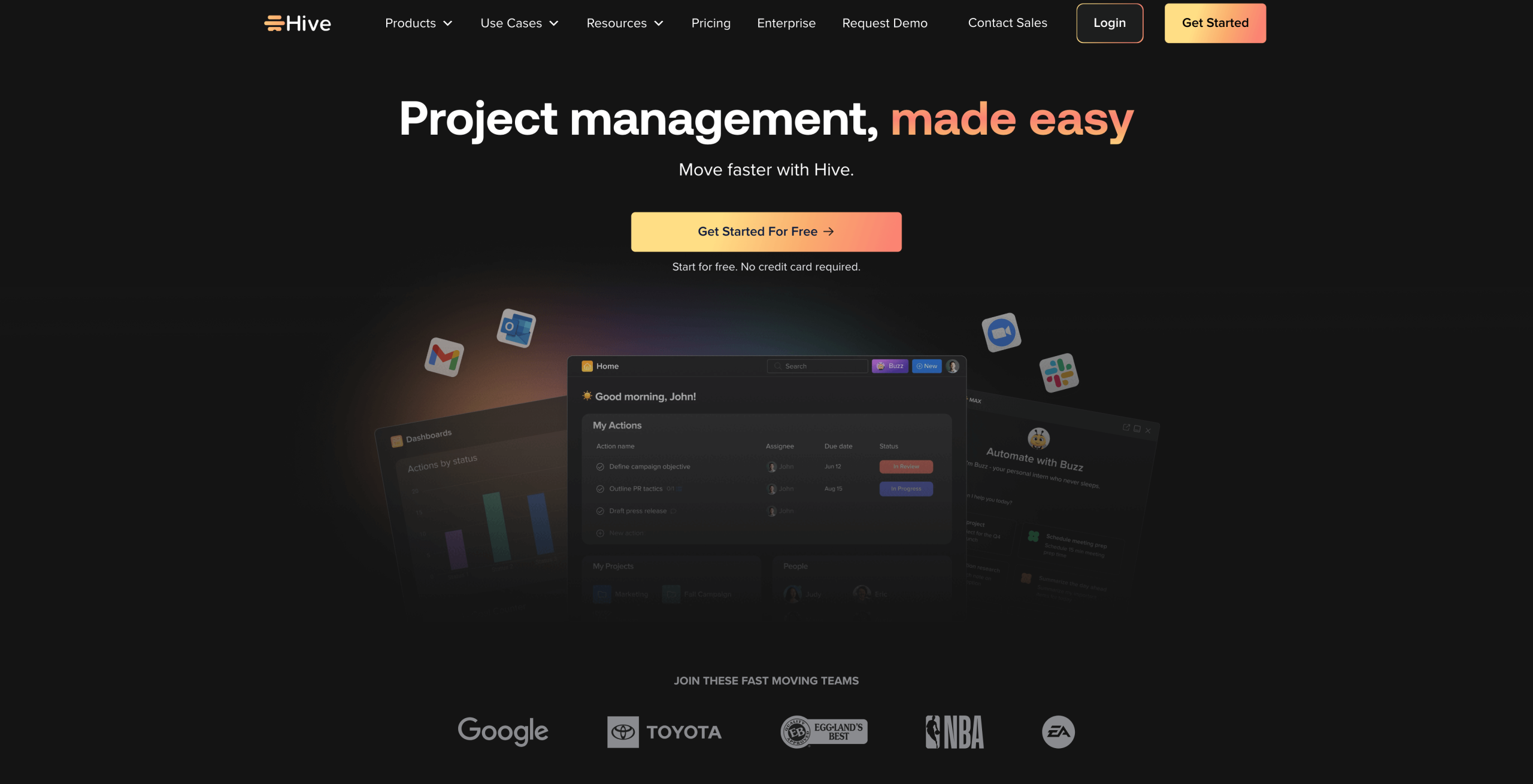
Flexibility is important when assessing project management software for nonprofits. Not every organization operates the same way, and Hive understands this. That’s why it offers a wide variety of features that are built to drive speed, efficiency, and results. From project management views to resource management tools, Hive makes it easy to build a workflow that suits your style.
Hive offers a discount code to nonprofits, but the exact amount is only available upon request. For the budget-conscious, Hive offers a robust free version that includes AI tools. The downside is its narrow focus on project management, which means it lacks some of the all-in-one capabilities found in other tools. It’s also somewhat complex to use at times, particularly for less-experienced teams.
- Best for: Integrations with other solutions
- Developer: Hive
- Key features: Custom dashboards, resource management tools, project visualization
- Pros: Flexible project views, comprehensive reporting tools, automated actions
- Cons: Limited feature scope, learning curve, lackluster user interface
- Plans/pricing:
- Free (free)
- Starter ($5 per user per month)
- Teams ($12 per user per month)
- Enterprise (custom pricing)
- Nonprofit discount: Contact Hive for a discount code
- G2 rating: 4.6/5
9. Freedcamp
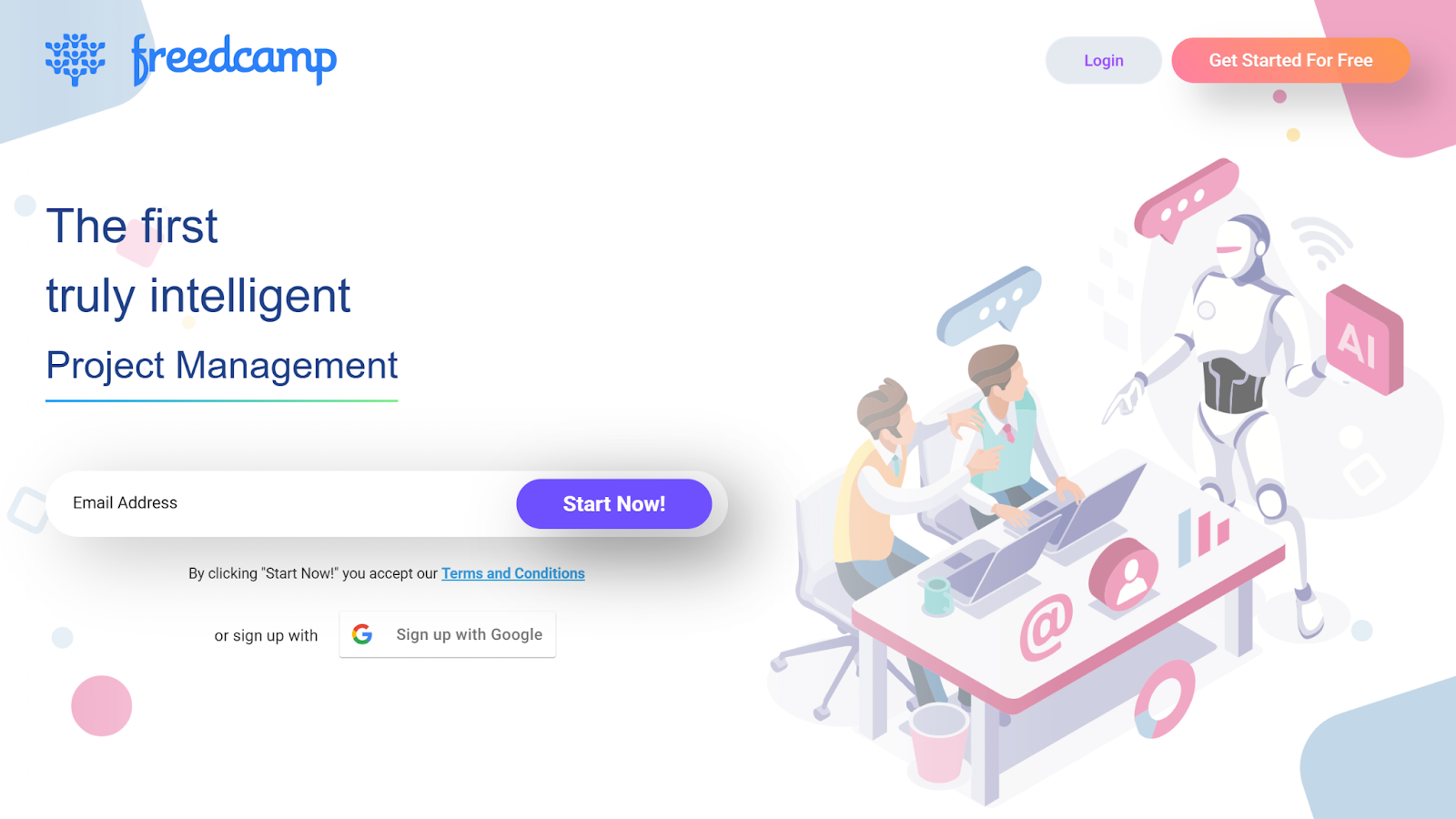
Looking for a free (or extremely budget-friendly) solution? Look no further than Freedcamp. This project management software for nonprofits offers one of the most powerful free versions on this list, including unlimited projects, tasks, storage, and users.
This tool is the only one on this list without nonprofit pricing, but the free version is powerful. Freedcamp also offers multiple paid versions that expand on these capabilities at a fraction of the cost compared to other solutions. That said, Freedcamp is still missing some capabilities that you may consider essential to your organization.
- Best for: Free project management tools
- Developer: Freedcamp
- Key features: Multiple project views, calendar, discussions
- Pros: Powerful free version, low-cost pricing, user-friendly
- Cons: No nonprofit discount, missing essential features, file size limitations
- Plans/pricing:
- Free (free)
- Pro ($1.49 per user per month)
- Business ($7.49 per user per month)
- Enterprise ($16.99 per user per month)
- Nonprofit discount: None
- G2 rating: 4.5/5
10. Basecamp
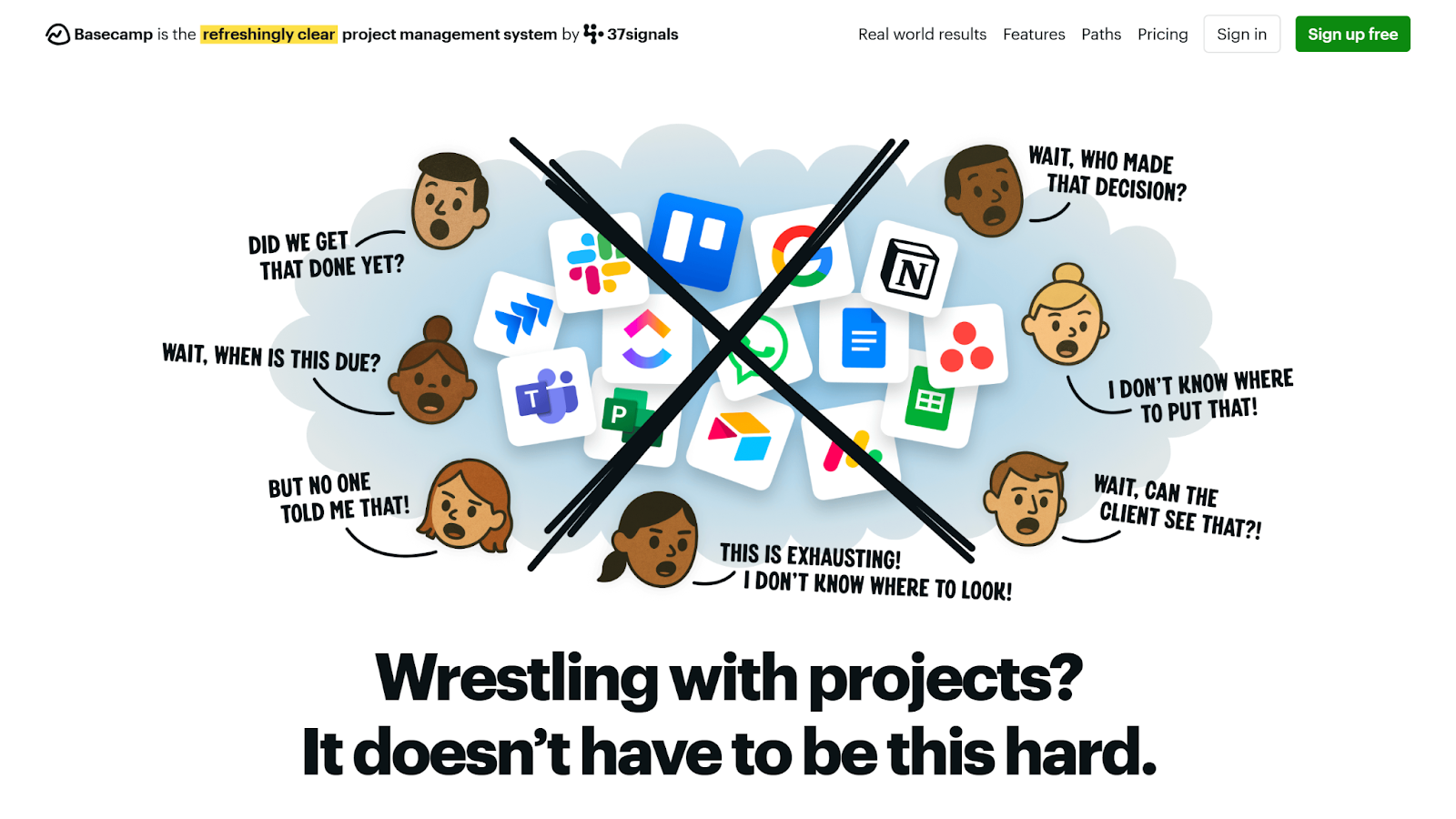
Basecamp is all about communication and visualization. This nonprofit project management software offers your team an easy way to keep tabs on project timelines, what’s going on behind the scenes, and how effectively you’re meeting goals. By integrating Work Chat into the platform, Basecamp makes it easier than ever to collaborate.
The free version of Basecamp is extremely limited, allowing you to run only one project at a time. Paid options are available in two core pricing styles: by user or all-in. If you have a larger team, all-in pricing could be worth your while (especially since it includes all available features).
- Best for: Team communication tools
- Developer: 37signals
- Key features: Group and direct messaging, Kanban-style task management, to-dos
- Pros: User-friendly, enhanced communication tools, free guests and clients
- Cons: Limited advanced features, minimal free version, some features restricted to the unlimited version
- Plans/pricing:
- Basecamp Free (free)
- Basecamp Plus ($15 per user per month)
- Basecamp Pro Unlimited ($299 per month, all-inclusive)
- Nonprofit discount: 10% off for registered 501(c)(3) nonprofits
- G2 rating: 4.1/5
Streamline operations with project management for nonprofits
Staying on top of your projects is essential to making an impact through your nonprofit work. That’s what makes project management software for nonprofits such a valuable addition to your toolbelt.
Before making a final investment, consider testing a few tools first. Many of the tools on this list, including Jotform Boards, offer free versions that let you experience what it’s like to integrate them into your project management workflow. Once you’ve found the right tool for your organization, all that’s left to do is to get started.
This article is for nonprofit leaders, project managers, and volunteer coordinators seeking efficient, budget-friendly project management software to organize teams, streamline workflows, improve collaboration, and deliver greater impact with limited resources.









































Send Comment: