Add Column
Expand your tables by adding new columns for text, numbers, dates, connections, formulas, and more.
Column Management
Organize, edit, and analyze table data with tools for sorting, grouping, summarizing, and customizing columns and entries.
Expand your Jotform Tables with custom columns to organize your data. Choose from basic fields, formulas, action buttons, or connected columns to create a workspace that fits your needs.
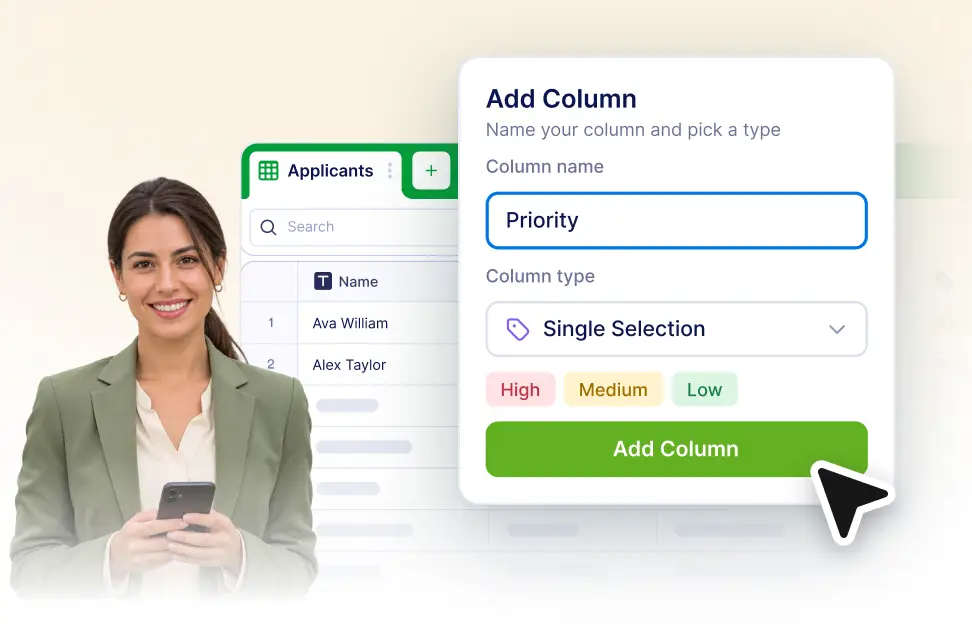
Customize your table with columns designed for your workflow. Add different data types, automate actions, and connect information from other forms or tables without writing code.
Add columns to capture, calculate, or connect data in Jotform Tables. Choose the right column type for your needs and build a flexible table structure that grows with your workflow.
Remove manually added columns that are no longer needed to keep your table clean and organized. Form-linked columns remain protected, while deleted column activity is recorded in Revision History.
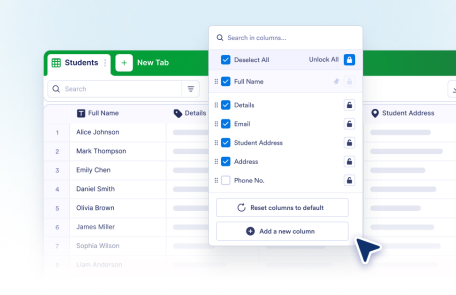
Use the Add Column option in your table and select the column type you want to create. Configure its settings to match the information you need to collect or manage.
You can add basic columns for common data types, formula columns for calculations, action buttons for performing tasks, and connected columns for linking data from other forms or tables.
No. Jotform Tables lets you add and configure different column types without coding. Simply choose the type you need and customize its settings to fit your workflow.