Add Column
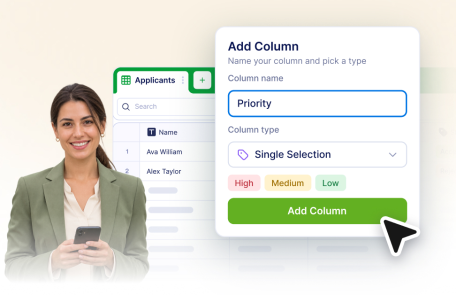
Expand your tables by adding new columns for text, numbers, dates, connections, formulas, and more.
Column Management
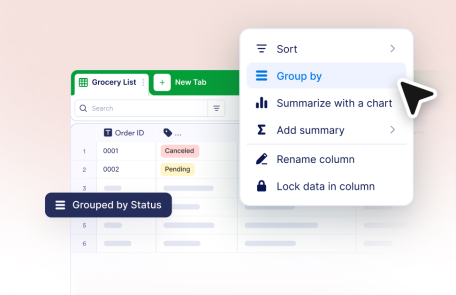
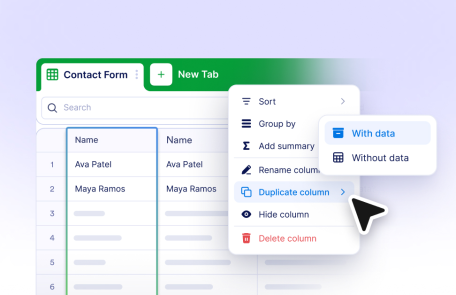
Organize, edit, and analyze table data with tools for sorting, grouping, summarizing, and customizing columns and entries.
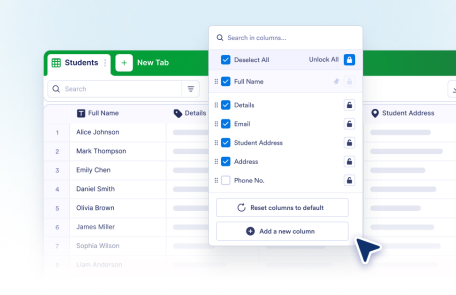
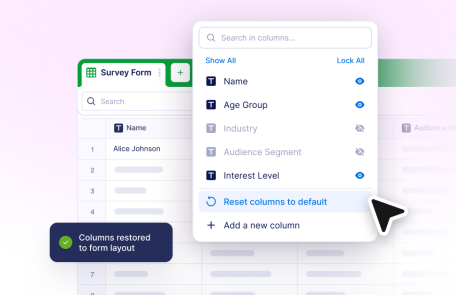
Reset your Jotform Tables columns to their original layout with a single click. Restore hidden columns and their default order to keep your table organized and easy to navigate.
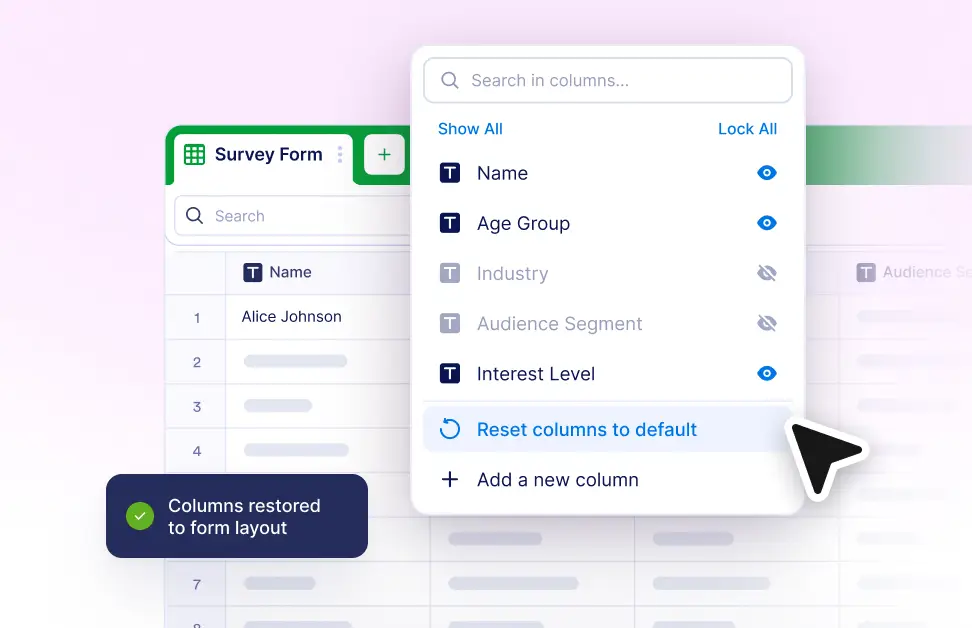
Return to your table's original column arrangement without manually adjusting each field. Restore default visibility and order settings to maintain a clean, consistent workspace.
Easily undo column layout changes by restoring the default settings. Bring hidden columns back into view and return rearranged fields to their original positions in your table.
Open the Columns menu and select Reset Columns to Default to restore hidden columns and their original order. Quickly return to your table's default layout without manual adjustments.
Open the Columns menu and select Reset Columns to Default. This restores the original column order and visibility settings in your table.
Yes. Reset Columns to Default brings hidden columns back into view and restores their original positions in the table.
No. Resetting columns only restores their default order and visibility. Your existing submission data remains unchanged.