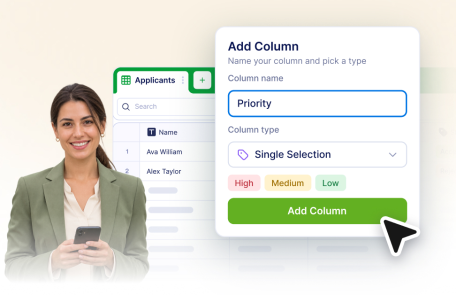
Add Column
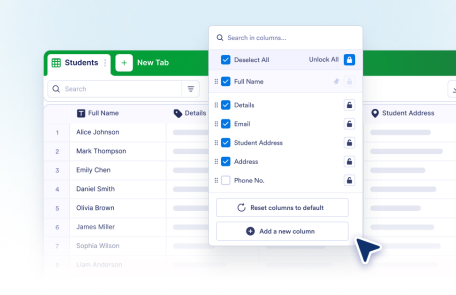
Expand your tables by adding new columns for text, numbers, dates, connections, formulas, and more.
Column Management
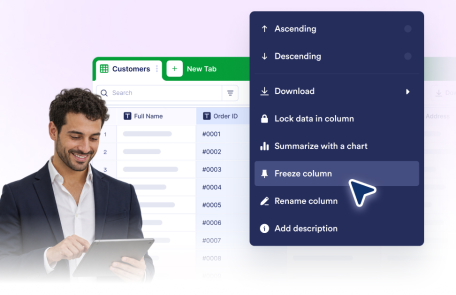
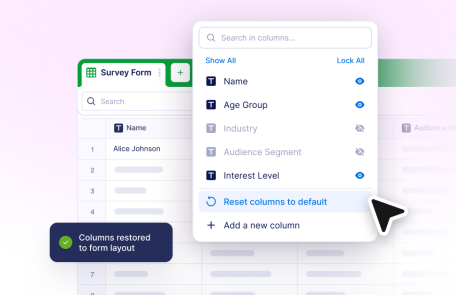
Organize, edit, and analyze table data with tools for sorting, grouping, summarizing, and customizing columns and entries.
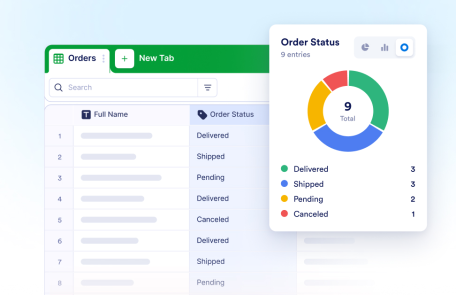
Analyze your table data with automatic column summaries in Jotform Tables. Calculate totals, averages, counts, and other statistics directly in your table without extra tools.
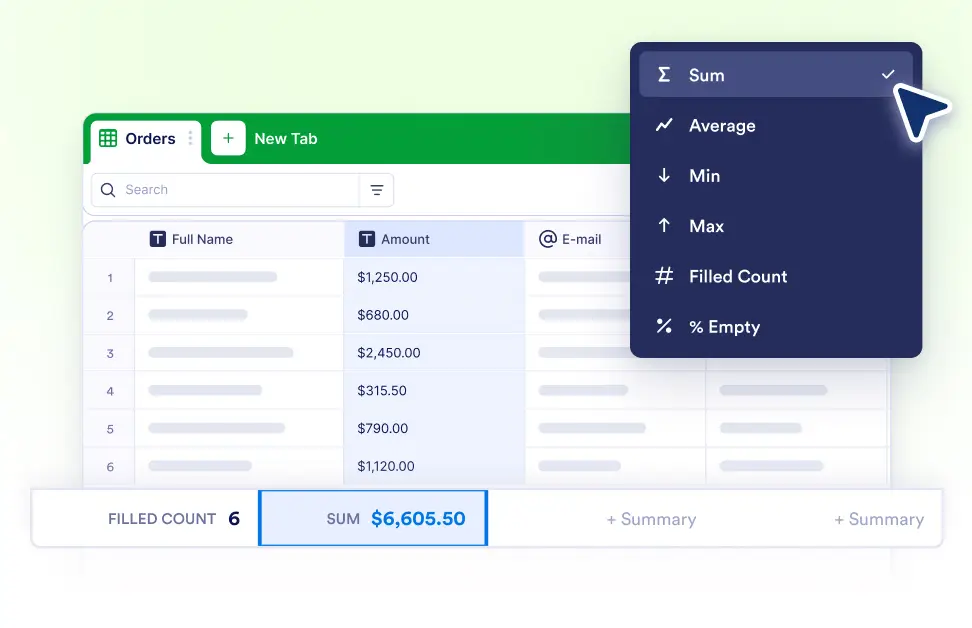
Get useful insights from your data with built-in summary functions. Quickly calculate key metrics, compare values, and monitor results as your table data changes.
Add summaries to the bottom of your table columns to view important statistics at a glance. Choose from different calculations and keep results updated automatically.
Enable a summary at the bottom of any column to display calculated results. Keep important metrics visible and automatically updated as you add or change data in your table.
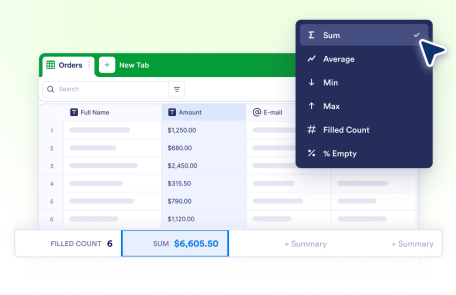
Calculate Sum, Average, Min, Max, Filled Count, or Percent Empty for your column data. Select the function that fits your needs to quickly analyze values and track important metrics.
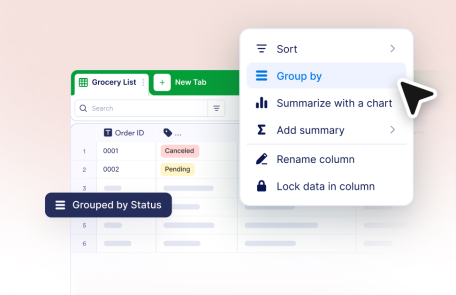
Select the Add Summary option for a column and choose the calculation you want to display. The result appears at the bottom of the column and updates as your table data changes.
You can use functions such as Sum, Average, Min, Max, Filled Count, and % Empty to calculate statistics based on the data in your table columns.
Yes. Column summaries recalculate as your table data changes, helping you monitor totals, averages, and other metrics without manually updating the results.