Add Column
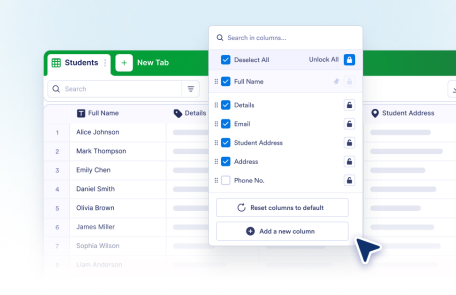
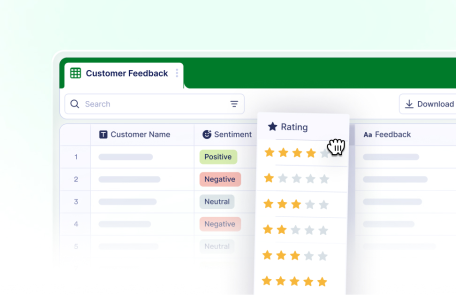
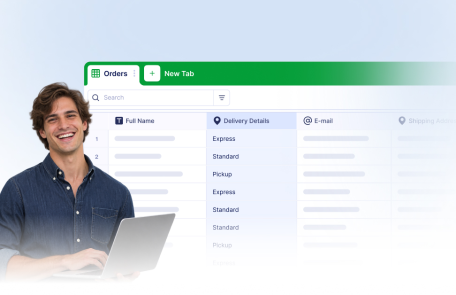
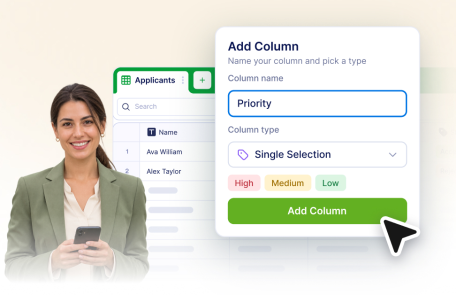
Expand your tables by adding new columns for text, numbers, dates, connections, formulas, and more.
Column Management
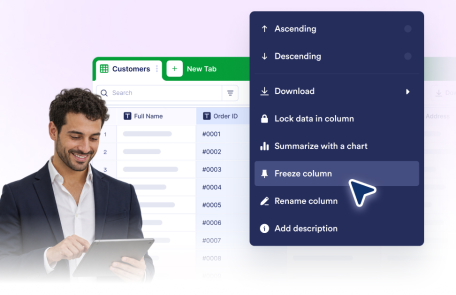
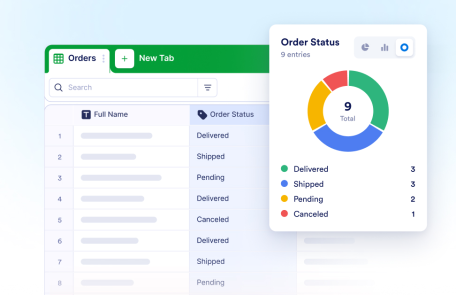
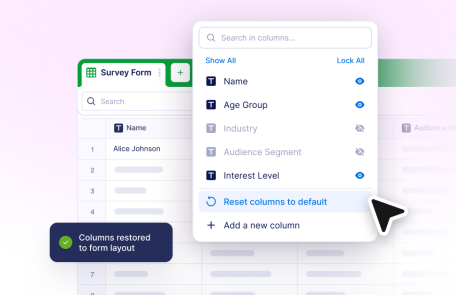
Organize, edit, and analyze table data with tools for sorting, grouping, summarizing, and customizing columns and entries.
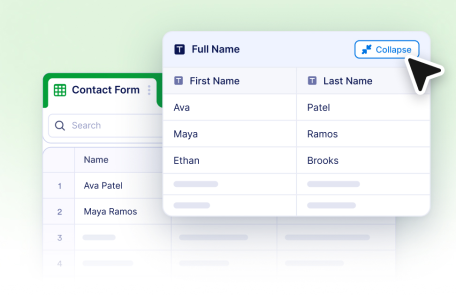
Customize how complex fields appear in Jotform Tables. Expand fields like names and addresses into separate columns, or collapse them to keep your table layout clean and organized.
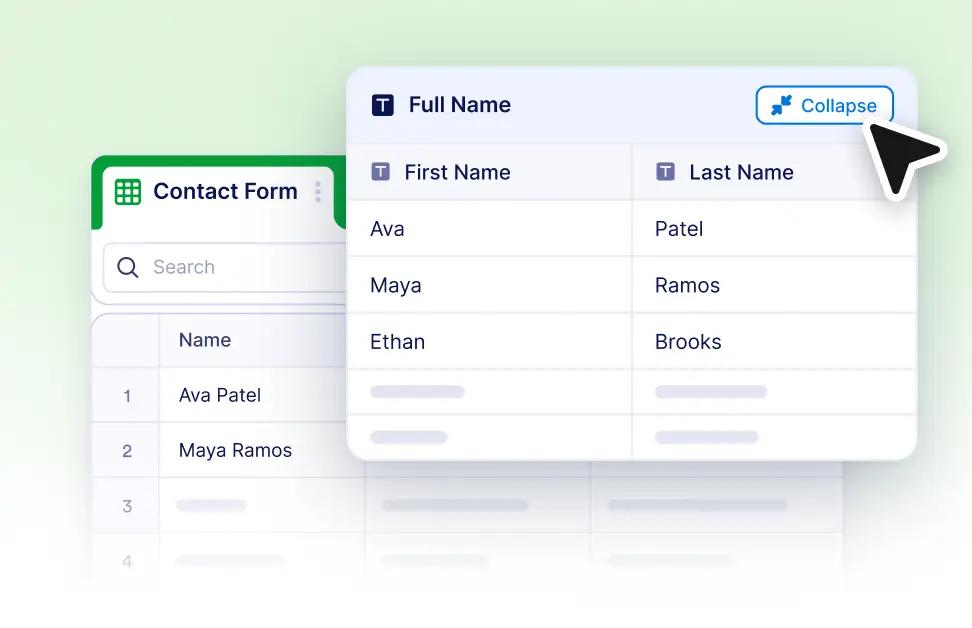
Switch between detailed and simplified views of your data. Expand compound fields to see individual values or collapse them to reduce clutter while keeping your information organized.
Expand compound fields into individual columns or collapse them into a single column. Keep your table layout flexible while maintaining consistent data views across submissions and exports.
Split fields like Full Name or Address into separate columns to view individual values. Collapse them back into a single column whenever you want a simpler, more organized layout.
Expanded and collapsed columns are reflected in Single Entry View and CSV or Excel exports. Keep your submission details and exported data consistent with your current table layout.
Use the expand option for a compound field, such as Full Name or Address, to display its subfields in separate columns. You can collapse them again to return to a single-column view.
Yes. Expanded fields are also displayed separately in Single Entry View, keeping the presentation of your submission data consistent with your table layout.
Yes. When you export your table to CSV or Excel, the expanded or collapsed column structure is preserved, so your exported data matches the current table view.