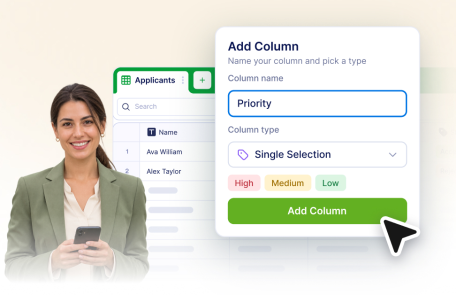
Add Column
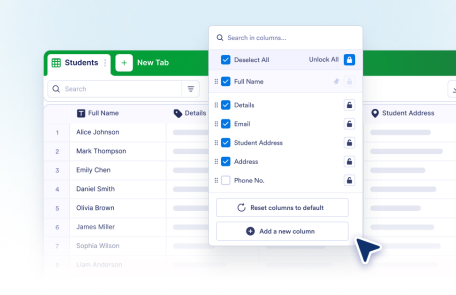
Expand your tables by adding new columns for text, numbers, dates, connections, formulas, and more.
Column Management
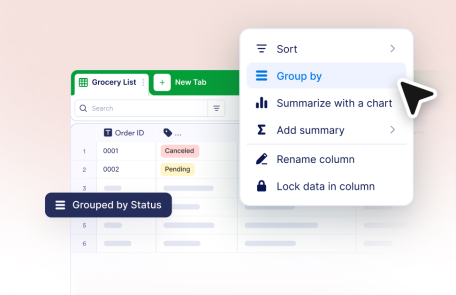
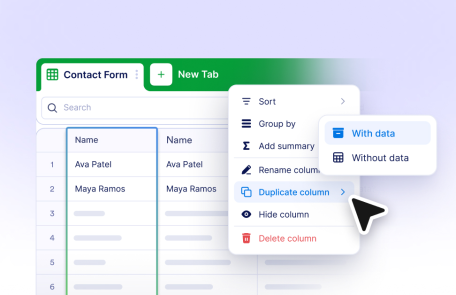
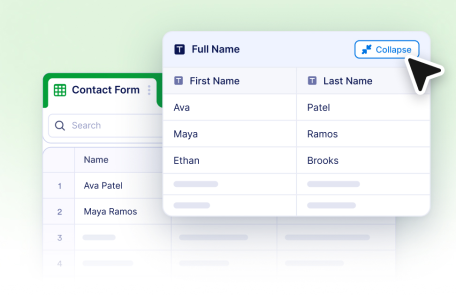
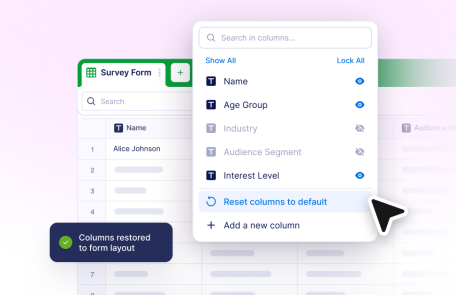
Organize, edit, and analyze table data with tools for sorting, grouping, summarizing, and customizing columns and entries.
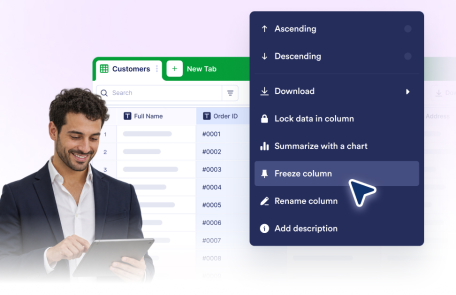
Freeze columns in Jotform Tables to keep important information visible while scrolling horizontally. Pin key fields like names, IDs, or dates to make navigating wide tables easier.
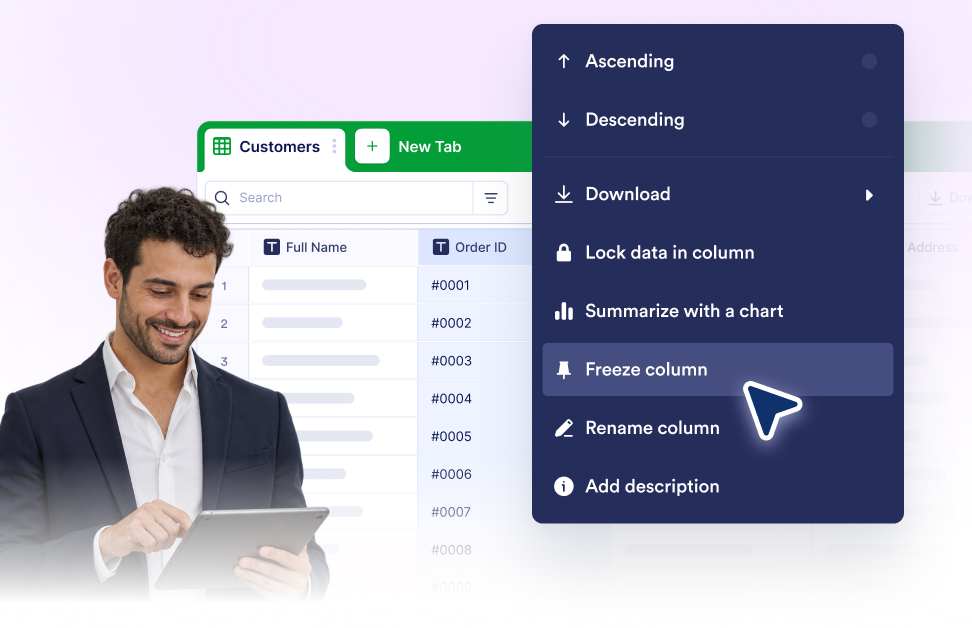
Never lose sight of important information as you navigate your table. Keep essential columns fixed on the left, making it easier to review and compare data across multiple fields.
Keep selected columns visible while scrolling through wide tables. Organize frozen columns on the left side to maintain a clear reference point as you explore your data.
Freeze important columns, such as names, emails, or statuses, to keep them fixed on the left side of your table. Easily review data across multiple columns without losing context.
Rearrange frozen columns within the fixed section using drag and drop. Customize their order to prioritize important fields while keeping them visible as you scroll through your table.
Select the columns you want to keep visible and use the freeze option in Jotform Tables. Frozen columns remain fixed on the left side as you scroll horizontally.
The column stays visible on the left side of your table while you scroll horizontally. This makes it easier to compare information across wide tables without losing sight of important fields.
Yes. You can drag and drop frozen columns within the frozen section to arrange them in your preferred order while keeping them fixed in place.