

Notification Emails
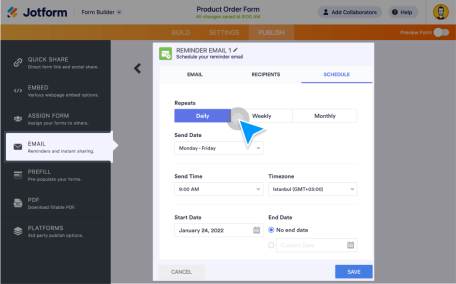
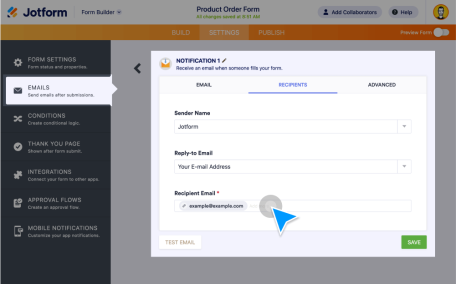
Get notified instantly about form activity so you can respond to submissions without delay. Create advanced online forms with Jotform and get email notifications for each new response.
Collaboration
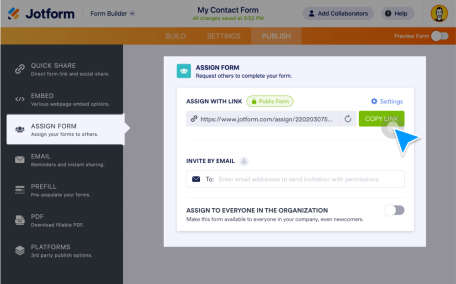
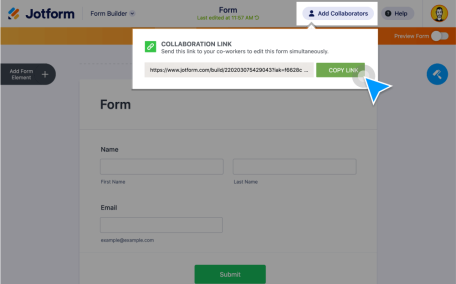
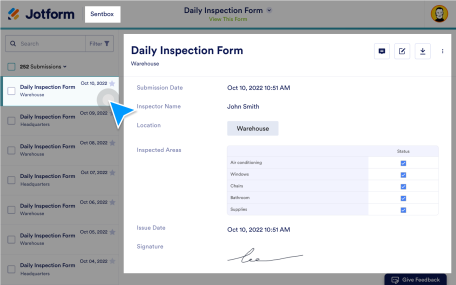
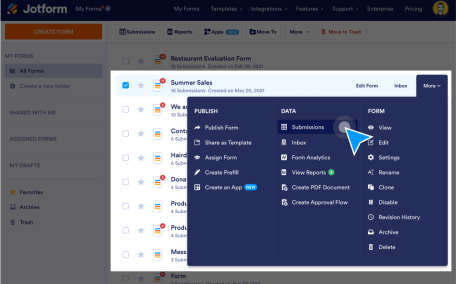
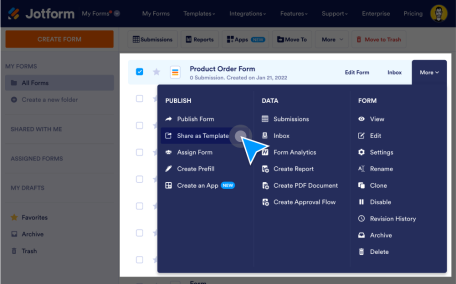
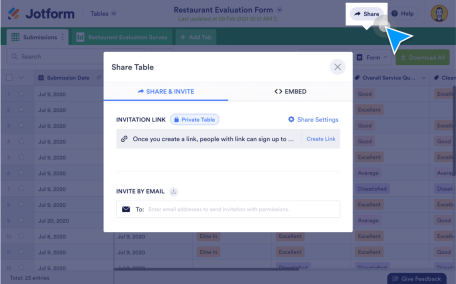
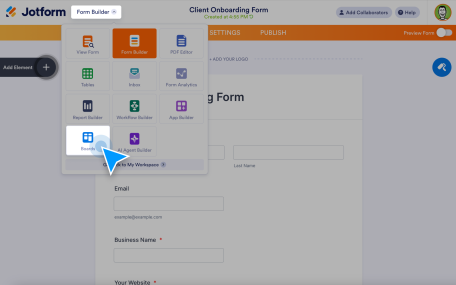
Easily share your forms and submissions with colleagues and clients using Jotform’s built-in collaboration tools. You can add collaborators and sub-users, send shareable links, embed forms in any webpage, generate PDF reports and QR codes, and so much more — all from your Jotform dashboard.
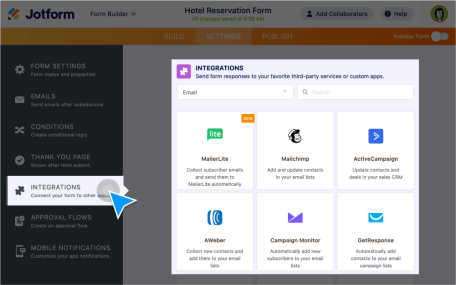
Automate your workflow with productivity forms. Integrate your online forms with productivity apps and automatically send submissions where you need them.
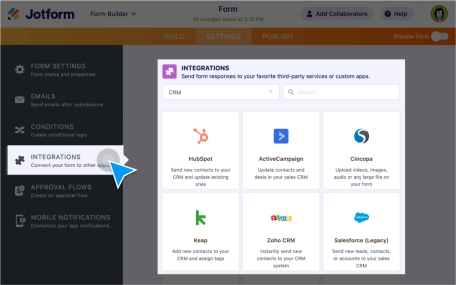
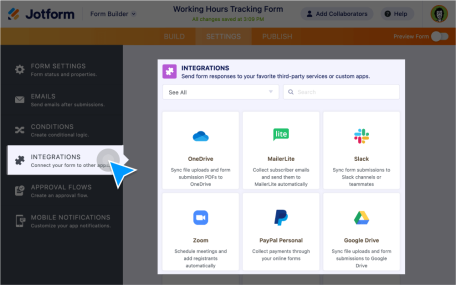
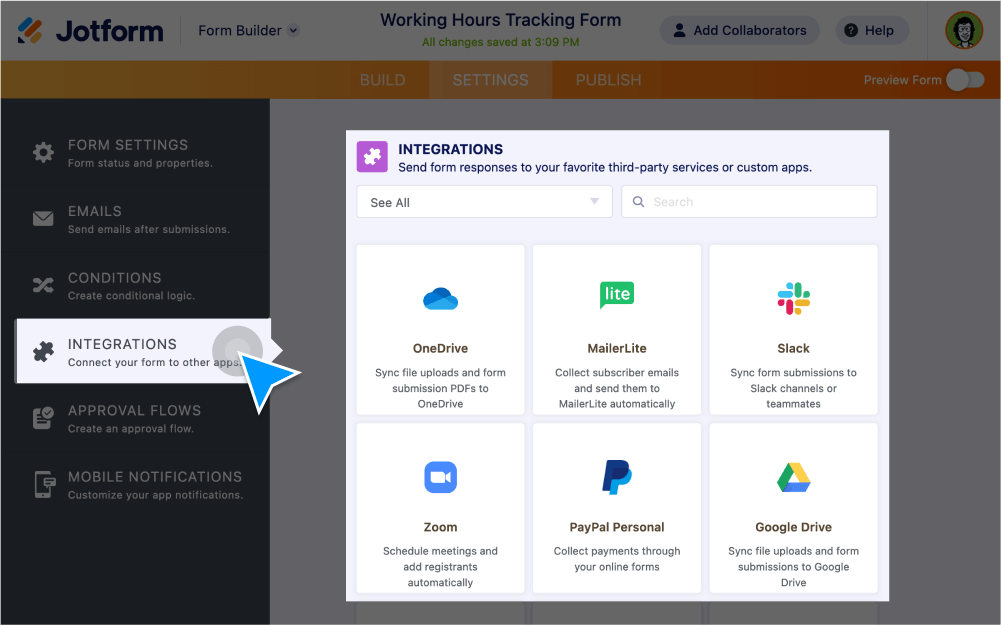
Jotform’s integrations with productivity apps automatically send form submissions and attached files exactly where you want them — so you’ll never have to transfer data manually again.
Sync online form submissions to CRMs, cloud storage platforms, project management boards, and more. Connect your productivity forms to 3,000+ apps with Jotform’s Zapier integration.
Get more done with Jotform’s Asana integration. Automatically send form submissions to your Asana boards as new tasks, comments, projects, or sections.
Keep everyone in the loop by automatically sharing form submissions to your Slack workspace. Create multiple connections to your channels or send direct messages to team members using the same integration.
Eliminate data entry and streamline your team’s workflow by automatically syncing form submissions to your Airtable spreadsheets and databases.
With Jotform’s monday.com integration, preselected data from your form submissions are automatically added to your team’s project boards as soon as someone fills out and submits a form.
Seamlessly transfer scheduled meetings from your Jotform submissions to Calendly using Jotform’s integrations with Zapier or Automate.io.