How to Collect Training Feedback with Jotform
Jotform’s platform helps you collect training feedback by letting you gather ratings, measure learning outcomes, and track instructor effectiveness in one connected system. Create customizable training feedback forms, automate follow-ups, and organize responses for clear insights. Keep your training feedback process efficient and consistent from course completion through quality improvement.
One Training Feedback Collection Solution
Jotform brings powerful products that work training feedback collection workflows. Each one plays a role in making your process faster, easier, and more transparent.
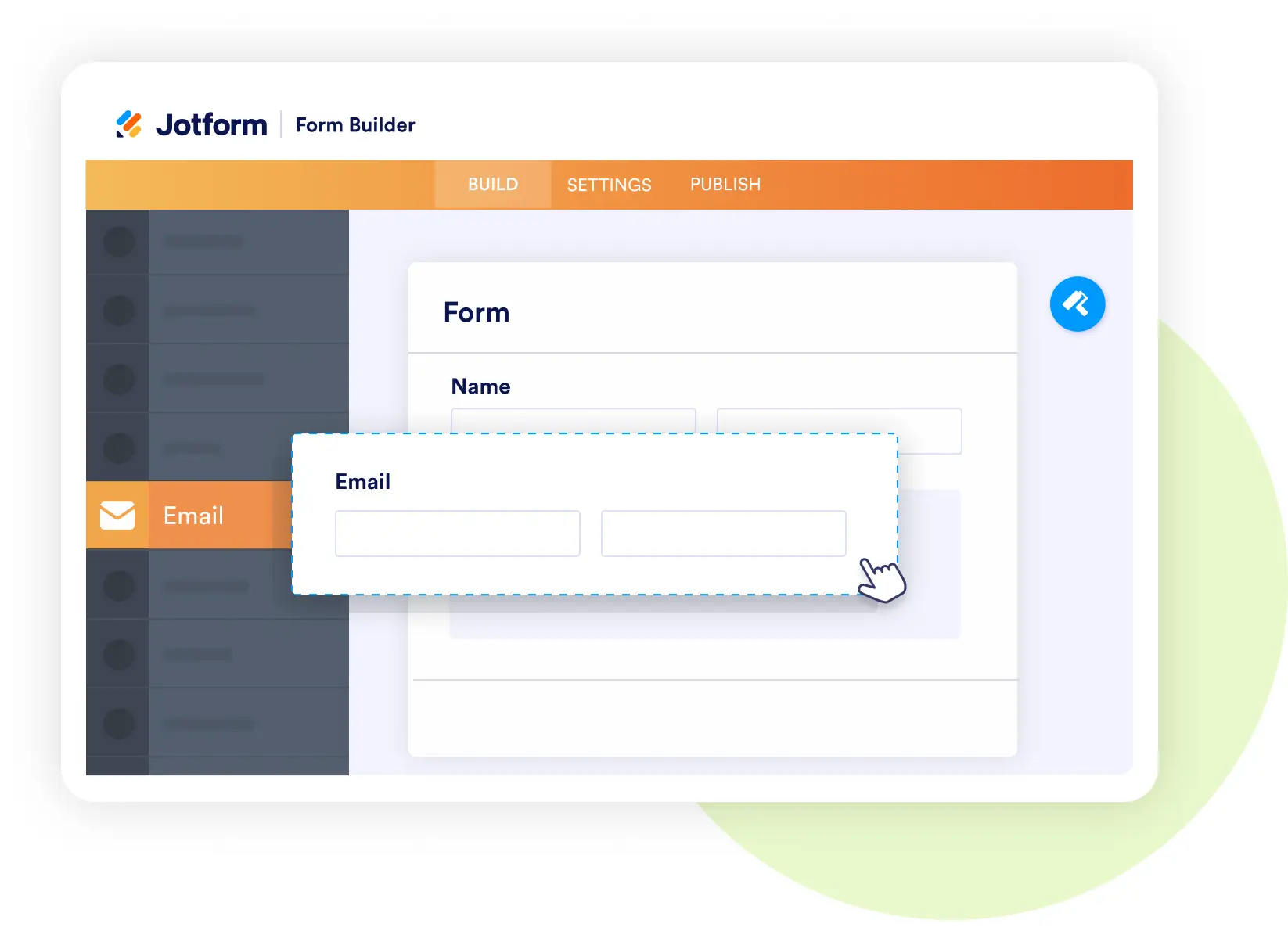
Form Builder
Gather structured training evaluations
- Build feedback forms with course ratings, learning outcomes, and suggestions.
- Add sections for instructor performance and overall satisfaction.
- Allow optional anonymity to encourage honest feedback.
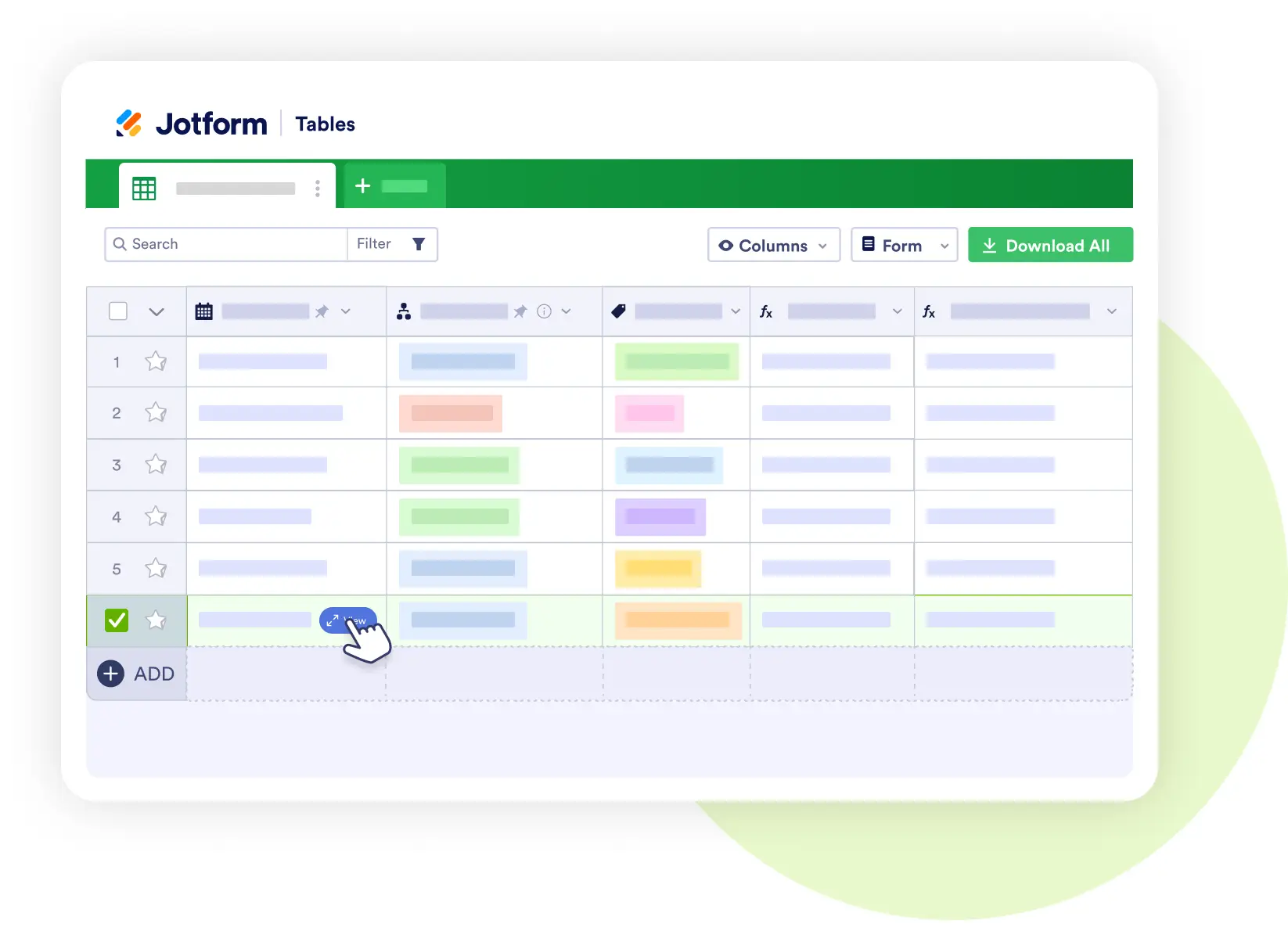
Jotform Tables
Manage your training feedback database
- Track course effectiveness, instructor performance, and improvement areas.
- Store participant responses alongside attendance and completion records.
- Share filtered views with HR, trainers, or program managers.
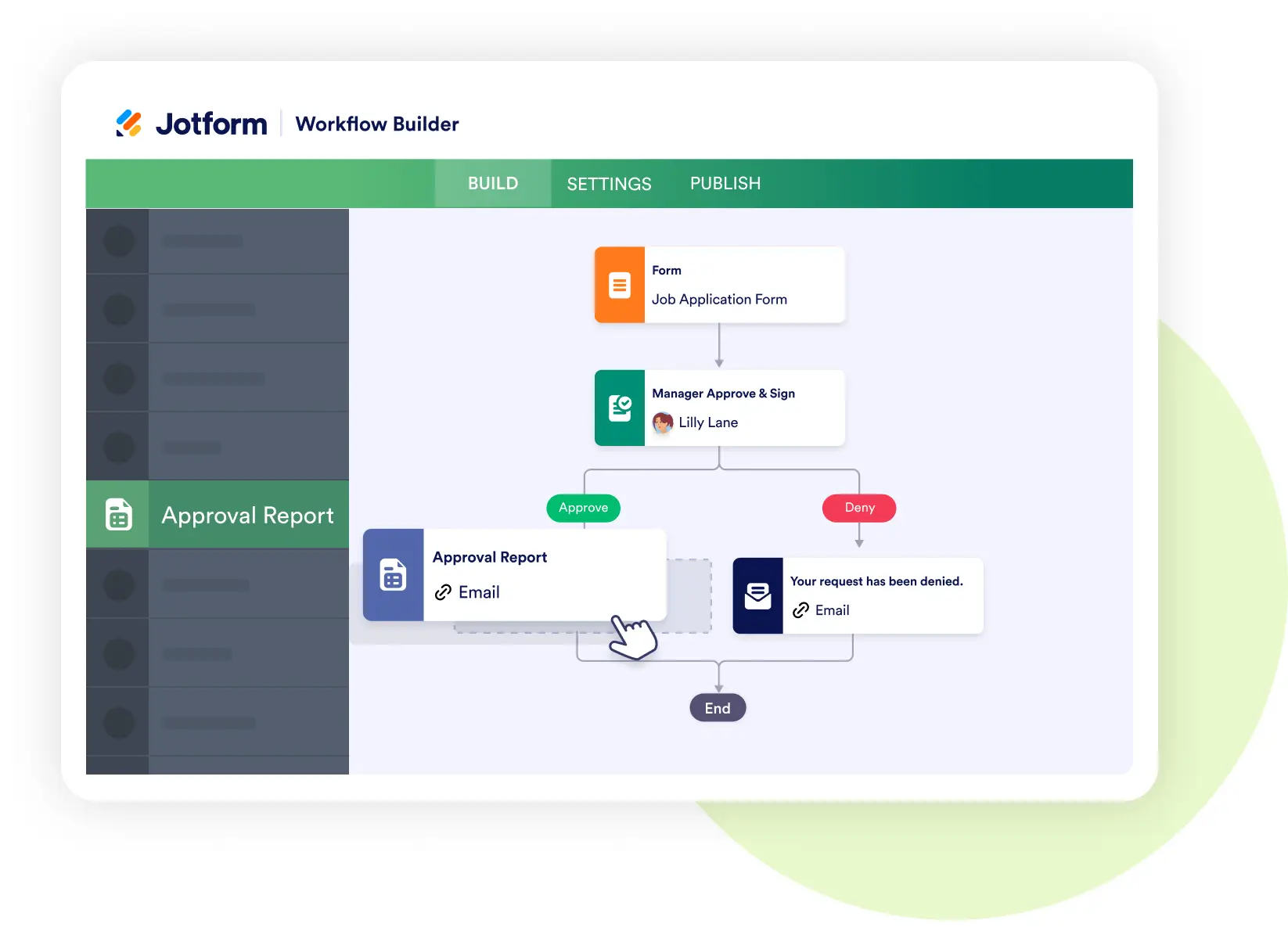
Jotform Workflows
Automate review and improvement processes
- Route feedback to training managers for analysis.
- Trigger coaching sessions for instructors when needed.
- Automate course updates based on recurring feedback themes.
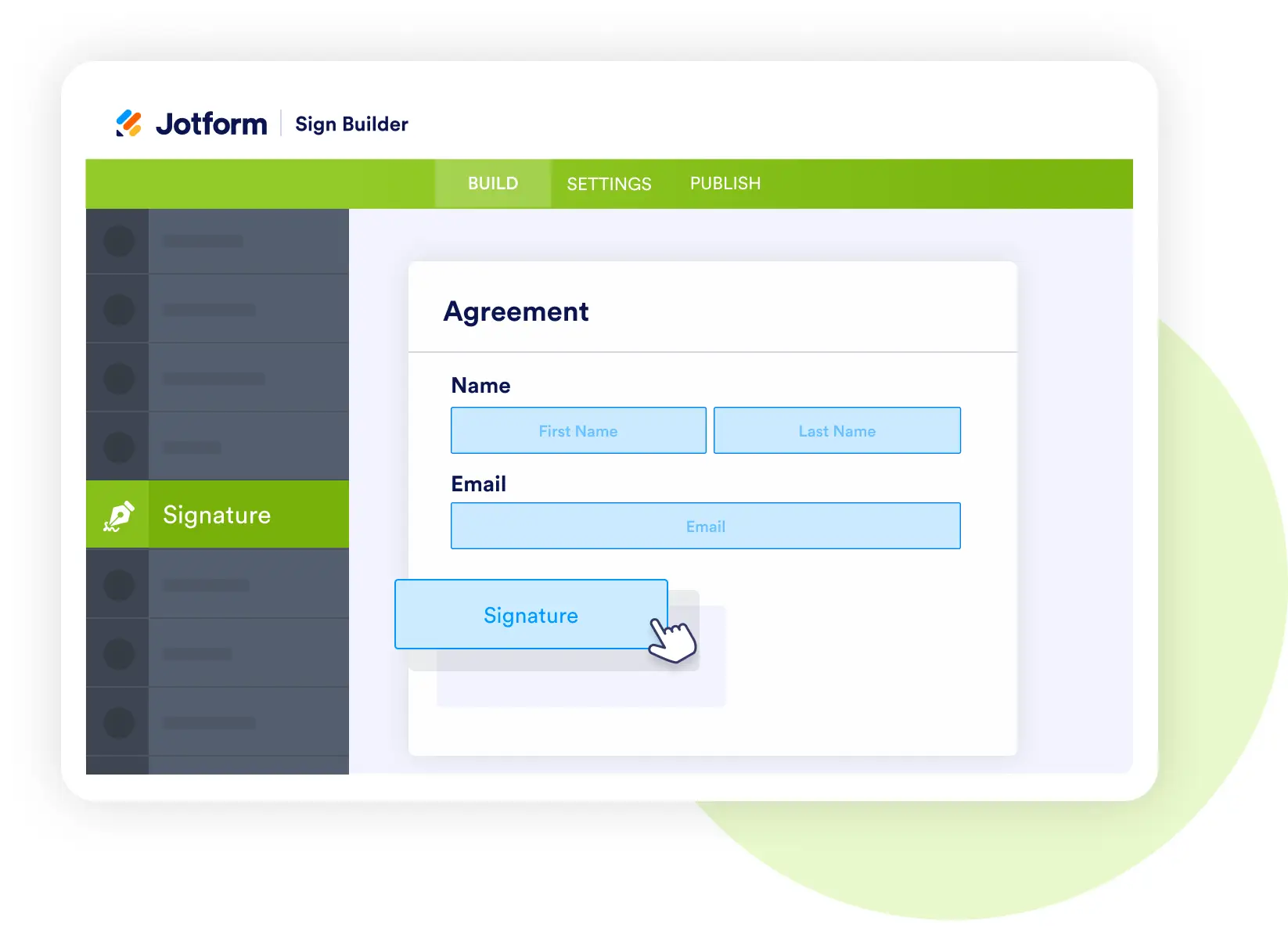
Jotform Sign
Collect acknowledgments and approvals
- Capture participant signatures for completion certificates.
- Gather manager or HR approvals on development plans.
- Store signed documents securely with training records.
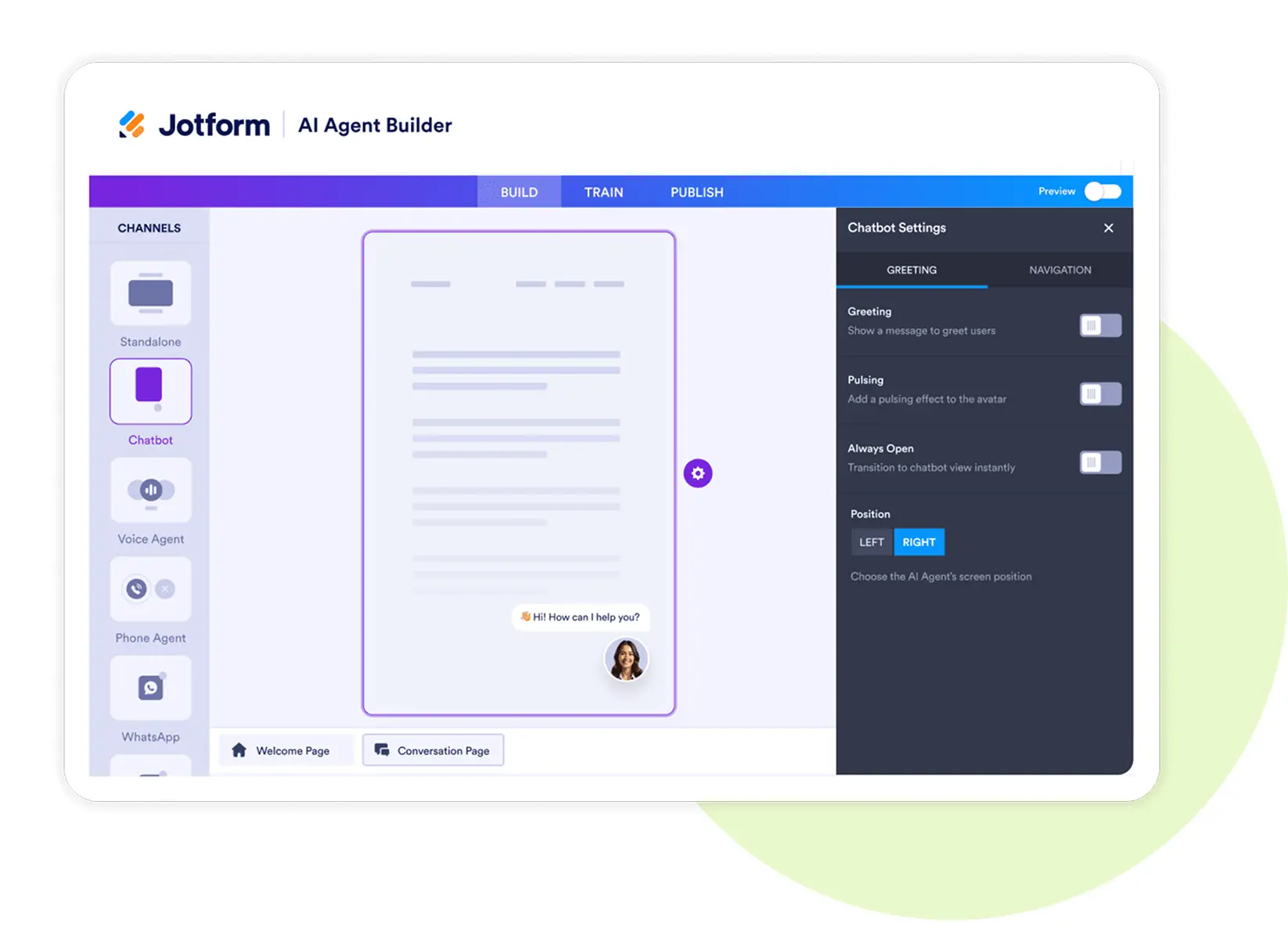
Jotform AI Agents
Deploy an intelligent training feedback assistant
- Summarize feedback into key insights for managers.
- Answer learner questions about upcoming courses or certification status.
- Suggest training paths based on performance data.
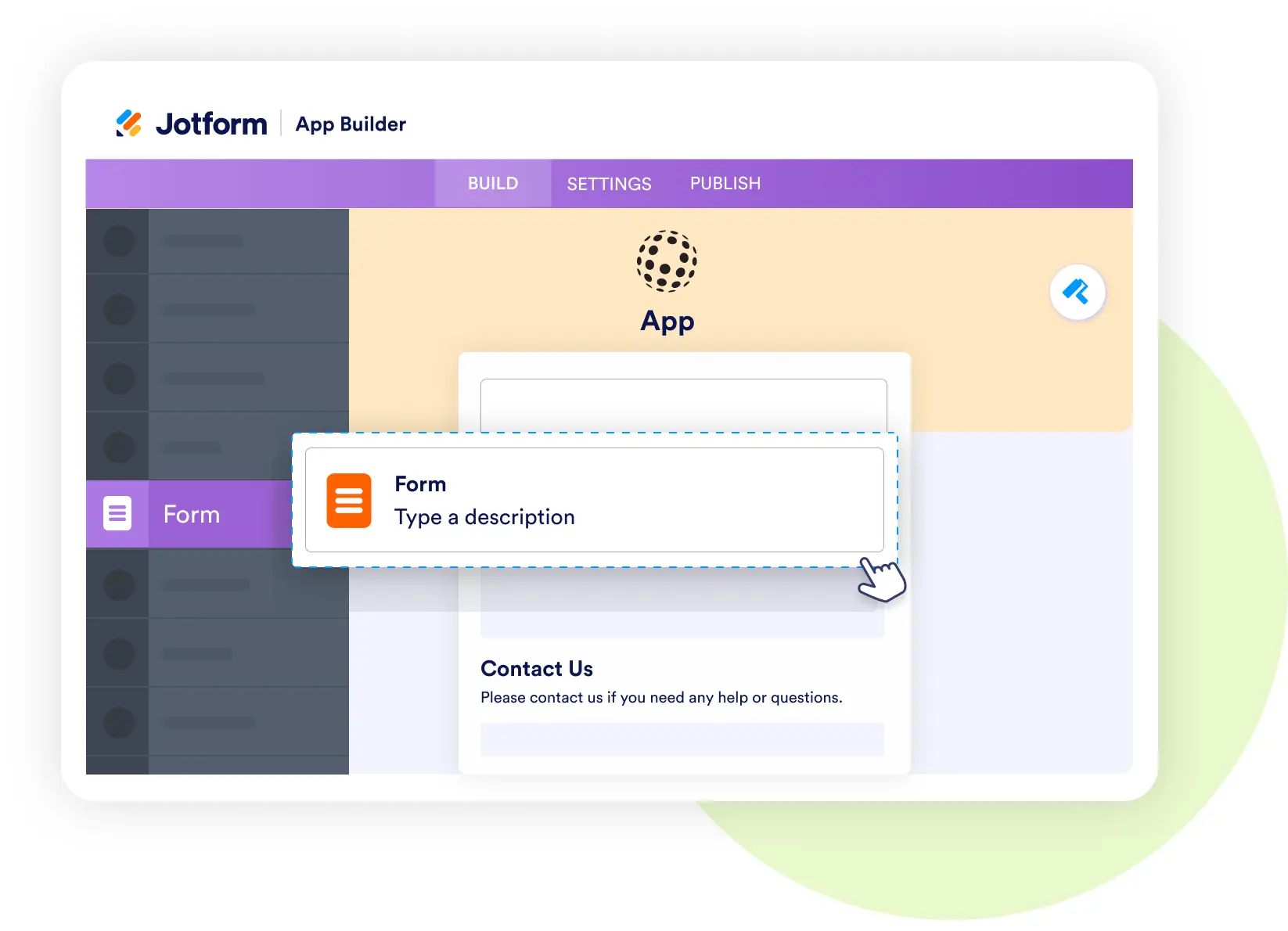
Jotform Apps
Build a learner-facing training app
- Bundle feedback forms, certificates, and course recommendations in one app.
- Allow learners to submit evaluations and view updates anytime.
- Provide staff with quick access to performance dashboards.
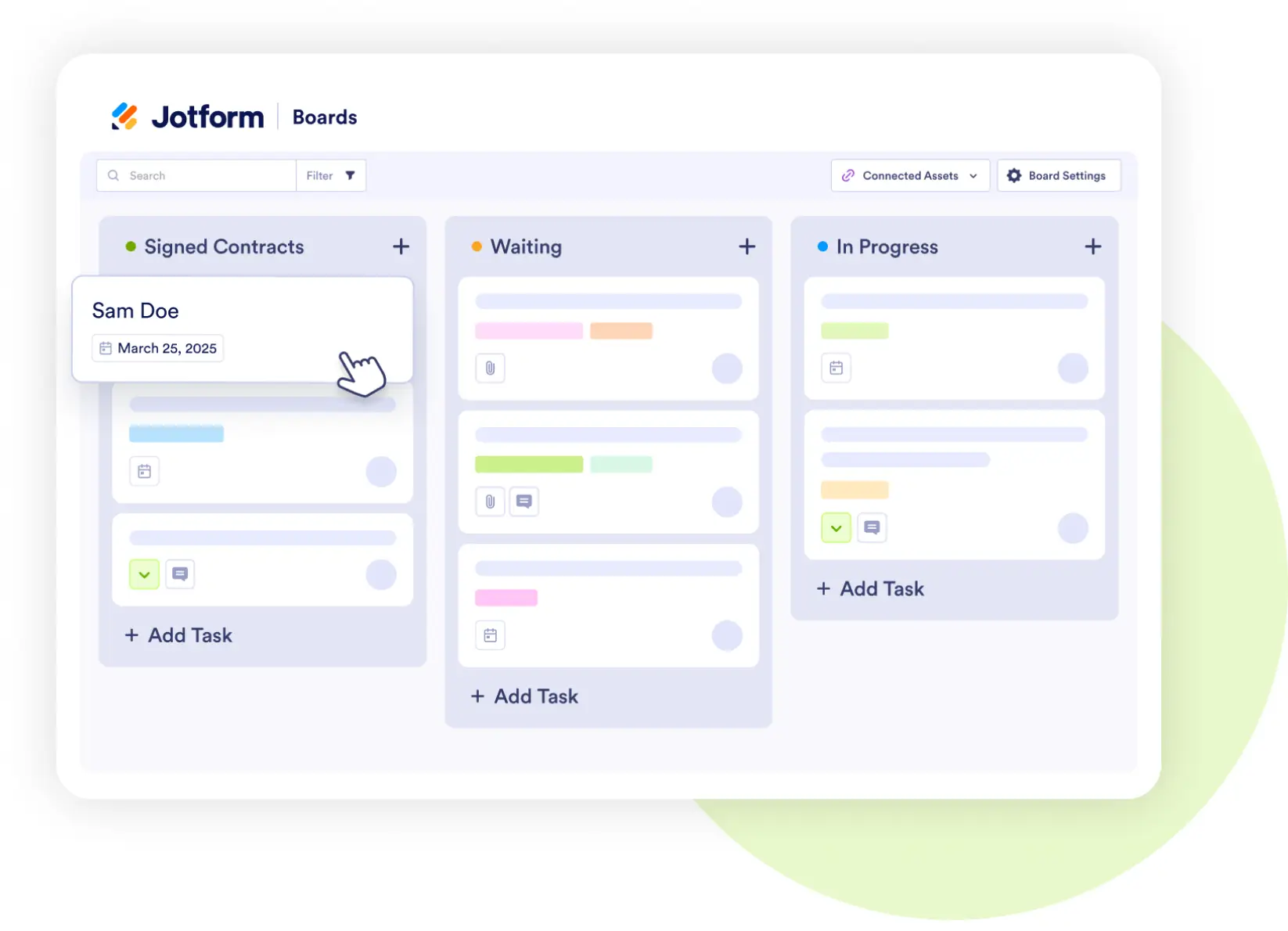
Jotform Boards
Track training feedback actions visually
- Move items through stages: Course Completed → Feedback Collected → Analyzed → Improvements Made → Quality Enhanced.
- Assign tasks for curriculum updates or instructor coaching.
- Ensure visibility of improvement efforts across teams.