How to Collect Jury Duty Responses with Jotform
Courts and clerks handle thousands of jury summons responses — reviewing exemptions, verifying eligibility, and managing check-ins. Jotform brings every step together in one connected platform, from collecting responses to tracking selection and service history. Streamline your process while maintaining accuracy, transparency, and security.
One Jury Duty Responses Solution
Jotform brings powerful products that work collecting jury duty responses workflows. Each one plays a role in making your process faster, easier, and more transparent.
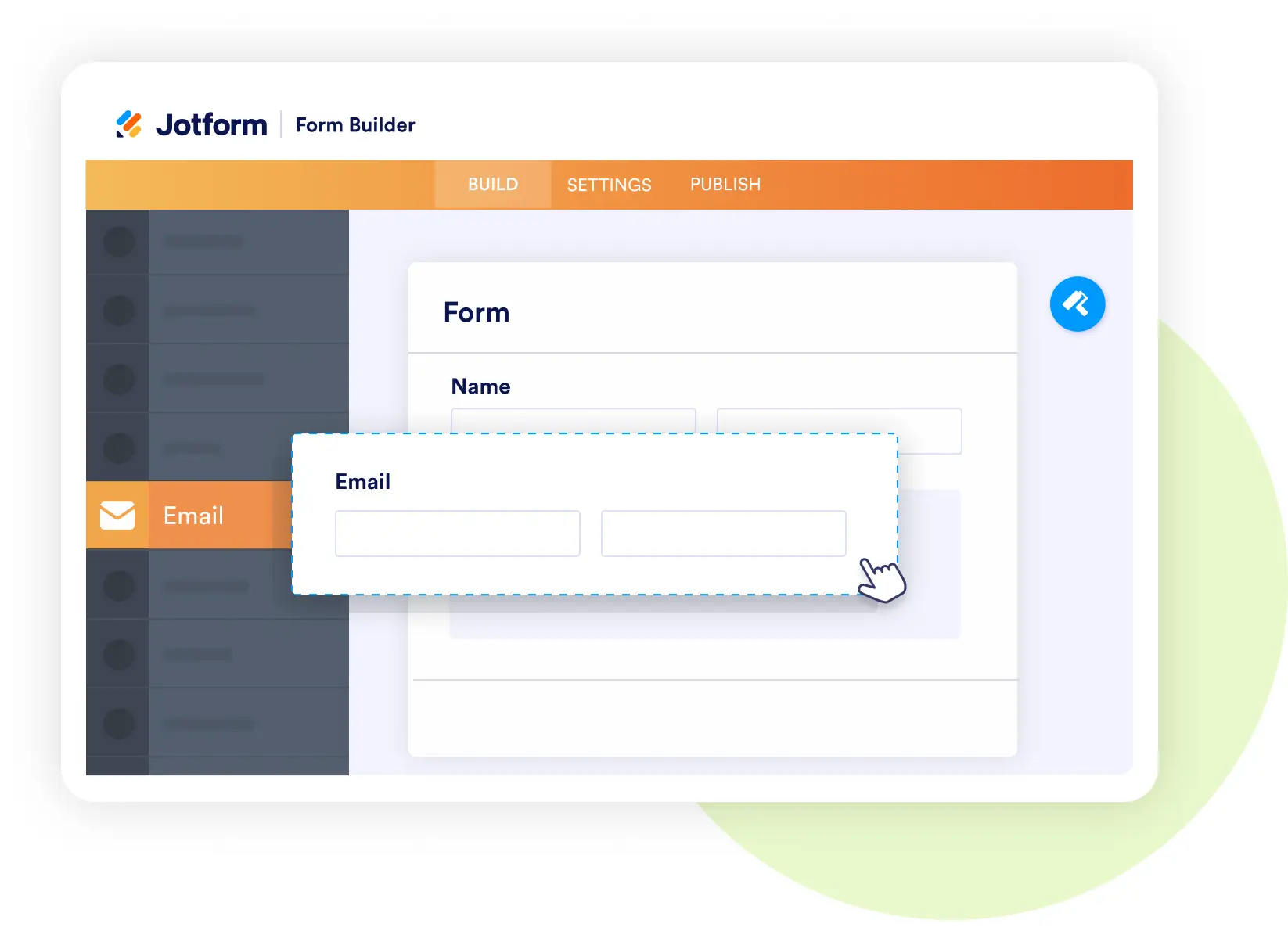
Form Builder
Collect accurate juror responses online
- Create response forms that capture availability, hardship claims, and qualification details.
- Include upload fields for documentation or exemption proof.
- Add conditional logic to adapt based on juror eligibility or deferral status.
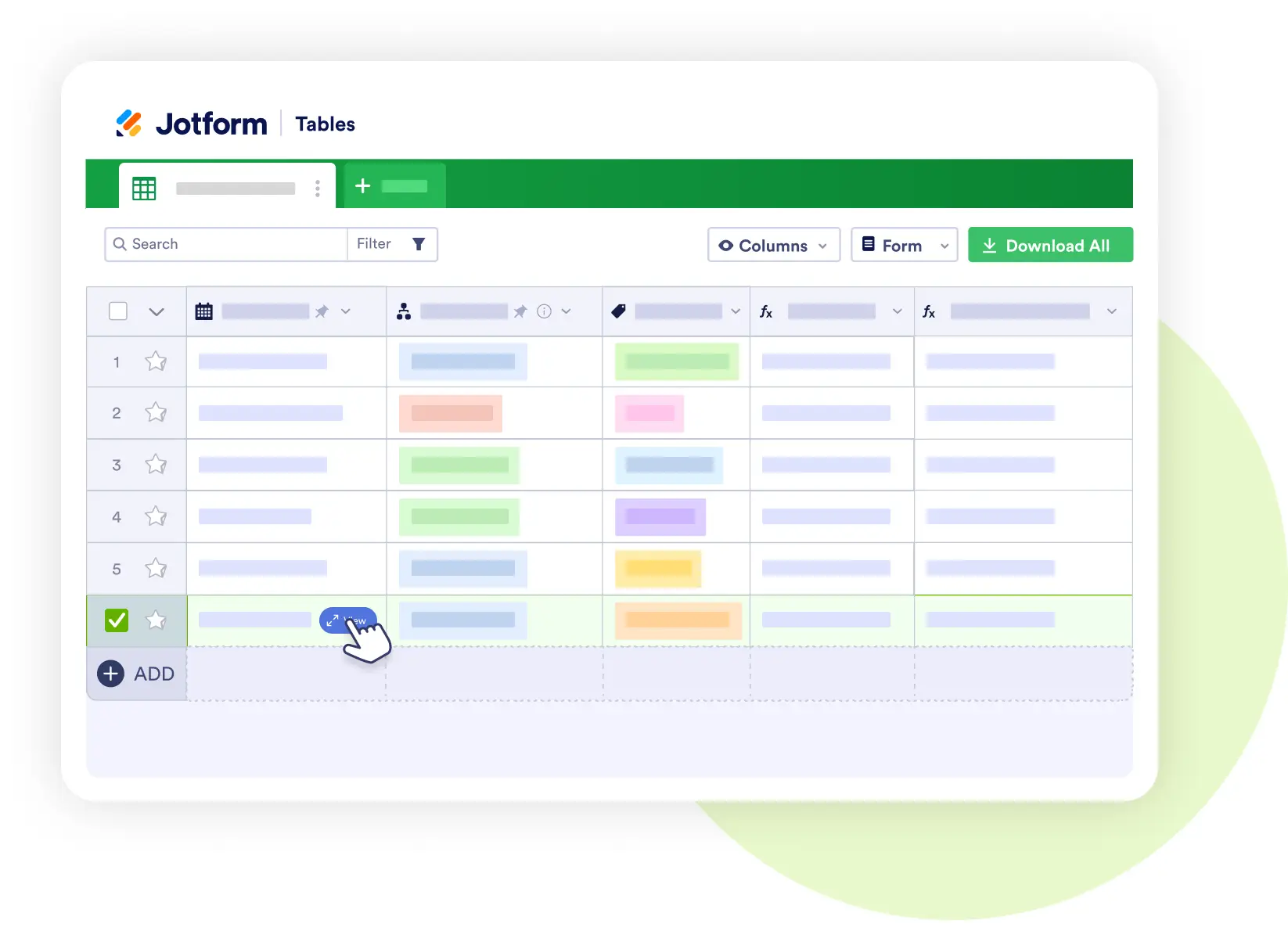
Jotform Tables
Centralize juror data for tracking and analysis
- Store responses with service history, exemption decisions, and pool assignments.
- Manage juror selection pools and attendance records.
- Share filtered views securely with clerks, judges, and administrative teams.
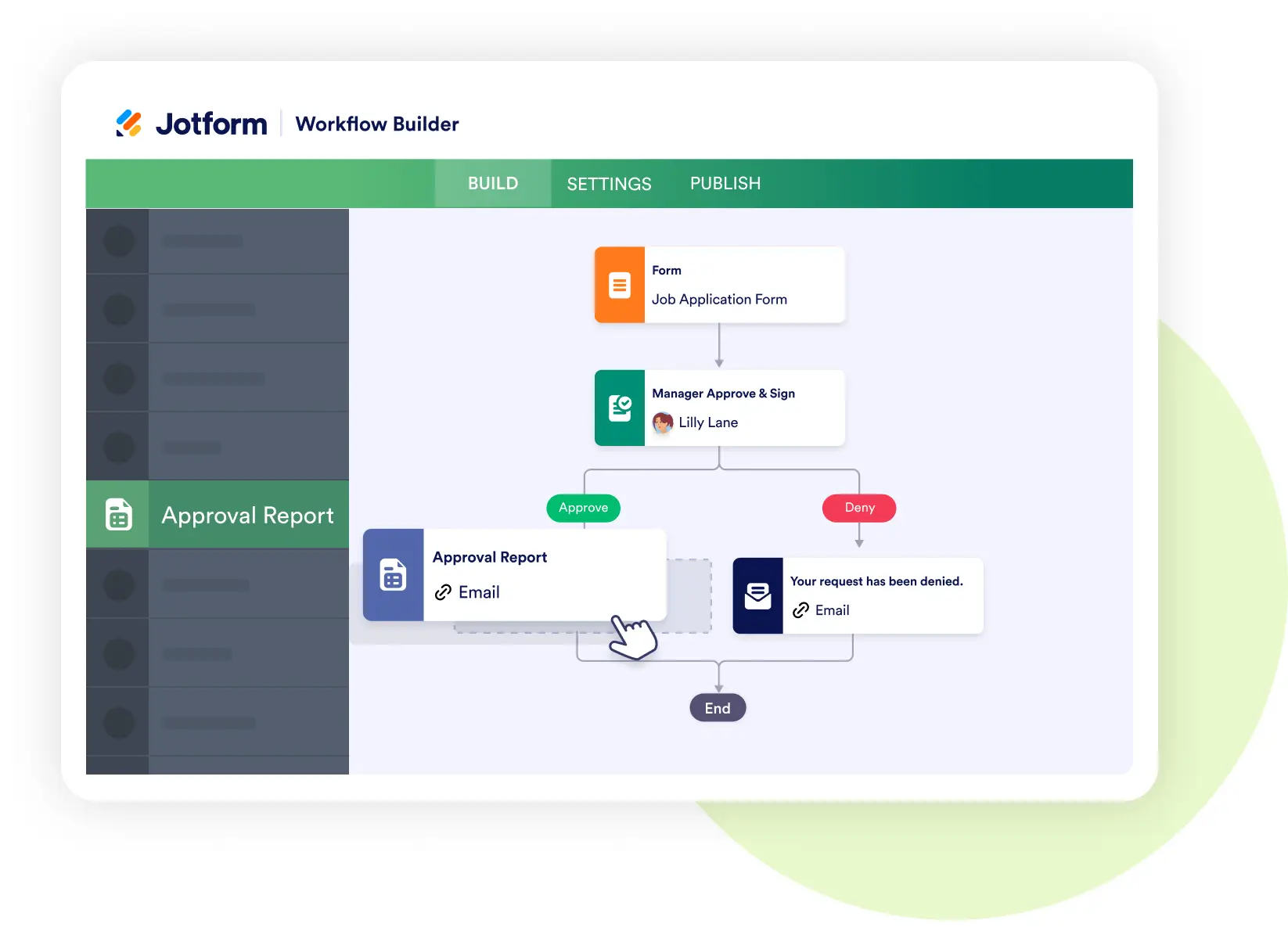
Jotform Workflows
Automate reviews and assignments
- Route exemption requests to supervisors for approval.
- Trigger notifications for confirmed jurors or postponed service.
- Automate status updates for each stage — from summons to discharge.
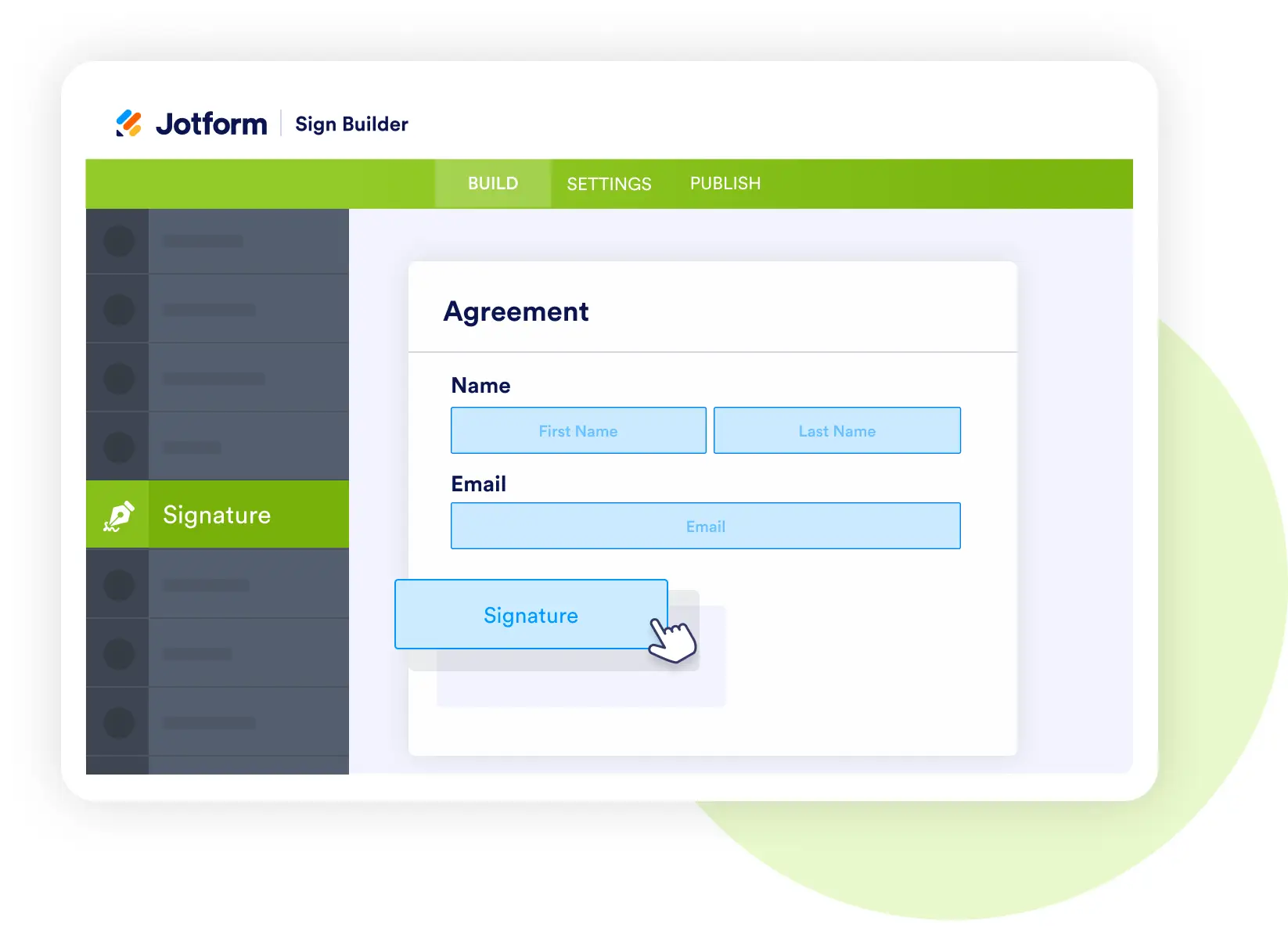
Jotform Sign
Process acknowledgments and legal documents
- Collect digital signatures for summons acknowledgments, hardship forms, or service certificates.
- Automatically store signed documents in each juror’s record.
- Maintain audit trails for legal compliance and transparency.
Jotform AI Agents
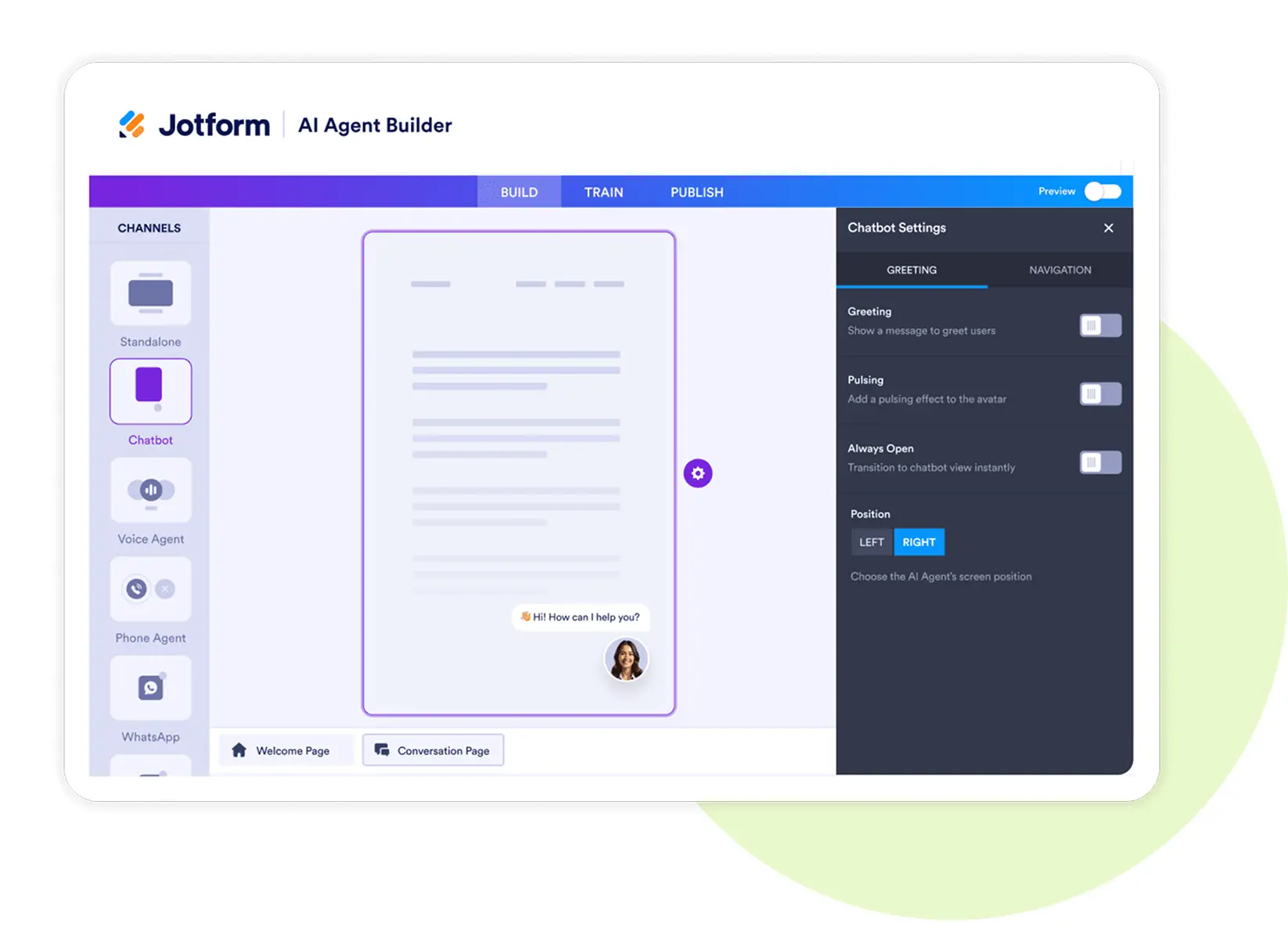
Deploy a virtual jury assistant
- Answer common questions about jury service, pay, and scheduling.
- Guide users through deferral or exemption requests.
- Provide directions and court location details automatically.
Jotform Apps
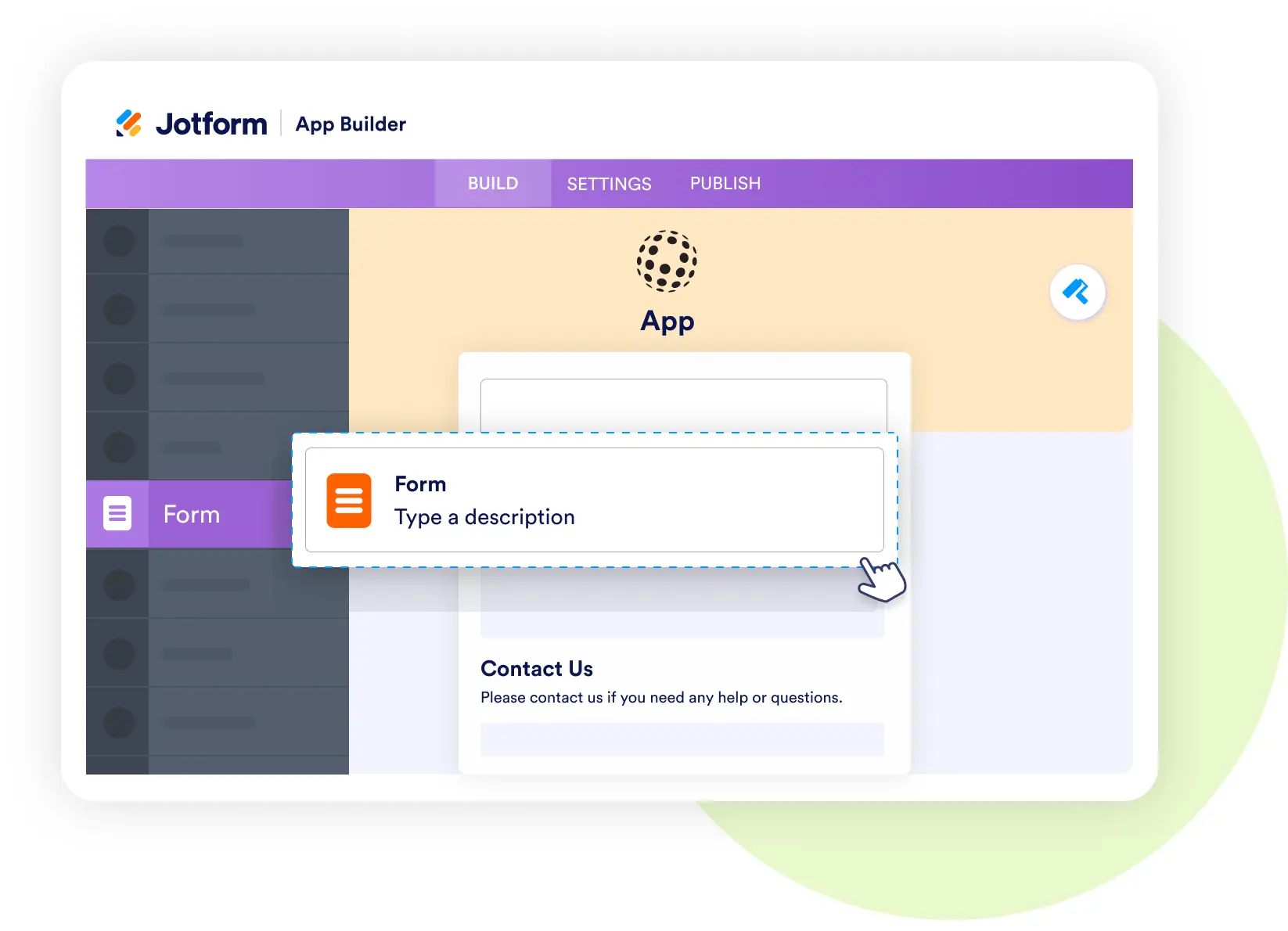
Build a juror self-service portal
- Combine response forms, check-in details, and FAQs into one easy app.
- Let jurors view service dates, maps, and eligibility updates.
- Enable staff to review and process applications from any device.
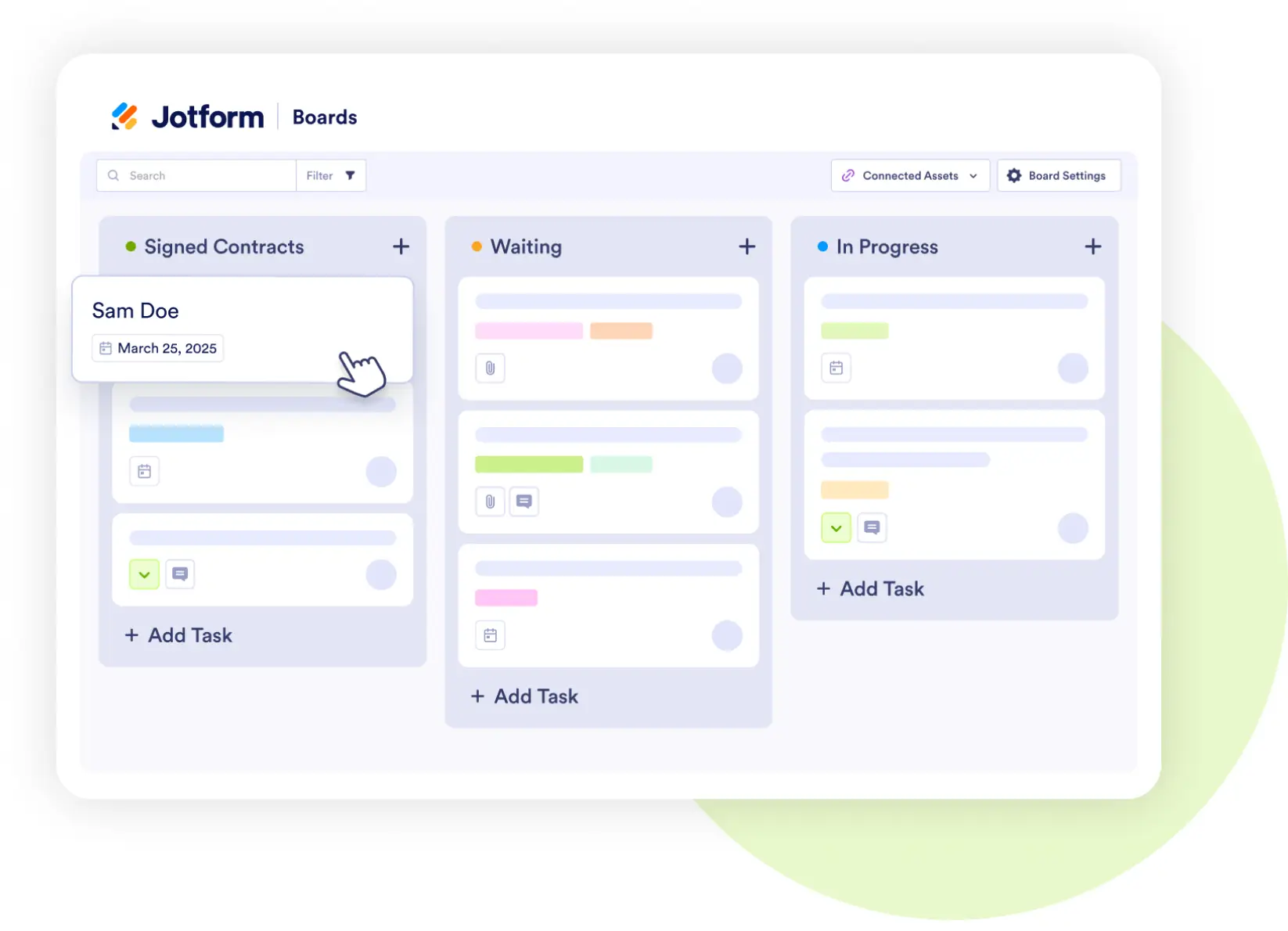
Jotform Boards
Track juror progress visually
- Manage stages like Summoned → Responded → Selected → Serving → Discharged.
- Assign staff tasks for reviews, follow-ups, or replacements.
- Keep everyone aligned on real-time juror status.