How to Manage Course Enrollment with Jotform
Jotform’s connected platform supports course enrollment by simplifying signups, collecting payments, tracking rosters, and keeping students informed in one place. Create enrollment forms, collect submissions and payments, and organize student records so staff can manage enrollment through attendance. Keep the full enrollment process organized and accessible for both staff and students.
One Course Enrollment Solution
Jotform brings powerful products that work course enrollment workflows. Each one plays a role in making your process faster, easier, and more transparent.
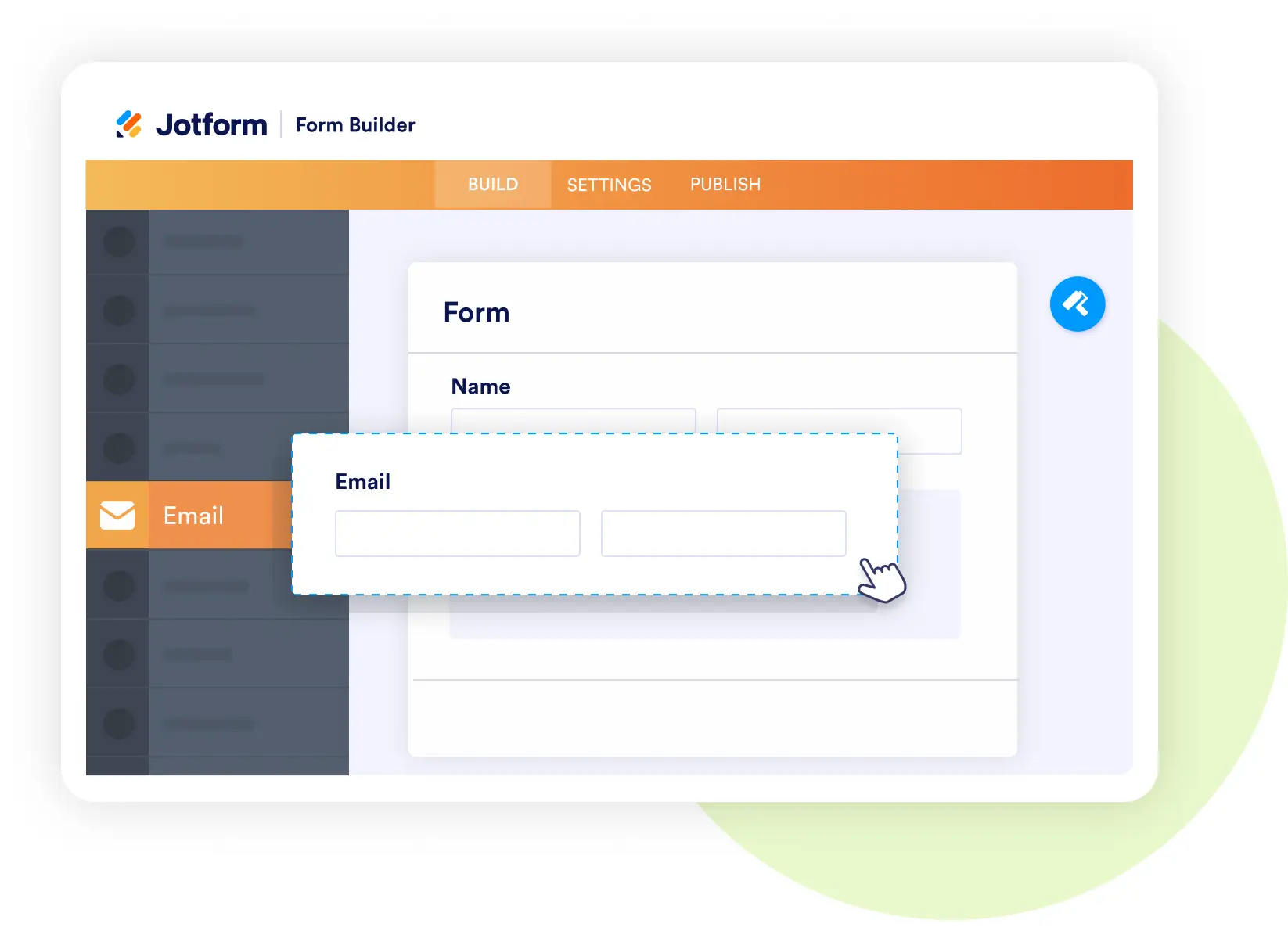
Form Builder
Collect student enrollments and payments
- Create custom signup forms with fields for course selection, schedules, and prerequisites.
- Add secure payment widgets for tuition or enrollment fees.
- Use conditional logic for different student types (new, returning, scholarship).
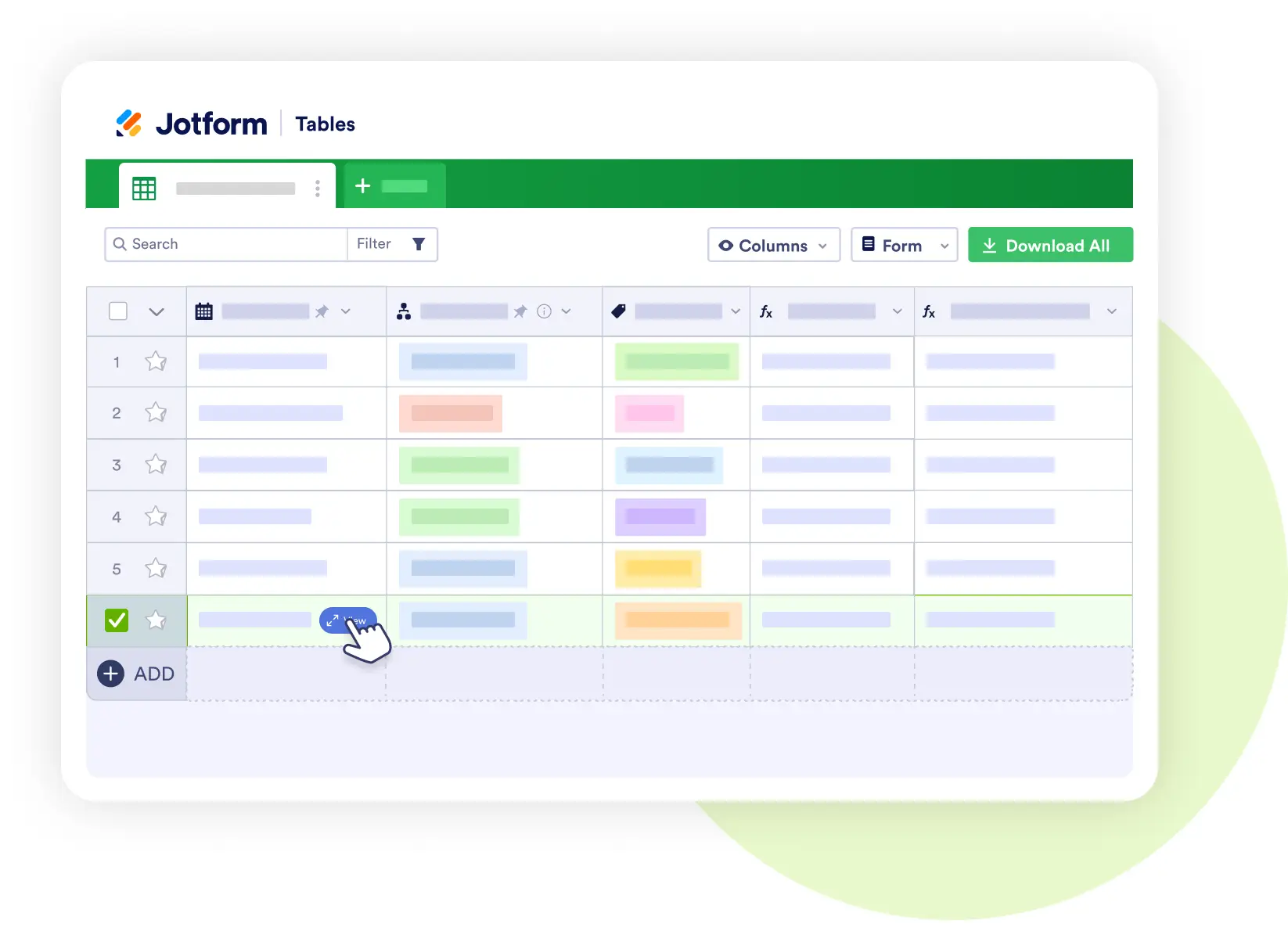
Jotform Tables
Manage student data and class records
- Store rosters with student details, grades, and attendance logs.
- Filter by course, class section, or performance.
- Share controlled views with instructors and administrators.
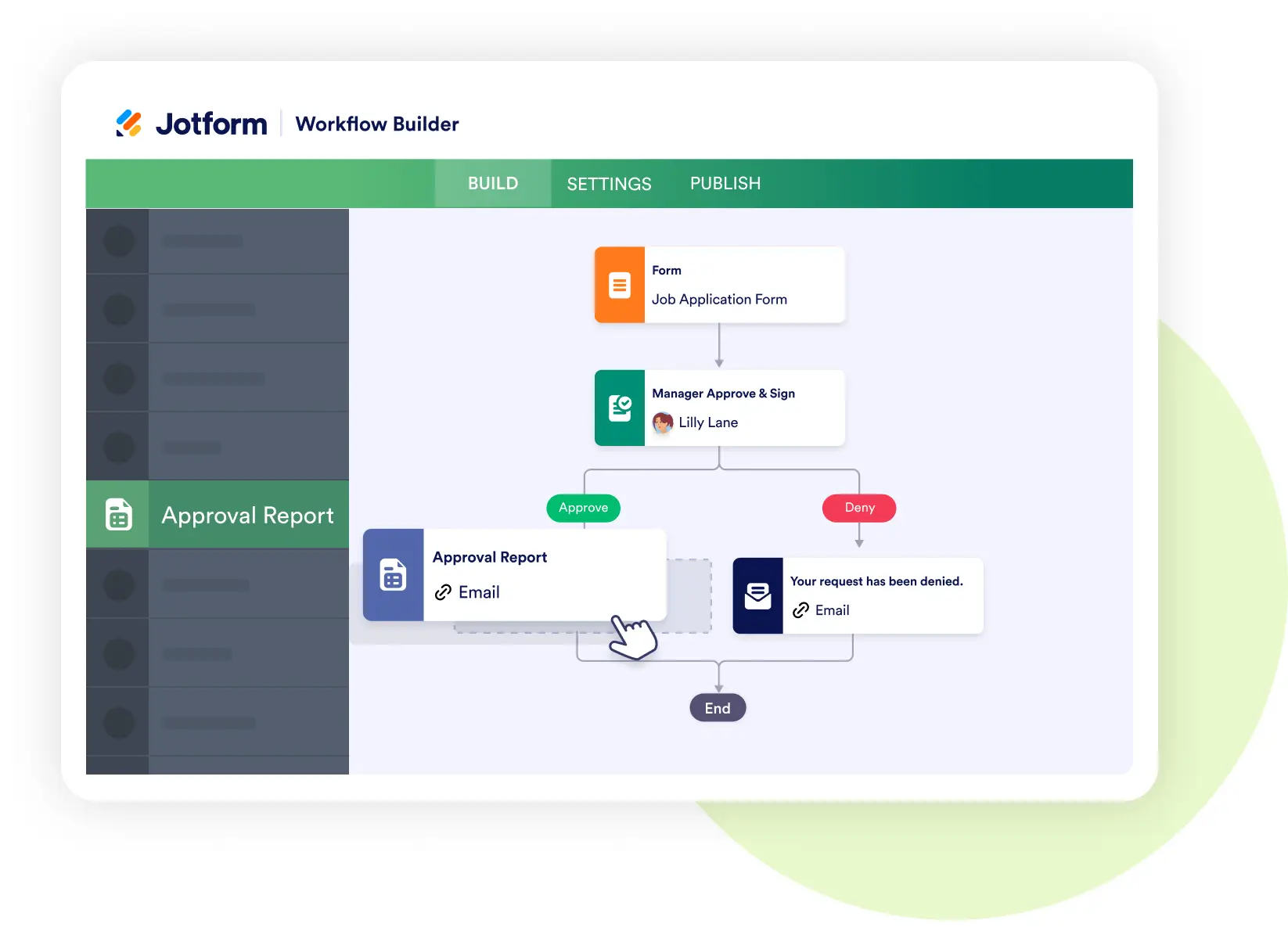
Jotform Workflows
Automate course enrollment and communication
- Trigger welcome emails and onboarding tasks once a student enrolls.
- Route scholarship or special program enrollments to staff for approval.
- Set automated reminders for upcoming deadlines or classes.
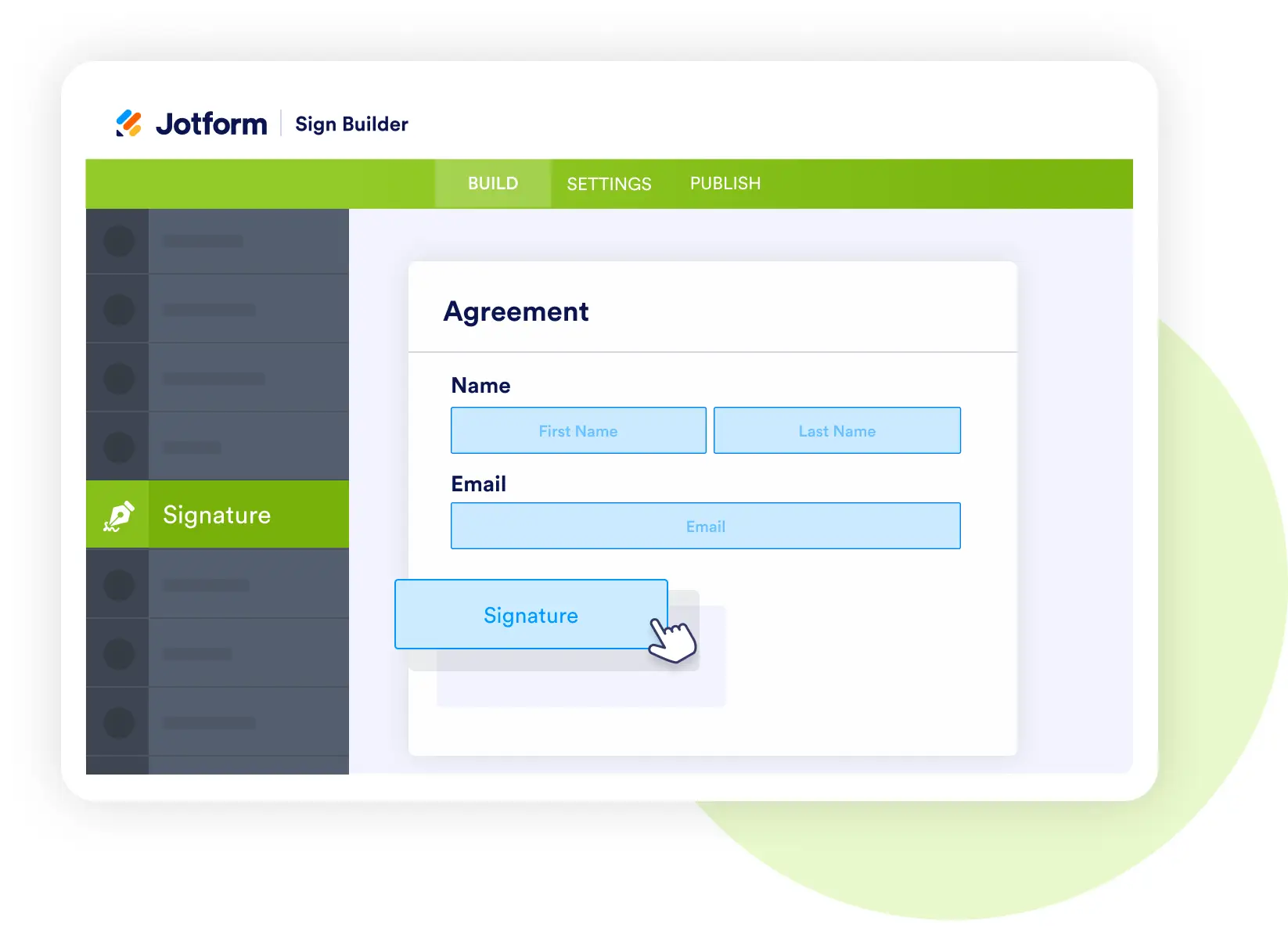
Jotform Sign
Capture acknowledgments and agreements
- Collect digital signatures for syllabus acknowledgment, code of conduct, or consent forms.
- Store signed agreements with each student’s record.
- Keep everything organized for compliance and administration.
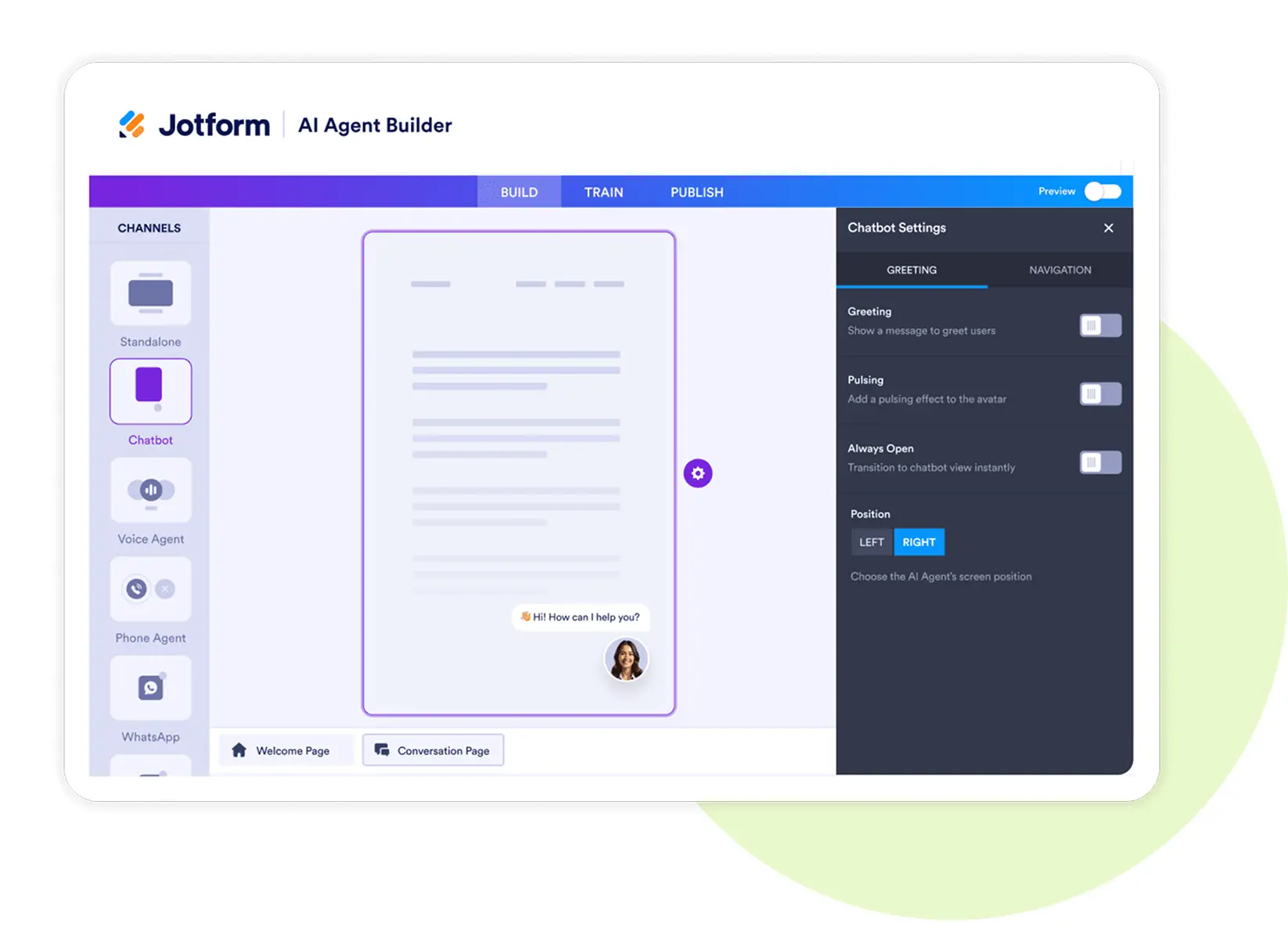
Jotform AI Agents
Support students and staff 24/7
- Answer student questions about enrollment, exam dates, or course policies.
- Provide step-by-step guidance for completing forms.
- Offer real-time updates on application status.
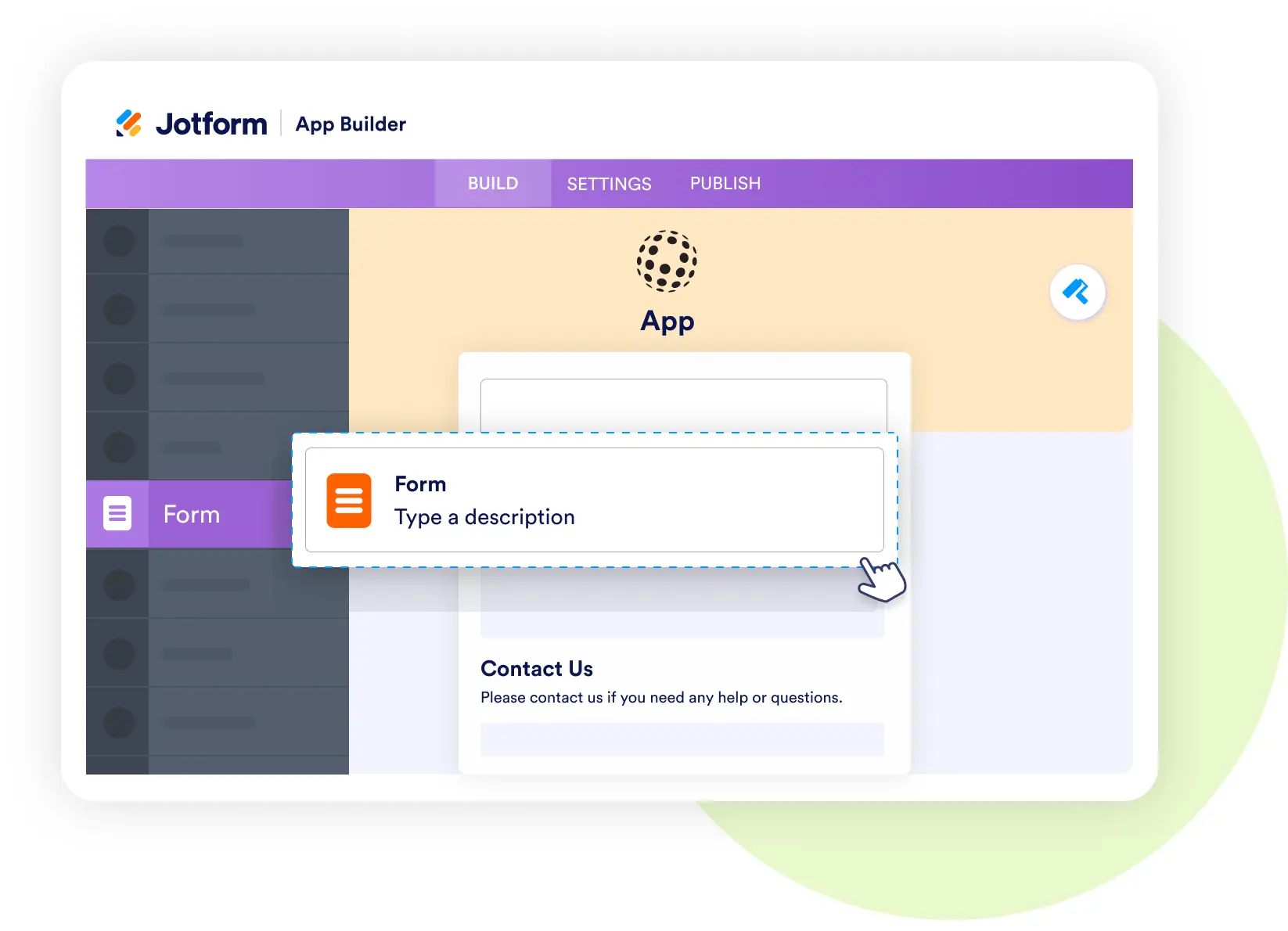
Jotform Apps
Build a student portal for course management
- Bundle enrollment forms, resources, and schedules into one app.
- Give students easy access to learning materials and support.
- Provide instructors with mobile access to class rosters and forms.
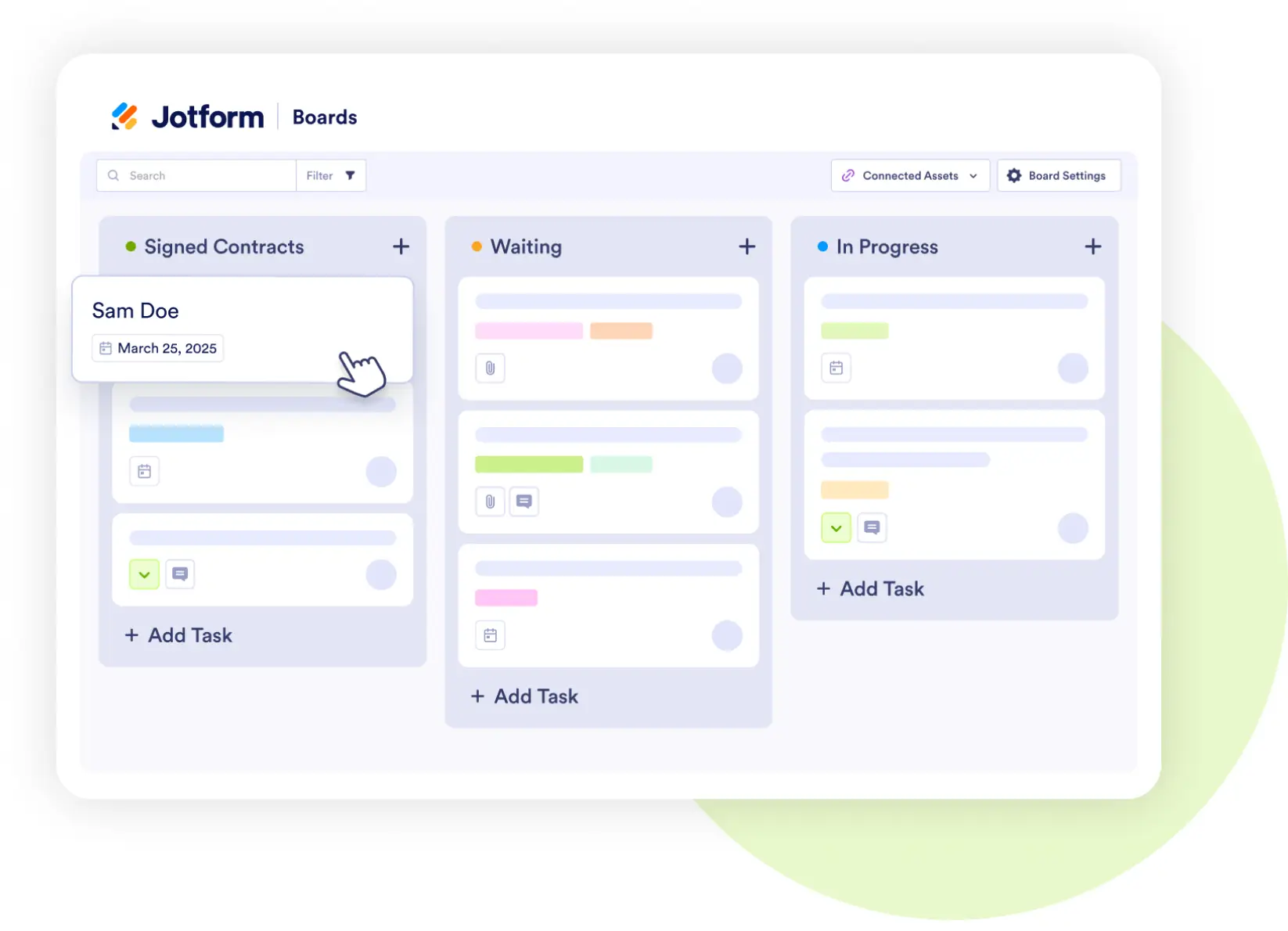
Jotform Boards
Track enrollment status visually
- Manage students through stages: Draft Lesson → Live → Archived.
- Assign instructors or advisors to each stage.
- Keep administration aligned on enrollment numbers.