How to Manage Expense Reimbursement with Jotform
Jotform’s platform helps you expense reimbursement by letting you build expense reporting forms, automate approvals, and track reimbursements in one place. Collect receipt uploads, route submissions for manager sign-offs, and keep every step of the reimbursement process organized and secure. Manage and monitor expenses from submission to approval without messy manual work.
One Expense Reimbursement Solution
Jotform brings powerful products that work seamlessly for expense reimbursement workflows. Each one plays a role in making your process faster, easier, and more transparent..
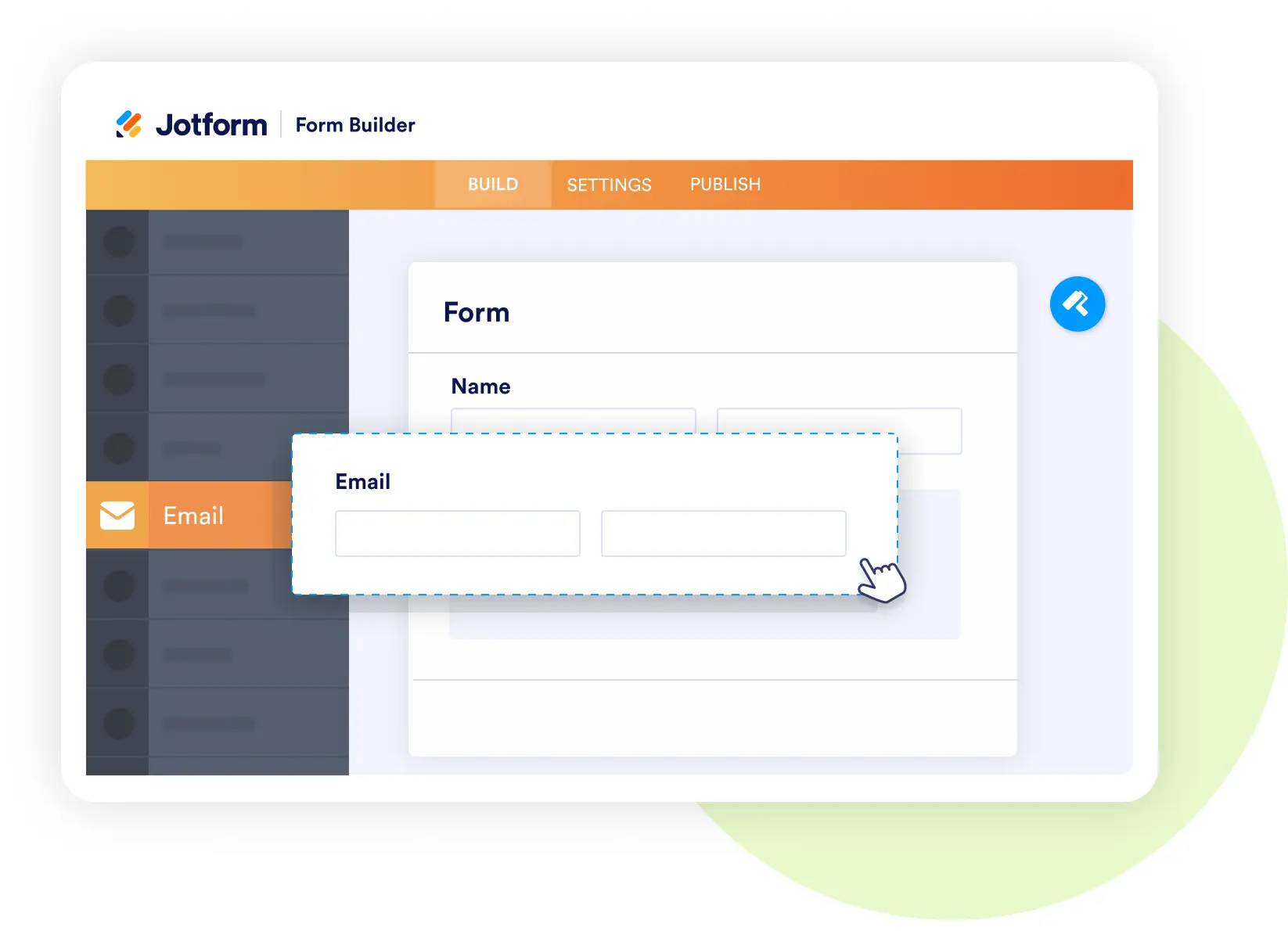
Form Builder
Collect every detail with smart, custom forms
- Add fields for categories, mileage, and receipt uploads.
- Customize forms to match your company’s expense policies.
- Let employees submit from any device, instantly.
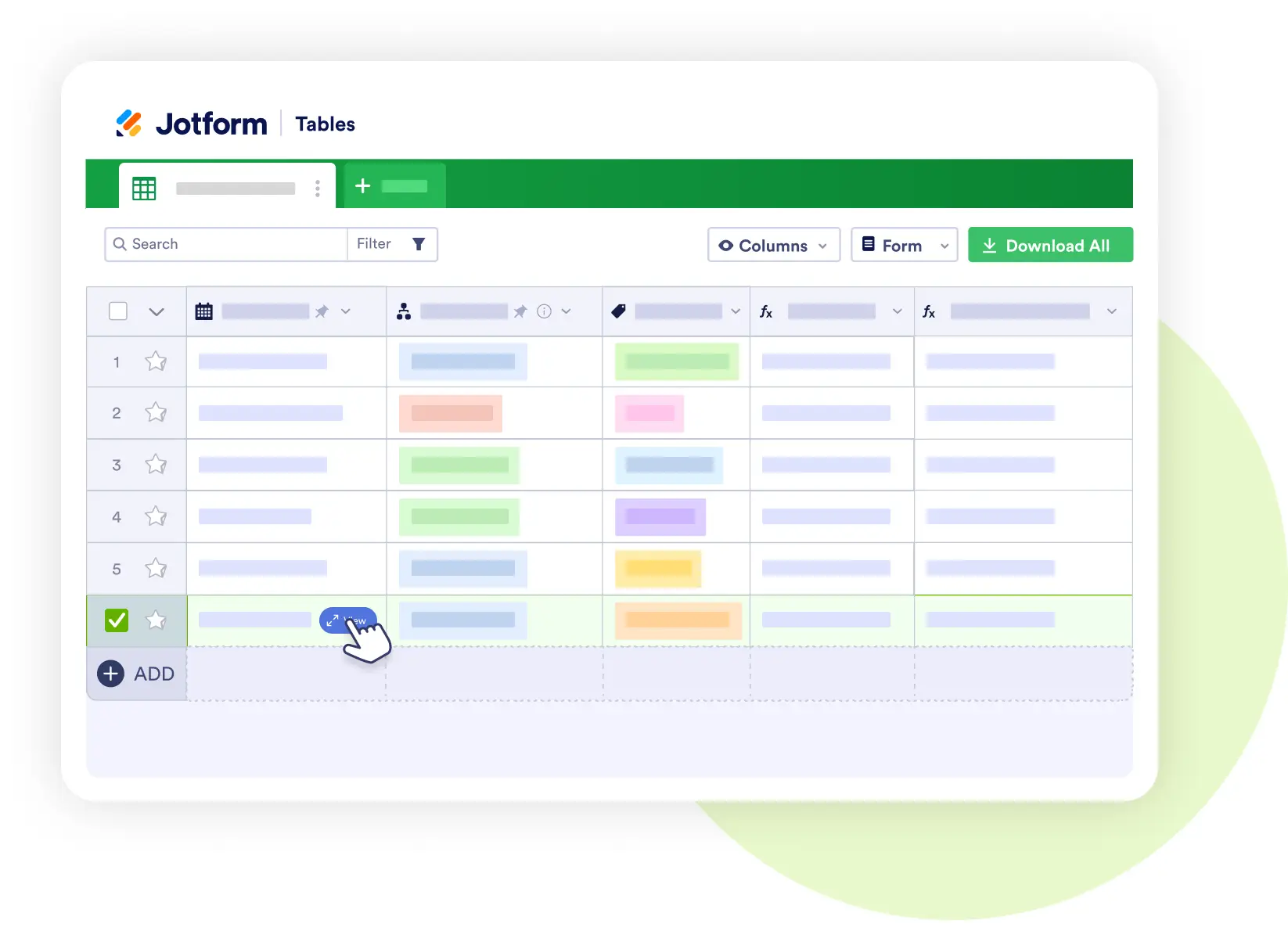
Jotform Tables
Turn submissions into organized, actionable data.
- Filter and sort by department, date, or expense type.
- Track reimbursement amounts and approval status in real time.
- Share secure views with finance and managers.
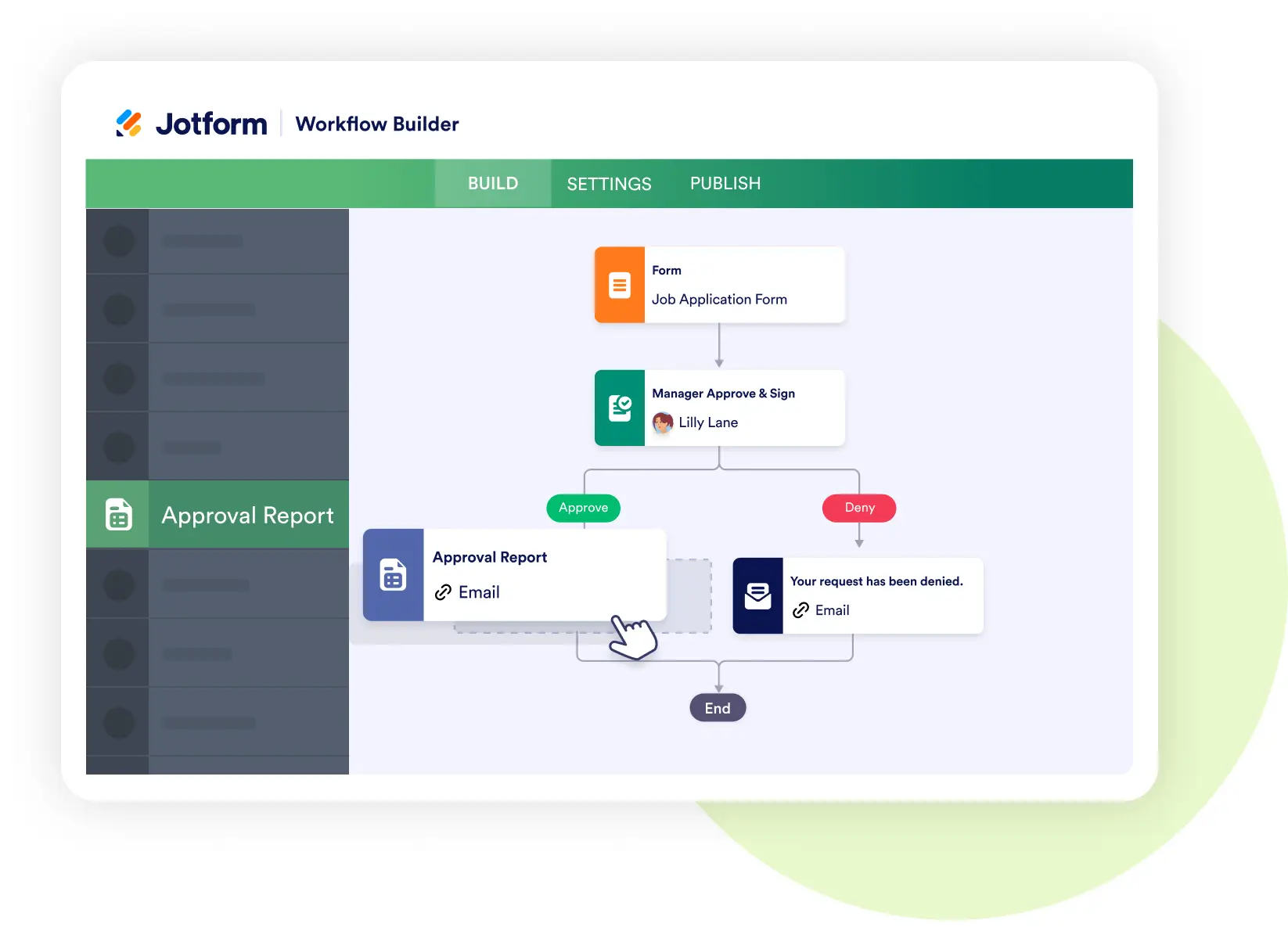
Jotform Workflows
Automate the entire workflow process.
- Route expenses automatically to managers or finance.
- Set conditional rules for thresholds and departments.
- Send instant notifications and reminders so nothing stalls
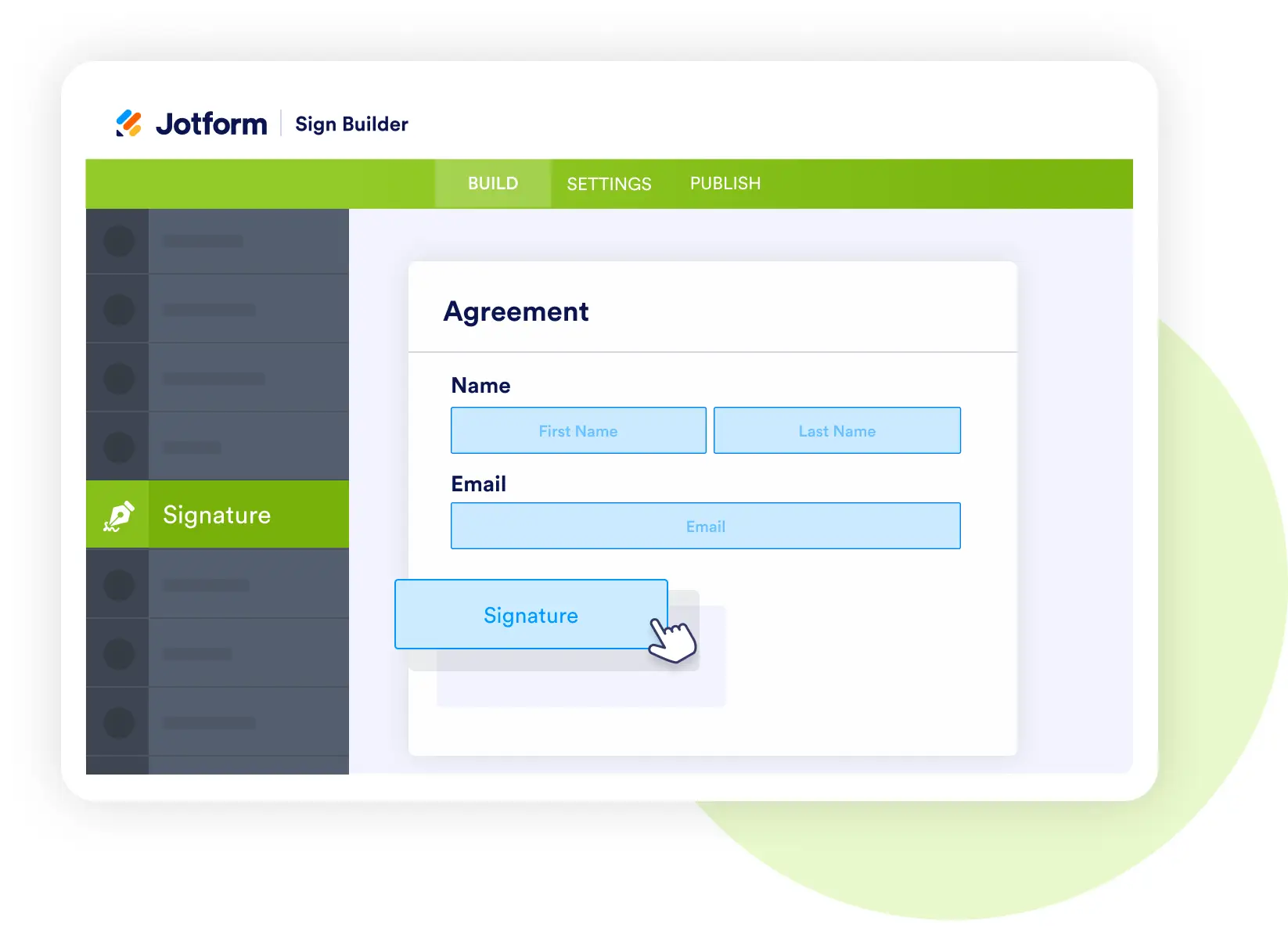
Jotform Sign
Approve requests with secure e-signatures
- Capture manager sign-offs without printing or scanning.
- Record employee acknowledgments of reimbursement policies.
- Keep an audit trail of every approval.
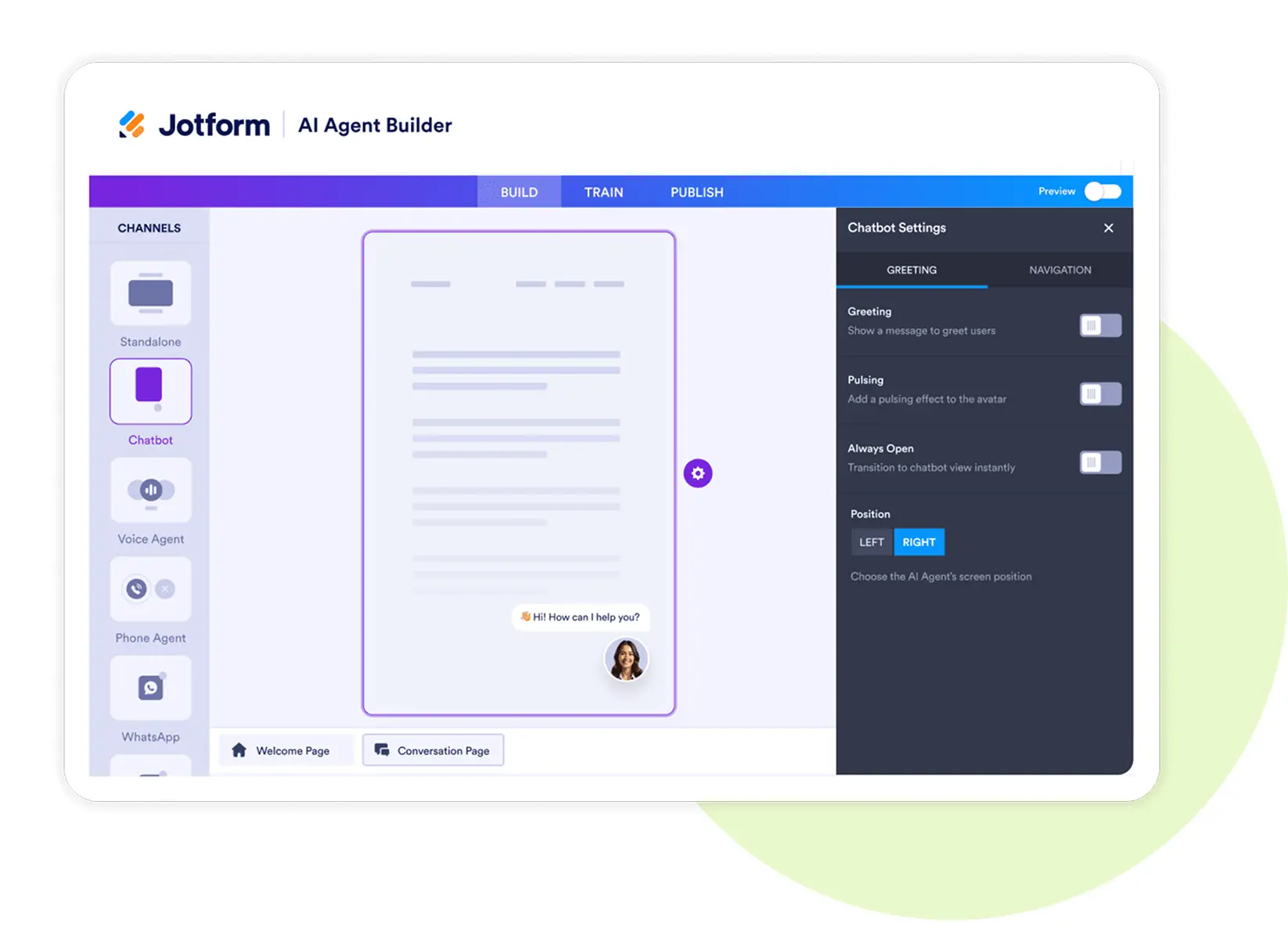
Jotform AI Agents
Get real-time support for employees and finance teams.
- Categorize expenses automatically during submission.
- Answer employee questions about policies and limits.
- Provide instant updates on reimbursement status.
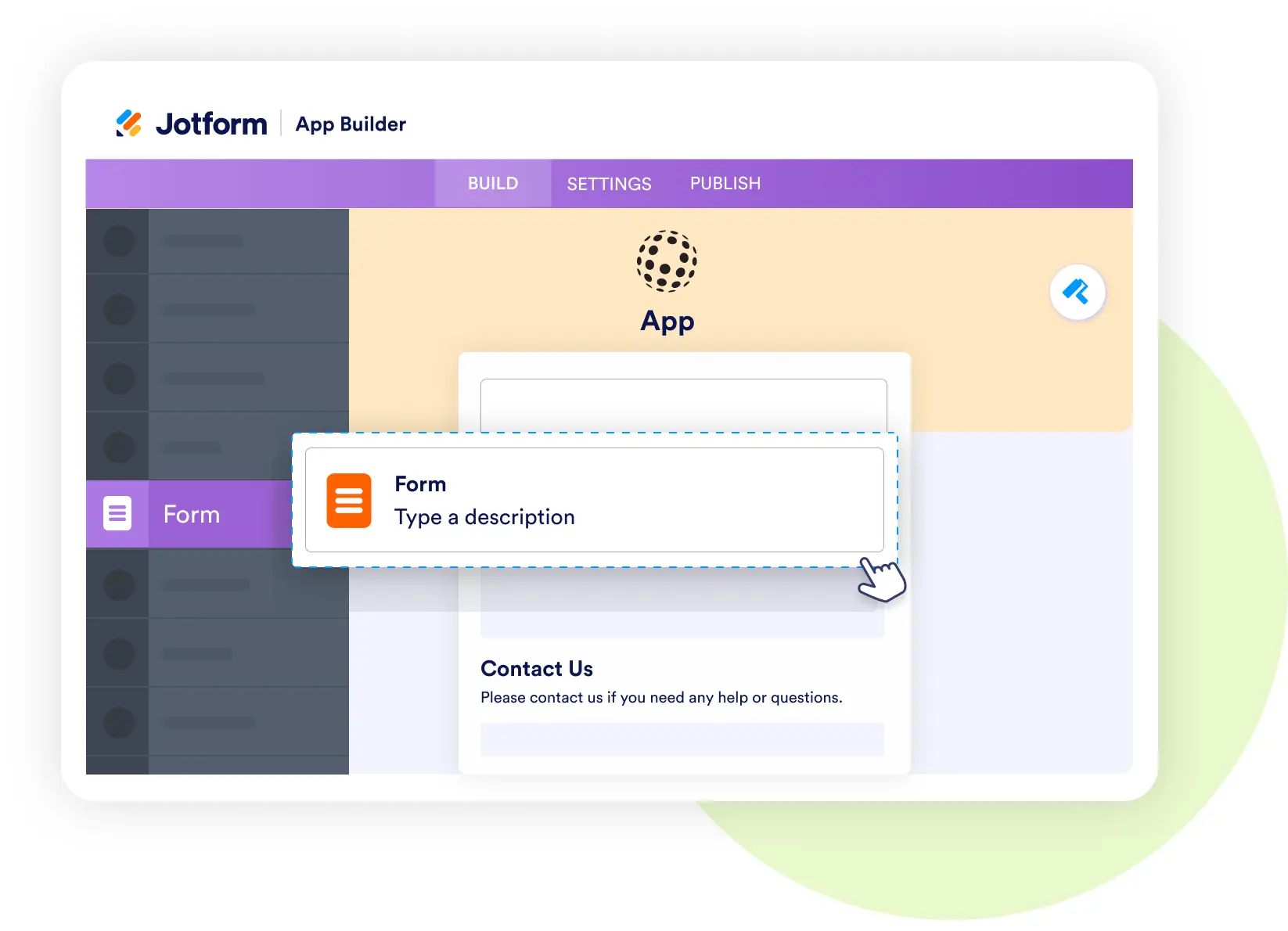
Jotform Apps
Put expense reporting in everyone’s pocket.
- Snap and upload receipts with the phone camera.
- Submit expenses in real time through a branded app.
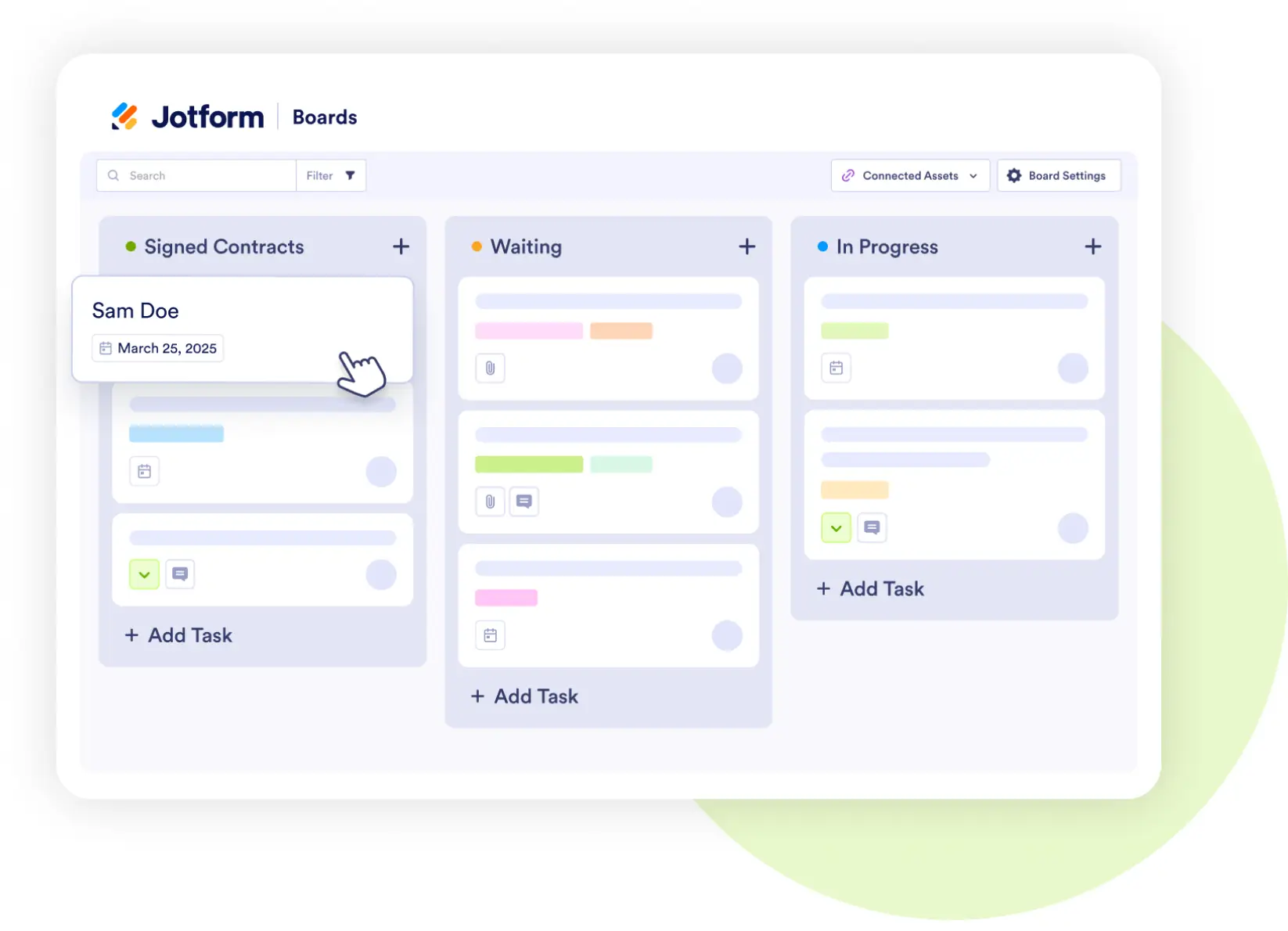
Jotform Boards
See the progress of every expense at a glance.
- Track reports from Submitted → Manager Review → Finance Approved → Reimbursed.
- Assign tasks and add comments directly to expense cards.
- Keep the entire team aligned on status.