How to Manage Purchase Order Requests with Jotform
Jotform’s platform helps you purchase order request workflows by letting employees submit detailed requests, routing approvals digitally, and keeping finance tracking in one place. Collect complete purchase order details, automate approvals, and organize every request from submission to reporting. Manage your procurement process with less manual work and more visibility.
One Purchase Order Request Solution
Jotform brings powerful products that work seamlessly for purchase order workflows. Each one plays a role in making your process faster, easier, and more transparent.
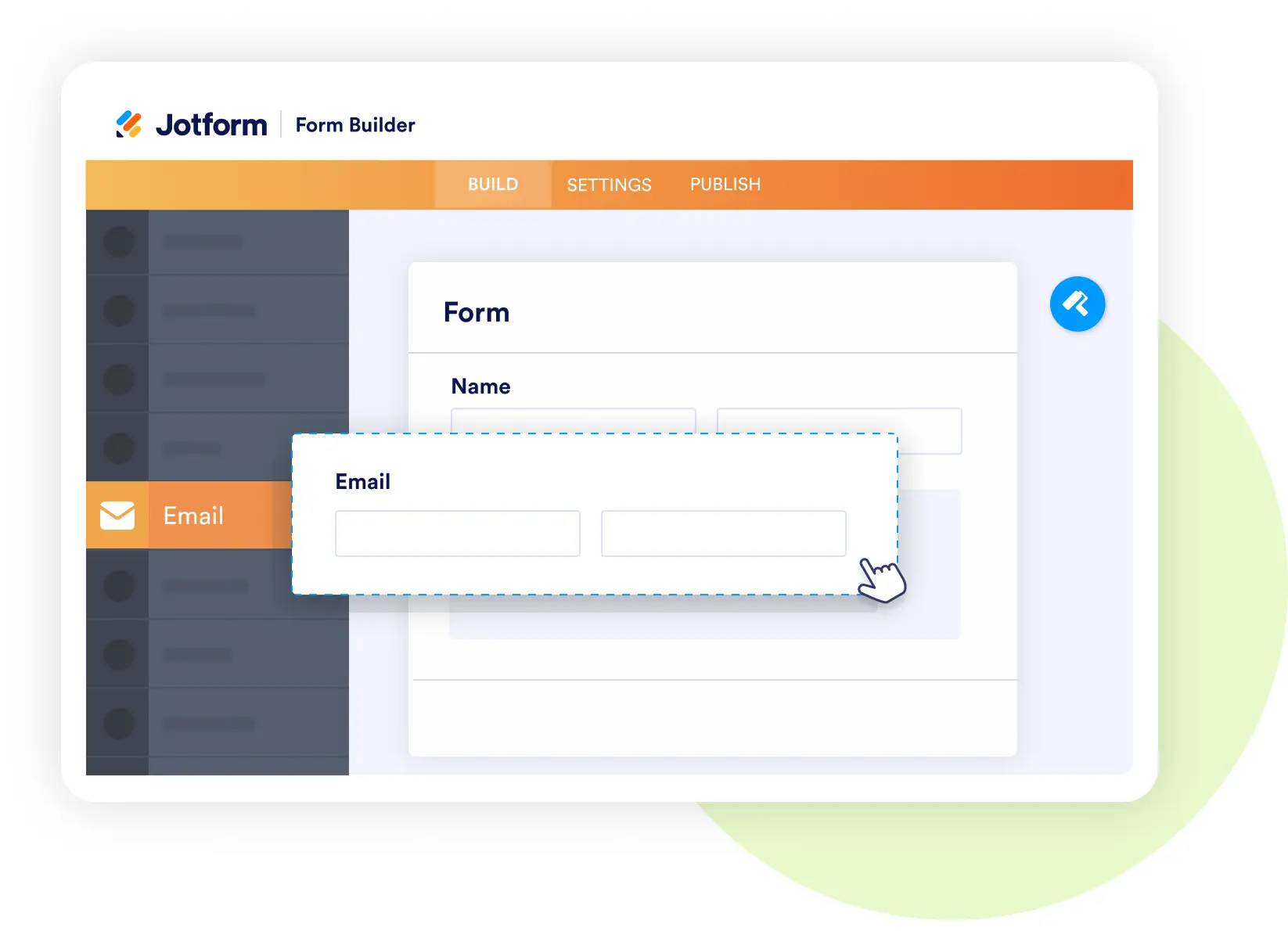
Form Builder
Capture complete purchase order requests
- Add fields for vendor details, item descriptions, quantities, and costs.
- Require uploads like quotes or invoices to support the request.
- Use conditional logic to adapt forms based on department or order type.
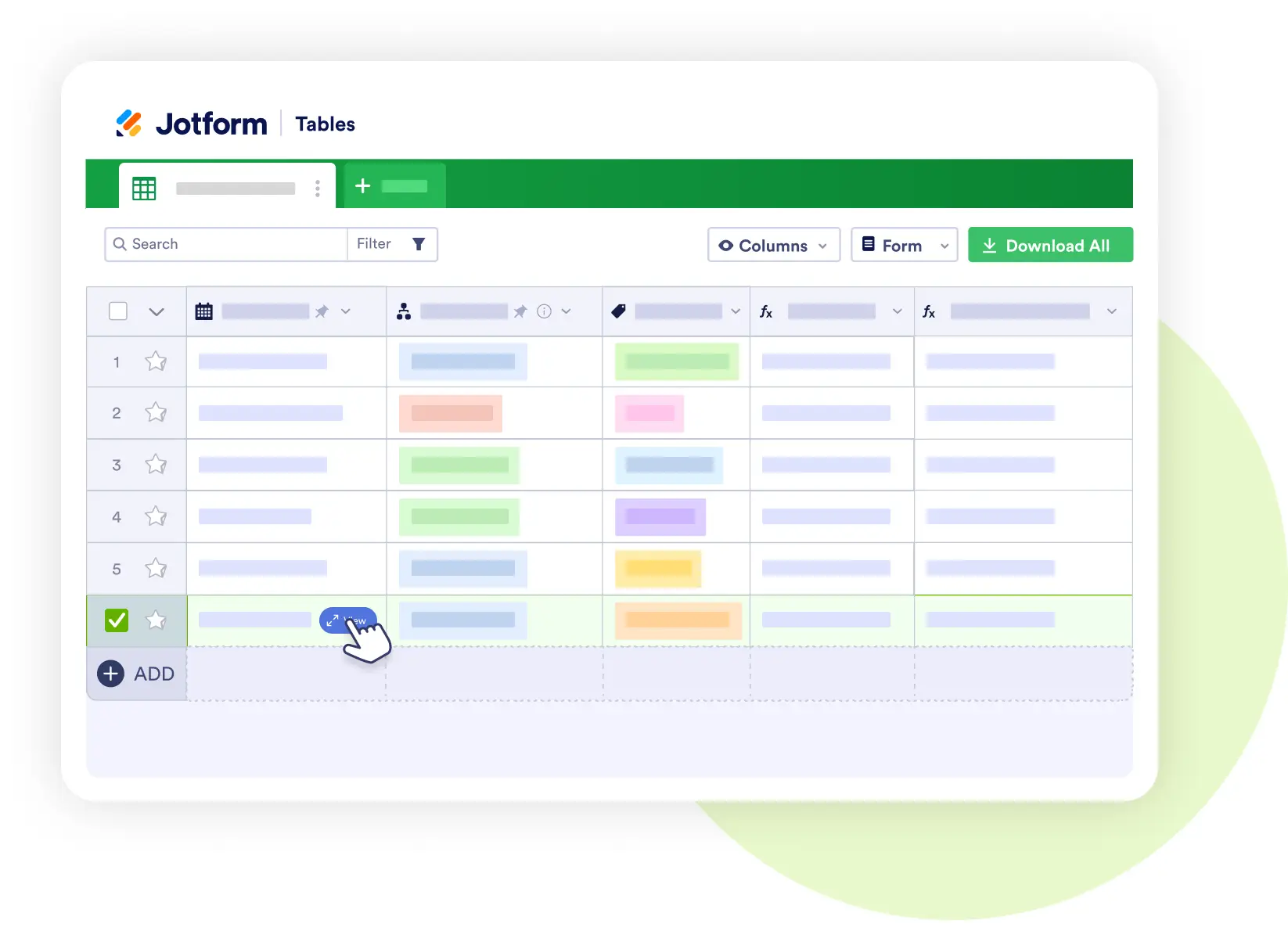
Jotform Tables
Centralize and analyze purchase order data
- Store all requests with status, department, and approval history.
- Filter by vendor, spending category, or date range.
- Share views with finance teams for real-time oversight.
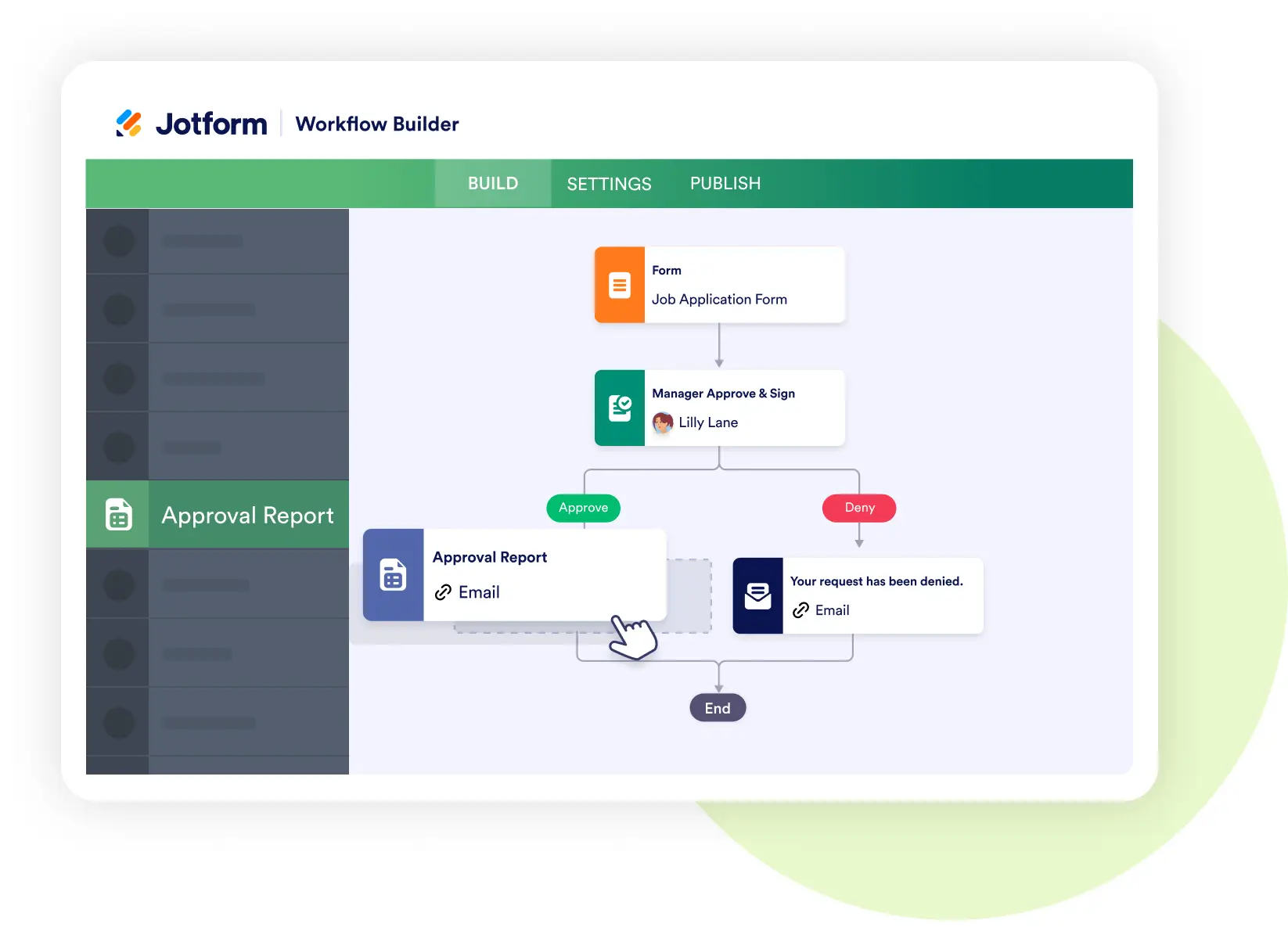
Jotform Workflows
Automate the purchase order approval process
- Route requests to managers or finance teams based on amount thresholds.
- Trigger instant notifications when action is required.
- Reduce delays and keep purchasing efficient.
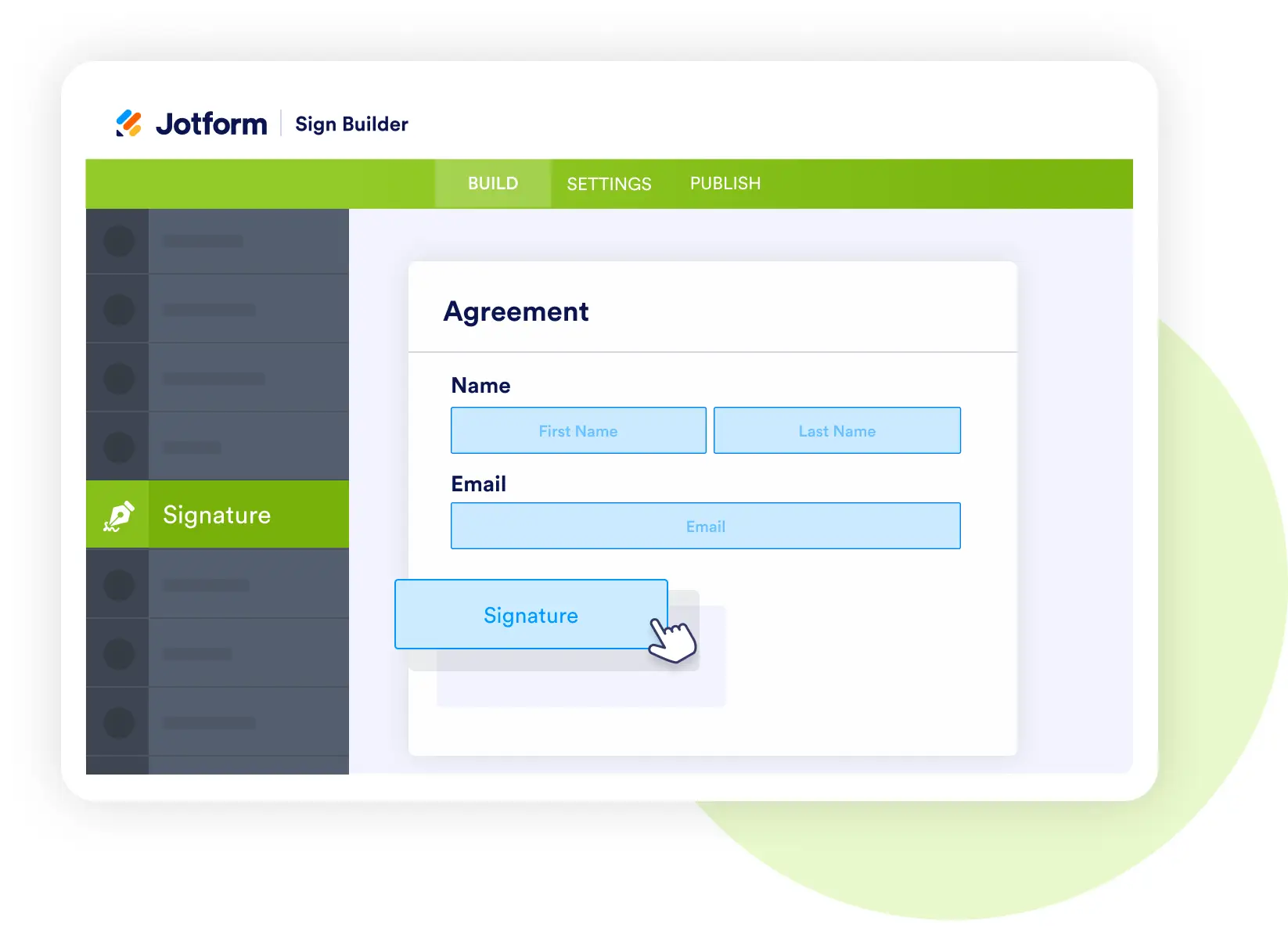
Jotform Sign
Approve orders with secure e-signatures
- Collect manager and finance signatures digitally.
- Store signed PO documents automatically with each request.
- Keep a complete audit trail for compliance and recordkeeping.
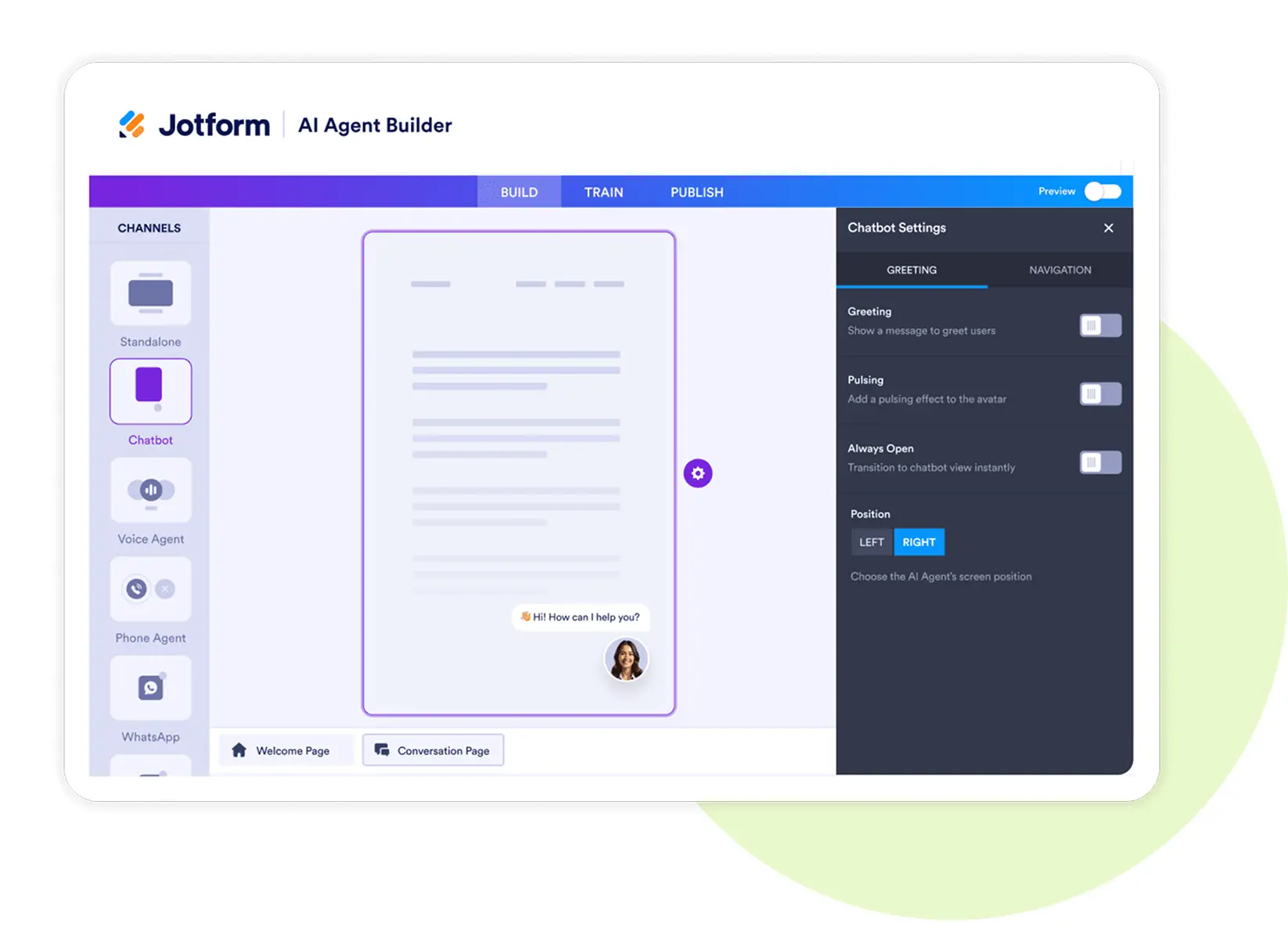
Jotform AI Agents
Support employees and finance with smart assistance
- Answer employee questions about purchase order policies.
- Help categorize requests and flag incomplete submissions.
- Provide real-time updates on approval status.
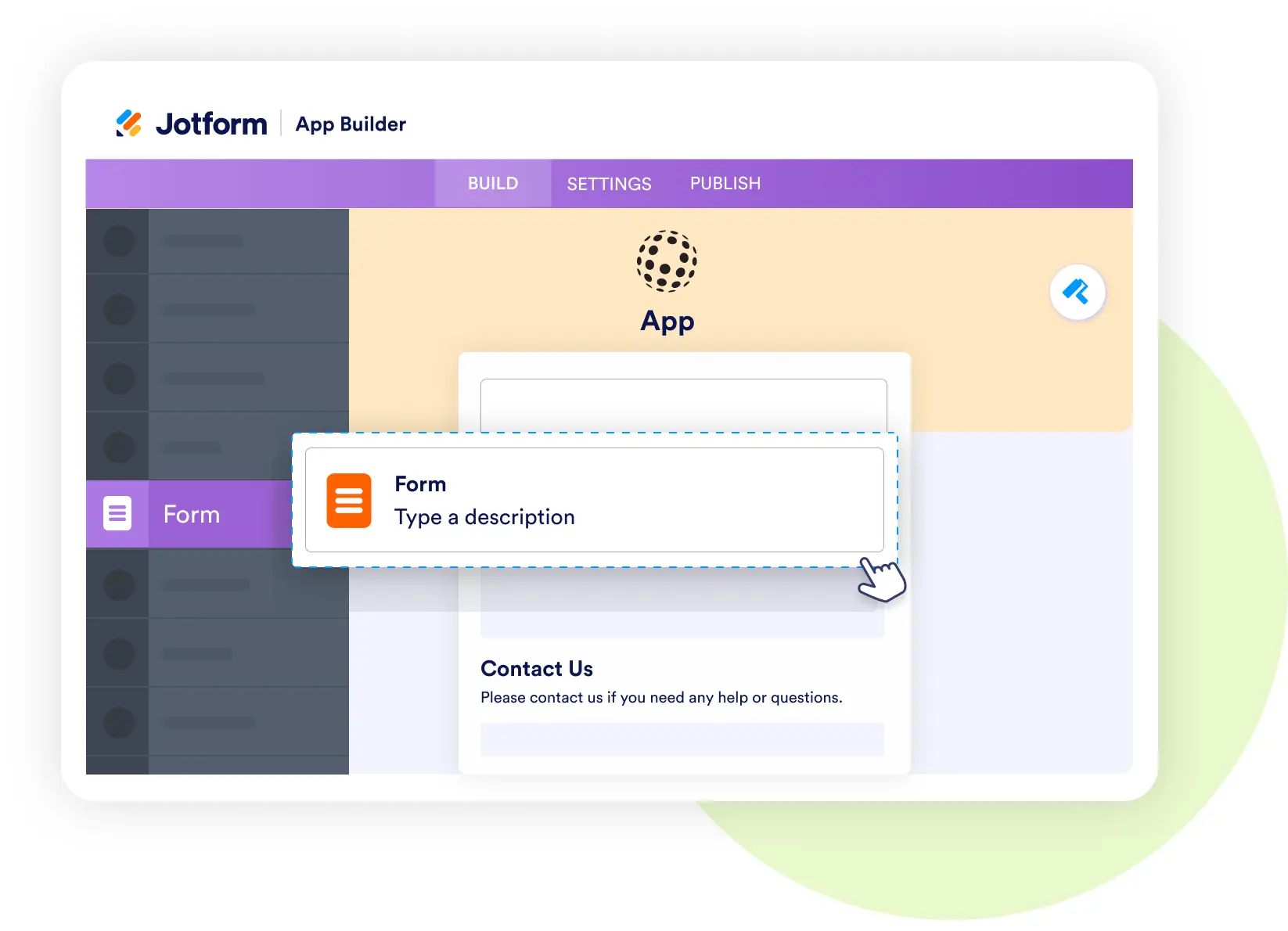
Jotform Apps
Create a mobile hub for purchase orders
- Bundle request forms, approval workflows, and PO policies into one app.
- Enable staff to submit requests and check status on the go.
- Keep procurement accessible across devices.
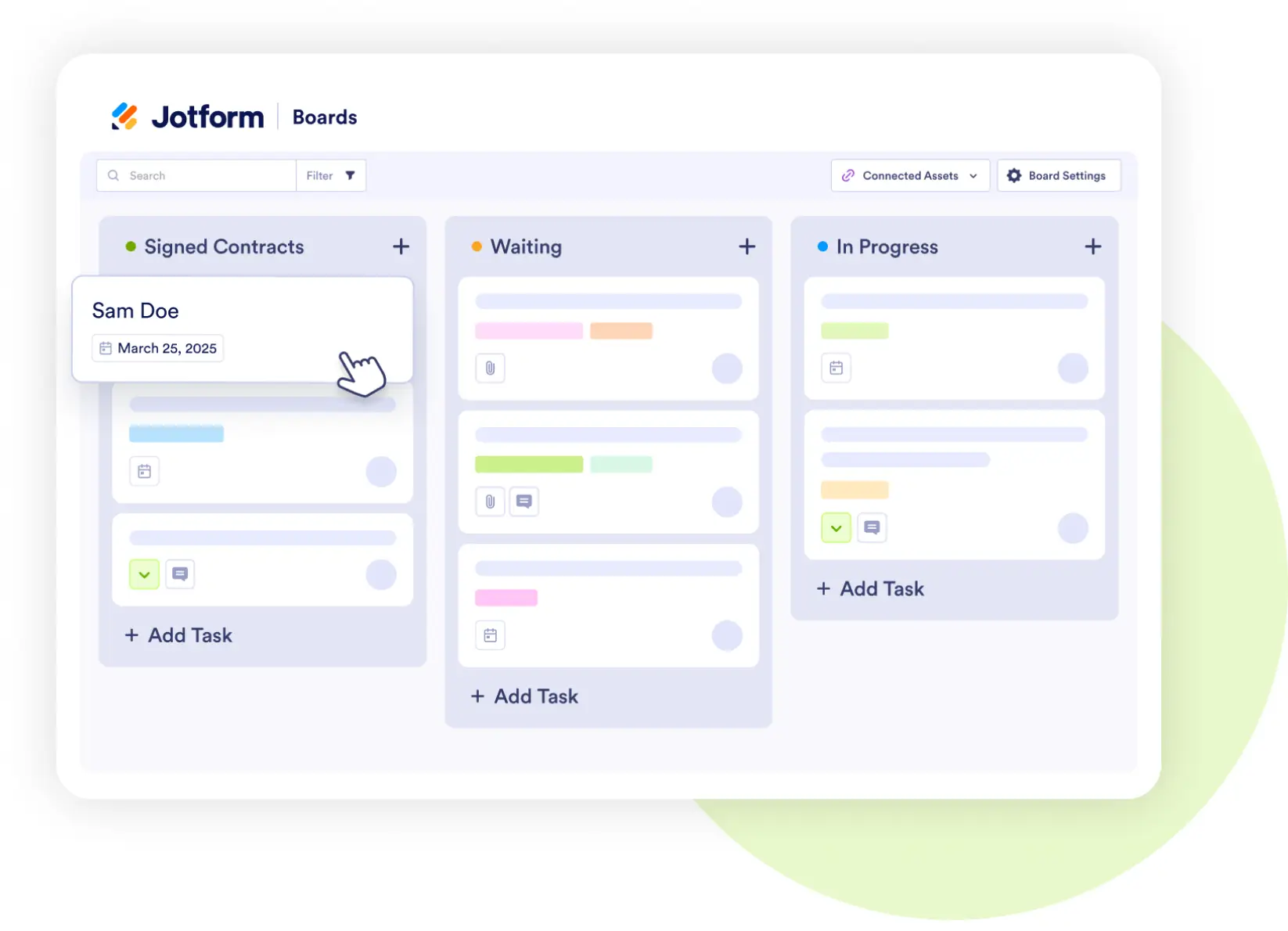
Jotform Boards
Track purchase orders through every stage
- Visualize requests as cards moving from Submitted → Manager Review → Finance Approved → Ordered.
- Assign tasks and add comments directly on each PO.
- Give teams a clear view of progress and bottlenecks.