How to Schedule Field Service Calls with Jotform
Jotform’s platform helps you schedule field service calls by centralizing service requests, automating dispatch, capturing signatures, and tracking work orders in one connected system. Create and collect service request forms, route jobs to technicians, and keep customer updates organized from first request through job completion. Keep every service call trackable and efficient without scattered tools or manual follow-ups.
One Field Service Calls Scheduling Solution
Jotform brings powerful products that work scheduling field service call workflows. Each one plays a role in making your process faster, easier, and more transparent.
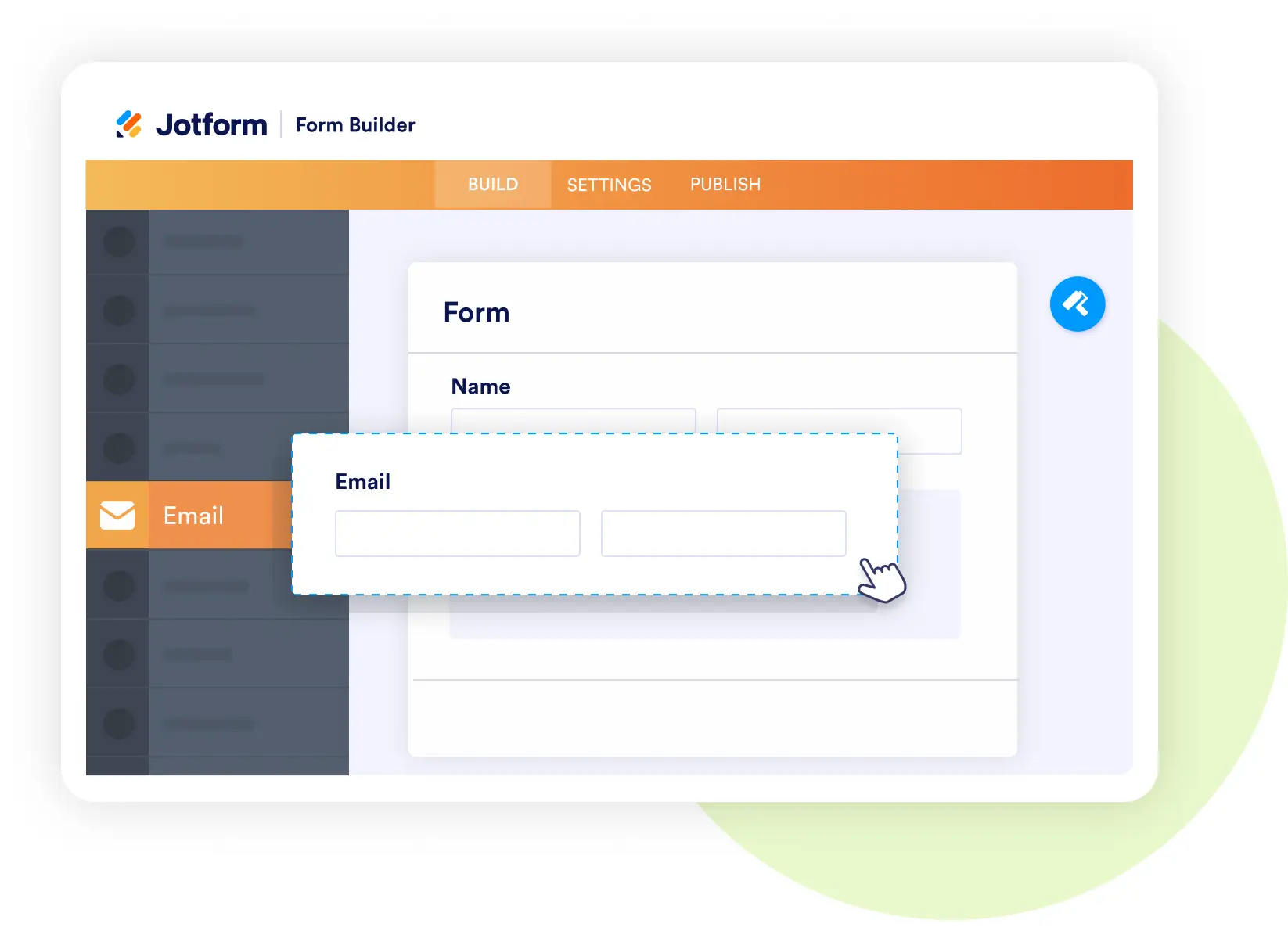
Form Builder
Capture service requests quickly
- Create service request forms with fields for equipment details, issue descriptions, and preferred time windows.
- Add file uploads for photos or error logs.
- Use conditional logic to route urgent or warranty jobs.
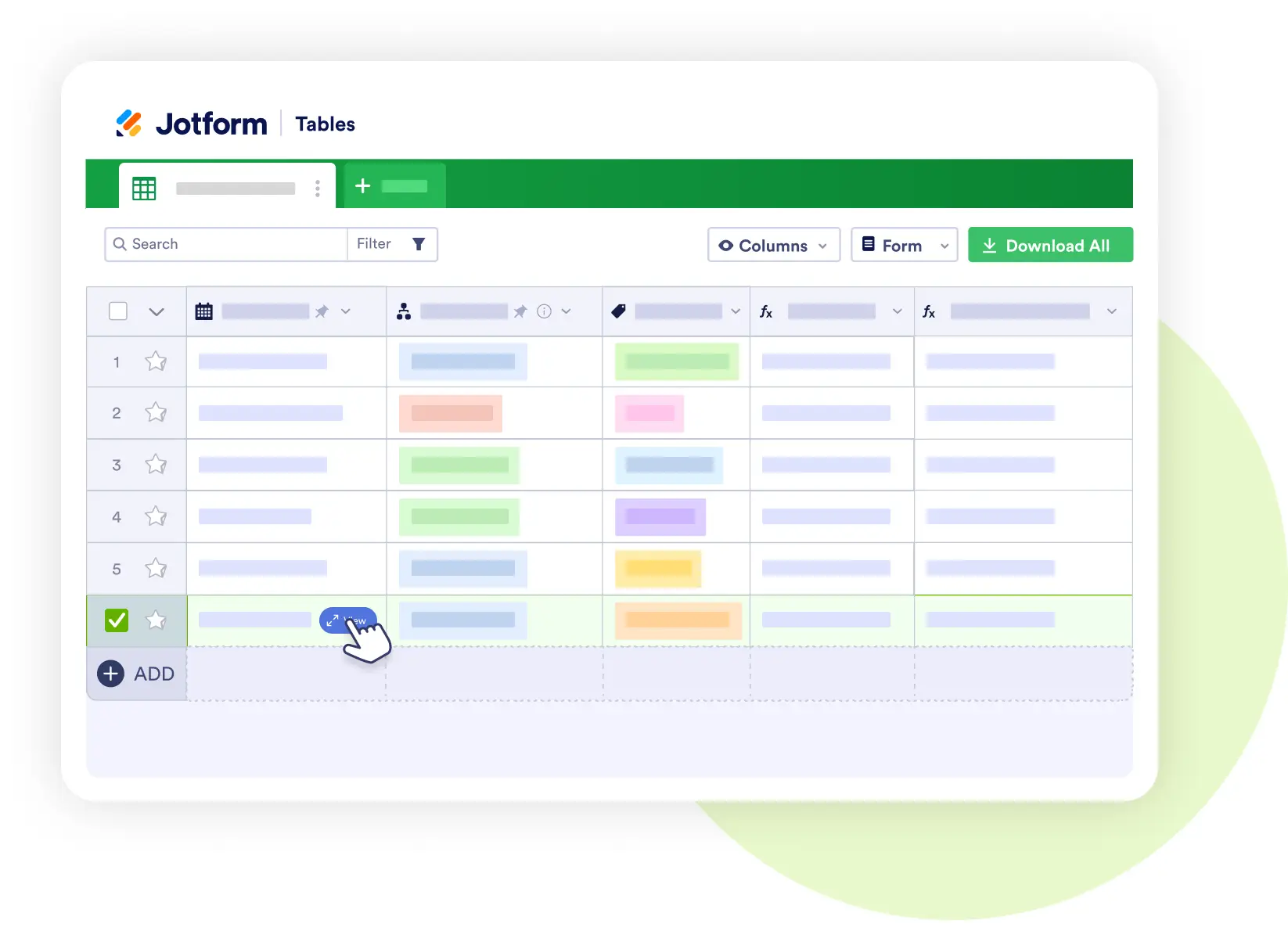
Jotform Tables
Keep service data centralized
- Store work orders with technician assignments, completion times, and parts used.
- Track recurring issues and customer history.
- Share views securely with dispatchers, technicians, and managers.
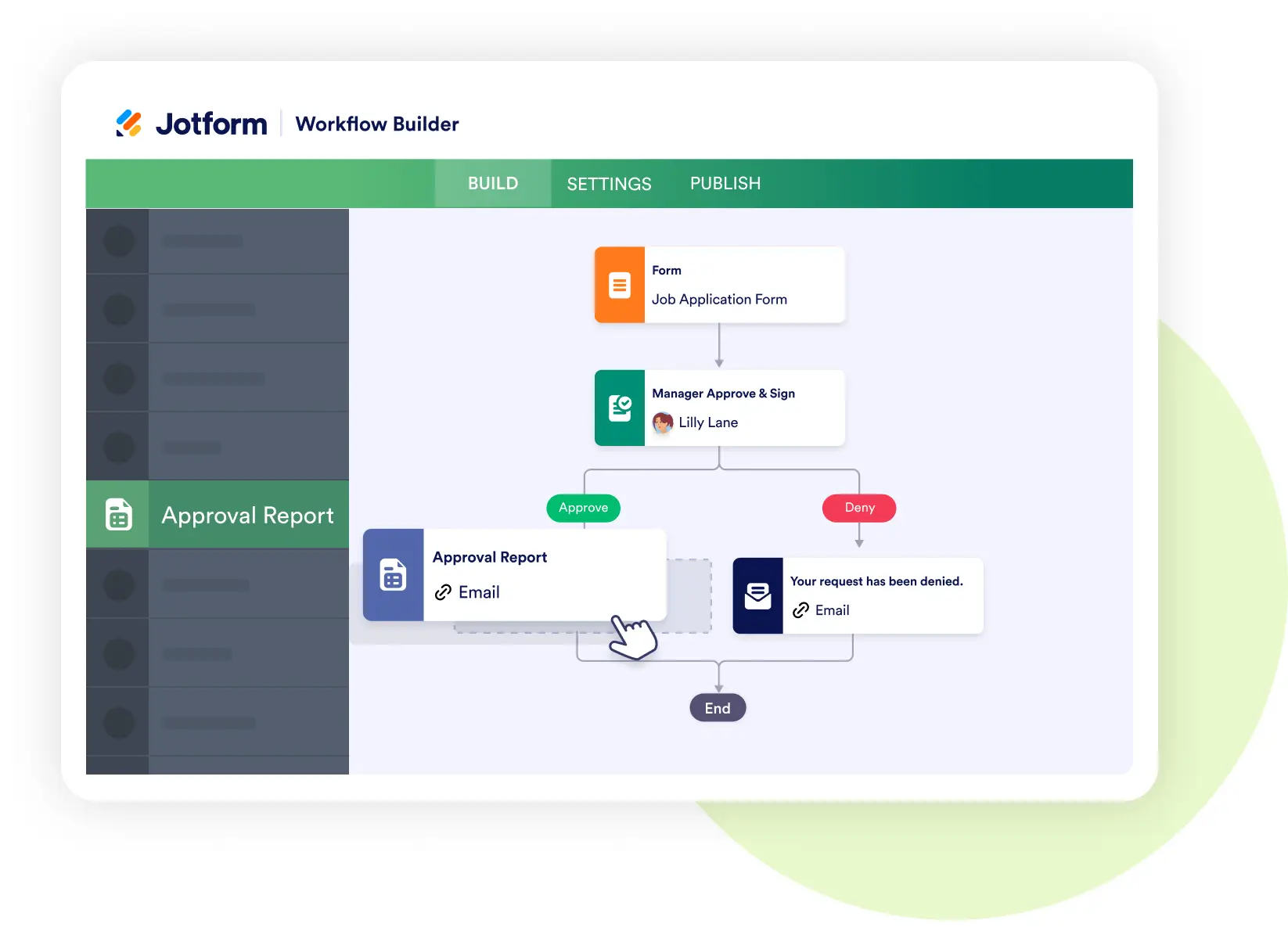
Jotform Workflows
Automate dispatch and job coordination
- Route calls based on technician expertise, location, or availability.
- Trigger dispatch notifications and reminders.
- Automate follow-up surveys for customer satisfaction.
Jotform Sign
Secure work authorizations and agreements
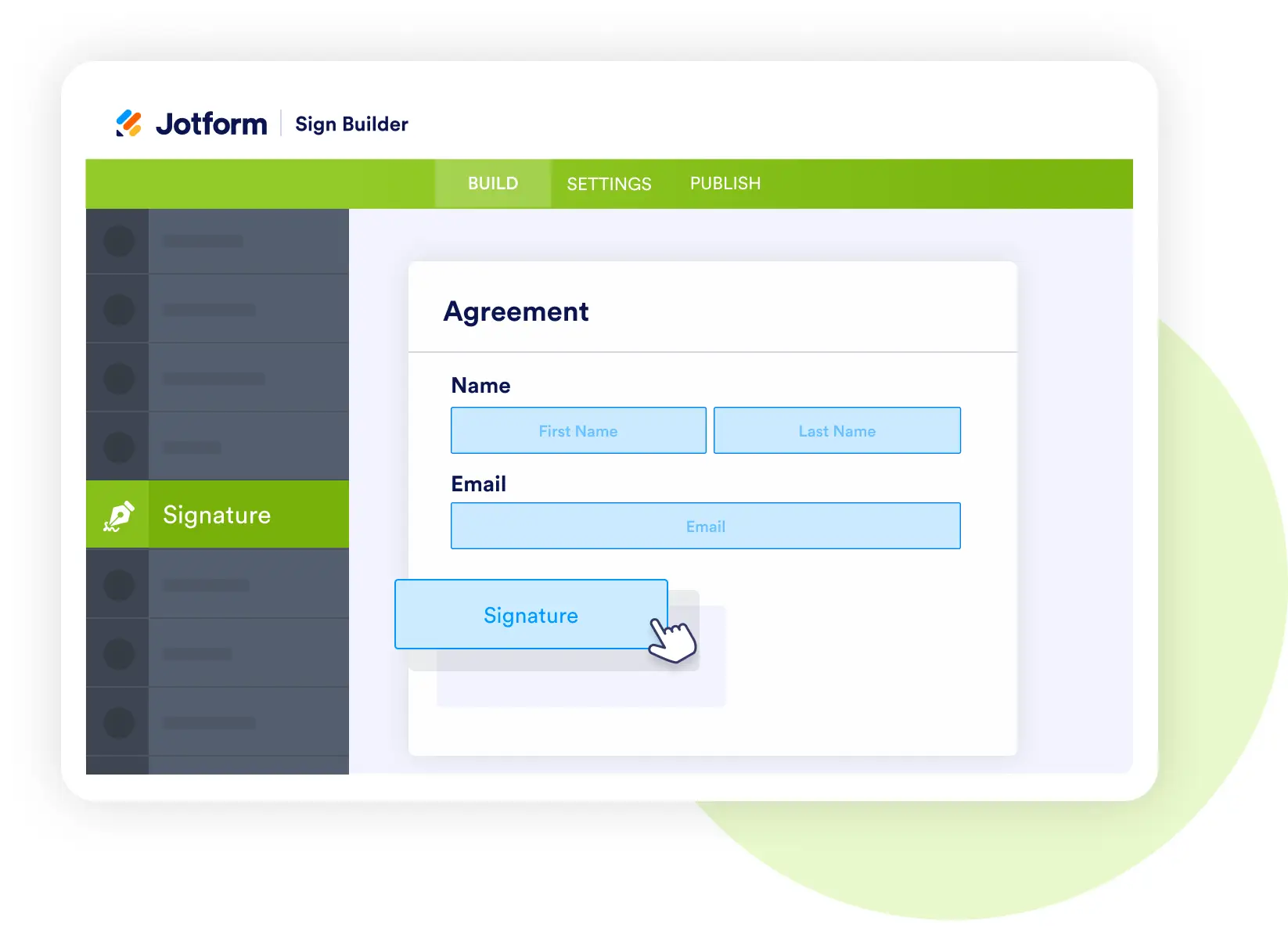
- Collect e-signatures for service agreements, warranty documents, or on-site approvals.
- Store contracts alongside work orders for compliance.
- Maintain a complete digital record for audits.
Jotform AI Agents
Provide a virtual service assistant
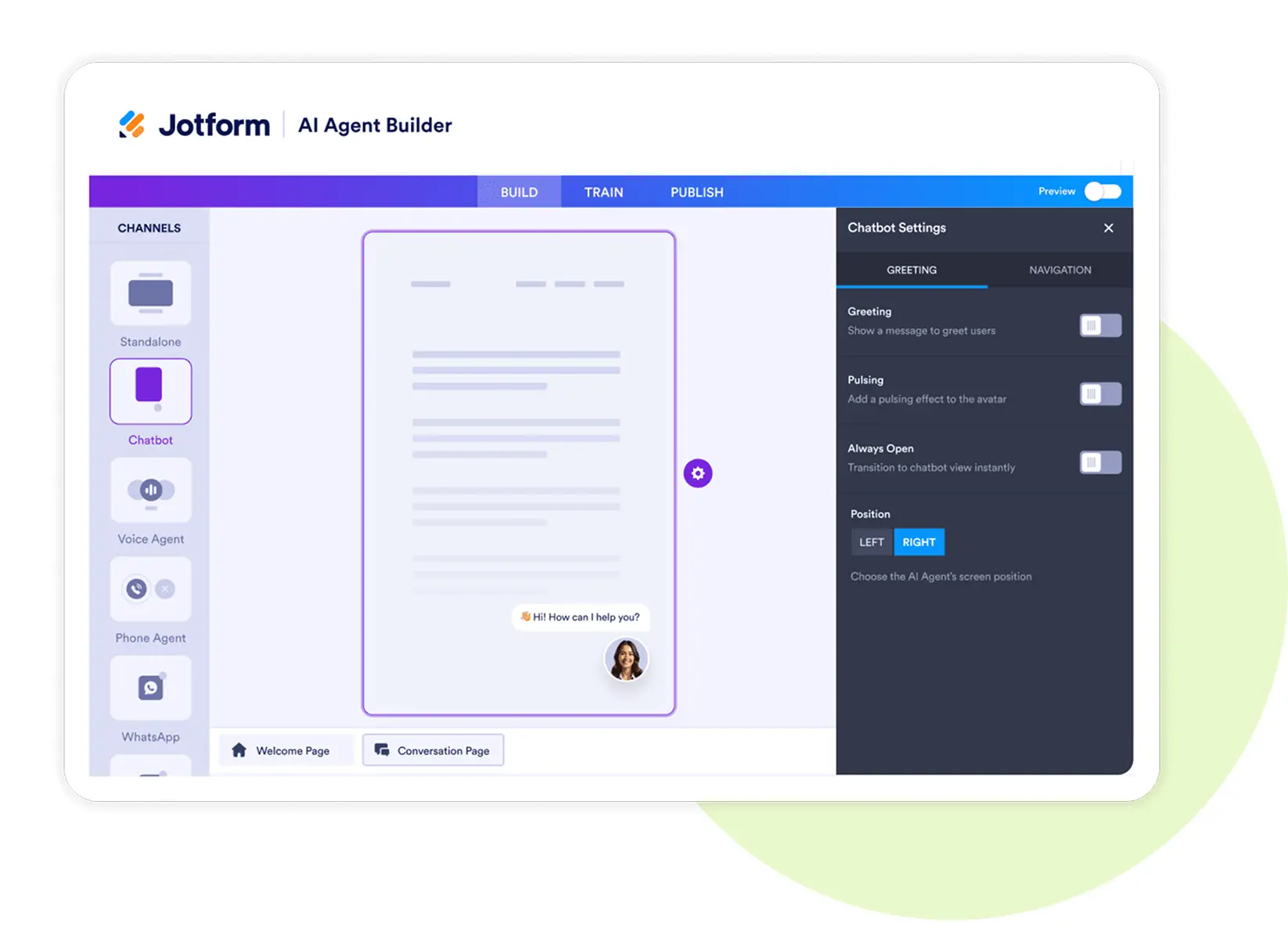
- Diagnose common issues through Q&A before scheduling.
- Help customers book appointments instantly.
- Provide troubleshooting tips or status updates.
Jotform Apps
Build a technician and customer-facing app
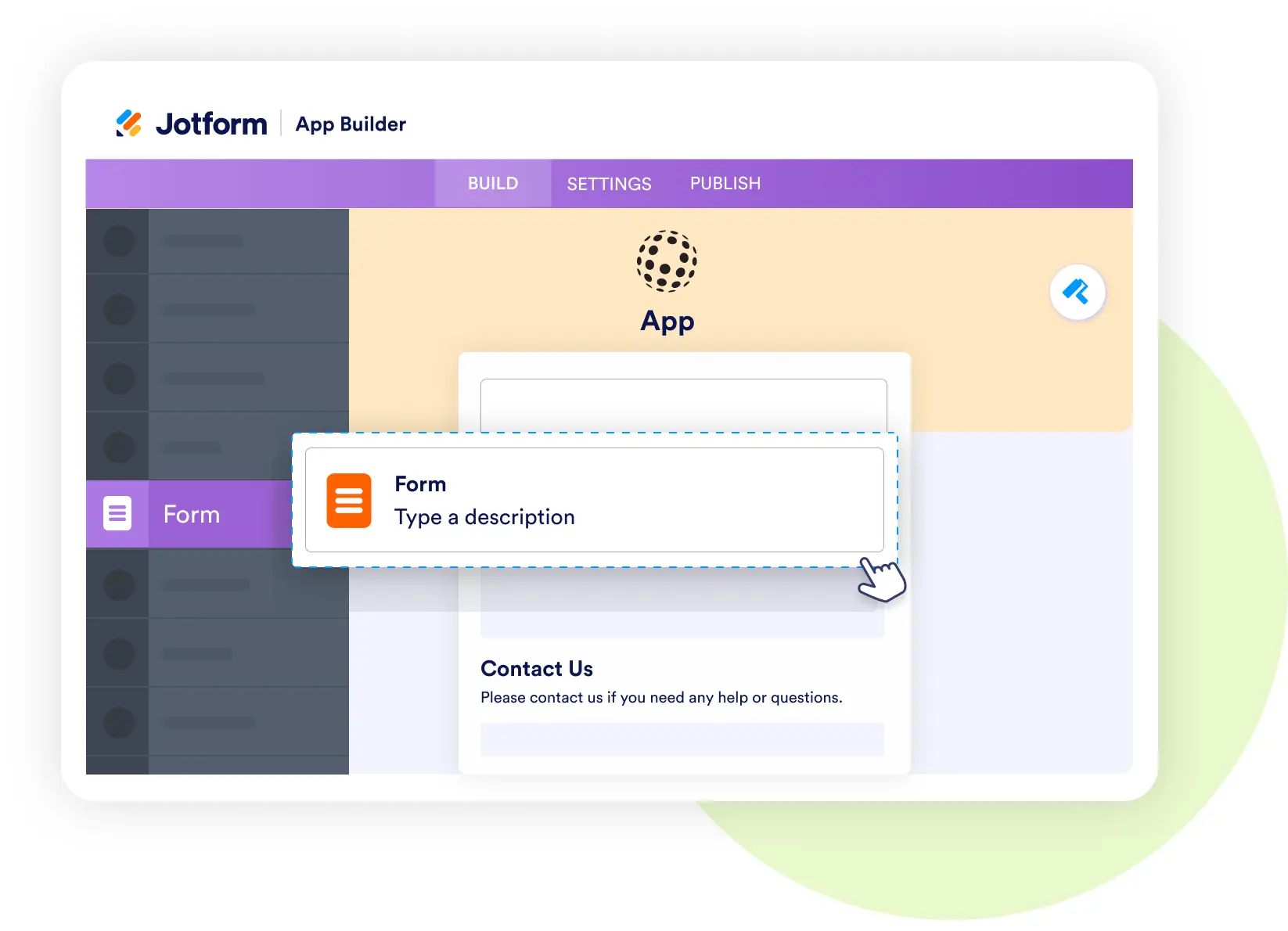
- Bundle request forms, work orders, and service updates into one app.
- Include route optimization and inventory tools for technicians.
- Allow customers to track service status and communicate with staff.
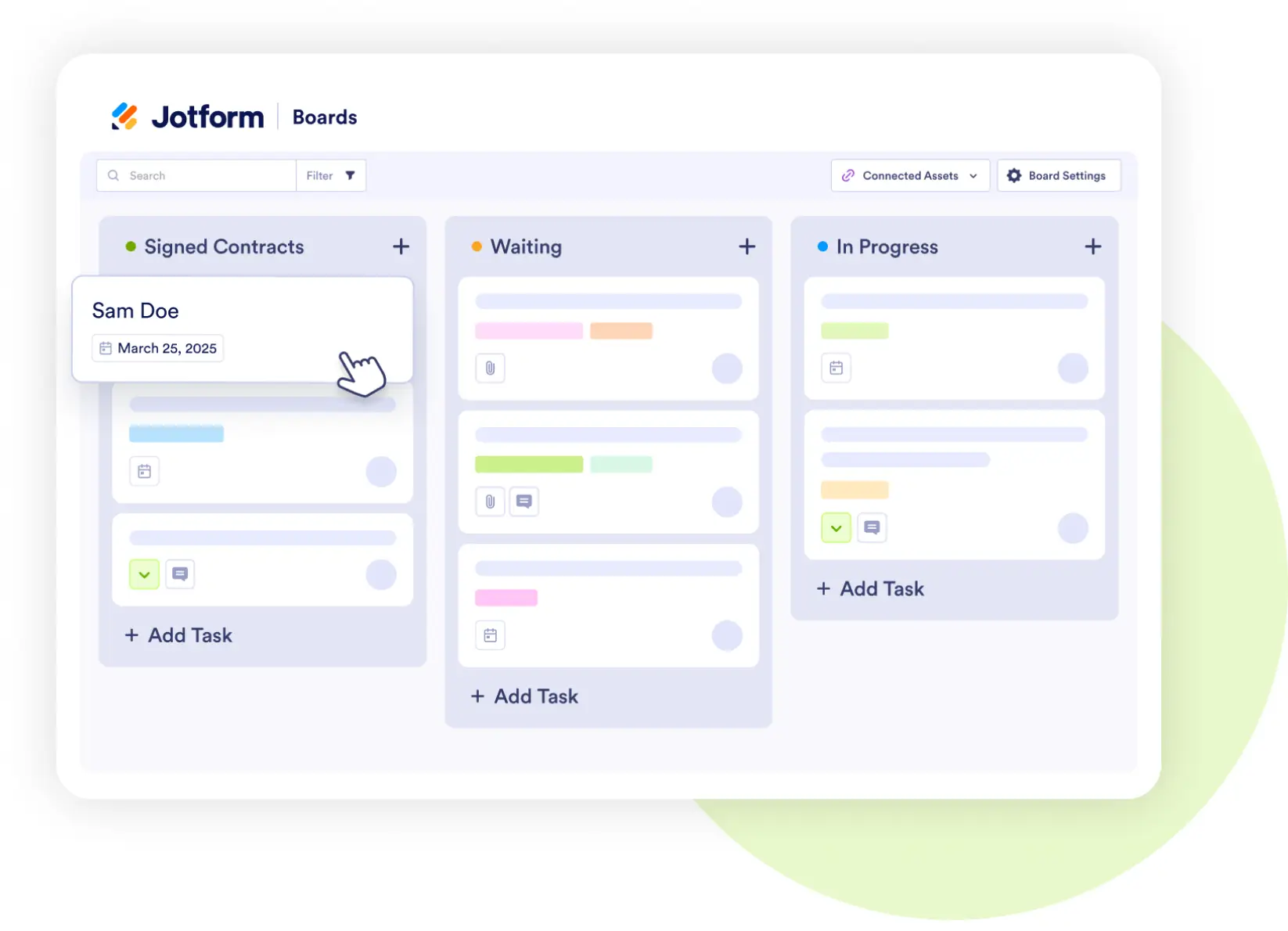
Jotform Boards
Visualize service job progress
- Track jobs through stages: Requested → Scheduled → Dispatched → In Progress → Completed.
- Assign technicians and monitor updates in real time.
- Keep dispatchers aligned with job visibility.