How to Collect Field-Trip Consent with Jotform
Jotform’s platform helps you school field trip consent by letting you collect parent consent and payments, manage rosters and chaperone details, and handle emergency alerts in one connected system. Create and collect field trip permission forms with student and contact information and organize submissions efficiently. Keep the entire field trip process secure, organized, and easy for staff and parents.
One School Field Trip Solution
Jotform brings powerful products that work school field trips workflows. Each one plays a role in making your process faster, easier, and more transparent.
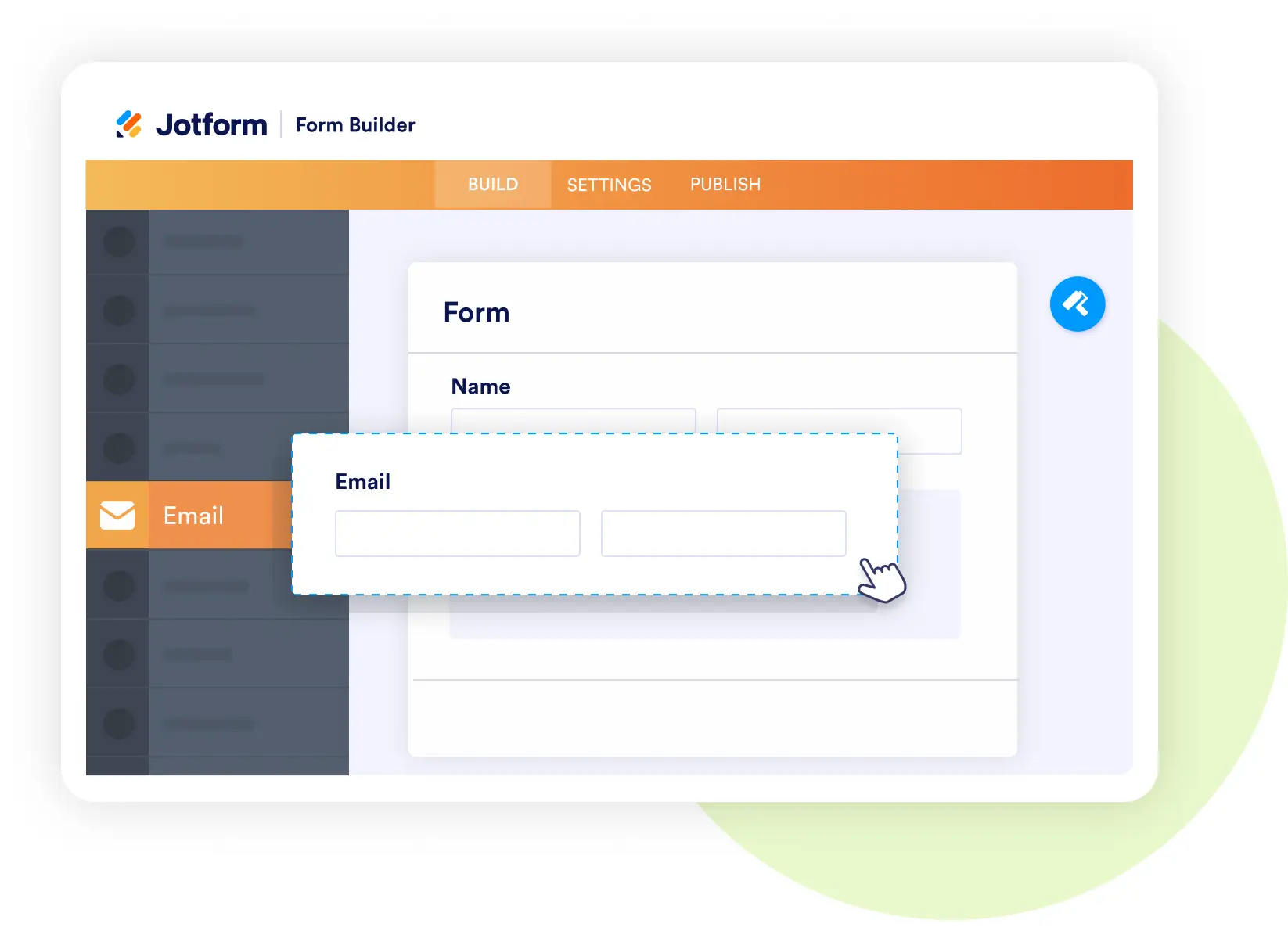
Form Builder
Collect permissions and payments easily
- Build parent consent forms with student details, trip information, and e-check payment options.
- Add sections for emergency contacts, medical information, and special requirements.
- Use conditional logic to flag allergies or health conditions.
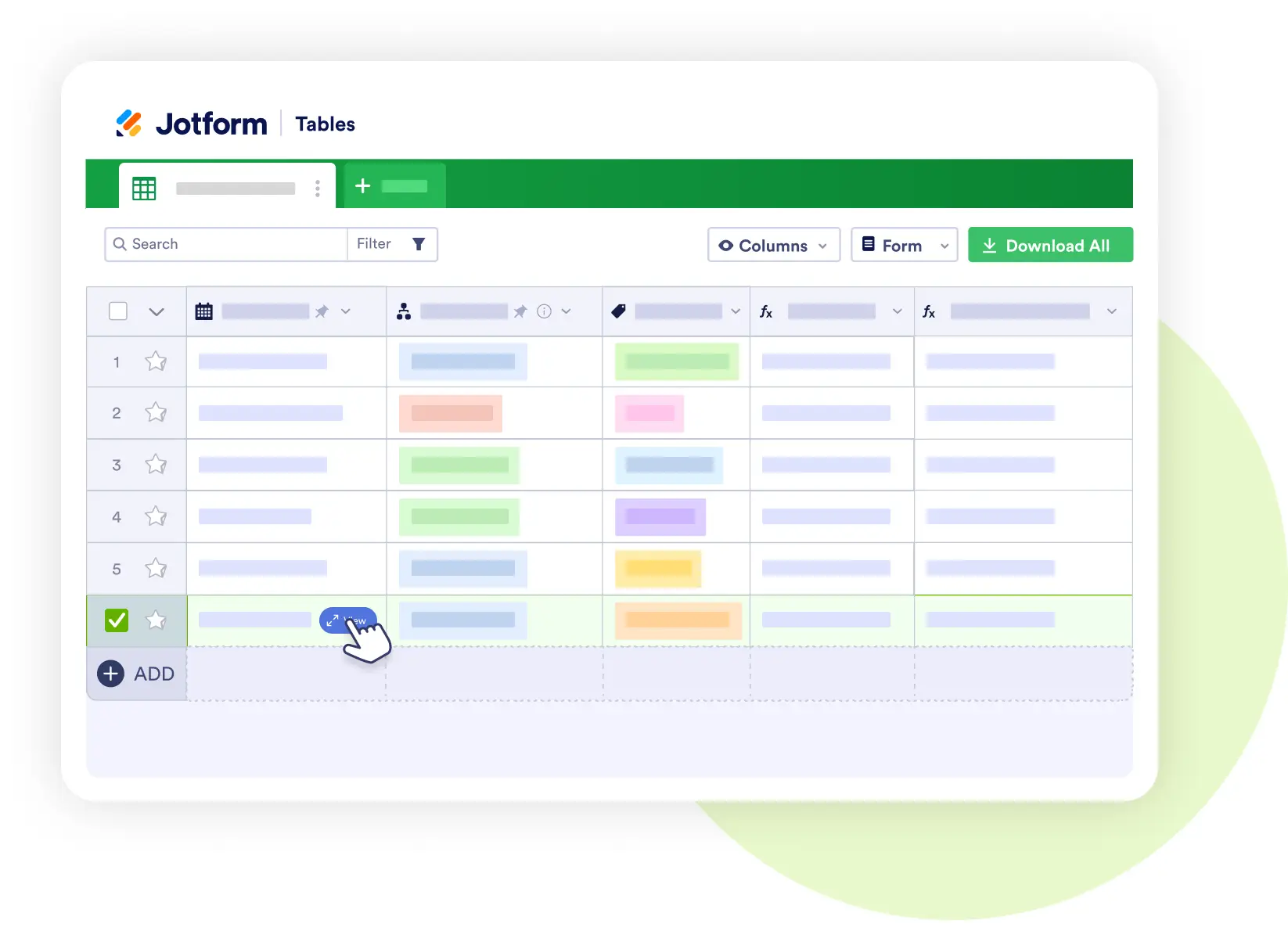
Jotform Tables
Manage rosters and logistics in one place
- Store student lists, bus seat assignments, and chaperone details.
- Track who has paid, submitted consent, or needs follow-up.
- Share filtered views with teachers, principals, or nurses.
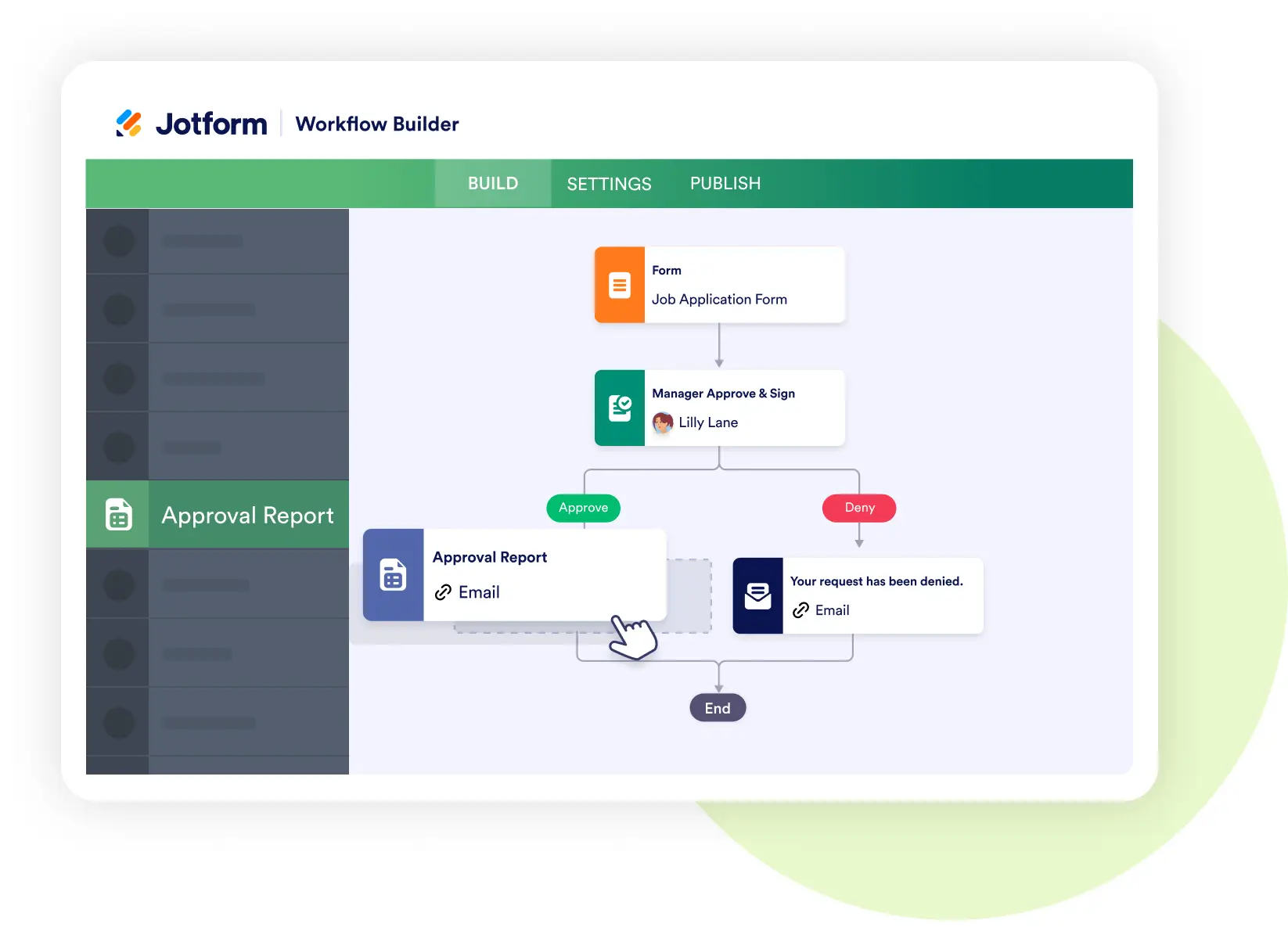
Jotform Workflows
Automate approvals and alerts
- Route flagged allergy or medical alerts directly to the school nurse.
- Trigger reminders for parents who haven’t submitted forms.
- Automate confirmations to families once consent is approved.
Jotform Sign
Secure consent and acknowledgment digitally
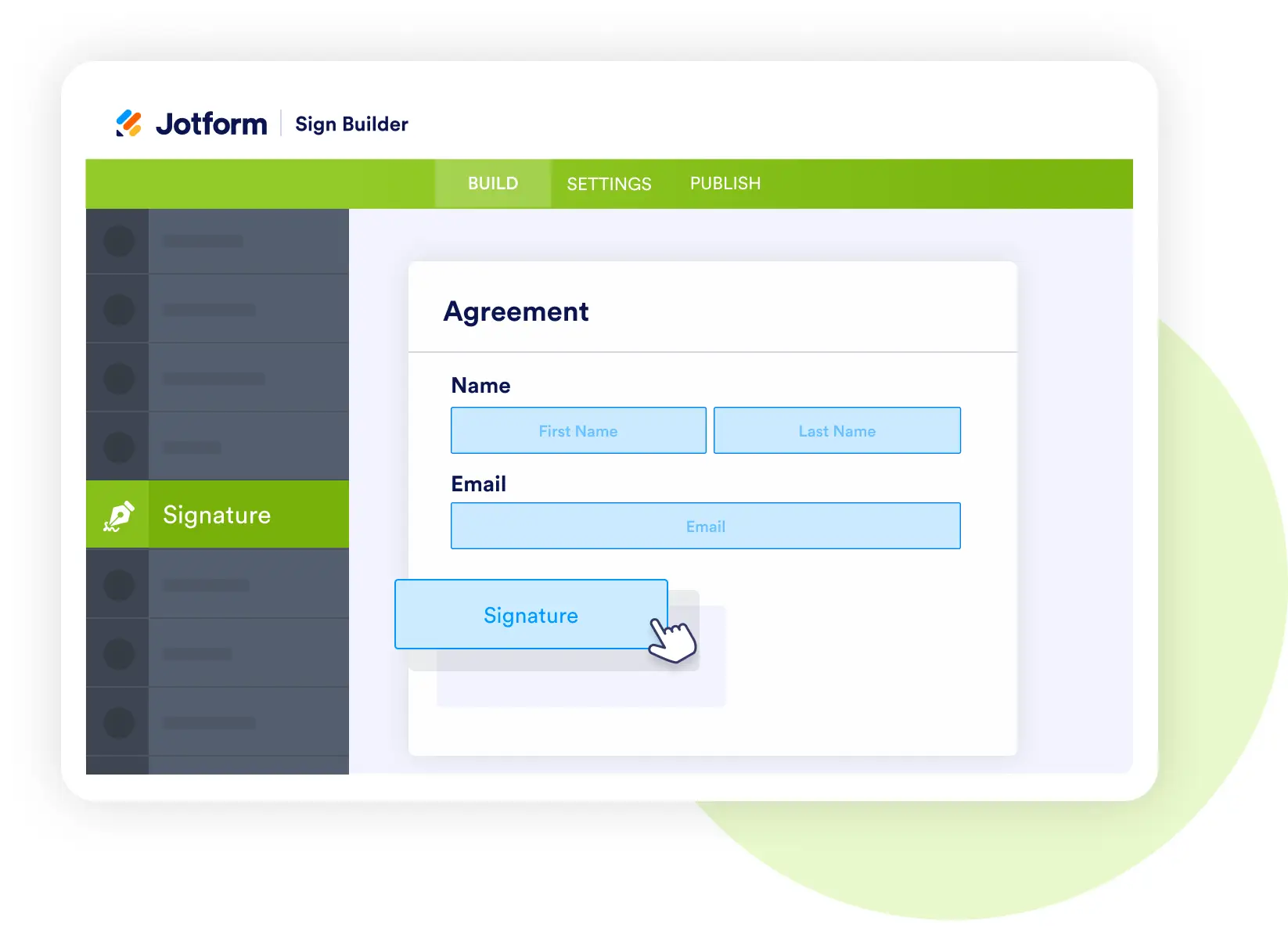
- Collect one-click e-signatures from parents and guardians.
- CC principals and staff automatically on signed forms.
- Maintain a digital record for compliance and safety.
Jotform AI Agents
Provide instant answers to parents and chaperones
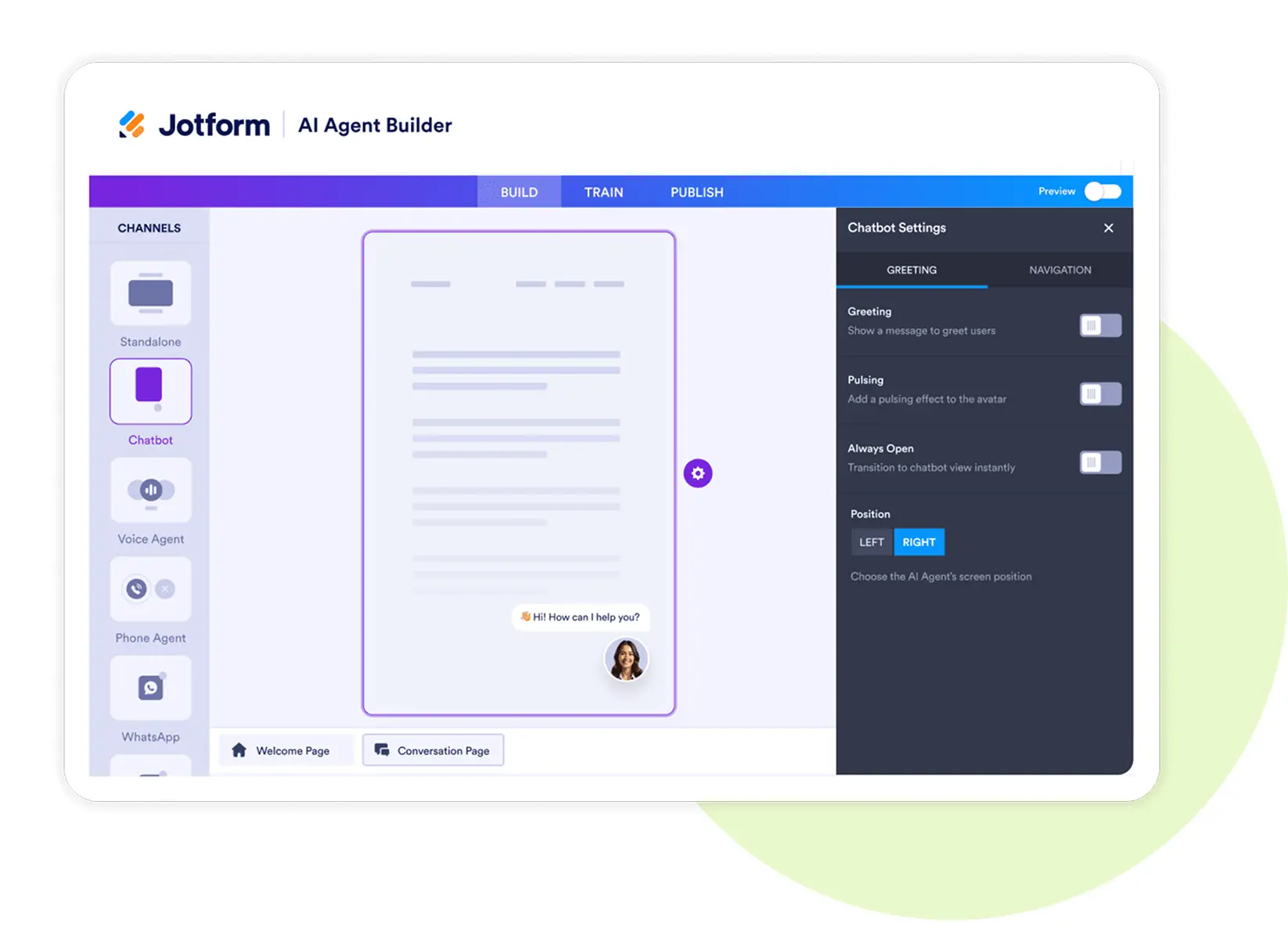
- Respond to questions about trip schedules, policies, or payments.
- Offer directions and event details in real time.
- Provide follow-up reminders before departure day.
Jotform Apps
Build a trip information app for families
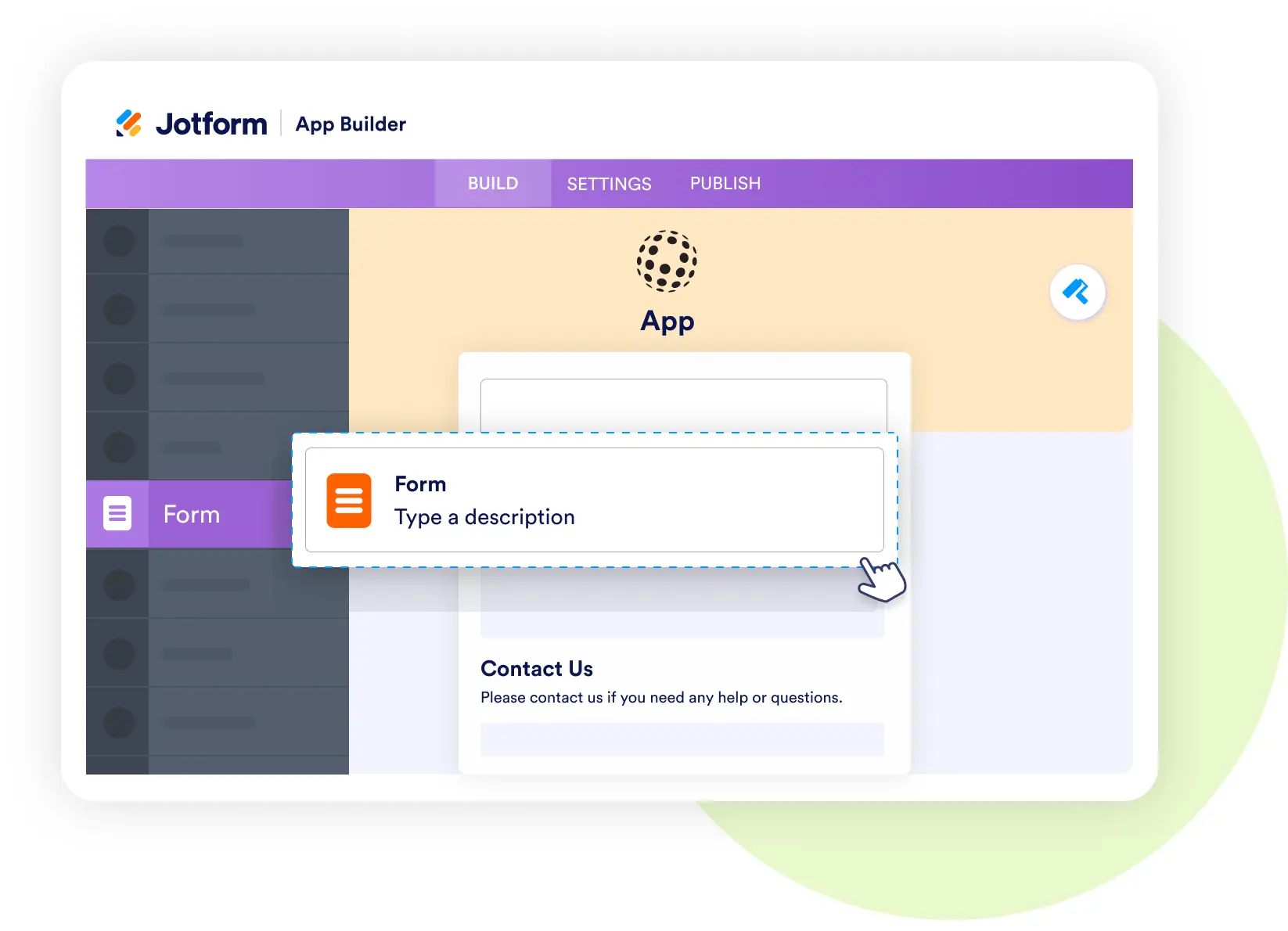
- Bundle consent forms, payment options, maps, and itineraries into one app.
- Allow parents to track trip details and access emergency contacts.
- Provide chaperones with quick mobile access to rosters.
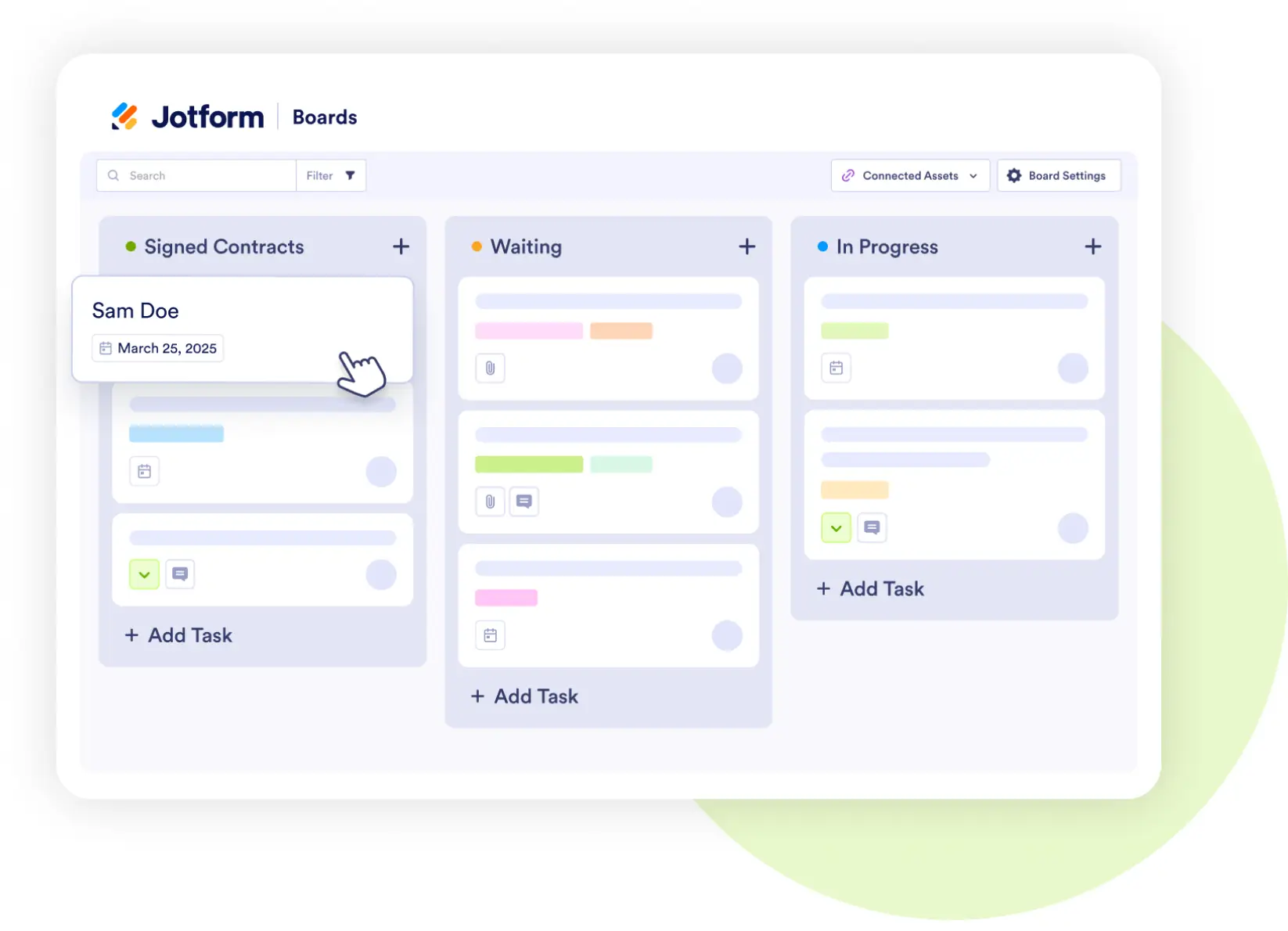
Jotform Boards
Track student permissions visually
- Move students through stages: Permission → Paid → Go.
- Assign follow-ups for pending submissions.
- Keep the entire planning team aligned.