
In today’s age of instant service, chat has become the go-to method for many customers looking to interact with brands. Tellingly, 41 percent of customers prefer live chat over methods like voice or email, while 67 percent of users prefer self-service chatbots to speaking with a live representative.
Creating the ideal chat experience comes down to using the right tools. For many, there are two go-to options for real-time chat API development: Stream and Sendbird. These software development kit (SDK) platforms are designed to help you build chat, activity feeds, and messaging tools for your business.
But while both provide the necessary tools to build a chatbot, comparing Sendbird to Stream highlights key differences between the two solutions. From setup and customization options to available integrations, it’s important to evaluate each real-time in-app chat SDK platform from all angles to determine its overall value.
Streamline your decision-making process with this Sendbird vs Stream comparison guide, where we examine top considerations and help you evaluate whether alternative Sendbird solutions or similar Stream platforms might better fit your needs.
What is Sendbird?
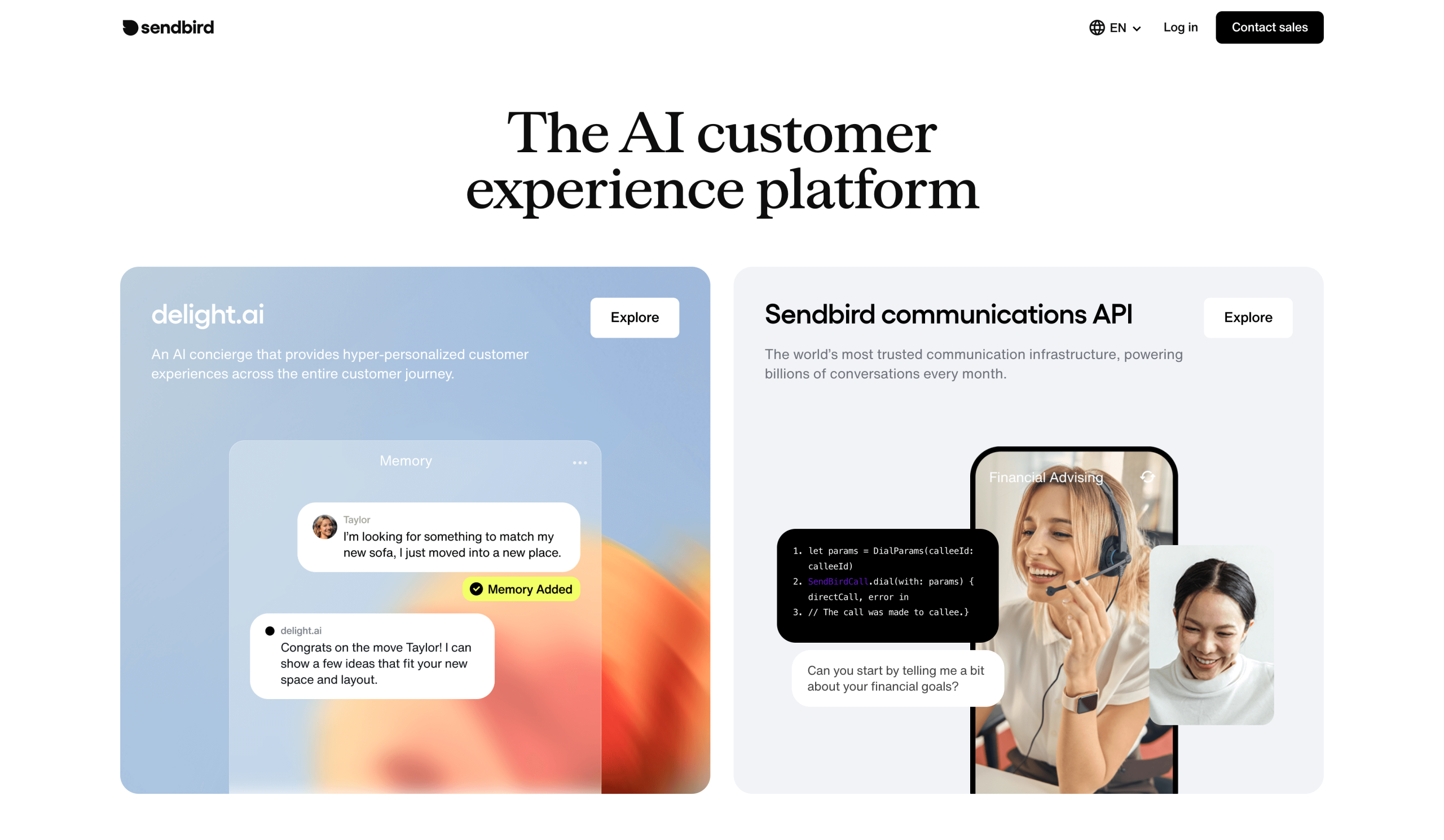
Sendbird is a real-time in-app chat SDK/API provider that lets you build your own custom chat environment and launch it on your app. Whether it’s a one-on-one chat tool, group chat, or private chat, Sendbird offers a variety of SDKs (and optional UI kits) that work with Android, iOS, web, and more to ensure your chat experience is compatible with your preferred platform.
What makes Sendbird stand out is its feature-rich platform, which offers several capabilities out of the box:
- Real-time messaging tools
- Multimedia messaging support, including voice, video, and images
- Offline messaging
- Enterprise-grade functionality
The core pros of this platform center around the diversity of capabilities this feature set offers, with benefits like
- No extra cost for added features: Without paying extra for each additional feature, you have more flexibility for how to use this tool without affecting your cost.
- Cross-platform capabilities: Whether you’re simply looking for a chat builder or a full communications stack, this solution is capable and compatible with cross-platform options.
- Large-scale structure: Assets like global infrastructure, encryption, and compliance tools make Sendbird reliable for enterprise-level operations.
However, despite some of Sendbird’s powerful capabilities, there are some downsides to keep in mind:
- Not SMB friendly: Because this tool is built to accommodate large-scale communication, it offers limited options for small businesses — not only in functionality, but also in price. Paid tiers for this tool start at 5,000 monthly active users (MAUs) but have a similar cost to other tools with a higher initial monthly user cap.
- Lack of AI and moderation features: Sendbird doesn’t offer many readily available AI or advanced moderation tools, though it does provide AI image moderation in some tiers. Beyond that, its AI functionality is reserved for its separate delight.ai concierge tool, and it offers only basic moderation features across its non-enterprise paid tiers.
What is Stream
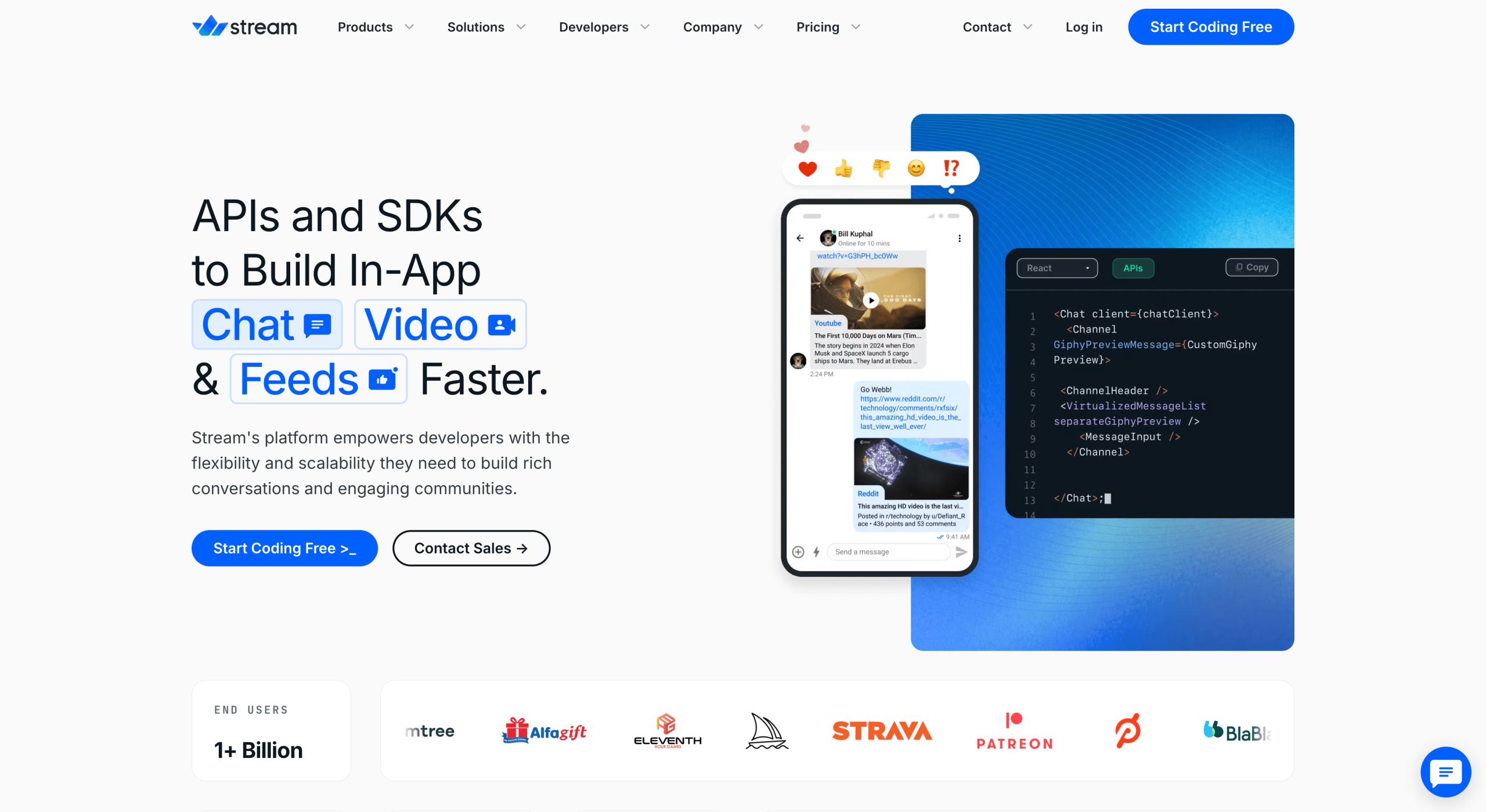
Stream is a cloud-based, scalable, and flexible chat-building platform that offers additional features like activity feeds and video calls. Stream chat API and SDK tools help users create real-time in-app messaging systems that can grow alongside your business and create rich conversations.
Even though Stream is a leaner real-time in-app chat SDK out of the box, that doesn’t mean it has less to offer. Stream’s base chat system includes an impressive depth of features:
- Built-in advanced moderation tools
- Unlimited scaling on messaging channels
- Rich messaging tools and options
- Developer-friendly SDKs, UI kits, documentation, and tutorials
This lean chat solution offers several advantages over its robust competitor, including
- Pick-and-choose features: Stream packaged its products à la carte, so you only pay for the features you need — while still offering advanced capabilities across its paid tiers.
- AI integration: Unlike Sendbird, Stream allows you to integrate AI capabilities directly into your chat framework. Stream chatbots are compatible with OpenAI, Claude, Gemini, xAI, or even your own custom large language model — so you can add AI yourself without investing in a secondary tool with less control.
- Included advanced moderation tools: Stream also offers a wider range of built-in moderation controls. Although AI moderation tools are separate from the core chat package, Stream still helps you control your chat with capabilities like a moderation dashboard, as well as mute, ban, and block user functions.
But while this developer-focused SDK model may be beneficial for some, it comes with disadvantages that could deter beginners or those looking for more out-of-the-box functionality, like
- Barriers to advanced capabilities: Tapping into some of this solution’s more advanced features requires a high level of engineering skill. The learning curve for customizing your UI, business logic, and more is steep and may prove to be a bottleneck if your team is looking for a quick implementation of an advanced solution.
- Lack of all-in pricing options: Segmented products mean you may not have access to some features you want at the base price. Additional capabilities, like activity feeds, video messaging, and AI moderation, require additional investment to access.
A no-code alternative: Jotform AI Chatbot Builder
For non-developers, the coding required to use Sendbird and Stream can be a roadblock to success. With Jotform AI Chatbot Builder, you no longer need to be a coding master to add advanced chat tools to your in-app experience. Jotform’s no-code platform lets you quickly create chatbots powered by conversational AI, ideal for support, lead capture, e-commerce, and more.
Jotform AI Chatbot Builder includes these key features:
- Drag-and-drop chatbot builder with instant AI responses
- Seamless connection to websites, forms, WordPress, and more
- Native Salesforce and CRM integrations for continuous data synchronization
- Live chat human takeover and multilingual support
Wondering exactly what a chatbot builder like Jotform is most useful for? This alternative works best for teams looking for an automated chatbot solution that doesn’t require an SDK or a developer as well as teams that want to integrate their chat tool with Salesforce seamlessly.
Thanks to the Jotform Salesforce integration, users can access a pre-built chatbot that connects to their CRM. And with the Jotform Salesforce Agent, you can get real-time updates for leads, support, and CRM data without API keys or additional software. This external chatbot engages customers on your app or website — sending clean, structured data back to Salesforce for your team to analyze. You can extend automation beyond your CRM through the use of key features like
- No-code setup
- Real-time synchronization
- Conversational workflows powered by natural language processing
- Unified Jotform ecosystem with connections to Jotform Tables, Jotform Workflows, and more
- Custom branding
- Security and scalability tools


These chatbots can be deployed instantly and are much more affordable compared to Stream or Sendbird. Jotform not only offers a free option, but also includes paid AI chat and automation tools at a fraction of the price compared to the competition.
That said, one scenario where Jotform may not be the best option among Stream, Sendbird, or other alternatives is if you need to build chat infrastructures from scratch using SDKs. If you’re looking for that capability, consider a more developer-focused solution.
Side-by-side feature breakdown
Let’s take a look at each of these tools side by side in a chat SDK comparison across key categories like focus, ease of use, AI and moderation tools, ideal user base, integrations, and pricing.
(Note: Pricing is listed based on annual rates. Both Sendbird and Stream also vary pricing based on MAUs.)
 Jotform |  Sendbird |  Stream | |
|---|---|---|---|
| Focus | No-code AI chatbot builder designed for non-developers, ease of integration, and form use | Full-feature messaging and real-time chat builder with API, SDK, and UI kits | Scalability-focused real-time chat builder with advanced moderation tools and à la carte video, audio, and activity feed options |
| Ease of use | Very user friendly; includes drag-and-drop builder, templates, and more | Developer-first platform; requires high-level expertise | Developer-first platform; requires high-level expertise |
| AI/moderation | Focus on AI over moderation tools; features advanced training, customization, and automation options for custom and pre-built AI chatbots | Offers add-on AI moderation tools or separate AI concierge solution through delight.ai | Advanced moderation tools included in all paid plans; AI moderation available as an add-on to enterprise plans; AI agents and chatbot integrations available as add-ons |
| Ideal users | Small businesses, marketers, and non-developers looking for a fast and easy in-app chatbot solution | Product and engineering teams looking for in-app custom chat-building tools | Developers building in-app chat with the need for strong moderation features |
| Integrations | Natively connects to Jotform suite and Salesforce; includes over 100 third-party integrations through Jotform | Third-party integrations typically require the use of secondary software | Internal AI integrations; external integrations require the use of APIs |
| Pricing | Free version available; paid plans range from $34 to $99 per month, depending on chatbot and conversation needs; custom enterprise pricing also available | Free trial version available; paid plans range from $349 to $1,399 per month, depending on MAUs (starting at 5k) and tier; custom enterprise pricing also available | Free trial version available; paid plans range from $399 to $2,299 per month, depending on MAUs (starting at 10k) and tier; custom enterprise pricing also available |
What you’ll notice when comparing them
When it comes to a direct Sendbird vs Stream comparison, the core difference lies between power and flexibility. Sendbird may be a more robust tool out of the box, but it lacks the adaptability that Stream offers — particularly in AI integration and moderation. However, Stream also falls short in features like multimedia messaging, which you have to pay an additional fee to access.
One area where both solutions are limited is integration with essential third-party business solutions like Salesforce. To connect Sendbird to Salesforce, you need to use Sendbird’s Salesforce Connector app — which will cost you an additional $30 per user per month to access. To connect Stream to Salesforce, you either need to use an intermediary API integration platform or perform custom development to connect using REST APIs from both platforms.
This is where Jotform can be particularly useful as a Stream and Sendbird alternative. Jotform’s native Salesforce integration instantly connects your chat tools to your CRM, enabling real-time syncing of vital business information. There’s no additional coding or API use required — simply connect and create a cohesive business environment across your tech stack.
Which product wins for whom?
Finding the solution that best fits your business all depends on your exact needs. For example, Sendbird may be your ideal chat SDK if
- You require multimedia chat functionality, including voice and video.
- You want ready-made, enterprise-grade features in a single product.
On the other hand, Stream may be your best bet if
- You want a lean, developer-focused solution that can be adapted and scaled to your preferences.
- You only need rich chat features, not additional multimedia capabilities.
Ultimately, both solutions are developer oriented. While each offers unique benefits, this technical requirement can be a hindrance for smaller teams looking to use in-app chat features. Jotform may be your ideal accessible solution if
- You want a no-code option that allows you to build a chat tool capable of Salesforce automation and more.
- You need a conversational AI solution that can handle lead generation and support independently.
- You need advanced features such as automated routing, CRM-based triggers, or AI-powered customer segmentation for a price that won’t break the bank.
Luckily, even if you’re still not sure which of these solutions is right for you, each solution offers a free version or free trial. Try them out for yourself and discover through hands-on experience which is most suitable for your needs.
Start building your messaging experience
No matter what your exact preferences are for building an in-app chat experience, there is a powerful solution to match. Both Sendbird and Stream offer advanced SDKs that let you build a practical real-time chat experience for your app. Sendbird may be better suited for enterprise-focused teams, while Stream may be ideal for teams focusing on future growth.
And no matter the size or scale of your needs, Jotform AI Chatbot Builder has tools to help. From small businesses to enterprise-level organizations, Jotform’s no-code, AI-driven chat solution offers advanced features, Salesforce integration, and results-driven capabilities that can convert everyday conversations into business success.
This article is for product managers, SaaS developers, integration specialists, and anyone who wants to compare Sendbird and Stream chat SDKs to choose the best real-time communication platform and explore how no-code tools like Jotform Salesforce Agent can simplify CRM integration.



















































































Send Comment: