
Top Julius AI alternatives
These days, organizing and visualizing your workplace data isn’t just useful for optimizing your workflows or reviewing performance. It’s critical for planning successful campaigns, managing supply chains, and performing calculations for investor meetings. Using an AI-powered workspace like Julius AI for uploading files, asking questions, generating charts, and turning datasets into key insights can be very valuable.
That said, if your business requires more structured corporate reports, an active monitoring system, live dashboards, or an AI assistant that works directly with your collected data, Julius AI may fall short. In these instances, finding alternative online solutions is necessary to meet your unique needs.
Below, we list and compare the best Julius AI alternatives for data analysis, spreadsheet creation, business intelligence (BI) copilots, form submissions, dashboards, and AI-powered reporting.
| Tool | Best for | Standout feature | Pricing |
|---|---|---|---|
 Jotform AI Data Assistant |
Small businesses, nonprofits, healthcare providers |
Organizes data with no-code prompts, pairs well with Jotform tools |
Free version, paid plans start at $34 per month |
 ChatGPT Data Analysis |
Small businesses, marketing firms, e-commerce brands |
Good general-purpose AI with a broad conceptual understanding of business and data analysis |
Free version, paid plans start at $8 per month |
 Claude |
Research firms, corporate compliance teams, healthcare organizations |
Offers in-depth analysis of your organization’s data |
Free version, paid plans start at $17 per month |
 Microsoft Power BI Copilot |
Mid-to-large enterprises, retail and e-commerce brands, manufacturing and supply chain operations |
Analyzes your data with your data models, provides better insights and communication |
Free version, paid plans start at $14 per user per month |
 Tableau Pulse |
Financial services and banking firms, large-scale manufacturing operations, enterprise tech and SaaS companies |
Proactively looks for trends in data and sends insights to users |
Paid plans start at $15 per user per month |
 ThoughtSpot Spotter |
Telecom and media businesses, SaaS and tech companies, financial services firms |
Automatically checks responses using company data, providing more reliable insights |
Paid plans start at $25 per user per month |
 Hex |
Tech-savvy teams, fintech firms, high-growth SaaS companies, AI-native startups |
Makes accurate suggestions based on existing company data |
Free version, paid plans start at $36 per editor per month |
 Polymer |
Digital marketing agencies, e-commerce brands, boutique consulting firms |
Easy to build an interactive online dashboard that provides data-driven insights |
Paid plans start at $25 per month |
1. Jotform AI Data Assistant
Why it made the list: Jotform offers great data analyst tools for turning form data into charts, tables, and filtered views.
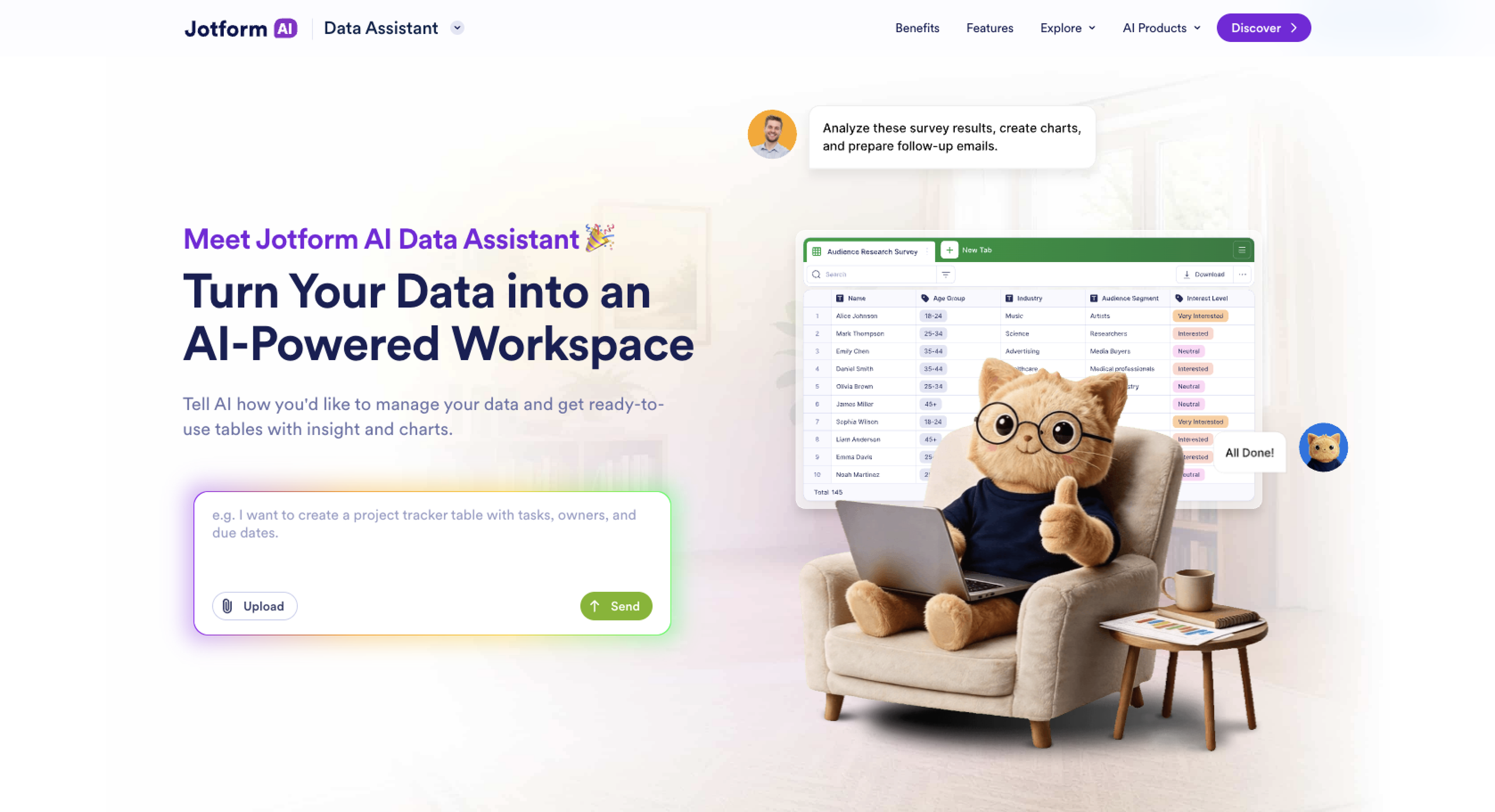
If your company uses form submissions and survey responses for data analysis, then the Jotform AI Data Assistant provides a great alternative to Julius AI. This AI-powered assistant can build everything from tables to visual summaries with company data. It’s great for analyzing survey data by categorizing feedback or filtering tables into review-ready workspaces, offering key insights and revealing which areas of your operation need attention.
Instead of hardcoding math formulas or writing code, you can organize your data with simple code-free prompts, saving time. You’ll also be able to perform bulk actions, updating or relocating your data all at once instead of modifying cells one by one.
That said, this AI tool is designed to analyze data collected through Jotform forms and stored in Jotform Tables. If your company doesn’t use Jotform and/or requires an open-ended, standalone BI or advanced relational database platform, a different tool may be more appropriate.
However, those who do use the Jotform system will find Jotform AI Data Assistant pairs well with its other tools. The AI can build dynamic grid layouts using records stored in Jotform Tables. The Jotform Report Builder transforms data into professional reports. Jotform Form Analytics helps analyze and understand customer behavior. And you can pass any AI-generated insights to Jotform Workflows where you can route customers to different workflows for better results.
Jotform pricing
Jotform AI Data Assistant is free to use, even on the Starter plan. However, the amount of data you can collect and analyze depends on your Jotform plan’s submission, storage, and other usage limits. Here’s a breakdown of Jotform’s pricing plans:
- Starter (free): 5 forms, 100 fields per form, 10 monthly payment submissions, Jotform branding
- Bronze ($34 per month, billed annually): 25 forms, 250 fields per form, 100 monthly payment submissions, no Jotform branding
- Silver ($39 per month, billed annually): 50 forms, 500 fields per form, 250 monthly payment submissions
- Gold ($99 per month, billed annually): 100 forms, 1,000 fields per form, 1,000 monthly payment submissions
- Enterprise (custom pricing): Unlimited usage, multiuser access, dedicated support, user access control
2. ChatGPT Data Analysis
Why it made the list: ChatGPT is a great general-purpose AI tool for reading and clustering large amounts of customer data into defined themes.
ChatGPT provides a general-purpose, no-code AI solution that can help analyze datasets, write executive memos, summarize findings, and draft presentation outlines. This AI assistant writes and runs Python code in a sandboxed environment, letting you clean data, run statistics, and build charts. ChatGPT also offers a broad conceptual understanding of business and data analysis when you chat with data tools, letting you add context to your findings from customer and user feedback.
On the other hand, using a general-purpose AI assistant like ChatGPT Data Analysis keeps you from enjoying the benefits of a more dedicated AI assistant like Julius AI. ChatGPT may forget uploaded context during your conversations, requiring additional prompts from you to execute data tasks correctly.
ChatGPT Data Analysis pricing
- Free: Limited Codex access, messages with uploads, image creation, voice chats, deep research, memory and context
- Go ($8 per month): Everything in Free, plus more memory, uploads, image creation, voice chats, and messages with tools
- Plus ($20 per month): Everything in Go, plus expanded messages, more complex and accurate visual generations, expanded research, more advanced reasoning models
- Pro (from $100 per month): Everything in Plus, as well as unlimited and faster image creation, maximum memory, deeper research, pro reasoning
- Business ($20 per user per month): AI for chat, coding, analysis, and workflows; secure workspace; build on company knowledge and team context
- Enterprise (custom pricing): Expanded context window for longer inputs and larger files, enterprise-level security, advanced data privacy, 24-7 support
3. Claude
Why it made the list: This AI engages in deep conceptual reasoning to provide strategic insights.
Does your AI assistant need to carefully interpret and analyze your customer data before offering insights or suggestions? Anthropic’s Claude may provide the AI solution you need. Where other AI tools emphasize speed over reasoning, Claude takes the time to examine data anomalies and carefully explain its thought process in your conversations.
This makes Claude well suited for analyzing long-form corporate surveys and detailed product feedback. You can also use Claude to analyze data from focus groups and extract subtext. It can help you decide what type of data to look for next to uncover deeper, more actionable insights.
However, Claude does come with usage limits, even on paid tiers. Factors like message length, file attachment size, model choice, and multistep tasks (like creating files or browsing websites) can all affect how long you can use Claude. Users need to be aware of how to reference relevant information in order to get the most value from the AI.
Claude pricing
- Free: Limited usage; provides memory across conversations, connections for apps and tools, ability to search the web, create files, and run code; can chat on the web, desktop, and mobile
- Pro ($17 per month, billed annually; $20 if billed monthly): Everything in the free tier, plus more usage, Claude Design, Slides, Docs, hand off and schedule tasks, more Claude models
- Max (starts at $100 per month): Everything in the Pro tier, plus higher output limits for all tasks, early access to advanced Claude features, priority access at high traffic times, 5x or 20x more usage than Pro
- Team, standard seat ($20 per seat per month, billed annually; $25 per seat per month if billed monthly): All Claude features, plus more usage than Pro; includes enterprise search across your organization, single sign-on, admin controls for remote and local connectors, Claude Science, Claude Cowork, Claude Design, Claude Slides, and Claude Docs
- Team, premium seat ($100 per seat per month, billed annually; $125 per seat per month if billed monthly): 5x more usage than standard Team seats, plus all Team features
- Enterprise ($20 per seat per month, billed annually): Usage cost scales with model and task; includes all Team plan features, plus custom data retention control, compliance API for observability and monitoring, ability for admins to set user and organization spend limits
4. Microsoft Power BI Copilot
Why it made the list: Microsoft Power BI Copilot is ideal for businesses that already use Microsoft Power BI and want AI-powered tools to generate reports and summaries within their dashboards using their own data models.
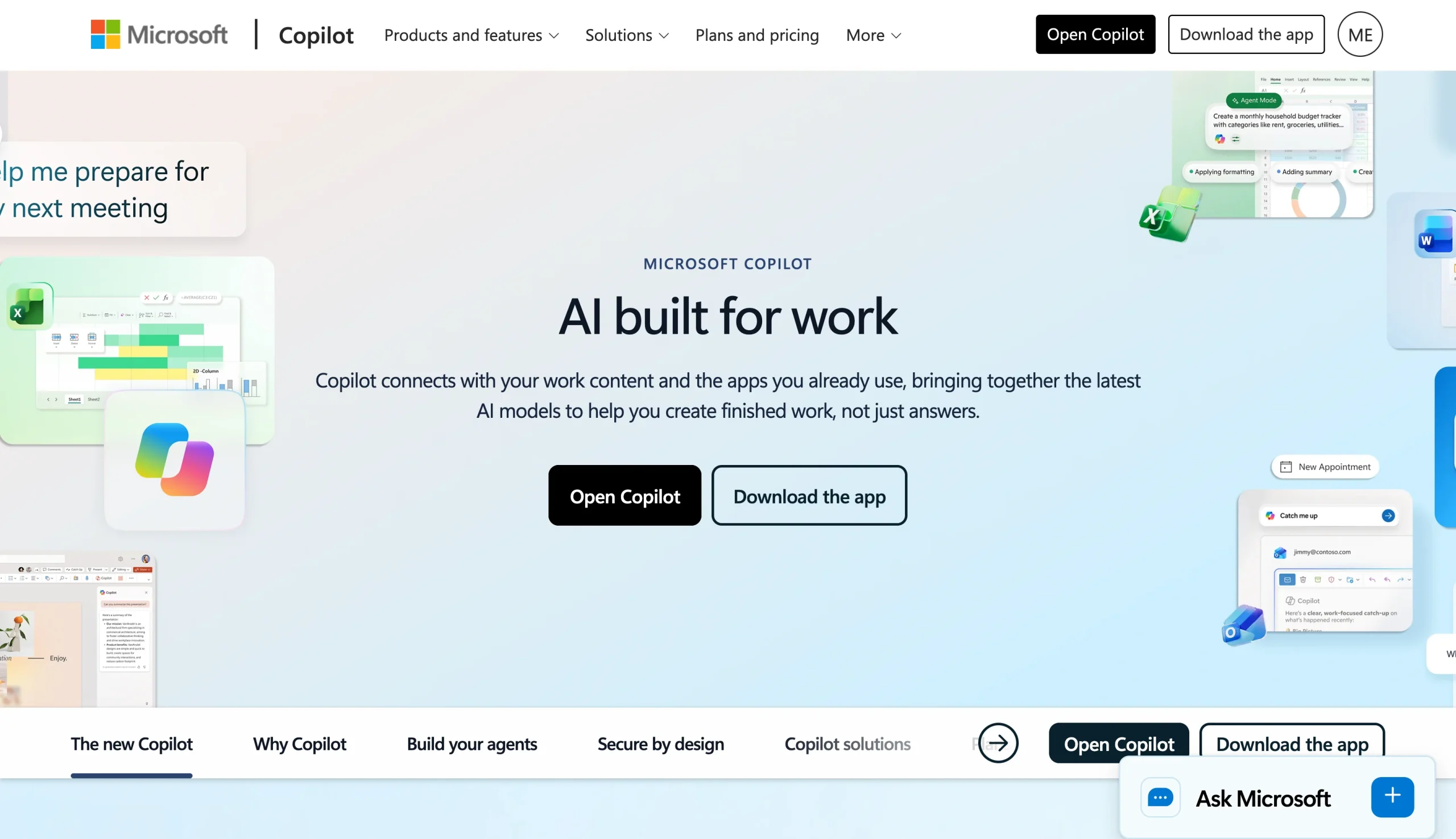
If you use the Microsoft ecosystem and need an AI data analysis tool for enterprise-level reporting and dashboard creation, the Microsoft Power BI Copilot can provide you with valuable support. Because this AI data assistant gets its information from your actual data model structure, when you ask it a question relating to your semantic model, Power BI Copilot can use that model for its answer. This provides you with up-to-date and accurate information.
It also provides the AI with better context, leading to useful insights and analysis. You can request summaries of dashboards and reports in plain language, making it easier to explain complex information and formulas like Data Analysis Expressions (DAX). Requests can also be made through natural-language prompts, eliminating many technical barriers and improving communication between departments.
However, to use BI Copilot, you need paid Fabric capacities (F2 or higher) or a Premium Per User license. This is on top of the subscription you purchase to use Copilot, which is not included on all paid tiers (such as Power BI Embedded). All this can add expenses to your AI budget, so be sure to factor in how much you’re able to spend.
Microsoft Power BI Copilot pricing
- Free: No credit card required; included in a Microsoft Fabric free account, but requires an upgrade to Pro or Premium to share reports
- Power BI Pro Plan ($14 per user per month, billed annually): Lets you publish and share Power BI reports and is included in Microsoft 365 E5 and Office 365 E5
- Power BI Premium Per User ($24 per user per month, billed annually): Includes all features in Power BI Pro, plus larger model sizes and frequent refreshes
- Fabric Capacity Reservation (custom pricing): Reserve Fabric capacity for a set period at a discounted rate, provides access to Copilot and other Fabric workloads, good for small teams and developer testing
- Fabric Capacity Pay-As-You-Go (custom pricing): Pay for Fabric capacity based on usage, offers access to Copilot when eligible capacity is running, see rules on the Microsoft Learn Fabric Capacity Reservations Guide
5. Tableau Pulse
Why it made the list: Tableau Pulse delivers AI-generated insights directly to stakeholders and users, providing immediate and regular insights without having to check a dashboard.
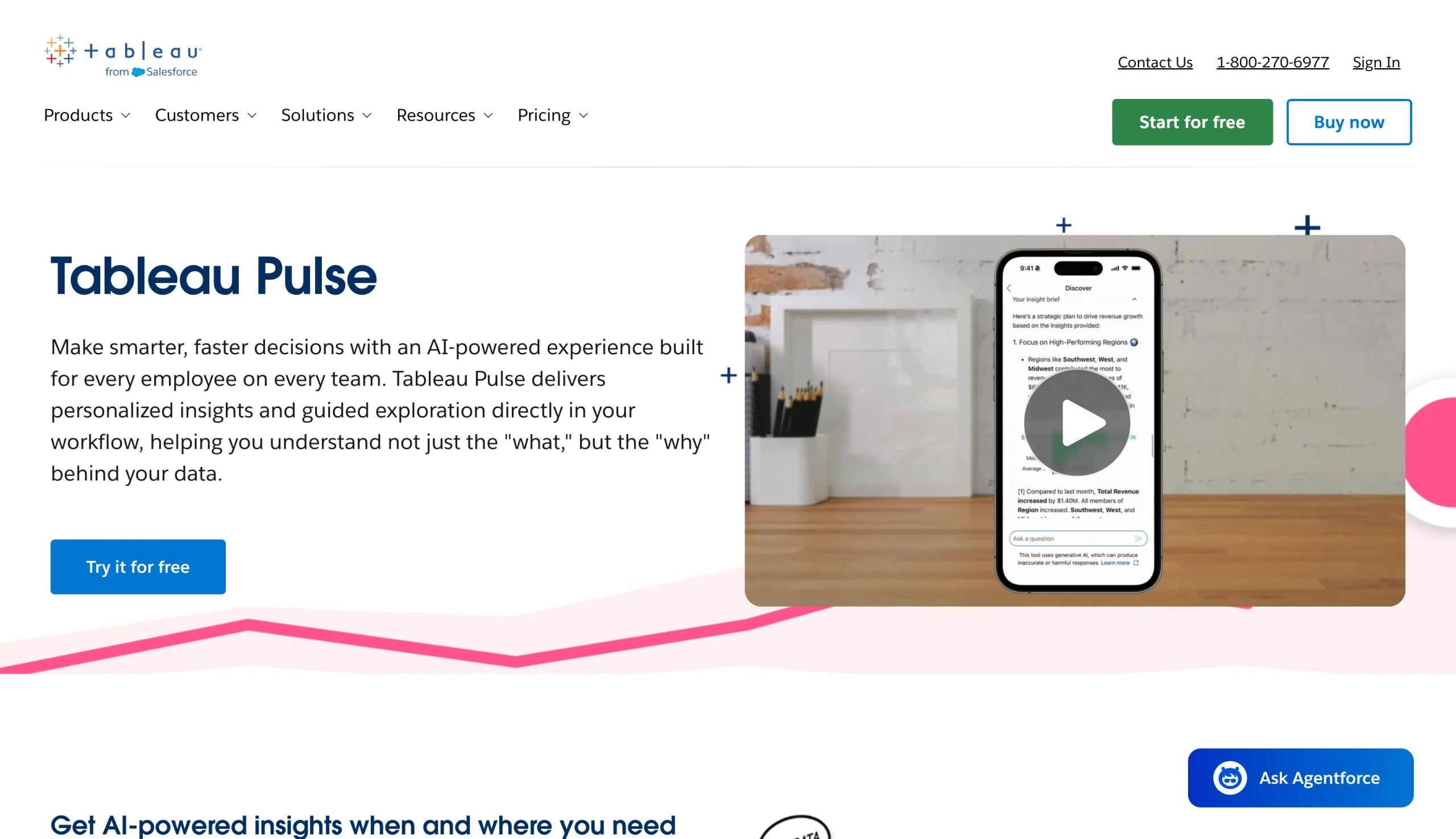
If you need an AI-powered data analyzer that proactively looks for trends in your data and flags key changes, then Tableau Pulse can provide the type of personalized insights that can benefit your workflow operations. This AI data analysis tool automatically detects drivers, trends, and outliers before translating them into easy-to-read explanations that break down the “why” behind the changing data.
This can be invaluable for stakeholders and team members who need regular updates but don’t have the time to read detailed reports. Since the insights are sent directly to Slack, Teams, or email, Tableau Pulse reduces the time users spend looking at dashboards and improves workflows. And if users have more questions, the AI assistant can help further.
However, Tableau Pulse only works within the Tableau Cloud ecosystem, so your enterprise already needs to be on Tableau for BI. Different pricing tiers also limit the level of AI data assistance you receive, so you’ll have to factor in price and functionality.
Tableau Pulse pricing
- Tableau Standard (starts at $15 per user per month, billed annually): Includes Tableau Pulse, Tableau Desktop, and Tableau Prep Builder; allows you to author, govern, and collaborate with browser-based web authoring
- Tableau Enterprise (starts at $35 per user per month, billed annually): Everything in Tableau Standard, plus Advanced Management, Data Management, 10 sites, and e-learning
- Tableau Cloud+ (custom pricing): Everything in Tableau Enterprise, plus Tableau Knowledge, Tableau Agent in Tableau Cloud and Pulse, Premier Success, 50 sites, and Release Preview Access
- Tableau+ Bundle (custom pricing): Everything in Tableau Cloud+, plus Tableau Next
6. ThoughtSpot Spotter
Why it made the list: ThoughtSpot Spotter uses your own data models to deliver instant answers based on current company numbers, providing insights that improve workflows.
As its name implies, ThoughtSpot Spotter is an enterprise-grade AI analytics agent designed to search through large datasets in your business database to “spot” information related to the natural-language questions you ask. It then reasons its way through multistep questions and checks its own analysis, delivering insightful answers grounded in your business data.
Because ThoughtSpot Spotter learns your company’s rules, definitions, and numbers from your data models, it helps prevent misunderstanding user questions. Questions are automatically broken down, assumptions get tested and rerun, and the delivered insights help users make decisions faster — bypassing the usual bottlenecks of waiting for analysts, dashboards, or follow-ups. It also integrates well with tools like Salesforce, Jira, and Slack, eliminating the need to switch between apps.
ThoughtSpot Spotter’s downside is that AI agent usage is capped at 25 queries per month per user, which limits how much your teams can get out of the system. Larger companies also need to consider higher-priced tiers to accommodate greater data usage.
ThoughtSpot Spotter pricing
- Essentials (starts at $25 per user per month, billed annually): For smaller companies with 5–50 users; AI-powered interactive dashboards, actionable insights, up to 25 million rows of data
- Pro (starts at $50 per user per month, billed annually): For companies with up to 1,000 users; 250 million rows of data, AI-powered interactive dashboards and automated insights, natural-language search and data exploration, Spotter AI Agents with 25 queries per user per month (usage plan available)
- Enterprise (custom pricing): Everything in Pro, unlimited users and data (usage plan available)
7. Hex
Why it made the list: Where other AI tools are built for non-technical business users, Hex provides unique analyst support for engineers and data scientists who want a more modern multiplayer environment to collaborate on code.
Do your teams build collaborative notebooks and apps with SQL at their core? If so, Hex offers a platform where multiple team members can write SQL and work together in real time. This improved workflow is further optimized by the Hex AI agent, which learns the layout of your company’s database to make accurate code suggestions based on official company definitions and rules.
Hex AI remembers the code blocks from collaborative notebooks, reducing confusion. You can also ask the AI questions in natural language through its conversational analytics tools, and it’ll pull information from existing semantic models, database definitions, and documentation, saving you time and offering accurate answers.
However, with a pricing model that charges a subscription fee for each editor, using Hex can become increasingly costly as your business and workforce grow. Hex is also built for technical creators like data analysts who know SQL and Python. Non-technical consumers can view dashboards created with Hex, but the data team still needs to do the heavy lifting.
Hex pricing
- Community (free): Intended for individuals working on small projects and showcasing their work; includes a Hex agent trial, ability to connect with any data source and build with all cell types, small compute
- Professional ($36 per editor per month): Intended for individuals accelerating data insights and solo workflows; includes everything in Community, plus Hex agent, standard credits, up to five published apps, 30-day version history, medium compute
- Team ($75 per editor per month): Intended for companies collaborating with data and automating manual work; includes everything in Professional, plus extended credits, unlimited published apps, visual exploration and drill down, unlimited version history, scheduled runs and alerts, shared components, shared collections, advanced compute add-ons
- Enterprise (custom pricing): Intended for organizations with advanced security, governance, and support needs; includes everything in Team, plus explorer seat add-ons, audit logs, premium credits, OAuth database connections, Observability API, OIDC SSO, Bring Your Own Key, single-tenant add-on, HIPAA add-on, embedded analytics add-on, custom Docker image add-ons, dedicated support
8. Polymer
Why it made the list: Polymer AI is ideal for helping non-technical users turn their spreadsheets into dashboards for better data visualization.
If you’re a small company with non-technical staff, Polymer can offer an easy way to build customizable dashboards in minutes without any coding or design skills. Using the drag-and-drop dashboard builder and over 20 dashboard templates, you can turn your spreadsheets into data visualizations. The AI spreadsheet analysis tools do the work, letting you visualize and update your data in real time by accessing the platforms you use.
Beyond creating dashboards, Polymer AI dashboard tools also help you extract insights from the data. You can ask the AI natural-language questions and have it offer immediate evaluations. You can also use dimensions and filters to build custom metrics and ask for more in-depth responses, such as segment breakdowns on your campaigns or trends in product sales.
That said, since Polymer AI was built to help with spreadsheet visualizations, it can fall short if you need it to perform complex data modeling tasks or advanced statistical analysis. You also need to manually upload your data or connect to an existing database to assist in data collection.
Polymer pricing
- Starter ($25 per month, billed annually): Limited to one editor and one account per data connector; all data connectors (Shopify plus $3 per month per store), automatic daily data syncing and 10 Polymer AI chat responses, one custom template with custom branding and metrics, help desk support
- Pro ($50 per month, billed annually): Limited to one editor and five accounts per data connector; all data connectors (Shopify plus $3 per month per store), automatic hourly data syncing and 20 Polymer AI chat responses, five custom templates with custom branding and metrics, email support
- Teams ($125 per month, billed annually): Three editors and 15 accounts per data connector; all data connectors (Shopify plus $3 per month per store), automatic hourly data syncing and 30 Polymer AI chat responses, unlimited custom templates with custom branding and metrics, Slack channel support
- Enterprise (custom pricing): API access, unlimited AI chat, real-time data syncing, larger file limits, additional features
How to choose the best Julius AI alternative
With so many Julius AI competitors out there, selecting the right AI data analysis tool for your company depends largely on your business needs and pain points. While pricing is certainly a factor, knowing how familiar your teams are with different digital ecosystems and the technical expertise required to use them effectively are also important things to consider. Use the following breakdown to help make your decision:
- Choose Hex if: You need a code-first collaborative data science workspace.
- Choose Polymer if: You need an affordable, no-code assistant for small teams seeking non-technical solutions for data visualization.
- Choose Jotform, Microsoft Power BI Copilot, ThoughtSpot Spotter, or Tableau Pulse if: You already do data collection through their systems and want an AI data analyst that uses your own database to generate context-based business insights.
- Choose ChatGPT or Claude if: You need a more general-purpose AI tool for handling routine work tasks.
If your company already uses or is interested in using tools from the Jotform ecosystem, consider trying the Jotform AI Data Assistant. This AI-powered solution quickly organizes your company data through no-code prompts and pairs well with other Jotform tools to optimize your workflows. Explore Jotform’s popular array of no-code tools to see how you can improve operations today.
FAQs about Julius AI alternatives
Yes, many AI data analysis solutions provide free tiers with basic features. However, depending on your unique needs, you may want to pay for additional services to provide your employees and investors with the right level of support. Examine the type of extra tools you receive with each free or paid tier and remember that you can always scale up.
Yes, Julius AI, ChatGPT, and Claude all offer AI tools for CSV and Excel analysis — letting you upload these file formats to generate statistical models and charts. You can also upload CSV files or Excel spreadsheets into form records for the Jotform system and let the Jotform AI Data Assistant summarize, analyze, filter, or build charts from the form data.
Absolutely. The Jotform AI Data Assistant is natively integrated with Jotform Tables and Jotform Inbox, allowing it to access and analyze form submission data without any complex manual setup. It can then extract key points from the forms, convert data into charts, or calculate dynamic statistics from plain-language questions about the form submissions.
This article is for analysts, marketers, researchers, operations teams, founders, students, and business users who like Julius AI’s chat-with-your-data workflow but want a better fit for form submissions, spreadsheets, dashboards, BI workflows, team collaboration, pricing, or repeatable reporting.




































Send Comment: