
The After-Hours Safety Guide App gives employees, contractors, facilities teams, and site managers a central resource for handling safety concerns outside regular operating hours. It presents step-by-step safety checks, makes essential guidance easy to browse, and provides direct access to a safety report form. Organizations can use this app template to help people review expected procedures before working alone, closing a location, inspecting a site, or responding to a nonurgent issue. Keeping instructions and reporting access together reduces uncertainty, encourages consistent actions, and helps managers collect information for timely follow-up.
Jotform Apps makes it easy to adapt the After-Hours Safety Guide App without coding. Using the drag-and-drop app builder, teams can update pages, cards, buttons, and visual elements to match their locations, policies, and branding. Linked forms support data collection, while connected tables, notifications, approvals, and other workflow tools can help route reports to the appropriate team. This ready-to-use option from Jotform App Templates can be published for mobile-friendly self-service access and shared through a direct link, QR code, or embedded experience.
Related templates
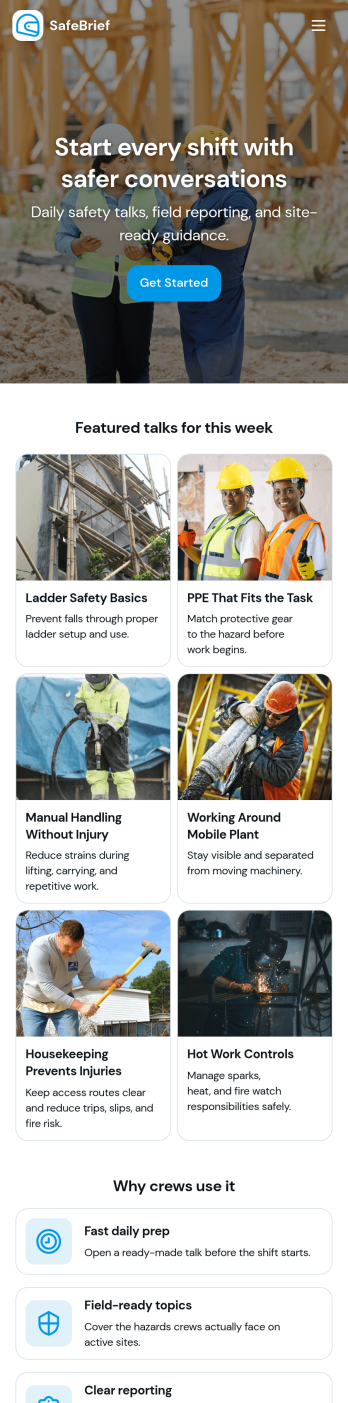
Toolbox Talks App
Toolbox Talks App helps safety leads and site supervisors run consistent pre-task briefings, keep a ready-to-use talk library, and gather participation details in one place. Use it to launch a talk for the day, guide crews through key points, and keep everyone aligned on hazards, procedures, and expectations before work begins. With dedicated areas for running a talk, tracking attendance, and collecting feedback, it fits construction crews, maintenance teams, field service groups, warehouses, and any operation that relies on frequent safety conversations.Built with Jotform, this app template gives you a practical way to support self-service access to talks and simple data collection without code. Customize pages and cards with a drag-and-drop interface, connect the app to your existing Jotform forms for attendance and feedback, and keep information organized for ongoing workflows. Share the app by link or QR code so teams can open it on the jobsite, record participation, and submit notes while the conversation is still fresh.
Go to Category:Checklist Apps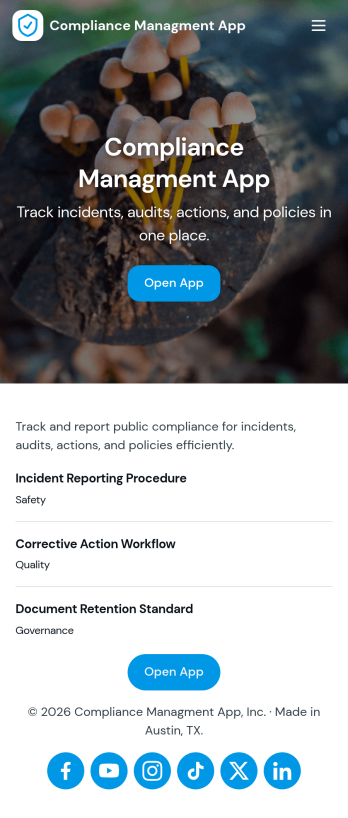
Compliance Managment App
Compliance Managment App brings your day-to-day compliance work into one place so teams can keep controls visible, document what happened, and stay ready for reviews. It’s built for operations leaders, IT and security teams, HR, and managers who need a practical way to organize controls, report incidents as they occur, log audits, and maintain supporting documents without hunting across folders or email threads.With Jotform you can turn this app template into a branded self-service workspace using a drag-and-drop interface and a no-code app builder. Connect the app to forms and tables to support ongoing data collection, route key steps through a workflow, and keep updates consistent across controls, incidents, audits, and documents. Share it with internal stakeholders through a link, tailor pages to your process, and keep information easy to access on any device.
Go to Category:Information Technology Apps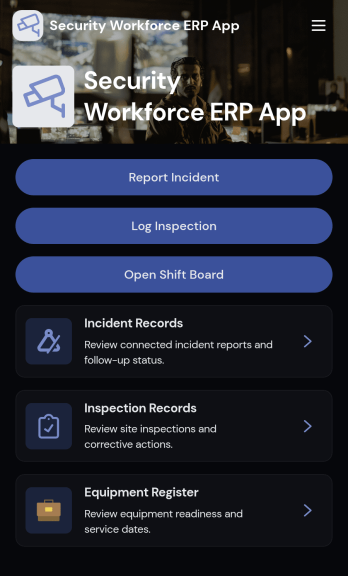
Security Workforce ERP App
Security Workforce ERP App brings your guard force and site operations into one place so supervisors can add workforce records, set up security sites, record shift coverage, and capture incident reports without juggling spreadsheets or scattered messages. It’s built for security companies, contract guarding teams, and in-house security departments that need a dependable way to keep rosters current, track who covered which shift, and document incidents with clear details for follow-up and review.Jotform makes it easy to turn these everyday workflows into a polished, shareable experience with App Templates you can customize in minutes. Using Jotform’s no-code app builder and drag-and-drop interface, you can organize pages for workforce, coverage, sites, and incidents, connect forms for data collection, and keep your workflow moving with a self-service hub that works on any device. As records grow, you can continue adapting the app to match how your team schedules, responds, and reports in the field.
Go to Category:Operations & Logistics Portal Apps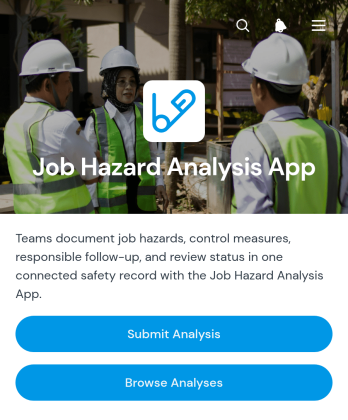
Job Hazard Analysis App
The Job Hazard Analysis App provides safety managers, supervisors, contractors, and field teams with a central place to document job risks before work begins. Users can submit a new analysis, browse previous analyses, and review key information about identified hazards and control measures. Follow-up details, responsible personnel, and review status help teams maintain clear ownership after an assessment is recorded. This app template is useful for construction sites, warehouses, maintenance operations, manufacturing facilities, and other workplaces where tasks need to be evaluated consistently. It supports better preparation, creates accessible records, and gives workers and managers a shared reference for safer task planning.Jotform makes it easy to adapt this app to an organization’s existing safety workflow without coding. The drag-and-drop app builder can be used to update pages, adjust navigation, apply workplace branding, and connect forms with tables, approvals, notifications, and other processes. Teams can organize data collection and self-service access in one mobile-friendly experience, then share the app through a direct link or QR code. Starting with ready-made app templates also reduces setup time while leaving room to tailor questions, control-measure records, and review steps to different roles, locations, or types of work.
Go to Category:Safety and Compliance Apps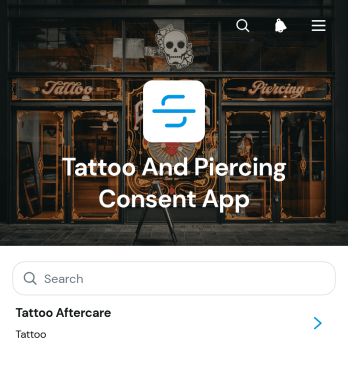
Tattoo And Piercing Consent App
The Tattoo And Piercing Consent App is a ready-to-use digital space for studios that need to collect client consent before tattoo and piercing appointments. Tattoo artists, piercers, reception teams, and studio managers can use it to guide clients through consent completion, review submitted records, and provide relevant aftercare information. Health disclosures, appointment details, contact information, and aftercare acknowledgments stay connected in one organized experience. This helps studios replace scattered paperwork, prepare staff before each service, maintain clearer records, and give clients convenient access to care guidance after their appointment.Jotform makes this app template easy to adapt with a no-code app builder and a flexible drag-and-drop interface. Studios can update pages, adjust branding, organize resource navigation, and connect forms or tables to support their preferred workflow. The app can be shared through a direct link or QR code, giving clients a mobile-friendly self-service option while helping staff manage data collection from one location. Jotform App Templates also make it simple to publish updates as procedures, consent questions, or aftercare resources change, without rebuilding the experience from the beginning.
Go to Category:Salon Apps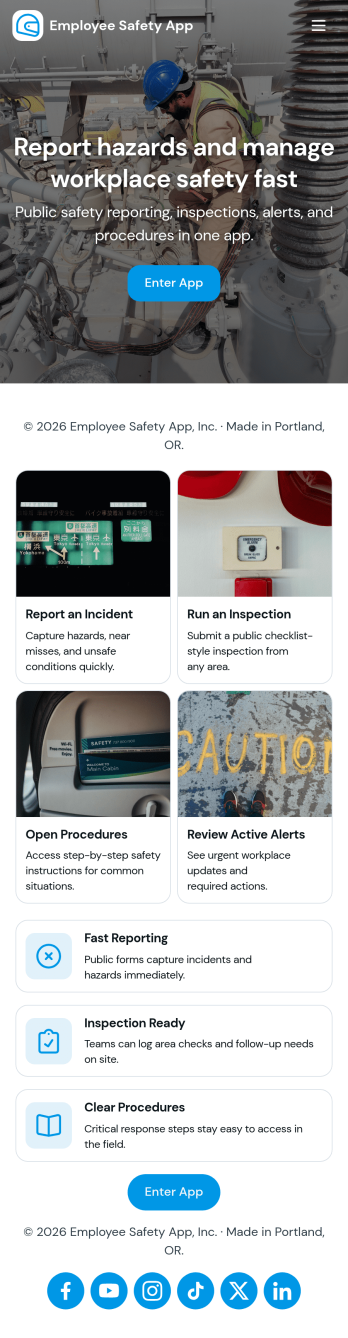
Employee Safety App
Employee Safety App brings key workplace safety actions into one place so teams can report incidents, run safety checks, and review logged issues without hunting for the right link or paper form. It fits companies with distributed crews, warehouses, job sites, clinics, or offices that want a consistent way to capture what happened, where it happened, and what immediate action was taken. Built-in navigation makes it easy to jump from reporting to an incident list, and the app can also surface quick emergency and safety lead contact options when time matters.With Jotform, you can turn this employee safety app template into a branded self-service experience using a no-code app builder and a drag-and-drop interface. Connect the app to your incident and safety check forms for reliable data collection, route updates through the right workflow, and keep records organized in one system for follow-up, training, and continuous improvement. Share the app by link or QR code so employees can access it on the go, then refine pages and content as your safety processes evolve.
Go to Category:HR Portal Apps