
The Agricultural Water Conservation App is an app template for farms, agricultural operations, field advisors, conservation teams, and irrigation specialists seeking a clearer view of water use and improvement efforts. Users can submit water assessments, review conservation opportunities, log practices, and browse educational resources from one accessible location. Recorded details such as acreage, water source, estimated use, implementation status, and projected savings help teams compare needs and document progress over time. By bringing field observations and practice records together, the app supports informed planning, more consistent data collection, and shared accountability across agricultural operations.
Jotform makes this App Template easy to adapt with a no-code app builder and a flexible drag-and-drop interface. Add branded pages, reorganize navigation, update resource links, or connect forms and tables to match an existing workflow without writing code. Teams can publish the app for mobile-friendly access and share it through a direct link or QR code, giving staff and advisors a convenient self-service destination in the field or office. Automated notifications and connected records can also help stakeholders respond to new assessments and monitor ongoing conservation work.
Related templates

Maintenance Work Order Management App
Maintenance Work Order Management App helps teams receive, organize, and follow up on maintenance requests in one place, from new issues reported by staff to repairs assigned to technicians. It’s built for facilities teams, property managers, operations leaders, and service organizations that need a clearer way to route requests, review details by work order, and keep everyone aligned on what’s being worked on. With quick navigation to submit a new work order, browse all requests, and open a maintenance dashboard, the app supports faster intake, better visibility, and more consistent handoffs across locations, buildings, and assets.Jotform makes it simple to create and publish app templates like this with a no-code app builder and a drag-and-drop interface, so you can match the experience to your workflow without developer help. Connect the app to your work order form and keep records organized for ongoing data collection, updates, and internal self-service. As your process evolves, you can adjust pages, refine what users see, and share the app through a link or QR code to make maintenance reporting and coordination easier for everyone involved.
Go to Category:Equipment Maintenance Software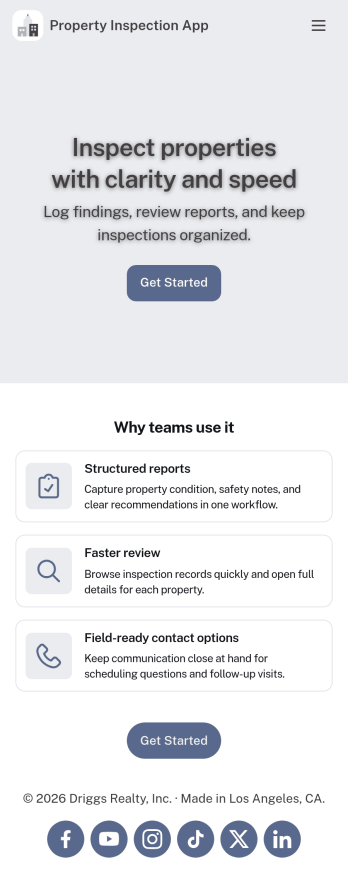
Property Inspection App
A property inspection app makes it easy for property inspectors and contractors to record and submit reports from any device. Build your own Property Inspection App without any coding using our free, fully-customizable template. This ready-to-use app comes with an online Rental Inspection Report Form that can be easily filled out from your smartphone or tablet. Submitted inspection reports and repair requests will be stored in your secure Jotform account, ready to view, download, and share.Customize your Property Inspection App without any coding. Simply drag and drop to add other report forms, embed links to other websites, upload branding elements, and change app settings such as name and icon. When it’s ready to use, you can download it onto your favorite device for easy access and share it with others via app link. Make it easier to identify, record, and solve issues in a rental property or building with an easy-to-use and fully-customizable Property Inspection App in hand.
Go to Category:Home Inspection Apps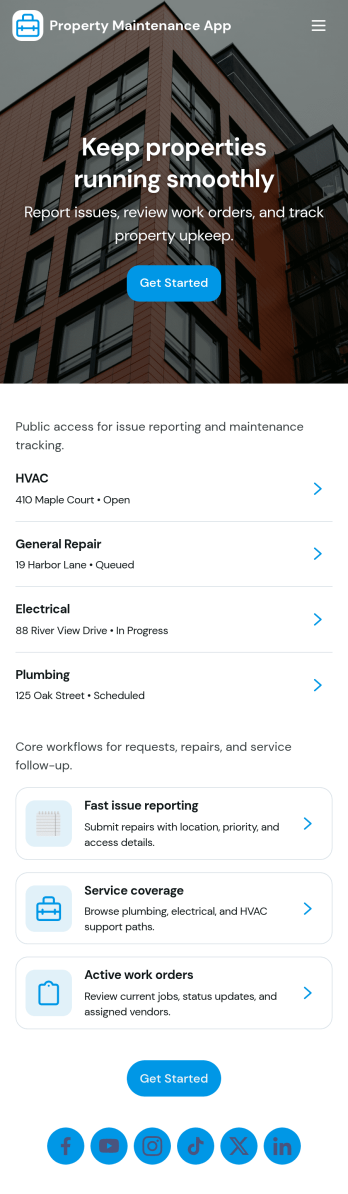
Property Maintenance App
Property Maintenance App gives teams a clear place to log maintenance issues, route them to the right property, and keep work moving without losing context. It’s a practical fit for property managers, landlords, HOAs, and service coordinators who handle recurring repairs across multiple locations and need an easy way to capture new requests, review properties, and follow what’s already been reported.Built with Jotform, this app template brings together self-service request intake and ongoing request visibility in one mobile-friendly experience. Using Jotform’s no-code app builder and drag-and-drop interface, you can tailor pages for your process, connect requests to your data collection, and centralize updates so your maintenance workflow stays organized as volume grows.
Go to Category:Equipment Maintenance Software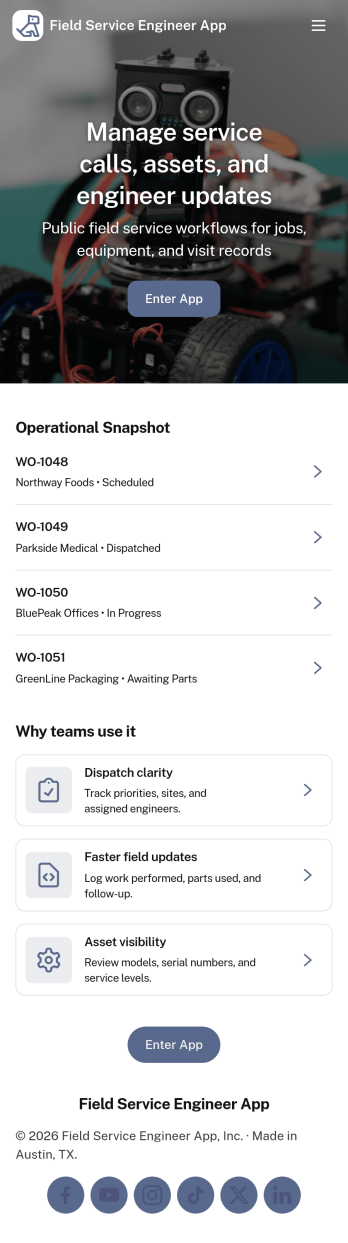
Field Service Engineer App
Field Service Engineer App helps field engineers manage daily site work by organizing today’s jobs, keeping work orders easy to browse, and providing a clear path to close out completed jobs. It’s a practical fit for service and maintenance teams, engineering contractors, and operations groups that need a simple way for technicians to check what’s next, open a job to review details, and finish work in the field without digging through messages or paperwork.With Jotform, you can turn this app template into a branded, self-service experience for your team using a no-code app builder and a drag-and-drop interface. Connect job closeout to a form for consistent data collection, keep work order records organized, and refine the workflow as your processes evolve, then share the app with a link or QR code so engineers can access it on any device.
Go to Category:Engineering Apps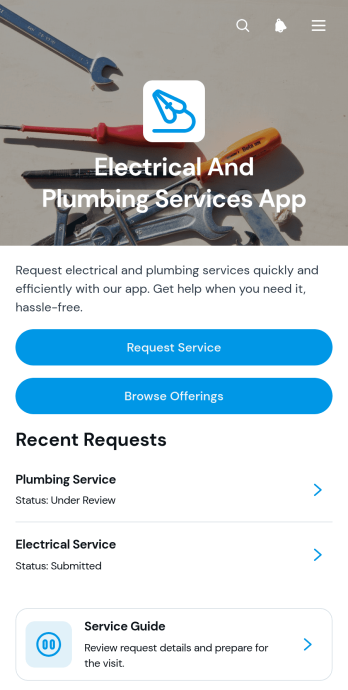
Electrical And Plumbing Services App
Electrical And Plumbing Services App gives electricians, plumbers, contractors, property maintenance teams, and home service businesses one convenient place to present services and receive customer requests. Customers can browse available electrical and plumbing offerings, review essential details such as what is included and starting prices, and submit a request with their issue, address, and preferred date. Teams can also display request summaries and current service statuses, helping customers understand what comes next without relying on scattered calls or messages. This app template is well suited to residential repairs, commercial maintenance, property management support, installation work, and recurring service operations.Jotform App Templates help businesses turn service information and connected processes into accessible digital experiences. Using Jotform’s no-code app builder and drag-and-drop interface, teams can customize pages, buttons, colors, fonts, and navigation to match their operations and visual identity. Forms and tables can support data collection, record organization, notifications, and workflow updates from one connected workspace. Once the app is ready, it can be shared through a direct link or QR code for convenient mobile access. This makes it easier to provide self-service options, organize incoming jobs, maintain accurate service records, and adapt the experience as business needs change.
Go to Category:Home Services Apps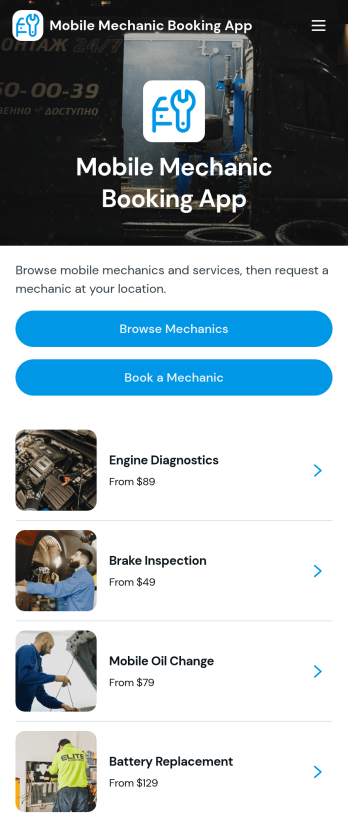
Mobile Mechanic Booking App
The Mobile Mechanic Booking App helps independent mechanics, roadside service providers, automotive repair businesses, and field service teams connect drivers with vehicle repair services at a convenient location. Customers can browse mechanic profiles, review service areas and availability, explore repair options, and submit a booking request from one mobile-friendly destination. This app template reduces the effort involved in finding a suitable professional while giving businesses a clear way to present experience, service details, typical duration, and starting prices. It is useful for scheduled maintenance, minor repairs, diagnostics, emergency assistance, and other services performed at homes, workplaces, or roadside locations.Jotform makes it easy to adapt the Mobile Mechanic Booking App to your brand and operating process without writing code. Use the no-code app builder and drag-and-drop interface to update pages, reorganize navigation, add mechanic information, and connect booking forms to your workflow. Requests and data collection can be managed through connected Jotform tools, helping teams coordinate appointments and provide customer self-service. Like other Jotform App Templates, this ready-made app template can be shared through a direct link or QR code, giving customers convenient access from phones, tablets, and computers.
Go to Category:Appointment & Booking Apps