Maintenance Work Order Management App helps teams receive, organize, and follow up on maintenance requests in one place, from new issues reported by staff to repairs assigned to technicians. It’s built for facilities teams, property managers, operations leaders, and service organizations that need a clearer way to route requests, review details by work order, and keep everyone aligned on what’s being worked on. With quick navigation to submit a new work order, browse all requests, and open a maintenance dashboard, the app supports faster intake, better visibility, and more consistent handoffs across locations, buildings, and assets.
Jotform makes it simple to create and publish app templates like this with a no-code app builder and a drag-and-drop interface, so you can match the experience to your workflow without developer help. Connect the app to your work order form and keep records organized for ongoing data collection, updates, and internal self-service. As your process evolves, you can adjust pages, refine what users see, and share the app through a link or QR code to make maintenance reporting and coordination easier for everyone involved.
Related templates
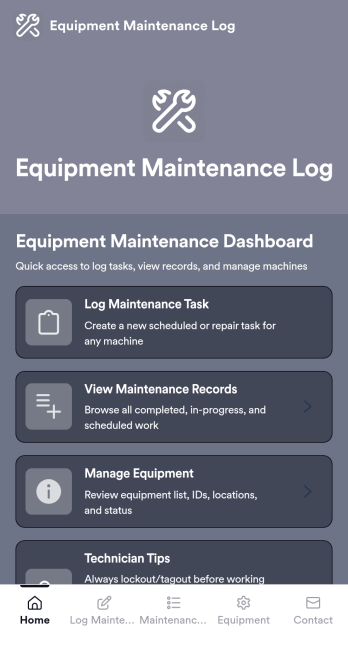
Equipment Maintenance Log App
Equipment Maintenance Log is a app template designed to streamline the process of tracking service activities and monitoring equipment performance. This intuitive app significantly enhances the efficiency of technicians, maintenance teams, and equipment managers by maintaining detailed log forms, reviewing technician service records, and managing equipment status. Whether used by small to mid-sized businesses or large corporations, the template's practical guidance and expert tips for proper maintenance can empower teams to improve their maintenance workflows. The centralized repository for all maintenance data, insights, and best practices allows for quick and efficient decision-making, making it an invaluable asset for those looking to refine their operational efficiency.With Jotform, creating and customizing the Equipment Maintenance Log app is a breeze, thanks to our no-code, drag-and-drop app builder. The builder's flexibility allows you to add elements, adjust the interface, and customize layouts to fit your specific needs, all without writing a single line of code. Plus, the cross-platform compatibility ensures that your app functions seamlessly across smartphones, tablets, and desktops. With features like push notifications, you can send alerts about equipment status updates directly to your technicians' devices. The app also offers various publish options, including Public, Private, or Company-only, giving you full control over who can access your app. Start optimizing your maintenance workflows today with the Equipment Maintenance Log app from Jotform!
Go to Category:Equipment Maintenance Software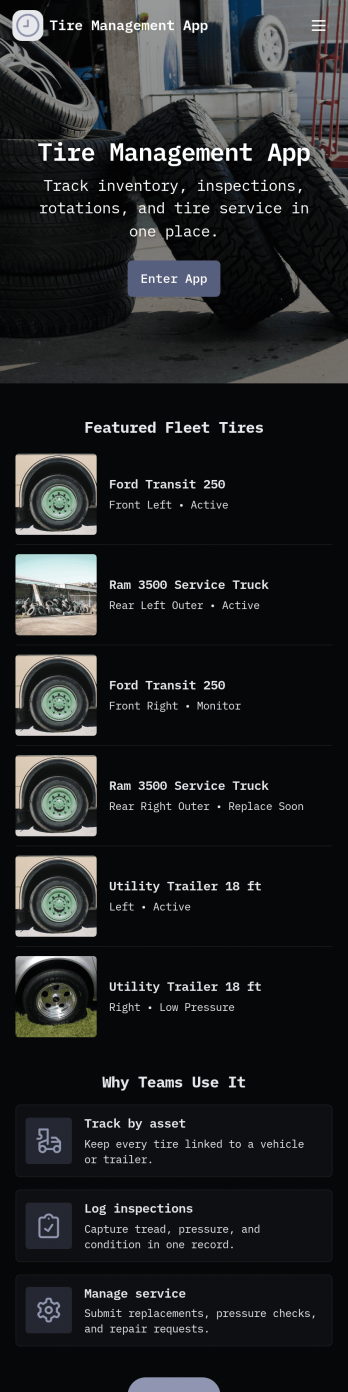
Tire Management App
Tire Management App helps teams track tire inventory, document service history, and spot maintenance needs before they turn into costly downtime. It’s a practical fit for fleet operators, logistics teams, rental businesses, tire shops, and service departments that need a clear view of what tires are in use, where they are, and what condition they’re in. With sections for Inventory and a Service Log, plus quick actions to add a tire or add a service record, staff can keep records consistent and easy to find. Built-in cues like a low tread alert view and a service queue help prioritize what needs attention next, while insights support better planning across multiple vehicles or locations.Jotform makes it easy to turn this Tire Management App into a working, shareable experience without coding. Using Jotform’s no-code app builder and drag-and-drop interface, you can adjust pages, navigation cards, and the details captured in connected forms to match your process. Connect the app to tables for organized data collection, route updates through approvals when needed, and share the finished app with your team through a link or QR code for faster self-service updates in the field.
Go to Category:Automotive Apps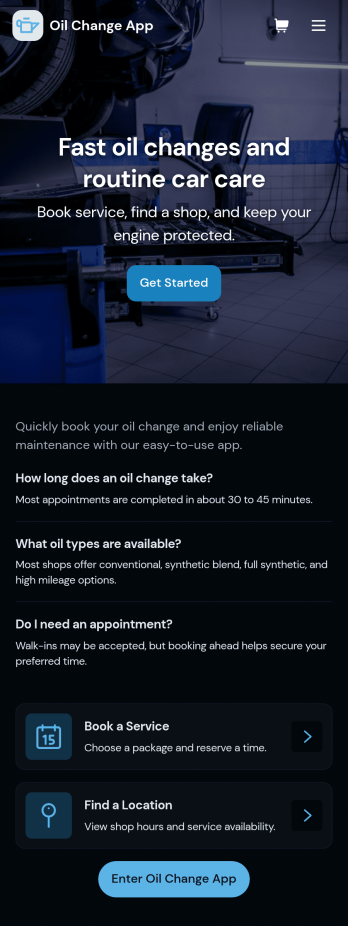
Oil Change App
Oil Change App gives auto shops and mobile mechanics a simple way to manage oil change appointments while keeping vehicle details and service history easy to find. Use it to let customers request service, track upcoming bookings, and organize key vehicle information in one place so your team spends less time searching and more time turning bays. It’s a strong fit for quick lube locations, independent repair shops, fleet-focused service providers, and any operation that needs repeatable, trackable oil change workflows across multiple vehicles.With Jotform, you can turn this app template into a branded, customer-friendly self-service experience using a no-code app builder and a drag-and-drop interface. Connect the app to your forms and tables for data collection, route requests into a workflow, and keep records centralized for staff. Share the app by link or QR code, update content anytime, and create a smoother service process from booking to completed records, all without writing code.
Go to Category:Automotive Apps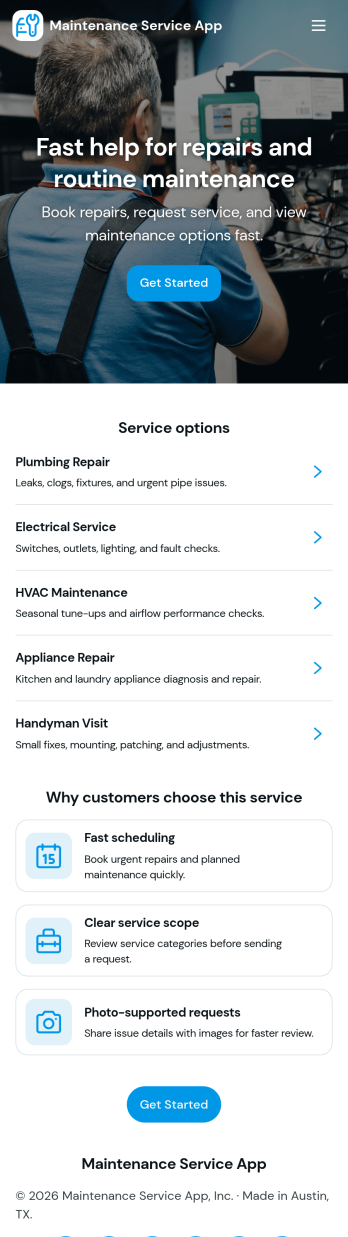
Maintenance Service App
Maintenance Service App brings maintenance requests and work orders into one place so teams can capture new issues, monitor active jobs, and reference completed work without hunting through emails or spreadsheets. It works well for home service providers, property managers, facilities teams, and small operations groups that need a simple way to accept incoming requests and keep technicians aligned on what is open, in progress, or finished. With quick navigation for creating a new request, viewing open work orders, and checking job history, the app supports faster response times and clearer handoffs from intake to completion.Built with Jotform App Templates, this app template can be customized in minutes using Jotform’s no-code app builder and drag-and-drop interface. Connect the request flow to your existing forms and tables for consistent data collection, keep records organized for day-to-day workflow tracking, and share a self-service link with staff or customers to reduce manual follow-ups. As your process evolves, you can update pages, buttons, and lists to match how your maintenance operation actually runs.
Go to Category:Equipment Maintenance Software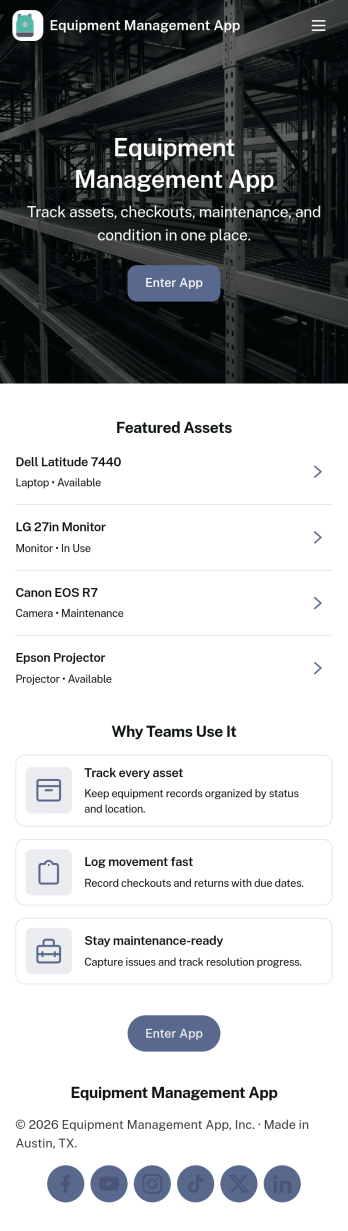
Equipment Management App
Equipment Management App helps teams track company assets from one central place, so tools and devices don’t disappear between jobs, departments, or locations. Use it to browse your inventory, check equipment out to staff, log maintenance activity, and route equipment requests without relying on scattered spreadsheets or long email threads. It’s a great fit for operations teams, IT, facilities, construction crews, schools, and rental-style environments that need clear ownership, due dates, and visibility into what’s available.With Jotform, you can turn this app template into a branded, mobile-friendly self-service experience using a no-code app builder and a drag-and-drop interface. Connect your equipment records to forms and tables for consistent data collection, set up notifications to keep workflows moving, and adjust pages and buttons to match how your organization manages assets. Share the app with a link or QR code so staff can quickly find inventory details, submit requests, and keep maintenance history up to date.
Go to Category:Equipment Maintenance Software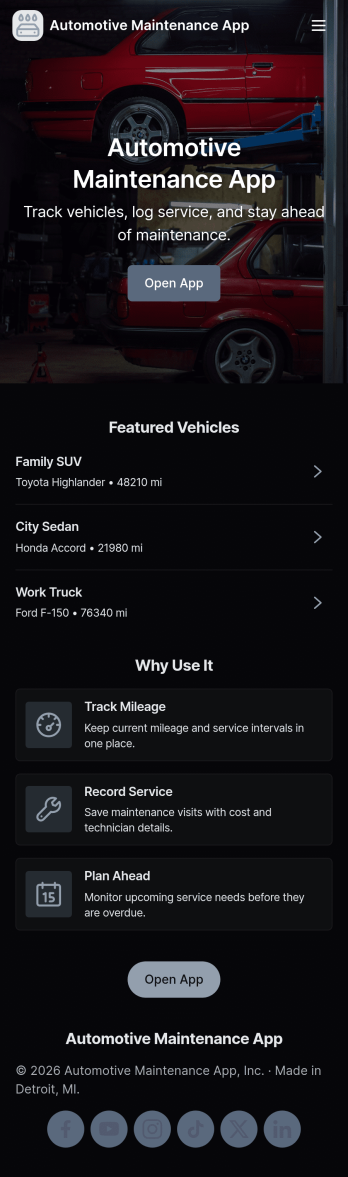
Automotive Maintenance App
An automotive maintenance app brings your vehicle details and service history into one place so you can stay on top of routine care and avoid missed maintenance. Use it to add vehicles, log service visits, and review insights that help you understand what’s been done and what may be coming up next. It’s a practical fit for individual drivers, families with multiple cars, small fleets, and auto shops that want a simple way to keep records organized and easy to access.With Jotform, you can turn this automotive maintenance app into a branded self-service experience without coding. Customize pages with a drag-and-drop interface, connect forms for data collection like adding a vehicle or logging a service, and keep everything organized in a single workflow that’s easy to share and use on the go. Update the layout as your process evolves, then publish and distribute your app with a link or QR code.
Go to Category:Automotive Apps