
Anniversary Memory App is a shared digital keepsake for collecting and revisiting stories tied to a meaningful anniversary. Couples, families, friends, community groups, and event organizers can use this app template to preserve personal reflections, important milestones, memorable people, photos, and significant dates in one welcoming space. Contributors can add a memory through a connected form, browse previously recorded moments, and view entries within a timeline or reflection-focused experience. Instead of leaving treasured stories scattered across messages, albums, and notebooks, the app creates an organized record that can support anniversary celebrations, private reminiscence, group tributes, and recurring commemorations.
Jotform makes App Templates easy to personalize with a no-code app builder and an intuitive drag-and-drop interface. Change colors, fonts, images, navigation, and page content to suit the occasion, then connect forms and tables to support data collection and an organized workflow. The Anniversary Memory App can be shared through a direct link or QR code, giving invited contributors convenient mobile access without requiring programming knowledge. Whether the app serves as a personal journal or a collaborative memory collection, Jotform helps turn stories and milestones into an accessible self-service experience that can continue growing over time.
Related templates
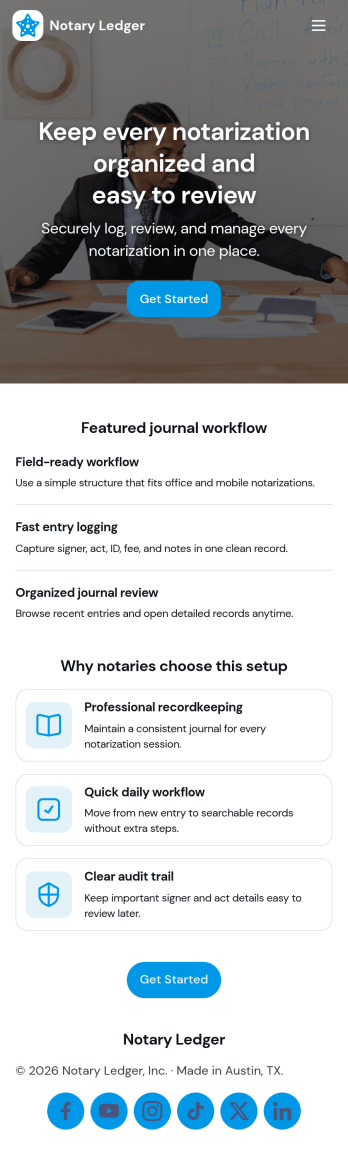
Notary Journal App
Notary Journal App helps notaries record, review, and organize notarization details in one place so day-to-day logging stays consistent. Use it to add new entries right after each appointment, browse a journal list to find past records fast, and open a review area that summarizes key activity for quick oversight. It fits mobile notaries, office-based notaries, and teams handling frequent signings who want a clear routine for capturing signer information, dates, and related notes without hunting through paper logs.With Jotform, you can turn this Notary Journal App app template into a branded self-service experience using a no-code app builder and a drag-and-drop interface. Connect the app to a form for data collection, route information into a workflow you control, and keep entries organized for easy access over time. Share the app by link or QR code, customize pages and navigation, and manage ongoing updates from a single Jotform workspace.
Go to Category:Log Apps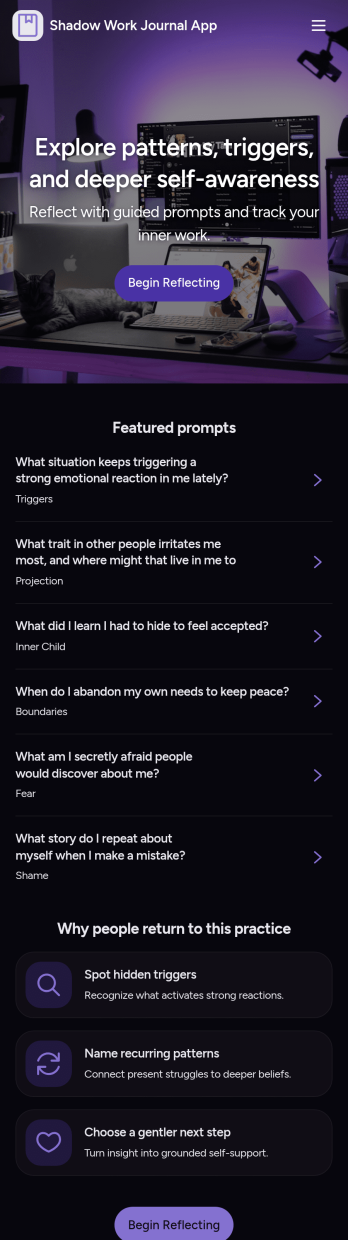
Shadow Work Journal App
A Shadow Work Journal App gives you a guided space to explore reflection prompts, capture private journal entries, and log quick mood check-ins in one place. Use it to build a steady journaling habit, work through recurring patterns, or support personal growth between coaching sessions. It’s a great fit for individuals who want structure while writing, as well as wellness practitioners who want to share a consistent prompt flow with clients or groups without turning the process into a complicated system.Jotform makes it easy to turn this Shadow Work Journal App into a personalized experience with App Templates and a no-code app builder. With a drag-and-drop interface, you can tailor the pages, organize prompts into browsable lists, and connect journal entry and check-in forms to a workflow that fits your routine. Share the app with a simple link, keep your data collection organized, and update content anytime as your self-service journaling practice evolves.
Go to Category:Mental Health Apps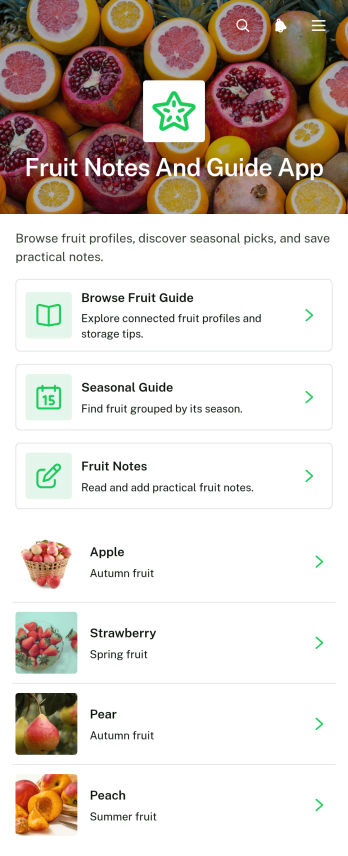
Fruit Notes and Guide App
Fruit Notes and Guide App brings fruit reference information and personal observations into one convenient, mobile-friendly resource. Home cooks, nutrition educators, culinary students, produce sellers, gardeners, and fruit enthusiasts can browse a fruit guide, consult seasonal guidance, and add notes about individual fruits. Details such as texture, best uses, and storage guidance help users choose, prepare, and preserve produce with greater confidence. Personal notes also make it easier to remember flavor impressions, preferred varieties, recipe ideas, shopping tips, and handling experiences. Whether used at home, in a classroom, at a market, or in a food-focused workplace, this app template keeps practical knowledge organized and easy to revisit.Jotform makes the Fruit Notes and Guide App simple to customize without writing code. Its no-code app builder and drag-and-drop interface let you update pages, navigation, imagery, buttons, and branding to suit your audience. Connect forms for data collection, organize submitted notes through related workflows, and expand the app with additional resources as your fruit library grows. Jotform App Templates can be shared through a direct link or QR code, giving users convenient self-service access from phones, tablets, and computers. The result is a polished reference and note-taking experience that can evolve with your educational, culinary, retail, or personal needs.
Go to Category:Food and Nutrition Tracking Apps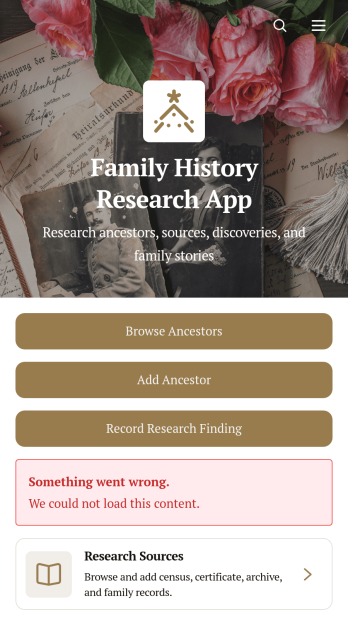
Family History Research App
Family History Research App is an app template for genealogists, family historians, historical societies, students, and relatives who want to organize ancestry research in one accessible place. Users can browse ancestor profiles, add family members, record research findings, and maintain source information without relying on scattered notes or disconnected files. Dedicated records for documents, references, repositories, research dates, confidence levels, and next steps help researchers preserve the context behind each discovery. It is useful for independent investigations, shared family projects, local history initiatives, and educational assignments where clear documentation matters.Jotform makes this Family History Research App easy to adapt with a no-code app builder and a flexible drag-and-drop interface. Add branded pages, revise navigation, connect data collection forms, and organize research workflows without writing code. The app template can bring ancestor records, supporting sources, external research links, and uploaded documents into a mobile-friendly experience. Researchers can publish and share the finished resource through a direct link or code, making ongoing contributions and self-service access more convenient for relatives, project partners, or study groups.
Go to Category:Organization Apps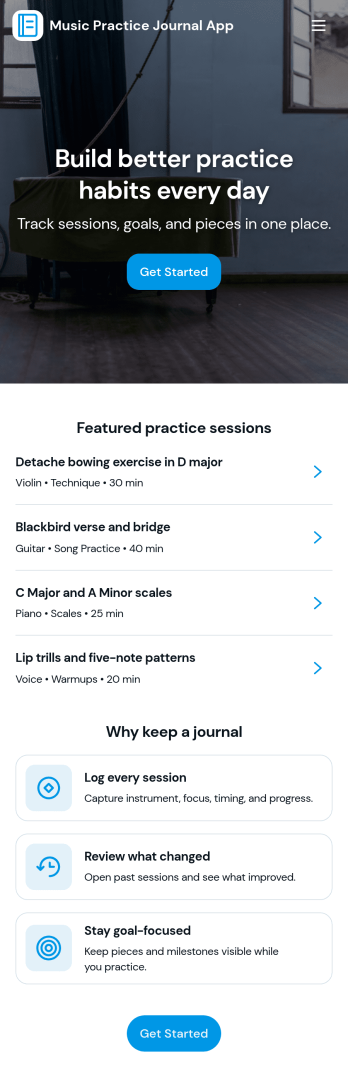
Music Practice Journal App
A music practice journal app gives musicians a simple way to record practice sessions, review past work, and stay motivated with clear goals. This template fits students, private teachers, bands, and self-taught players who want more consistency without relying on scattered notes. Use it to log each session, keep a running history of warmups and recent sessions, and check insights like weekly goals, strongest focus areas, and tempo notes for each instrument.With Jotform, you can turn this music practice journal app into a shareable, self-service experience that works on any device. Customize pages with a drag-and-drop interface, connect your session form to organized records, and keep your workflow moving with centralized data collection and easy navigation. Whether you’re tracking personal progress or managing a studio, Jotform makes it easy to tailor the app template to your routine and publish it with a link for quick access.
Go to Category:Activity Tracking Apps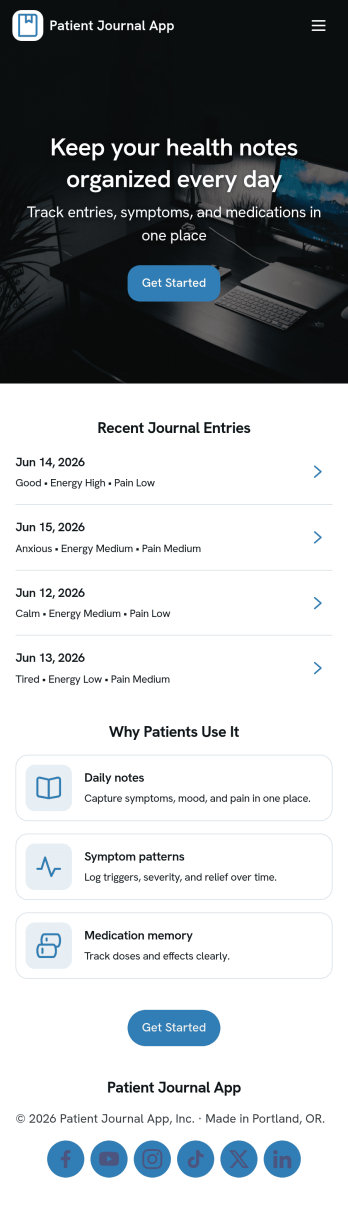
Patient Journal App
A patient journal app helps individuals record day-to-day health notes in one place, including symptoms, mood changes, medications, questions to bring up at appointments, and personal observations. This template supports quick journaling with a New Entry flow, an easy way to view past entries as a record, and a dedicated Reminders area for time-based notes you don’t want to forget. It works well for patients managing ongoing conditions, caregivers tracking changes for a loved one, and clinics that want to offer a simple self-service journaling experience patients can use between visits.Jotform makes it easy to turn this idea into a polished experience using app templates and a no-code app builder. With a drag-and-drop interface, you can adjust pages, update the layout, and connect your app to forms and workflows that capture data consistently over time. Share your Patient Journal App as a link or QR code, keep information organized for repeat use, and refine the experience as your journaling process evolves.
Go to Category:Healthcare Apps