Anxiety Journal App gives you a simple, private way to log anxious moments, track patterns over time, and reflect on what helps. Use it to add a new entry in seconds, review your history when you need context, and explore insights based on the feelings you record. It’s a practical fit for individuals building a self-care routine, coaches supporting clients between sessions, or wellness teams offering a lightweight check-in experience without overwhelming users.
With Jotform, you can turn this app template into a personalized journaling experience using a no-code app builder and a drag-and-drop interface. Connect your entry form to organized records, update the look and navigation to match your style, and share a self-service link that works smoothly on mobile. Jotform also supports automation and workflows so your anxiety tracking can stay consistent and easy to maintain as your needs change.
Related templates
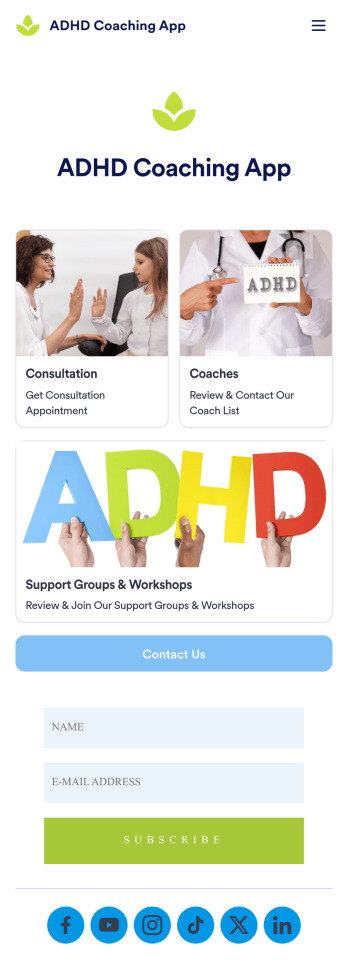
ADHD Coaching App
The ADHD Coaching App template from Jotform Apps is designed to assist ADHD coaches, mental health professionals, and educators in creating a customized app without any coding. This template allows users to streamline their consultation booking process, provide contact information, list support groups and workshops, and collect subscriptions effortlessly. By utilizing Jotform’s no-code app builder, users can create a fully customized app that meets their specific needs and branding requirements. With the ability to add forms, widgets, products, and branding elements, this template offers a seamless solution for organizing and managing ADHD coaching services.Explore the top features of Jotform Apps that make creating your own app a breeze. With a drag-and-drop builder, powerful app elements, and 70+ app widgets, users can easily customize their app to reflect their unique style and functionality. The flexible app designer allows for easy customization, while ready-to-use layouts and powerful online forms enhance the user experience. Enhance user engagement with push notifications and advanced sharing options to keep users informed and connected. With Jotform Apps, the possibilities are endless for creating a dynamic and user-friendly app for ADHD coaching services.
Go to Category:Consulting Apps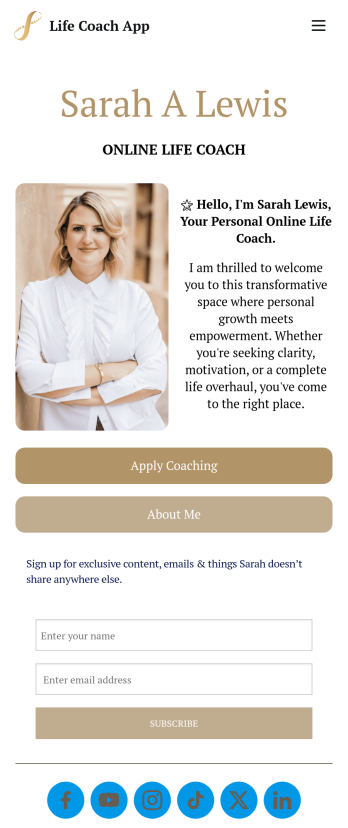
Customizable Life Coach App
A life coach app is a handy mobile application used by life coaches as a way to share their background and lessons with users — all in one centralized application. Build your own with this ready-made Life Coach App template from Jotform Apps. State your certifications and background, share some helpful tips, collect client feedback, share testimonials, and so much more.Want to make changes to this Life Coach App template? Use our drag-and-drop builder to add or remove forms, change fonts and colors, upload a background image, select a unique app icon, and more. You can even integrate your mobile application with 250+ platforms to send data directly to your other accounts. Once you’re done, all you need to do is share your app with clients — it’s that easy!
Go to Category:Mental Health Apps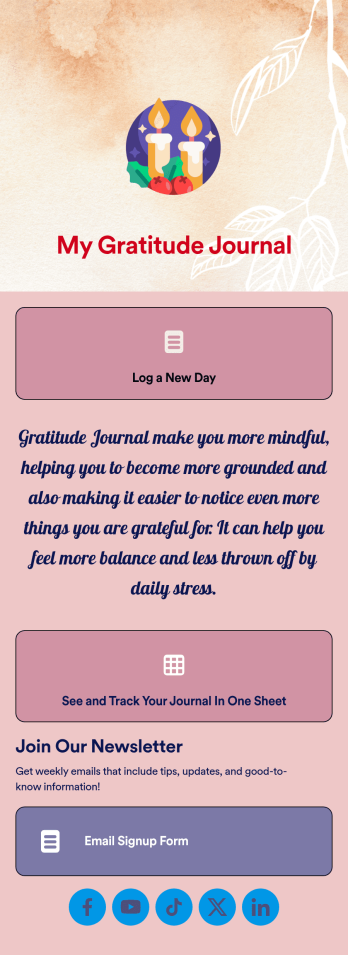
Gratitude Journal App
Whether you’re a life coach looking for an easy way to track your clients’ progress or an individual on a self-help journey, this Gratitude Journal App from Jotform is a great way to log things you’re grateful for. Create forms for daily or weekly entries, add spaces to upload video journals, or integrate with scheduling or payment widgets.Want to change up the look and feel of your Gratitude Journal App? No problem! Simply use our drag-and-drop app builder to make changes to fonts and colors, pick backsplashes, upload images or videos, and more. Then all you have to do is send your app to your clients or begin using it for personal projects. Show more gratitude in your life with this free app from Jotform.
Go to Category:Log Apps
Coaching App
A coaching app is used by coaching companies — like fitness centers or coaching agencies — to receive client applications for coaching sessions. Using this free Coaching App, your company can create a free downloadable app for your customers so they can submit their contact details and coaching goals to apply for a session or program from any device! All submissions are easy to view directly from your secure Jotform account.With our drag-and-drop app builder, you can change this app template to include your logo, collect other information, include photos and profiles of your coaches, and personalize other design elements in a few easy clicks — then share your app with a link or invite clients to download it via email onto their computer, tablet, or smartphone. Create a custom Coaching App for your business with Jotform!
Go to Category:Sports Apps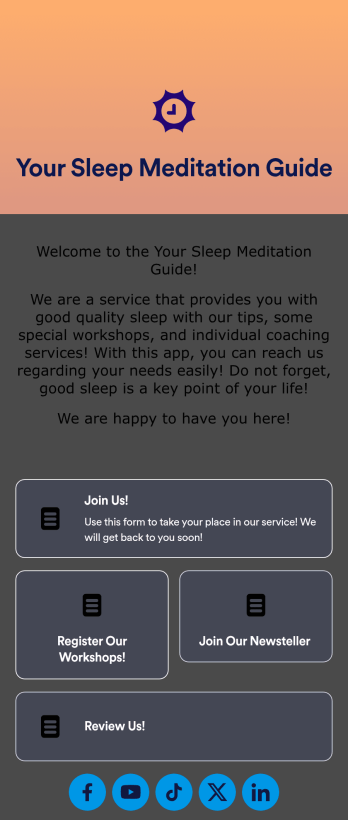
Sleep Meditation App
Need an organized way to send your clients their daily sleep meditations and reflections? Look no further than this handy Sleep Meditation App from Jotform. Improve your sleep meditation practice’s workflows by including daily reflection log forms, uploading guided meditation audio files, integrating with payment and scheduling widgets, and more.Customize your Sleep Meditation App to match your needs with Jotform’s easy-to-use online app builder. Drag and drop to change fonts and colors, upload videos or images, include branding assets, switch up the app’s backsplash, and more depending on your needs! Take your meditation organization to the next level with this free app from Jotform.
Go to Category:Online Service Apps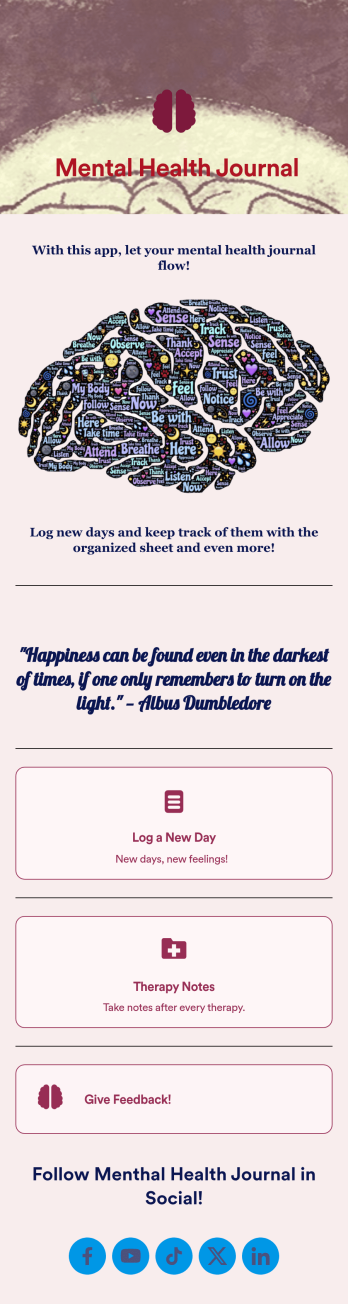
Mental Health Journal App
Need an efficient and less intrusive way to oversee your patients’ mental health? Jotform’s got you covered with our own custom Mental Health Journal App — no coding knowledge required. This app is great for psychologists or psychiatrists alike. Build a thoughtful app that lets your patients express themselves in a variety of ways. Upload daily or weekly check in forms, provide a list of resources and exercises, add appointment scheduling forms, and collect payments from your very own app.Need to make some changes to your app? Simply utilize our easy-to-use online app builder to give your Mental Health Journal App your own signature touch. Pick fonts and colors you like, upload images, integrate with helpful scheduling widgets, and more depending on you and your patients’ needs. Then simply share with your patients via QR code, email, or by linking to it in your patient portal.
Go to Category:Healthcare Apps