
Barbecue Restaurant Menu App gives barbecue restaurants, smokehouses, food trucks, and hospitality teams a mobile-friendly way to present their dishes and help guests plan a visit. Diners can browse menu categories such as smoked meats, grilled plates, sides, and sweets, then view useful item information including serving details and availability. A location map and visit guidance make it easier for customers to find the restaurant after exploring the menu. This app template is particularly useful for establishments that want to replace printed menus, showcase signature dishes, answer common questions, and give customers convenient self-service access before or during their visit.
Jotform App Templates make it simple to turn restaurant information into an engaging digital experience without writing code. Customize the Barbecue Restaurant Menu App through an intuitive drag-and-drop interface, update colors and visual elements to match your restaurant, and organize pages for easy browsing. Jotform’s no-code app builder can connect content with forms, tables, and workflows, supporting organized data collection and future operational needs. Once the app is ready, publish it with a direct link or QR code so guests can open the latest menu on a phone, tablet, or computer.
Related templates
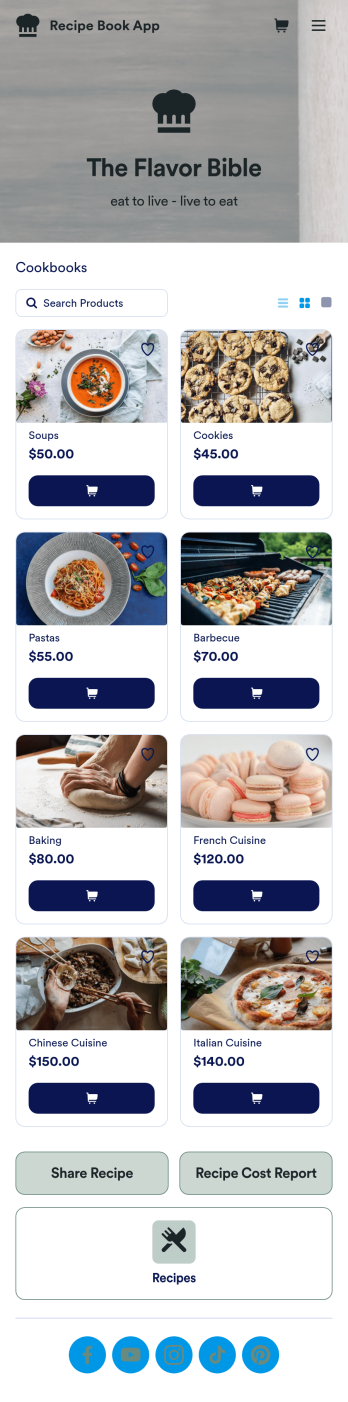
Custom Recipe Book App
As a chef, you’ve probably got a million recipes floating around in your head — so why not keep them all in one convenient place with this Recipe Book App? This free app includes a form where you can record dish type, prep time, ingredients, number of servings, and more — all of which can be viewed and sorted in an easy-to-understand spreadsheet from your Jotform account! There is also an upload form where you can attach notes and images to individual recipes.Want to customize the look of this Recipe Book App? With just a few clicks, our drag-and-drop interface allows you to add or change forms, upload images, change fonts and colors, and more — all with no coding. You can even share your app with other people, who can then add their own recipes to your recipe book from any smartphone, tablet, or computer. Never forget a recipe again with this free Recipe Book App.
Go to Category:Online Store Apps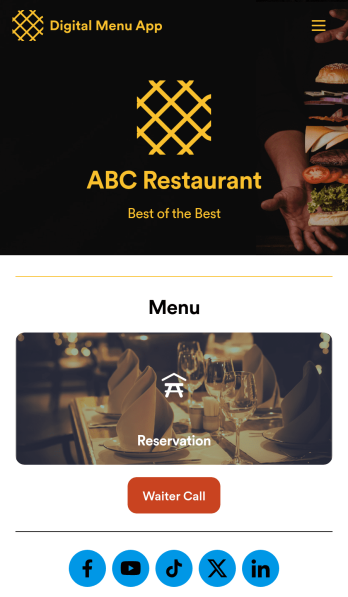
Digital Menu App
A digital menu app is used by restaurant owners to gather food orders or reservations from customers. Need to know how to sell things off your digital menu online? With this free Digital Menu App from Jotform, your restaurant can create a custom app that includes your unique menu items, reservation slots, and even a button that lets customers call your restaurant in a single click. All responses through the app are stored in your Jotform account, ready to view instantly from your own mobile device.Want to change the design of this free app template? Add your logo, update the form designs, include photos of your dishes, update the app’s background and icon, and make other changes with no coding required. Just drag and drop to get the look you want! Then customers can download your custom Digital Menu App onto their smartphone, tablet, or computer to submit orders or reservation requests whenever they like.
Go to Category:Online Store Apps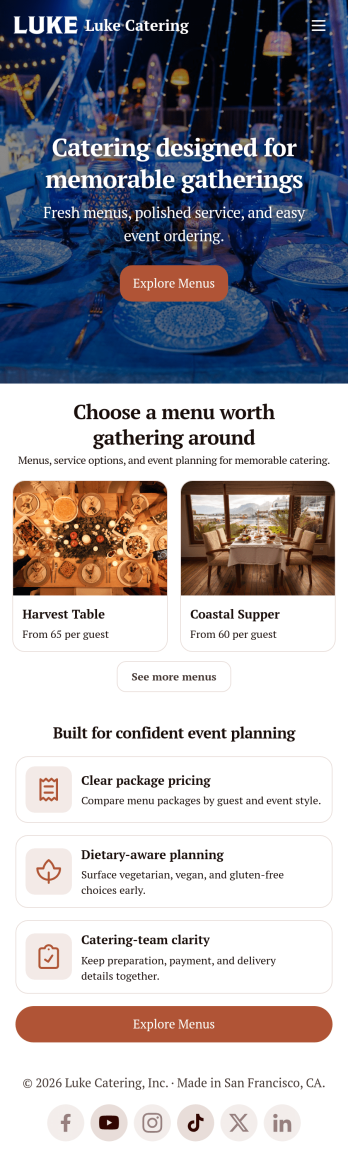
Catering App
Need to find out how to sell catering items online? A catering app allows customers to quickly and easily hire caterers and order food for their events. Get a head start creating an app for your own catering company with our free Catering App. This pre-made template includes a menu and order form for customers to access from their smartphone, tablet, or computer. Customers can easily place their orders from any device, and you’ll receive submissions instantly in your secure Jotform account.Customize your Catering App in just a couple of clicks with our no-code app builder. Simply drag and drop to add more forms, update text, upload images, embed links, and change app settings. When it’s ready, embed the app link in your website or share it on social media to start receiving orders from customers. Take your catering business to the next level and sell catering items online with a professional Catering App.
Go to Category:Delivery Apps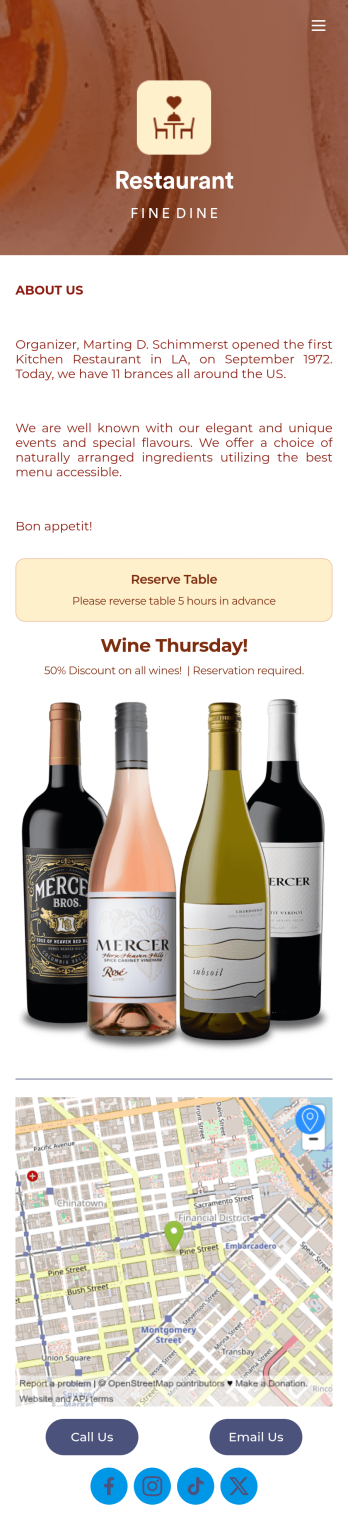
Restaurant Reservation Mobile App
Ditch the pen and paper and keep all your table reservations in one convenient location with our Restaurant Reservation Mobile App. This readymade app template allows guests to easily reserve a table online using their name, email, and phone number. Tapping on the embedded calendar displays all available reservation slots for a particular day. Your reservations are then compiled and stored securely in your account, and viewable in an easy-to-read database from any device.Want to customize this Restaurant Reservation Mobile App to match your restaurant’s branding? Our drag-and-drop interface makes it easy to add or change forms, choose fonts and colors, upload your logo, update the app name or text, and more — all with zero coding. You can even display signature dishes and inform customers of discounts or happy hours on your splash page. Just share a link to your app on your website or social media, and customers can access and download it on any smartphone, tablet, or computer. Start taking online table reservations today with this Restaurant Reservation Mobile App!
Go to Category:Booking Apps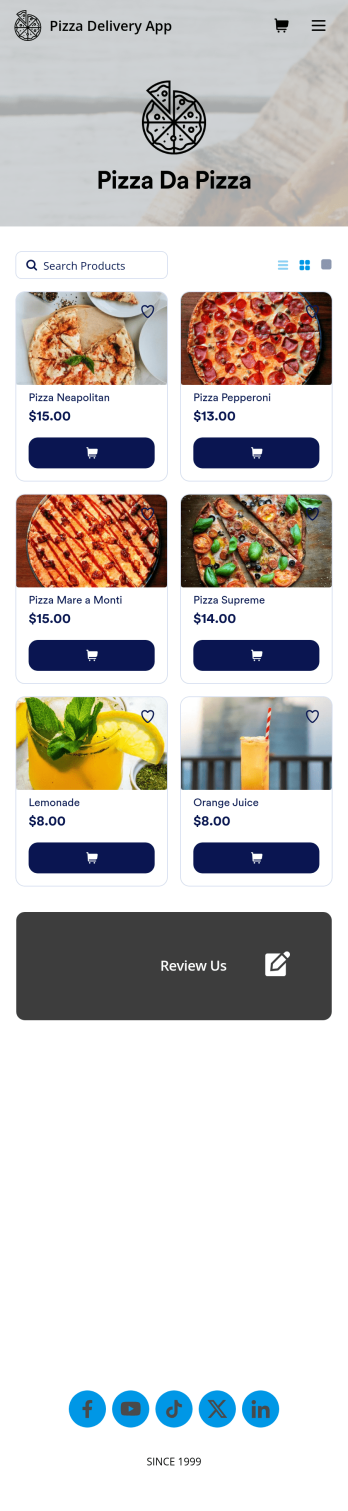
Custom Pizza Delivery App
Need to know how to sell pizza online to take your business to next level? Give your customers an easier way to order pizzas for delivery with this free Pizza Delivery App from Jotform. Start by adding your pizza and topping options to the app using our drag-and-drop builder, then connect the app with your preferred payment gateway to gather payments online — all while paying no extra transaction fees to Jotform! All orders are stored in your Jotform account, ready to be viewed, prepared, and delivered by you and your team.Need to make other changes to this Pizza Delivery App template? Drag and drop to add your company logo, change fonts and colors, and make other design updates with no coding. Not only does the app’s order form integrate with 30+ gateways like PayPal, Stripe, and Square, but it also connects with 100+ apps so you can track orders in other accounts too. Ditch time-consuming phone calls and enjoy a more efficient way to sell pizza online with a Pizza Delivery App.
Go to Category:Delivery Apps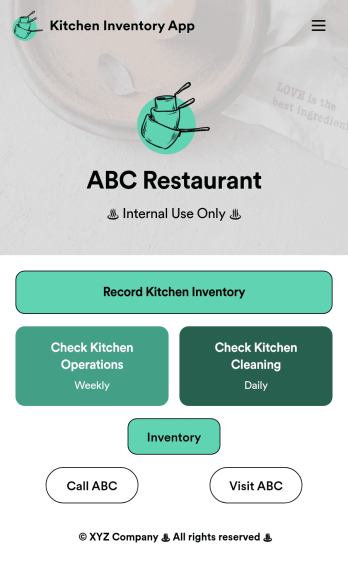
Kitchen Inventory App
Tracking inventory in your kitchen is the key to success for your restaurant. Make inventory a breeze with our free, customizable Kitchen Inventory App! It lets you bundle multiple forms in one app, so you can access our Restaurant Inventory Template and other kitchen forms from anywhere. Supervisors or employees can open the app on any smartphone, tablet, or computer to record stock inventory, report on kitchen operations, and track daily cleaning.This Kitchen Inventory App is ready to use as is, but feel free to make any modifications if necessary. Without any coding, you can add forms, text, images, links, and more. You can even change the name, icon, and splash page for your app for a fully-custom design! Monitor food usage and keep track of your inventory more efficiently with a custom Kitchen Inventory App for your restaurant.
Go to Category:Inventory Apps