Bill of Materials Review App helps engineering, manufacturing, and operations teams collect new BOMs, route them into a structured review, and keep everyone aligned on what is ready to move forward. Use it to submit a BOM from one place, browse existing BOMs by name or reference, and start a review when a build, revision, or product line change needs a clear decision trail. It’s a strong fit for hardware teams, contract manufacturers, procurement, and cross-functional reviewers who need visibility into component counts, ownership, and target review timing without chasing updates across channels.
Built with Jotform App Templates, this app template can be tailored in minutes using Jotform’s no-code app builder and drag-and-drop interface. Connect the Submit a BOM button to your form for data collection, organize BOM lists for fast self-service access, and share pages like review status and reports with the right stakeholders. As your workflow evolves, you can adjust navigation, update content, and keep BOM review activity centralized while Jotform keeps the experience mobile-friendly and easy to distribute.
Related templates
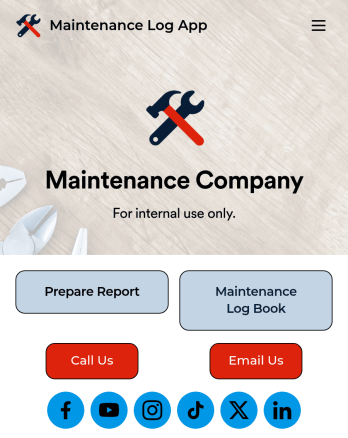
Maintenance Log App
A maintenance log app is used by companies to record and keep track of maintenance records. With our free Maintenance Log App, you can use a Maintenance Report Form to track general personnel information, equipment and building issues, and any repairs performed. There is a digital signature box at the bottom of the form to be signed upon completion. Reports are instantly compiled and stored in an Equipment Maintenance Log, which is accessible from your Jotform account.You can easily customize this app to suit your needs by adding or changing forms, uploading your logo, choosing fonts and colors, and more — no coding required. Share your app with a link or embed it in an internal website, and maintenance staff can begin using it right away on any device. Say goodbye to paperwork and start keeping all your maintenance records online with this free Maintenance Log App.
Go to Category:Engineering Apps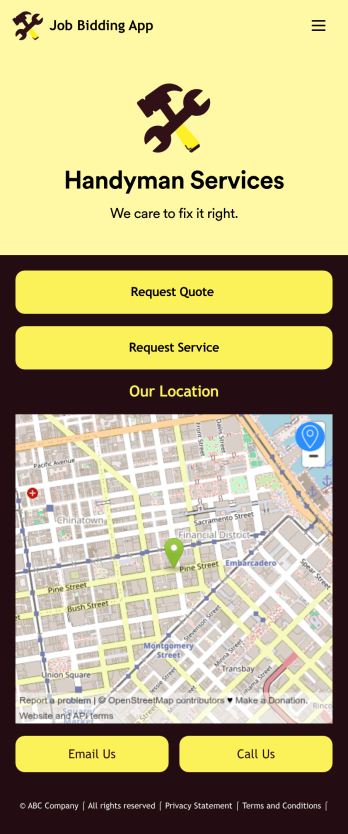
Job Bidding App
A job bidding app is used by handyman businesses to have their customers request job quotes and services. With this free Job Bidding App, customers can fill out general contact information, describe the work they need done, and upload any relevant photos. Once submitted, a PDF of the customer’s job request is auto-generated with this Handyman Proposal Template. Customers can then use the request service form to schedule a project.This Job Bidding App can be fully customized to match the branding of your business. No coding required — just use our drag-and-drop form builder to add or change forms, upload your logo, choose colors, customize your splash screen, and more. You can then have your customers access and download your app on any smartphone, tablet, or computer with a shareable link. Start receiving job quotes and service requests from your very own app with this Job Bidding App from Jotform!
Go to Category:Construction Apps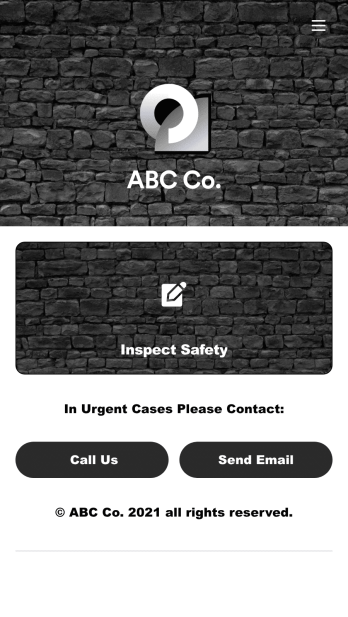
Safety Audit App
A safety audit app is used by safety auditors to perform safety inspections from their mobile devices. Have members of your inspection team perform audits without any messy paperwork using this free Safety Audit App. The app can be downloaded onto any computer, tablet, or smartphone to gather important data in the field — such as checks for fire prevention, equipment, first aid, and more.Customize this app template’s design without coding using our drag-and-drop app builder. Update items on your inspection checklist, include your company logo, change the app icon or background, and make other changes in seconds. You can then share the app via link or email to be downloaded onto iOS or Android devices. Save time and paper performing safety checks with a free Safety Audit App from Jotform.
Go to Category:Construction Apps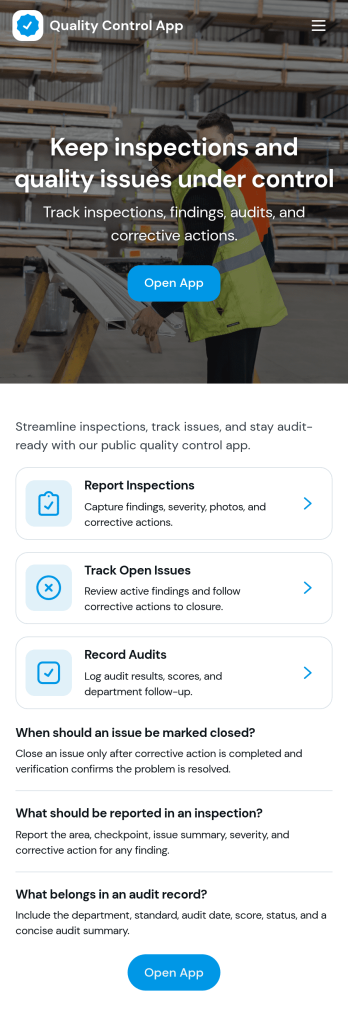
Quality Control App
Quality Control App helps teams run inspections, log issues as they’re found, and review past records in one place. Use it on the production floor, in warehouses, at job sites, or in field operations to capture consistent checks and keep defects from slipping through. With quick navigation to start an inspection, report a problem, and browse inspection and issue lists, it supports supervisors, QA staff, line leads, and contractors who need clear visibility into what was inspected, what failed, and what needs follow-up.Built with Jotform App Templates, this app template can be tailored to your process without coding. Customize pages, update the layout with a drag-and-drop interface, and connect the app to your Jotform forms and data collection workflows so records stay organized and easy to access. Share the app through a link or QR code for self-service reporting, and keep quality documentation centralized as your operation scales.
Go to Category:Engineering Apps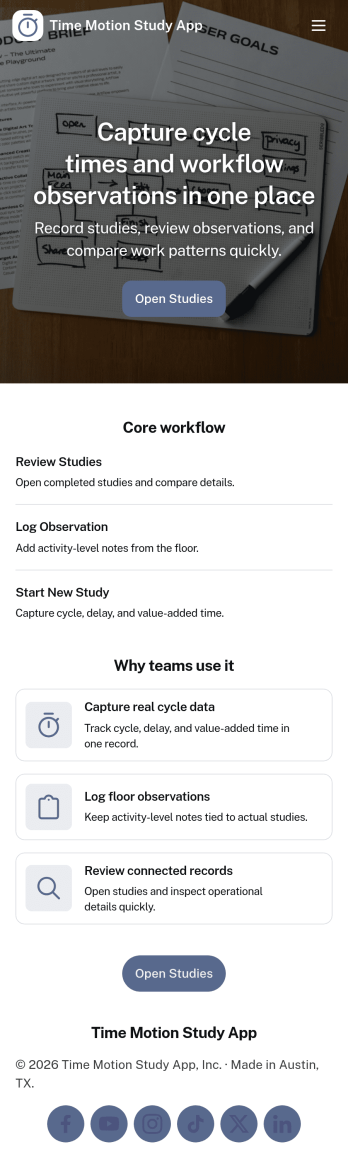
Time Motion Study App
Time Motion Study App helps teams capture how work is performed so they can understand cycle times, spot delays, and standardize repeatable processes. Use it on the floor, in the field, or in an office setting to log a study as it happens, keep a centralized list of studies, and review insight-ready records without relying on scattered notes. It’s a practical fit for operations leaders, industrial engineers, continuous improvement teams, supervisors, and analysts who need consistent time-and-motion documentation across shifts, sites, or job types.With Jotform, you can turn this app template into a branded, self-service experience that’s easy to share and update. Using Jotform’s no-code app builder and drag-and-drop interface, you can connect your study logs to forms and data collection workflows, organize studies into navigable lists, and give stakeholders a simple way to view recent studies and drill into details. As your process changes, you can adjust the app layout and connected workflow in minutes so the same hub keeps supporting ongoing improvement.
Go to Category:Engineering Apps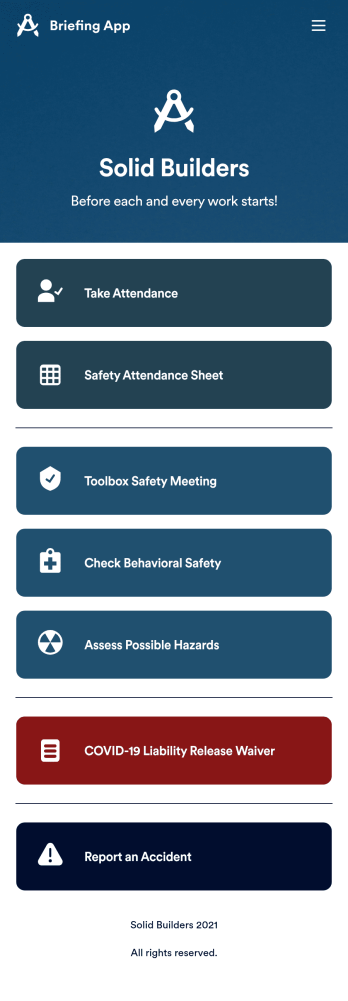
Briefing App
A briefing app is used by worksite safety managers and employees for taking attendance and reviewing safety procedures prior to beginning work. Our readymade Briefing App bundles several forms, including an attendance tracking sheet, and safety guidelines and checklists for tools and equipment, PPE, and hazardous materials and conditions. Employees can also fill out and digitally sign a COVID-19 liability waiver and report worksite accidents directly from the app. Attendance and form submissions are instantly synced and stored in your secure Jotform account, so you can keep everything organized in one convenient location.Make this app template your own in just a few clicks with Jotform’s no-code app builder. Simply drag and drop to add form elements, edit existing forms, attach documents, upload your own branding, and more. You can even use the main page of your app to post work schedules, make announcements, and link to external resources. After you’re done, share your app with employees via email or the app link, and they can download and use it on their preferred devices directly from the jobsite. Build an app to keep everyone safe and accounted for with Jotform’s fully-customizable Briefing App.
Go to Category:Construction Apps