
Campus Scooter Rental App is an app template for colleges, universities, and other educational campuses that offer scooters for short-term transportation. Students, faculty, staff, and authorized visitors can browse available scooter models, review daily rates, and submit a rental request from one convenient location. Campus transportation teams can use it to make rental information easier to find, reduce manual inquiries, and create a consistent request process. It is particularly useful for large campuses where riders need a practical way to travel between classrooms, residence halls, offices, and shared facilities.
Jotform App Templates help organizations launch mobile-friendly experiences without writing code. Customize this Campus Scooter Rental App with the no-code app builder and drag-and-drop interface, then adjust its pages, colors, fonts, images, and navigation to match your campus. Connected forms support data collection and rental workflows, while direct links and scannable codes make the app easy to share at transportation desks, student centers, or scooter pickup areas. Jotform also makes it possible to connect request details with tables, notifications, approvals, and payment collection when needed, giving campus teams a central way to manage rider self-service and daily rental operations.
Related templates
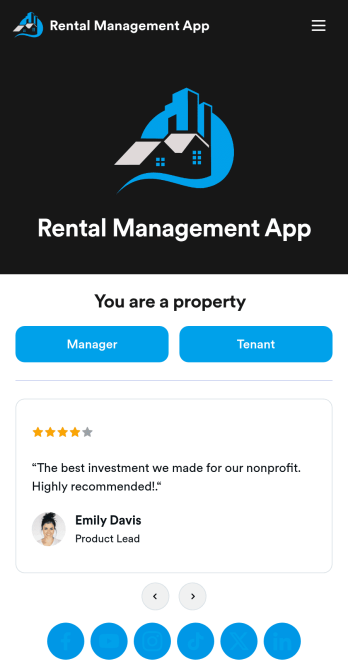
Rental Management App
A rental management app allows property management companies to collect and store tenant information and online paperwork in one convenient location. Property managers can keep track of new tenants, payment logs, and tenant leases through easy-to-understand spreadsheets using Jotform Tables. Tenants can download your rental management app on their preferred device to request maintenance and fill out a move-out checklist and satisfaction survey. They can also call or email the property manager directly from the tenant portal in your app. All data is instantly synced to your secure Jotform account.Want to make this app template your own? No coding is required — simply drag and drop to add form elements, edit text fields and checklist items, choose fonts and colors, upload your property management company’s logo, and much more. After you’re finished making changes, share your app with tenants by sending email invites or embedding the app in your website. Keep all of your tenants’ information in a single location with this all-in-one Rental Management App from Jotform.
Go to Category:Management Apps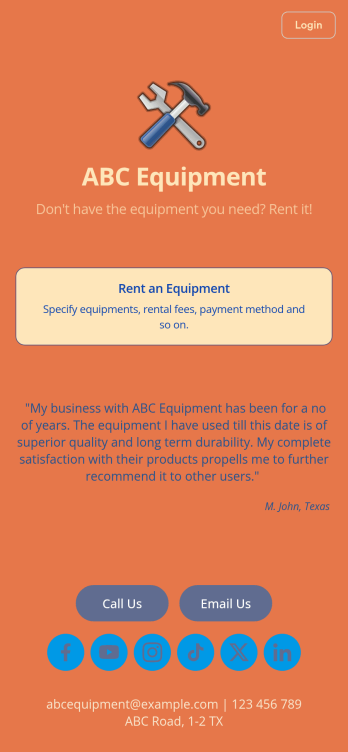
Equipment Rental App
An Equipment Rental App is used by companies that need to keep track of loaned out equipment. This app template allows customers to enter general contact and payment information, log start and end dates, and specify which equipment they’re taking out and why. There are also two digital signature boxes to be signed by both parties before submitting the agreement form. Once submitted, an Equipment Rental Agreement PDF is automatically generated. Rental agreements are stored securely in an easy-to-read spreadsheet in your online account.Personalizing this Equipment Rental App is easy. Using our drag-and-drop interface, you can add or change forms, choose fonts and colors, upload your company logo, update the app name, text and splash page, and more — all with zero coding. After you’re done customizing, your app can be shared via link and then accessed and downloaded on any smartphone, tablet, or desktop computer. Make equipment rental a breeze with this customizable Equipment Rental App!
Go to Category:Construction Apps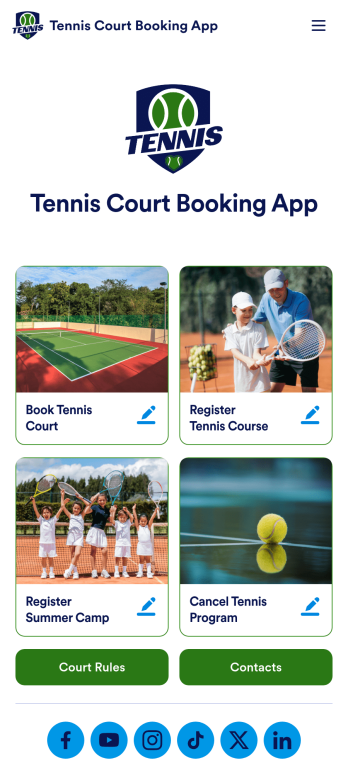
Tennis Court Booking App
A tennis court booking app is used by tennis court facility managers to receive, track, and manage tennis court bookings with ease. Using this ready-made Tennis Court Booking App, you can receive bookings from any device, complete with payments, contact details, and e-signatures, then manage them all using Jotform’s suite of powerful productivity tools.Customize this Tennis Court Booking App with our drag-and-drop app builder. No coding required! You can add a booking calendar, include your logo and branding, integrate with 200+ platforms to send submissions to other platforms like Google Calendar or Google Sheets, and collect payments with popular payment processors like Square and PayPal — while paying no extra transaction fees to Jotform.
Go to Category:Booking Apps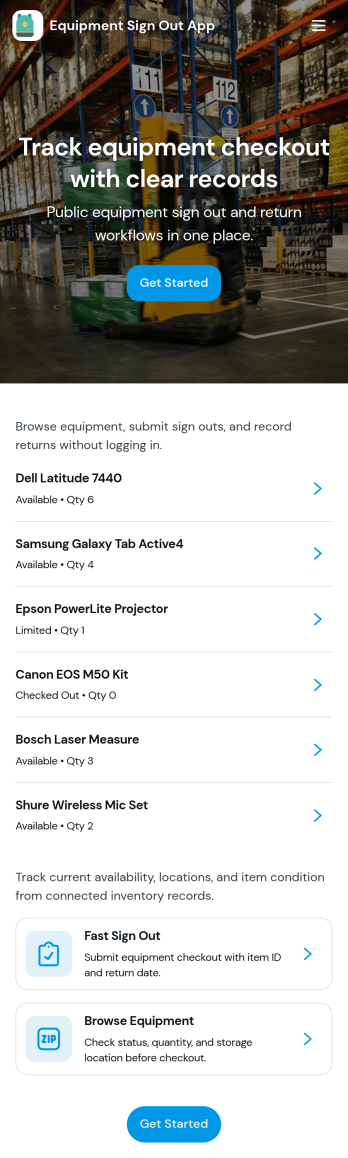
Equipment Sign Out App
Equipment Sign Out App helps teams keep a clear, searchable trail of who has which gear, when it was checked out, and what still needs to be returned. It’s useful for construction crews, schools, IT departments, studios, gyms, warehouses, and any workplace that shares tools, devices, or kits across shifts. With an equipment list to browse, a dedicated sign out flow, and a records area for lookups, staff can quickly find an item, sign it out in seconds, and reduce lost equipment, duplicate purchases, and time spent chasing updates.Built with Jotform, this app template turns everyday equipment tracking into a mobile-friendly self-service experience. Customize pages with a drag-and-drop interface, connect your sign out form to the app for consistent data collection, and keep everything organized in a single workflow that’s easy to share by link or QR code. As your inventory grows, Jotform makes it simple to update lists, adjust fields, and maintain reliable records without coding.
Go to Category:Inventory Apps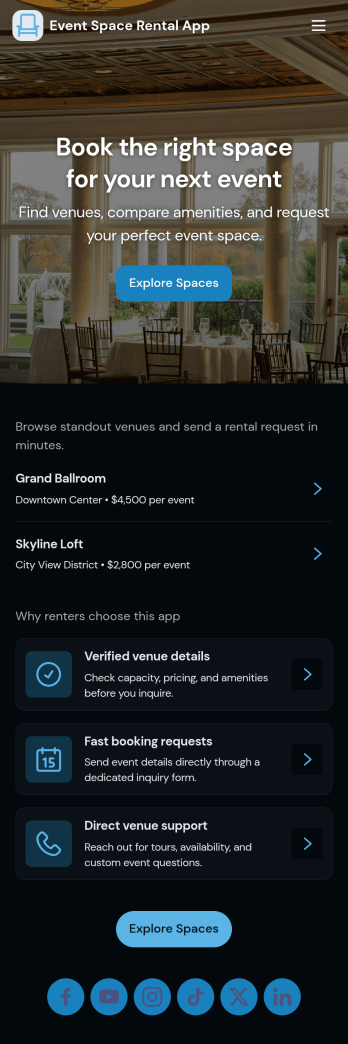
Event Space Rental App
Event Space Rental App helps venues and event organizers handle rentals in one place, from discovering available spaces to sending booking inquiries and tracking request status. Use it to showcase multiple venues, guide visitors to key details and typical uses, and give prospects a clear path to request a booking. It’s a strong fit for banquet halls, studios, coworking and meeting spaces, community centers, hotels with event rooms, and property managers who rent spaces for parties, workshops, photo shoots, and corporate gatherings.With Jotform, you can turn this app template into a branded self-service experience without coding. Build pages with a drag-and-drop interface, connect the booking request form to your workflow, and keep requests organized in connected tables for quick review. Share the app through a link or QR code so customers can browse venues, submit requests, and revisit “My Requests” while your team monitors “All Requests” and follows up faster.
Go to Category:Rental Apps
Rental Calendar App
Rental Calendar App helps you manage rental bookings with a clear, shareable view of what’s available and what’s already reserved. It’s a practical fit for vacation rental hosts, property managers, equipment and party rental businesses, and anyone coordinating short-term or recurring rentals who needs a simple way to capture new booking requests and review reservations in one place. With quick navigation to a New Booking flow and a dedicated Reservations area, teams can reduce double-booking risk, keep timing details consistent, and respond faster when customers ask about dates.Jotform makes it easy to turn this rental calendar app template into a branded self-service experience using a no-code app builder and a drag-and-drop interface. Connect the app to your Jotform form and linked data so booking details and reservation lists stay organized, then publish and share the app with staff or customers for smoother scheduling workflows. As your rental operation grows, you can adjust pages, add steps, and keep your data collection and day-to-day workflow in one Jotform workspace.
Go to Category:Rental Apps