
Catering Staff Availability App is an internal scheduling resource for catering managers, event staffing coordinators, restaurant operators, and hospitality teams that need a clear view of who can work upcoming shifts. Staff members can submit their availability, supervisors can browse responses, and planners can review coverage before assigning teams to events. It brings preferred shifts, availability status, and relevant staff notes into one accessible location without relying on scattered messages or separate spreadsheets. Use this app template when planning private functions, large events, seasonal demand, or recurring catering schedules. It helps managers spot staffing gaps sooner, compare available team members, and make informed scheduling decisions.
Jotform makes it easy to adapt the Catering Staff Availability App with a no-code app builder and a flexible drag-and-drop interface. Add or rearrange pages, update branding, connect forms and tables, and link related approval or notification workflows without writing code. Teams can create a convenient employee self-service experience that supports reliable data collection and keeps scheduling resources together. Once the app is ready, share it through a direct link or QR code so staff can access it from a phone, tablet, or computer. Jotform App Templates provide a practical starting point that can be customized as staffing processes and operational needs change.
Related templates
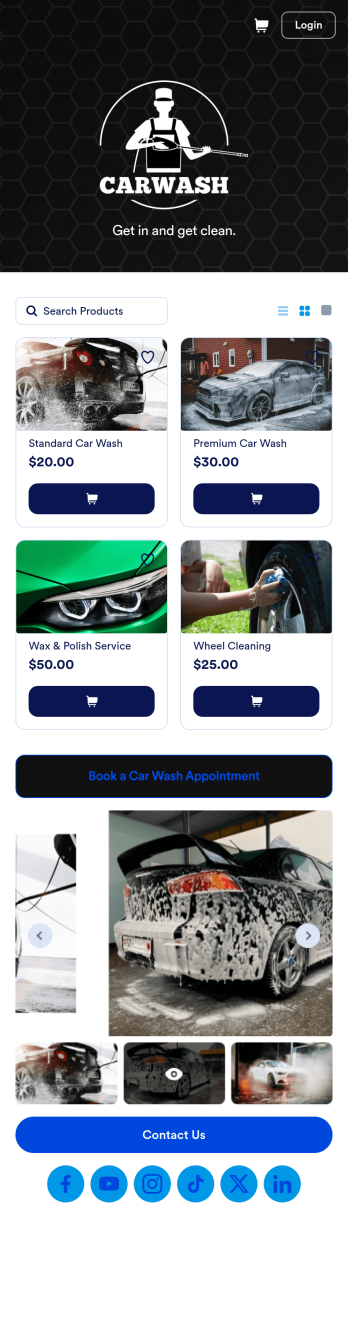
Custom Mobile Car Wash App
Wondering how to sell car washes online? Create a downloadable app for your mobile car wash customers with a free Mobile Car Wash App from Jotform. This app includes a Car Wash Appointment Form so customers can select their preferred date from a calendar and provide other booking details like name, phone number, and their car’s make and model. Also it includes a product list that customers choose a car wash service and make payments. All submissions are sent to your company Jotform account, ready to view instantly on any device.Add your logo, include other forms to collect additional info like e-signatures or payments, and make other design changes by dragging and dropping elements in our intuitive no-code app builder. Once your app is ready to be shared, copy and paste the link or invite people via email so they can download it onto their devices. Stop spending time on phone or email bookings and enjoy a more efficient booking process with this Mobile Car Wash App.
Go to Category:Appointment & Booking Apps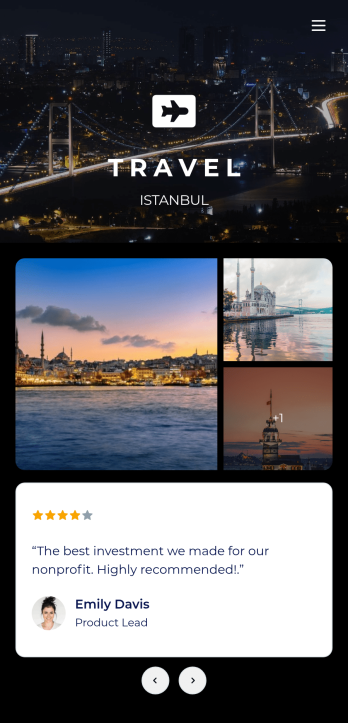
Tour Guide App
A tour guide app makes travelling easier for tourists no matter where they are or what device they use. Whether you manage a tourism agency or give guided local tours, create your own mobile app in just a few clicks with Jotform’s free Tour Guide App Template. Travellers can download your app onto their smartphone, tablet, or laptop and fill out your app’s forms with ease. Submissions will be synced to your secure Jotform account in an easy-to-view spreadsheet, calendar, or cards.Customize this Tour Guide App without any coding using our drag-and-drop interface. It’s easy to add forms, pages, links, documents, images, videos, buttons, and other elements to your app. Showcase must-see travel hot-spots on your app with pages for restaurants, culture, and entertainment, or create your own pages for other activities. When your app is ready to be published, post the app link on your website or social accounts. Make travelling a breeze with a fully customizable and easy-to-navigate Tour Guide App!
Go to Category:Booking Apps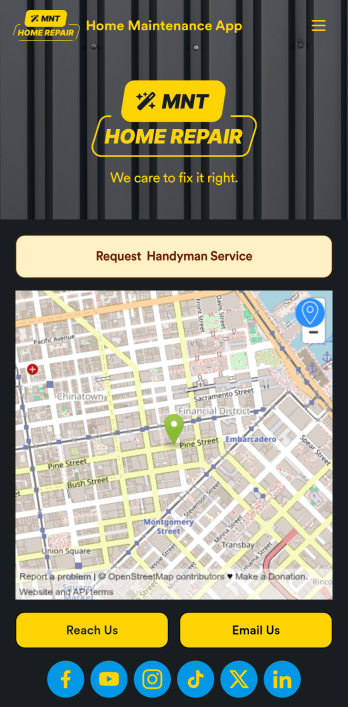
Home Maintenance App
A home maintenance app is used by construction companies and contractors to collect handyman service requests from customers. With this free Home Maintenance App from Jotform, customers can fill out a Handyman Service Request Form with their availability and general contact information, as well as the type of work they need performed. Customer requests are compiled and stored in your online account for ease of access, and can be sorted, filtered, and searched from any device.Make this app your own with Jotform’s drag-and-drop form builder. You can add or swap out form elements, choose fonts and colors, upload your logo, customize the splash page with your business address and phone number, and more — no coding necessary. Once you’re satisfied with the look and feel of your app, you can embed it in your website or share it with a link so customers can download it on any smartphone, tablet, or desktop. Make scheduling handyman service requests simple and easy with this Home Maintenance App.
Go to Category:Booking Apps
Consultation App
A consultation app is used by clients to request consultation services from a consulting firm. With this free Consultation App from Jotform, your agency can create its own custom app in minutes! Just add photos and descriptions of your consultants, include links to your portfolio, and input location and contact details. Your clients can then download the app onto their mobile device to request a consultation fast.Want to make changes to this app template? Update the design by choosing a new background or app icon, including specific information about your services, splitting the app into different pages, and making other changes with our drag-and-drop app builder. No coding needed! You can then share the app with a link or send it to clients via email. All submissions through your custom Consultation App are ready to view instantly, so you can schedule consultations and respond to clients with ease.
Go to Category:Management Apps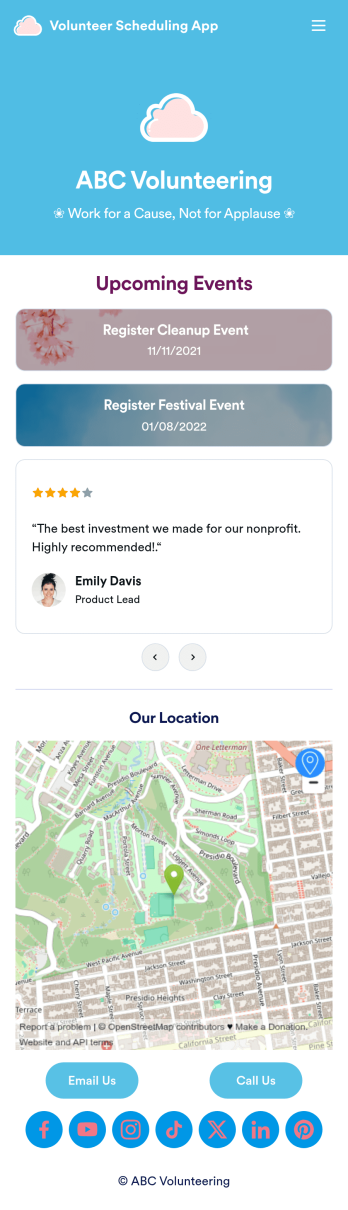
Custom Volunteer Scheduling App
A volunteer scheduling app is used by communities and organizations for recruiting volunteers. Our Volunteer Scheduling App allows individuals to volunteer for upcoming activities and events by filling out a form with their general contact information, availability, areas of interest, and any helpful talents they may have. This app template also includes an interactive event calendar and an event request form. Volunteer registrations are organized in an easy-to-read spreadsheet in your secure Jotform account, where you can sort and filter volunteers by name and availability.Jotform’s drag-and-drop app builder makes it easy to customize this app template to suit your needs. You can add and swap out form elements, choose fonts and colors, upload your organization’s logo, use your splash screen to include testimonials and photo slideshows of past events, and more — all without any coding. When you’re done, share your app by attaching it to an email newsletter, or include a link in your website or social media bio, and volunteers can download your app on any device. Start making real change in your community with this fully-customizable Volunteer Scheduling App.
Go to Category:Nonprofit Apps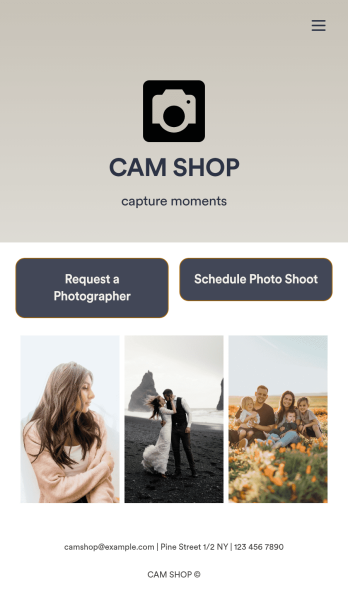
Photography Booking App
Whether you’re an independent photographer or run a photo studio, booking jobs is a crucial part of your trade — so why not make it as simple a possible? This free Photography Booking App allows customers to easily hire photographers and schedule photoshoots all from one location. Customers can fill out general contact information, specify media type and event dates, and include any special instructions about their shoot. Once a photographer is assigned to an event, customers can use a separate scheduling form to specify photograph sizes, add à la carte items, and choose appointment times based on your availability. You can accept form payments directly from your app via credit card, PayPal, Stripe, and more.Need to customize this app to match your studio’s branding? With our drag-and-drop form builder, it’s easy to add or change forms, choose fonts and colors, and upload your logo — all without any coding. You can also showcase your work by adding photographs to your fully customizable splash page. When you’re done, share your app with a link or embed it in your website and customers can start booking appointments right away from any device. Empower your photography business with this Photography Booking App from Jotform.
Go to Category:Booking Apps