CDL Pretrip App helps commercial drivers complete a consistent pre-trip vehicle inspection before hitting the road. Use it to start an inspection from a simple home screen, follow an inspection guide for step-by-step checks, and keep past reports organized so you can quickly pull up records by driver or system when questions come up. It’s a practical fit for owner-operators, fleet teams, dispatch operations, and safety managers who want a repeatable inspection process across vehicles and drivers.
With Jotform, you can turn this app template into a branded self-service experience without coding. Customize pages with a drag-and-drop interface, connect the inspection form to the app for reliable data collection, and keep everything in one workflow that’s easy to share by link or QR code. As your process evolves, you can update fields, organize records, and publish changes fast so drivers always have the latest inspection flow on mobile.
Related templates
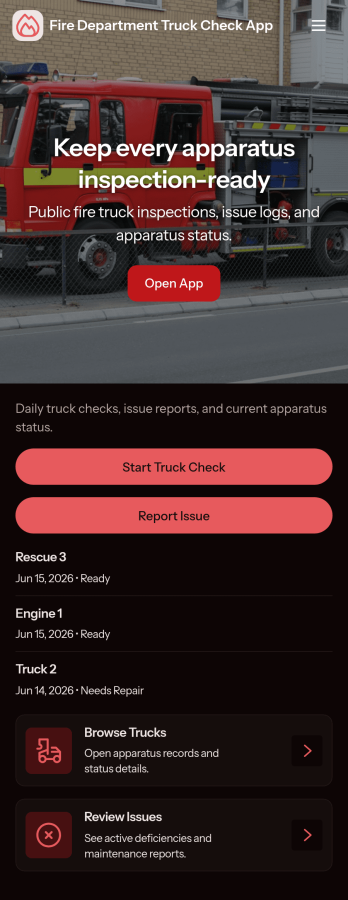
Fire Department Truck Check App
Fire Department Truck Check App helps stations and crews run consistent truck checks and keep a clear record of what was inspected, when, and by whom. Use it to browse a list of trucks, open a check form in seconds, and review past checks in one place, making it easier to spot recurring issues and keep rigs ready for the next call. It fits daily apparatus checks, shift changeovers, post-response inspections, and multi-station operations that need a simple, repeatable process.Jotform makes it easy to turn this app template into a mobile-friendly self-service experience without coding. With a drag-and-drop interface, you can customize pages, add your department branding, and connect the app to your data collection workflow so teams can complete checks from a shared link or QR code. As records grow, keep them organized and accessible, and collaborate across shifts with a single Jotform app that stays aligned with how your department operates.
Go to Category:Vehicle Inspection Apps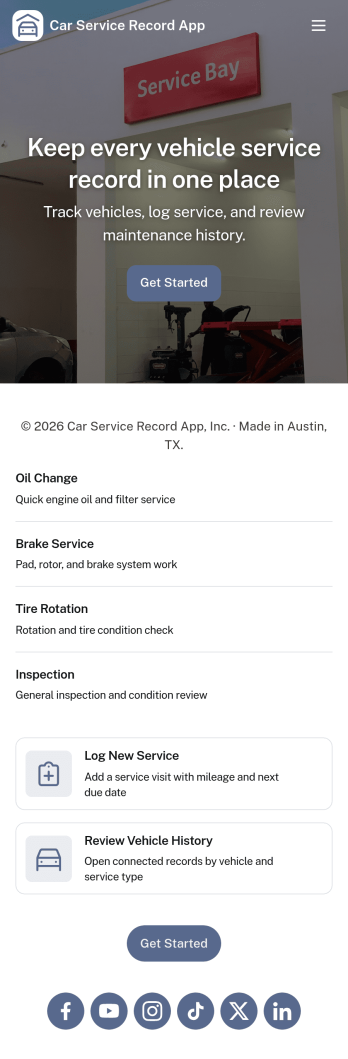
Car Service Record App
Car Service Record App helps you capture, organize, and review vehicle maintenance history in one place. Use it to log new service records, browse vehicles by make and model, and quickly check past work before scheduling the next visit. It’s a practical fit for auto repair shops, mobile mechanics, fleet managers, dealerships, and even car owners who want a clear record of services like oil changes, inspections, repairs, and recurring maintenance.With Jotform, you can turn this app template into a branded self-service experience without code. Use the drag-and-drop app builder to customize pages, connect your service record form for reliable data collection, and keep everything easy to access on any device. Share the app by link or QR code so teams can add updates on the go while managers review vehicle history and upcoming maintenance at a glance.
Go to Category:Automotive Apps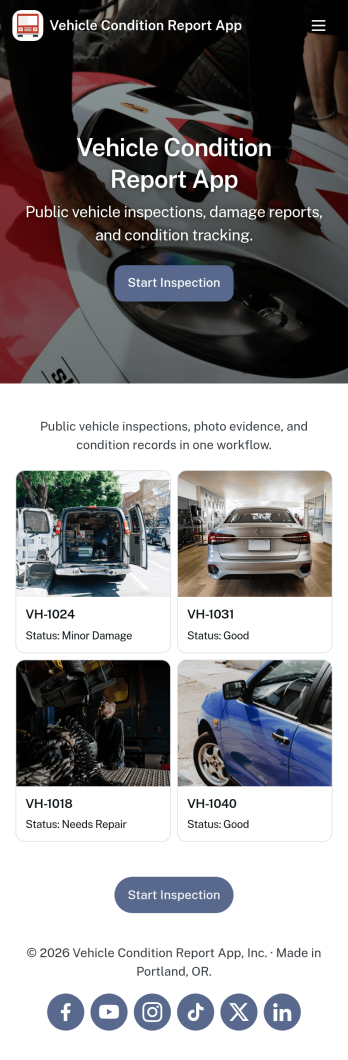
Vehicle Condition Report App
Vehicle Condition Report App helps teams document a vehicle’s state at key moments like check-out, return, handoff, or routine checks. It gives drivers, dispatchers, rental counters, and fleet supervisors a consistent way to start a report, review recent reports, and keep saved records organized by vehicle ID, so it’s easier to spot recurring issues and follow up when something needs attention. Whether you manage a small service fleet, a dealership loaner program, or shared company vehicles, this app supports faster documentation, clearer accountability, and fewer missed details during day-to-day operations.Built with Jotform App Templates, you can publish a branded, self-service experience without relying on code. Use Jotform’s no-code app builder and drag-and-drop interface to tailor pages, connect the Start Report and New Report buttons to your vehicle inspection form, and keep records accessible for your team on any device. As data collection grows, you can evolve the workflow by organizing reports for quick navigation, sharing a single link or QR code, and keeping vehicle condition history easy to reference when decisions need to be made.
Go to Category:Vehicle Inspection Apps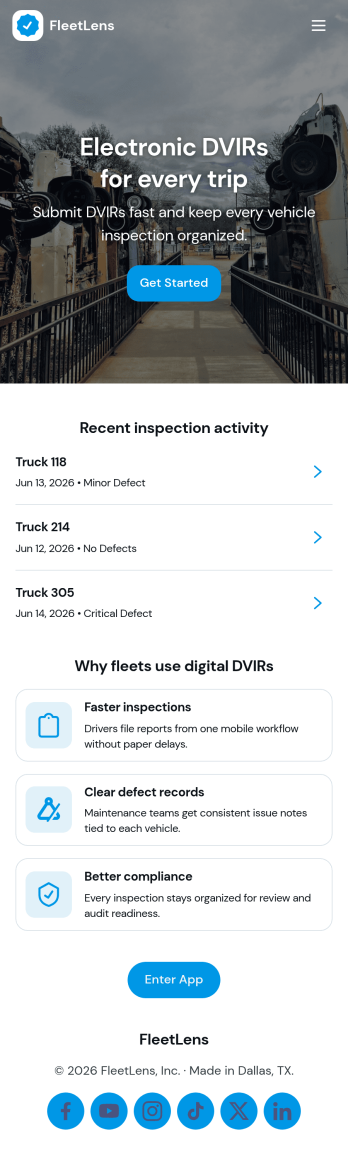
Electronic Dvir App
Electronic Dvir App brings daily vehicle inspection reporting into a single, mobile-friendly experience for drivers, fleet managers, and operations teams. Use it to start an inspection, report a defect as soon as it’s noticed, and review vehicle-specific details without hunting through messages or paperwork. The built-in fleet status summary and dedicated inspection and defect logs make it easier to spot patterns, follow up on recurring issues, and keep vehicles moving with fewer surprises across terminals, routes, and job sites.Jotform helps you turn routine fleet checks into a guided self-service workflow with a no-code app builder and a drag-and-drop interface. Connect this app template to your inspection and defect forms, route entries into organized tables, and share the app by link or QR code so teams can complete inspections wherever they are. As your process evolves, you can quickly adjust pages, add reporting views, and keep everyone aligned with consistent data collection and clearer operational visibility.
Go to Category:Vehicle Inspection Apps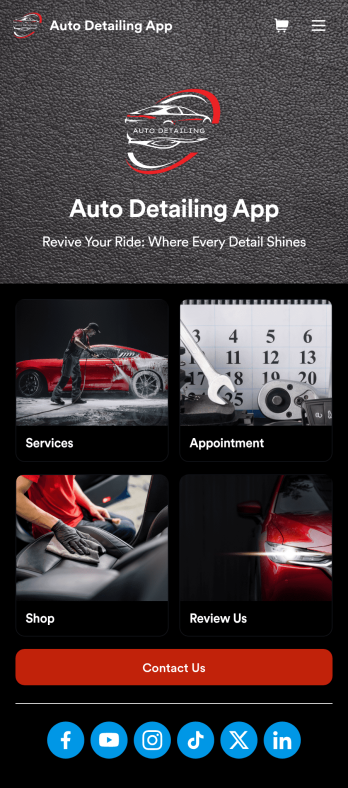
Auto Detailing App
An auto detailing app is a mobile application used by auto detailing businesses to list their services, book appointments, collect feedback, and more. Need an app for your business? This free Auto Detailing App is the perfect place to start. Use the app as-is or customize it in seconds with our drag-and-drop app builder — then share the app with your customers via social media or email so they can access or download it seamlessly on any device.Drag and drop elements to get the design you want with no coding required. Add your company logo, upload photos, include your auto services and pricing, and integrate with one of 30+ payment processors to accept payments through your custom Auto Detailing App while paying no extra transaction fees to Jotform.
Go to Category:Appointment & Booking Apps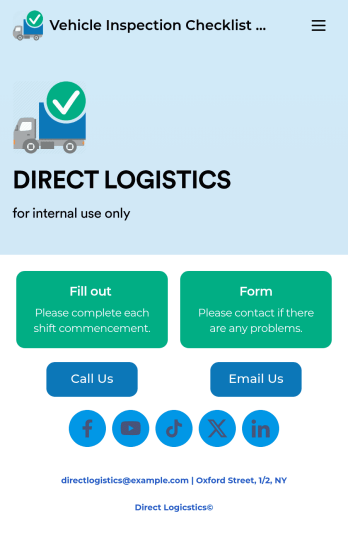
Vehicle Inspection Checklist App
A vehicle inspection checklist app is used by businesses to keep track of vehicle inspection reports for company vehicles. With this free Vehicle Inspection Checklist App, employees can fill out a pre-trip inspection checklist documenting the fuel level and overall condition of a vehicle. Employees can also add notes and attach any relevant pictures using an image upload form. There is a separate contact form employees can use to report issues. Inspection reports are synced automatically to your account, and can be sorted, filtered, and exported from any device.Customize this free app template using Jotform’s drag-and-drop interface. With just a few clicks, you can add or swap out form elements, choose fonts and colors, upload your logo, and more — no coding required. When you’re done, embed a link in an email or on your company website to have employees download your app on any smartphone, tablet, or computer. Create and store vehicle inspection reports in one convenient place with this Vehicle Inspection Checklist App.
Go to Category:Checklist Apps