
Child Social Media Safety Survey App gives parents, guardians, educators, counselors, and youth organizations a practical way to start age-appropriate conversations about safer online behavior. The app template provides direct access to a safety survey and reinforces essential habits such as checking in together, reviewing privacy settings, pausing before sharing, choosing a trusted adult, and agreeing on family boundaries. It can support family discussions, classroom digital citizenship activities, counseling sessions, and community education programs. By keeping the survey and key reminders in one accessible place, the app helps adults guide children through recurring safety check-ins and identify topics that may need further conversation.
Jotform App Templates make it easy to adapt this resource without writing code. Using Jotform’s no-code app builder and drag-and-drop interface, organizations can revise the wording, add educational pages, connect forms, and apply their preferred colors and visual style. The finished app can be shared by link or QR code for convenient mobile access. Connected data collection and workflow tools can also help authorized teams organize survey responses, send notifications, and coordinate appropriate follow-up while providing families or students with a clear self-service experience.
Related templates
Safety Checklist App
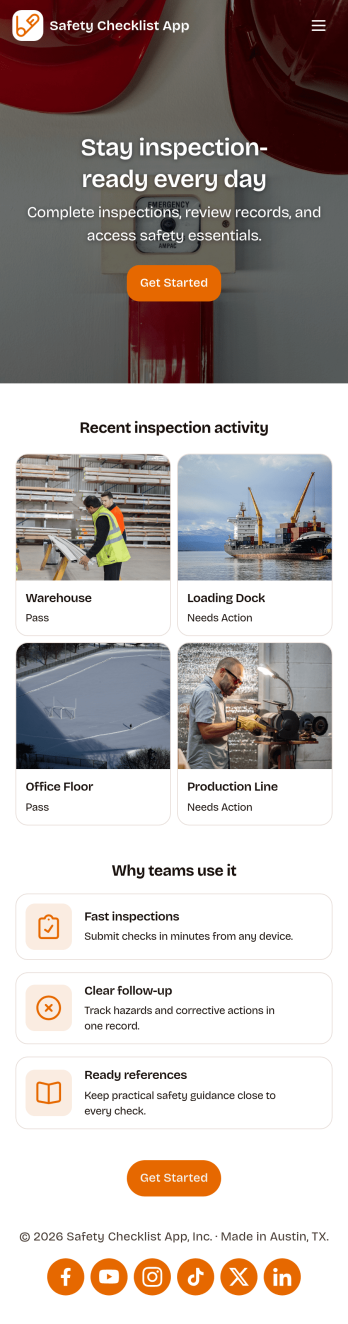
Safety Checklist App helps teams run repeatable inspections, document checks by location, and surface problems before they become incidents. It fits day-to-day use in warehouses, construction sites, retail stores, schools, facilities, and field operations where staff need a clear path to start an inspection, review completed checks, and keep track of open issues. The app’s navigation cards guide users to begin an inspection, browse check records, and jump into open items, while a built-in issue reporting form makes it easy to flag hazards or concerns from the same place.Jotform lets you turn this Safety Checklist App into a branded, mobile-friendly experience without coding. Use the drag-and-drop no-code app builder to tailor pages for your locations and inspection routine, connect your check data to tables for organized tracking, and share the app with a link or QR code for quick self-service access. As your workflow evolves, you can update the layout, adjust the reporting form, and keep everyone aligned with a single source for safety checks and issue follow-up.
Go to Category:Checklist Apps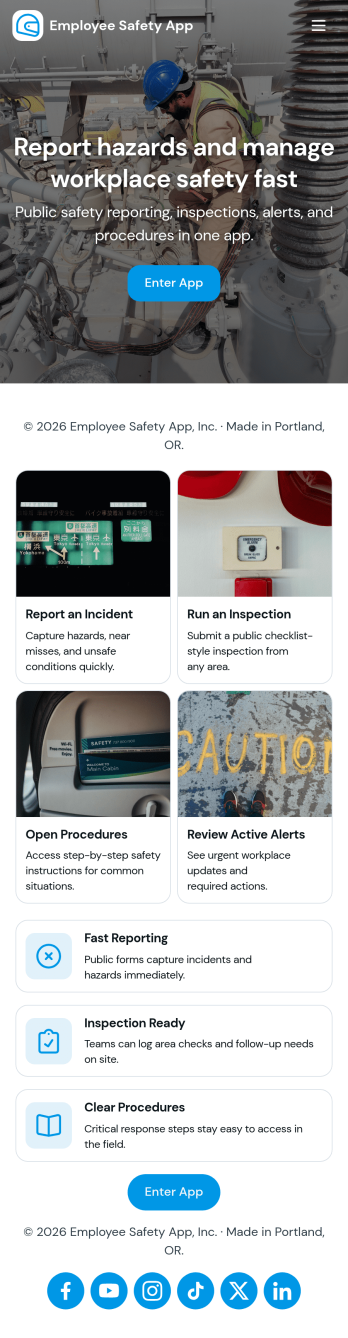
Employee Safety App
Employee Safety App brings key workplace safety actions into one place so teams can report incidents, run safety checks, and review logged issues without hunting for the right link or paper form. It fits companies with distributed crews, warehouses, job sites, clinics, or offices that want a consistent way to capture what happened, where it happened, and what immediate action was taken. Built-in navigation makes it easy to jump from reporting to an incident list, and the app can also surface quick emergency and safety lead contact options when time matters.With Jotform, you can turn this employee safety app template into a branded self-service experience using a no-code app builder and a drag-and-drop interface. Connect the app to your incident and safety check forms for reliable data collection, route updates through the right workflow, and keep records organized in one system for follow-up, training, and continuous improvement. Share the app by link or QR code so employees can access it on the go, then refine pages and content as your safety processes evolve.
Go to Category:HR Portal Apps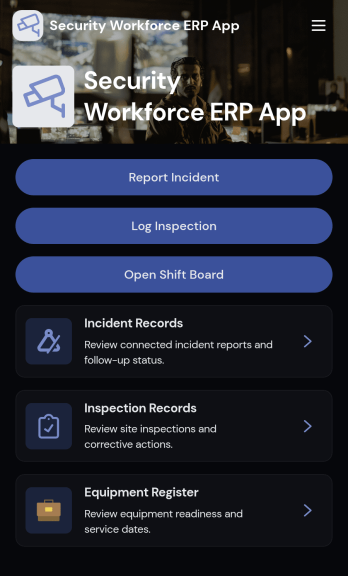
Security Workforce ERP App
Security Workforce ERP App brings your guard force and site operations into one place so supervisors can add workforce records, set up security sites, record shift coverage, and capture incident reports without juggling spreadsheets or scattered messages. It’s built for security companies, contract guarding teams, and in-house security departments that need a dependable way to keep rosters current, track who covered which shift, and document incidents with clear details for follow-up and review.Jotform makes it easy to turn these everyday workflows into a polished, shareable experience with App Templates you can customize in minutes. Using Jotform’s no-code app builder and drag-and-drop interface, you can organize pages for workforce, coverage, sites, and incidents, connect forms for data collection, and keep your workflow moving with a self-service hub that works on any device. As records grow, you can continue adapting the app to match how your team schedules, responds, and reports in the field.
Go to Category:Operations & Logistics Portal Apps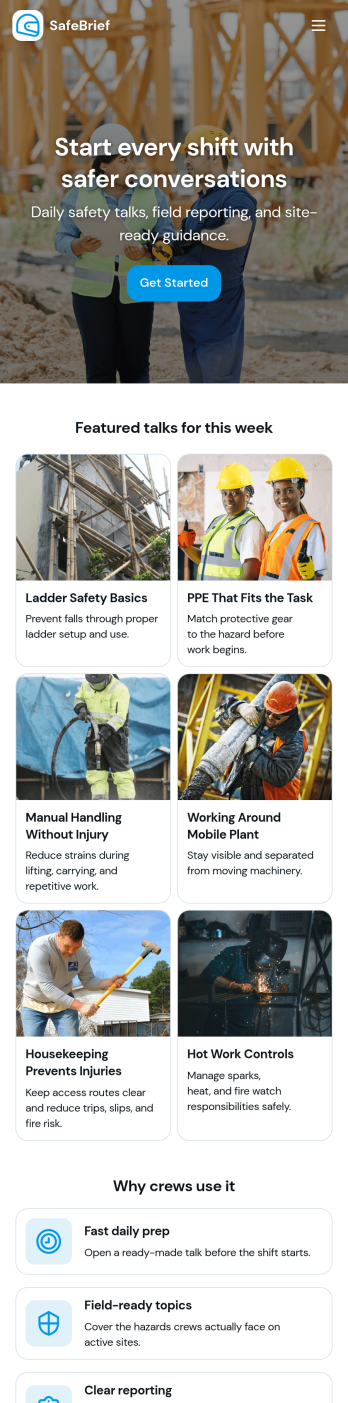
Toolbox Talks App
Toolbox Talks App helps safety leads and site supervisors run consistent pre-task briefings, keep a ready-to-use talk library, and gather participation details in one place. Use it to launch a talk for the day, guide crews through key points, and keep everyone aligned on hazards, procedures, and expectations before work begins. With dedicated areas for running a talk, tracking attendance, and collecting feedback, it fits construction crews, maintenance teams, field service groups, warehouses, and any operation that relies on frequent safety conversations.Built with Jotform, this app template gives you a practical way to support self-service access to talks and simple data collection without code. Customize pages and cards with a drag-and-drop interface, connect the app to your existing Jotform forms for attendance and feedback, and keep information organized for ongoing workflows. Share the app by link or QR code so teams can open it on the jobsite, record participation, and submit notes while the conversation is still fresh.
Go to Category:Checklist Apps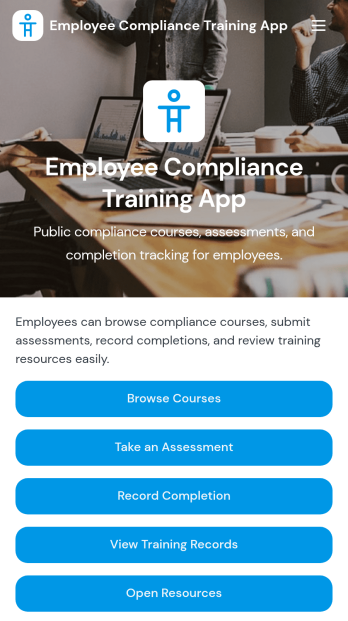
Employee Compliance Training App
Employee Compliance Training App gives HR teams, learning and development leaders, safety managers, and operations departments a central place to deliver and monitor required workplace education. Employees can browse available courses, review key learning materials, take assessments, and submit completion records without searching across disconnected systems. It is well suited to employee onboarding, annual refresher programs, information security awareness, workplace conduct education, and health and safety training. By bringing learning resources and training records into one accessible experience, the app helps organizations keep employees informed, reduce administrative work, and maintain clearer visibility into participation.Jotform makes this app template easy to adapt with a no-code app builder and an intuitive drag-and-drop interface. Teams can update pages, course links, buttons, visual elements, and branding to match their internal training program. Forms, tables, approvals, and automated workflows can be connected to support data collection, completion tracking, and timely follow-up. Once customized, the Employee Compliance Training App can be shared by direct link or QR code for convenient mobile self-service access. Explore Jotform App Templates to create a polished training experience without writing code.
Go to Category:Safety and Compliance Apps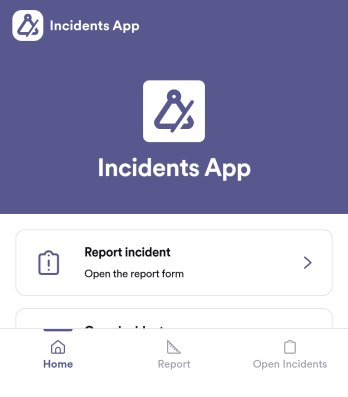
Incidents App
Incidents App gives teams a clear, consistent way to capture incident details the moment something happens and keep visibility on what’s still unresolved. It’s a practical fit for workplaces, schools, property teams, event operations, and service organizations that need staff to report issues quickly, then follow progress without hunting through emails or spreadsheets. With an in-app path to report an incident, review open incidents, and reference incident history, the app supports faster handoffs and better follow-through across shifts and locations.Built with Jotform, this app template pairs self-service reporting with organized recordkeeping so teams can collect data in one place and act on it. Use Jotform’s no-code app builder and drag-and-drop interface to tailor pages, wording, and navigation for your process, then connect the app to the underlying form and table for ongoing workflows. Share the app through a link or QR code, control who can access reporting views, and keep your incident information easy to search and manage as volume grows.
Go to Category:Log Apps