
Classroom Furniture Audit App is a ready-to-use tool for documenting the condition, quantity, and location of furniture across classrooms and learning spaces. School administrators, facilities teams, teachers, and maintenance staff can use it to start furniture audits, review room-based records, note furniture counts and safety concerns, and submit issue reports. It replaces scattered paper checklists and disconnected messages with a consistent process for identifying damaged, missing, or unsuitable items. Schools can use the collected information to prioritize repairs, plan replacements, prepare rooms for a new term, and maintain a clearer view of classroom resources.
With Jotform, teams can customize this app template through a no-code app builder and a flexible drag-and-drop interface. Pages, navigation, forms, visual elements, and connected workflows can be adjusted to match a school’s audit process and branding. Audit and issue data can be organized through connected tools, while notifications help relevant staff respond to new reports. This Classroom Furniture Audit App can be shared by direct link or QR code for convenient mobile access, giving authorized team members a central self-service resource for completing checks and reporting problems from any school location.
Related templates
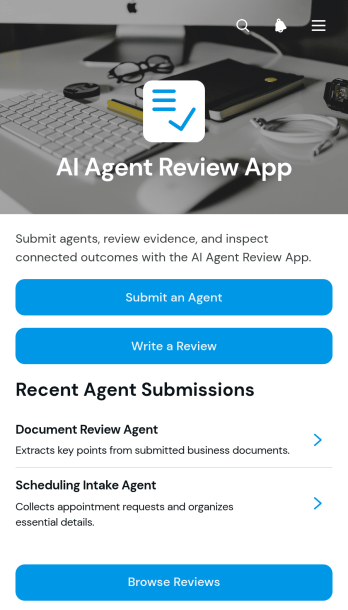
AI Agent Review App
AI Agent Review App is a centralized review experience for teams that evaluate AI agents before adoption, publication, or continued use. Technology teams, consultants, product managers, quality reviewers, and operations leaders can use it to accept agent submissions, collect structured reviews, and provide access to supporting evaluation or evidence links. Reviewers can browse available agents and previous feedback from one organized location, helping stakeholders compare performance, document observations, and make more informed decisions. It is useful for internal testing programs, client assessments, quality checks, and recurring agent monitoring.Jotform Apps makes this app template easy to adapt without writing code. Use the drag-and-drop app builder to update pages, navigation, visual styling, and review content for your organization. Forms, tables, approval steps, and notifications can be connected to support data collection and keep each workflow moving. Jotform App Templates also provide a mobile-friendly self-service experience that can be shared through a direct link or QR code, giving reviewers convenient access wherever evaluations take place.
Go to Category:Audit Apps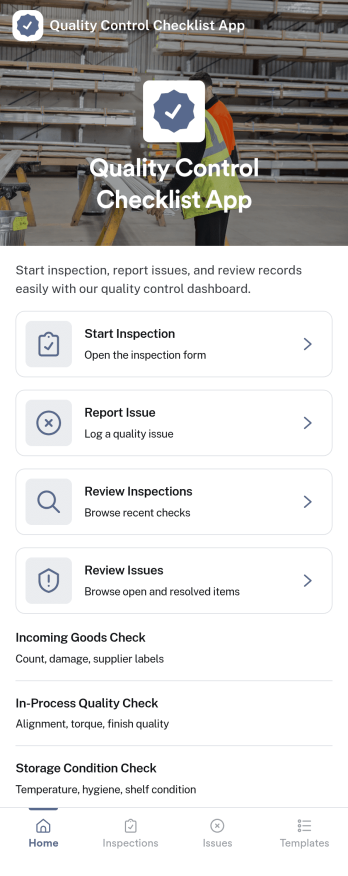
Quality Control Checklist App
Quality Control Checklist App helps teams run consistent inspections, document findings, and follow up on problems without hunting through paper checklists or scattered messages. It fits manufacturing lines, warehouses, construction sites, food production, and any operation where repeatable checks matter. Staff can start an inspection from a single home screen, log an issue the moment it’s spotted, and later review past inspections and reported issues to keep work moving and standards clear across shifts and locations.With Jotform, you can turn this quality control app template into a mobile-friendly self-service experience using a no-code app builder and a drag-and-drop interface. Connect inspection and issue forms to your data collection workflow, keep records organized for faster reviews, and share the app by link or QR code so the right people can complete checks and report problems from the field, the floor, or the office.
Go to Category:Checklist Apps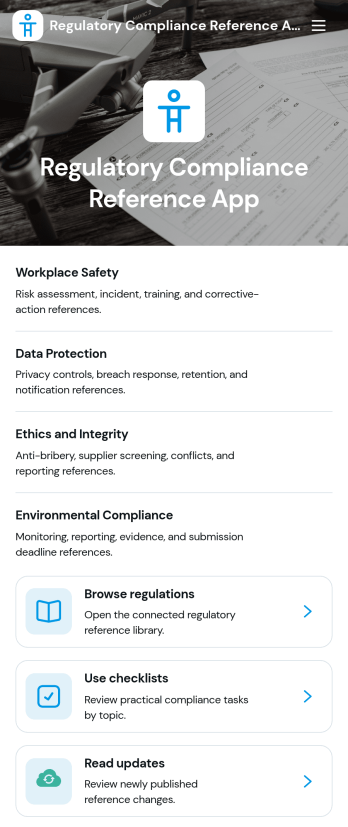
Regulatory Compliance Reference App
Regulatory Compliance Reference App brings your organization’s key regulations, checklists, and update notes into one easy-to-browse reference library. It’s built for compliance leads, operations managers, risk teams, and distributed departments that need a reliable place to review requirements by topic, confirm jurisdictions and effective dates, and keep internal guidance aligned with the latest reference status. With quick navigation to browse regulations, open source references, and use checklists tied to real responsibilities like owners and review frequency, teams can reduce time spent hunting for the right information and keep day-to-day decisions consistent.Jotform makes it simple to publish this app template as a self-service resource without coding. Using a drag-and-drop interface, you can tailor pages, organize your reference lists, and connect the app to a form for ongoing data collection when new regulations, checklist updates, or internal notes need to be added. Share the finished app with a link or QR code, keep content current in one place, and support clearer workflows across teams with Jotform.
Go to Category:Safety and Compliance Apps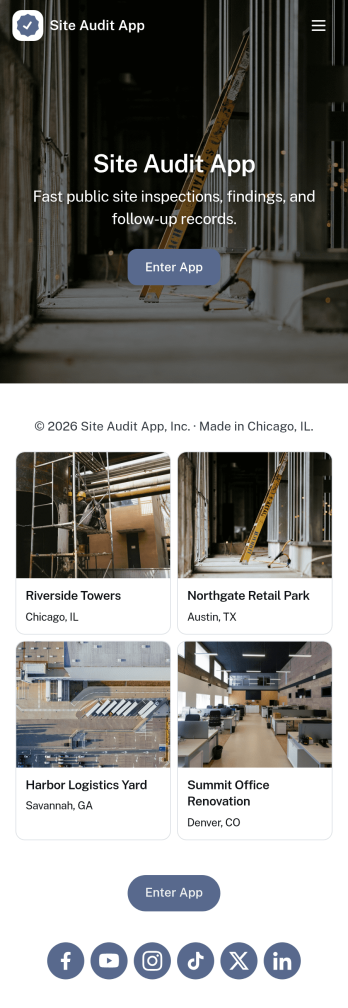
Site Audit App
Site Audit App helps teams run consistent site audits, document findings, and keep follow-up work moving without losing track of what’s been checked. It’s a practical fit for IT and web teams, agencies managing multiple client sites, and operations groups that need a repeatable way to start an audit, review open issues, and maintain an organized history of past audits. Use it to standardize how audits are launched, capture issues as they’re discovered, and keep visibility on what still needs attention across sites and audit cycles.Jotform makes it easy to turn this Site Audit App into a branded, self-service workflow using a no-code app builder with a drag-and-drop interface. Connect pages to forms and tables to support data collection, issue tracking, and action logging in one place, then share the app by link for quick access on desktop or mobile. As your workflow grows, you can adjust fields, add steps, and collaborate with teammates so audits and issue follow-up stay consistent from start to finish.
Go to Category:Information Technology Apps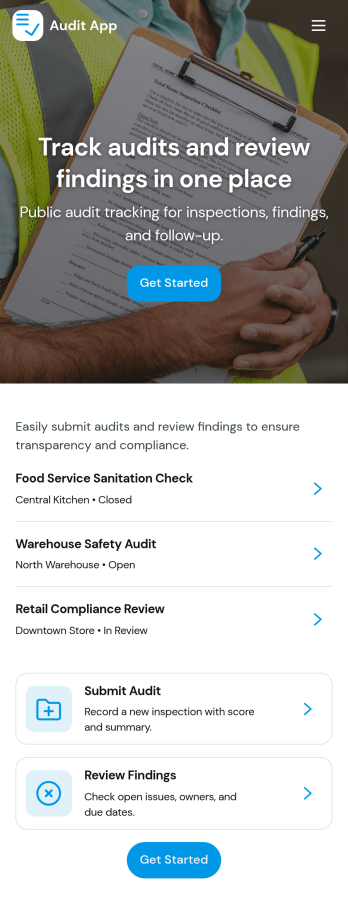
Audit App
Audit App helps teams plan, run, and document audits in one place, from kicking off a new audit to reviewing past records and tracking findings as they’re logged. It’s a practical fit for internal audit groups, operations managers, safety teams, quality leads, IT administrators, and consultants who need a clear way to capture audit details, monitor audit status by location, and keep issue reporting consistent across sites. With quick access to an audit metrics dashboard, audit records, and a dedicated findings area, you can stay on top of open items and make follow-up work easier to coordinate.Built with Jotform, this app template can be tailored to match your audit process without coding. Use the drag-and-drop app builder to adjust pages and navigation, connect forms for data collection such as adding audits and logging findings, and keep information organized for fast self-service access. Share the app through a link or QR code so stakeholders can submit updates and review progress, while your team maintains a single source of truth for audit activity.
Go to Category:Audit Apps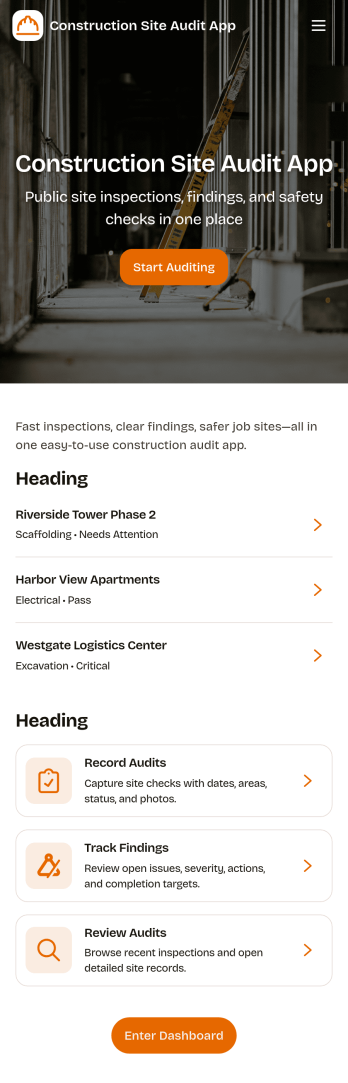
Construction Site Audit App
Construction Site Audit App helps crews document site inspections, record observations, and keep audit history organized across multiple jobsites. Use it to start a new audit, capture key notes for a specific site name, and create a consistent record that supervisors, safety leads, and project managers can review later. It’s a practical fit for general contractors, subcontractors, and construction firms that want a clear way to log findings, follow up on issues, and keep field reporting consistent from one project to the next.With Jotform, you can turn this app template into a mobile-friendly workflow that’s easy to share with field teams. Customize pages and navigation with a drag-and-drop interface, connect the audit form to your data collection process, and keep records organized for faster review. Jotform’s no-code app builder makes it simple to publish updates quickly, maintain a reliable inspection workflow, and support self-service reporting from the jobsite.
Go to Category:Construction Apps