
The Cleaning Service Documentation App is an app template for cleaning companies, facility teams, contractors, and property service managers who need a dependable record of work completed across multiple locations. Staff can submit service records, document inspection outcomes, note site conditions, and create follow-up actions from one organized experience. Location-based records and visual summaries help supervisors review cleaning quality, identify recurring concerns, confirm completed tasks, and coordinate corrective work. It is well suited to commercial cleaning operations, residential service providers, hospitality facilities, schools, offices, and property portfolios where consistent documentation improves accountability and service oversight.
Jotform Apps makes this App Template easy to adapt with a no-code app builder and a flexible drag-and-drop interface. Teams can update pages, branding, navigation, and connected forms without programming, then bring data collection and workflow steps into a single mobile-friendly app. Share the finished Cleaning Service Documentation App by link or QR code so field staff and supervisors can access the right records wherever work takes place. Connected information can support timely notifications, centralized review, and practical self-service while reducing scattered paperwork and making day-to-day cleaning operations easier to manage.
Related templates
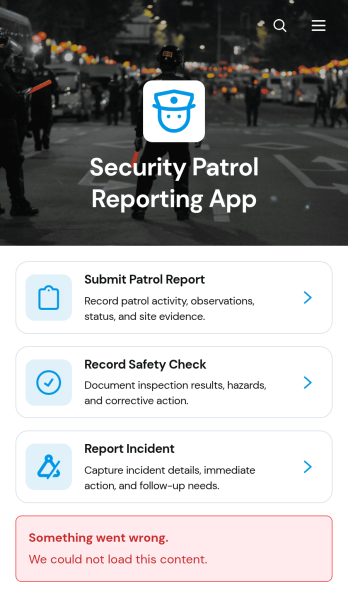
Security Patrol Reporting App
The Security Patrol Reporting App is an app template for documenting patrol activity, safety checks, and incidents across offices, residential properties, construction sites, warehouses, campuses, and other monitored locations. Security officers can submit patrol reports from the field, record inspection findings, and report incidents while details are still current. Supervisors, property managers, facility teams, and security service providers can review records by date, officer, location, status, severity, and follow-up needs. Bringing these activities into one accessible reporting experience reduces missing information, improves visibility across shifts, and helps teams respond to identified concerns.Jotform App Templates make it easy to adapt this reporting experience to an organization’s procedures without writing code. With Jotform’s no-code app builder and drag-and-drop interface, teams can update pages, branding, navigation, and connected forms to suit different properties or patrol assignments. Collected data can feed into tables, notifications, approvals, and related workflows, giving managers a central place to organize reports and monitor next steps. Once ready, the app can be shared with officers through a direct link or QR code for convenient mobile access and field-based self-service.
Go to Category:Report Apps
TV Repair Tracking App
The TV Repair Tracking App gives television repair shops, independent technicians, electronics service teams, and field service managers a central place to manage repair work from intake through completion. Staff can log a repair, review open jobs, and generate repair reports without relying on scattered notes or spreadsheets. Each request can preserve essential service context such as the television model, customer details, preferred contact method, reported issue, diagnosis, required parts, estimated cost, and completion notes. This clearer view of repair progress helps teams prioritize active work, prepare customer updates, coordinate parts, and maintain consistent service records across workshop and on-site jobs.Jotform makes this app template easy to adapt with a no-code app builder and drag-and-drop interface. Teams can adjust pages, navigation, branding, and connected workflows to reflect their repair process, then organize data collection and self-service access in one mobile-friendly experience. The app can connect with forms, tables, notifications, approvals, and other operational tools so repair information stays accessible as work advances. Publish it with a shareable link or QR code to give authorized technicians and service staff convenient access from a phone, tablet, or computer.
Go to Category:Equipment Maintenance Software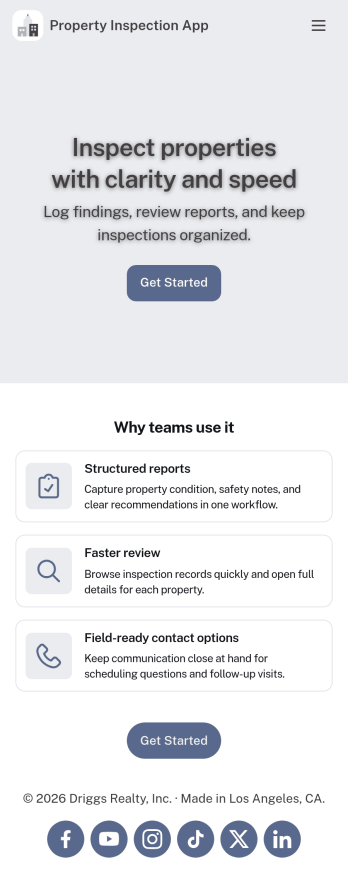
Property Inspection App
A property inspection app makes it easy for property inspectors and contractors to record and submit reports from any device. Build your own Property Inspection App without any coding using our free, fully-customizable template. This ready-to-use app comes with an online Rental Inspection Report Form that can be easily filled out from your smartphone or tablet. Submitted inspection reports and repair requests will be stored in your secure Jotform account, ready to view, download, and share.Customize your Property Inspection App without any coding. Simply drag and drop to add other report forms, embed links to other websites, upload branding elements, and change app settings such as name and icon. When it’s ready to use, you can download it onto your favorite device for easy access and share it with others via app link. Make it easier to identify, record, and solve issues in a rental property or building with an easy-to-use and fully-customizable Property Inspection App in hand.
Go to Category:Home Inspection Apps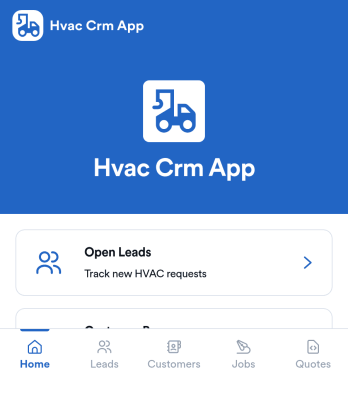
Hvac Crm App
HVAC Crm App helps heating and cooling businesses manage sales and customer relationships in one place, from capturing new inquiries to tracking active jobs and keeping customer histories organized. Use it to review open leads, browse your customer base, create jobs from qualified opportunities, and add customer notes so your team always has the latest context before a call, site visit, or follow-up.Built with Jotform App Templates, this app template can be tailored in a no-code app builder with a drag-and-drop interface, so you can match your workflow without technical overhead. Connect the app to forms and tables for consistent data collection, route updates to the right people, and share a self-service experience with your office staff or field team using a simple link or QR code.
Go to Category:CRM Apps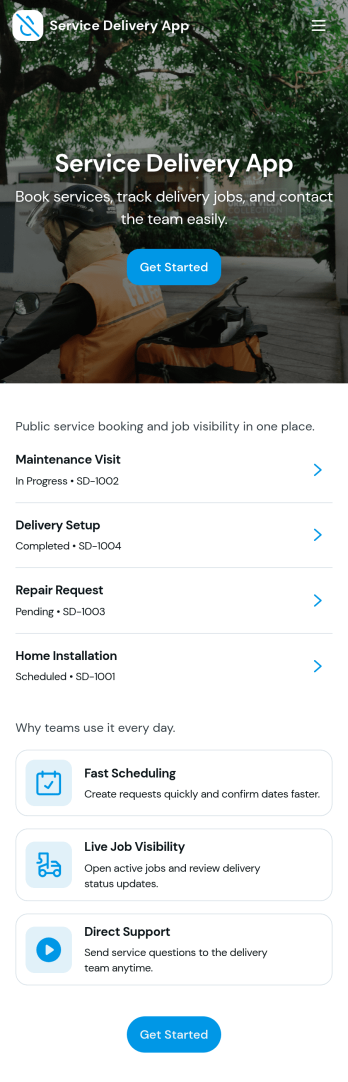
Service Delivery App
Service Delivery App helps service teams capture new requests, keep active jobs organized, and close out completed work without losing track of details. It fits field service providers, internal operations teams, and managed service groups that need one place to collect incoming work and monitor progress from start to finish. With quick navigation to a new request flow and clear sections for active and completed jobs, it supports everyday service delivery when volume is high and turnaround time matters.Jotform makes it easy to turn service workflows into a mobile-friendly self-service experience using App Templates and a no-code app builder. With a drag-and-drop interface, you can tailor pages, buttons, and lists to match how your team works, then connect the app to Jotform forms and tables for consistent data collection and smoother workflow handoffs. Share the app with a link or QR code so customers or staff can submit requests and review updates in one streamlined space.
Go to Category:Online Service Apps
Land Mapping App
Land Mapping App helps teams capture and organize parcel details and mapping needs in one place, so field staff and office coordinators can stay aligned from the first record to the final request. Use it to add new parcels as they come in, browse an up-to-date list of parcel entries, and submit mapping requests with clear location notes for survey work, boundary review, planning, or internal documentation. It’s a practical fit for surveyors, engineering groups, construction and land development teams, real estate operations, and municipalities that need a simple way to centralize parcel intake and track ongoing mapping work without relying on scattered emails or spreadsheets.Built with Jotform App Templates, this app template is powered by Jotform’s no-code app builder and a drag-and-drop interface, making it easy to tailor pages, buttons, and navigation to your workflow. Connect the app to forms and tables for reliable data collection, route updates across your workflow, and share a self-service link with the right people so they can add parcels, submit mapping requests, and review records from any device.
Go to Category:Engineering Apps