Collection Tracker App helps you catalog and review items in a personal or business collection, whether you track trading cards, books, collectibles, equipment, samples, or product archives. With simple navigation for adding new entries and browsing what you already own, it keeps your records in one place and makes it easier to spot gaps, monitor key metrics, and stay organized as your collection grows. Use it to centralize photos and details for each item, keep your list searchable, and share a consistent tracking routine across hobbies, teams, or small shops.
Built with Jotform, this app template turns everyday tracking into a guided self-service experience you can publish in minutes. Customize pages with a drag-and-drop interface, connect your item list to forms and tables for ongoing data collection, and keep updates organized with workflows that fit how you manage inventory-like collections. Share the app with a link or QR code so others can add items or browse the collection from any device.
Related templates
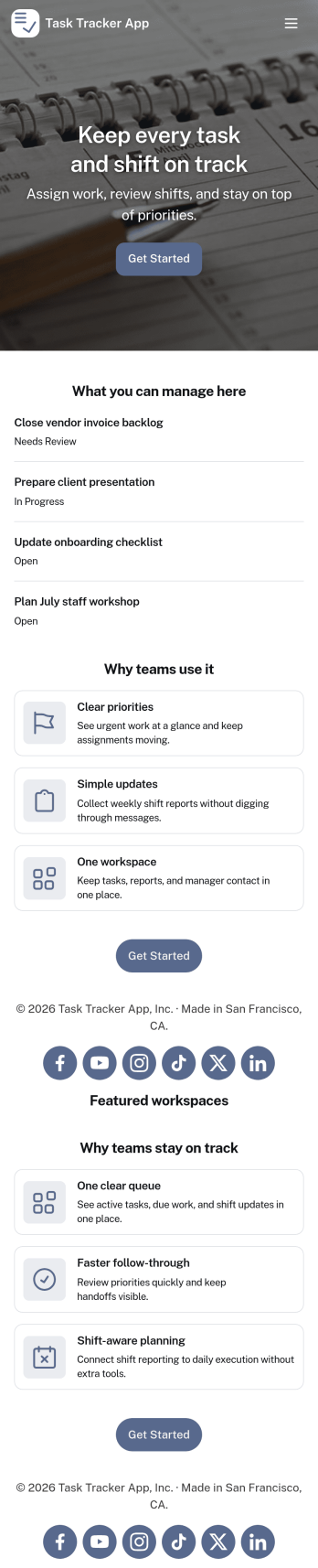
Task Tracker App
A task tracker app is used to keep track of tasks on any device. No matter which industry you work in, Jotform’s free Task Tracker App lets you log and manage task details and even assign tasks to employees or teammates! The app is downloadable onto any smartphone, tablet, or computer, and all submissions are stored securely in your Jotform account — ready to access whenever you need them.Want to make changes to this free app? Add or remove forms, include your company logo, change fonts and colors, and personalize other elements with our drag-and-drop builder. No coding is necessary! Once you’ve got your app looking perfect, share it with a link for others to download directly onto their devices. Track tasks more efficiently with the help of a free Task Tracker App from Jotform.
Go to Category:Organization Apps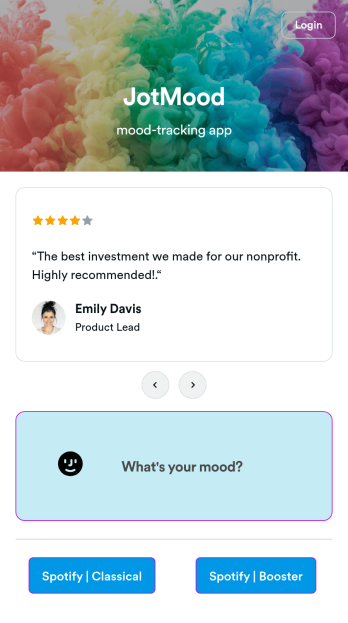
Mood Tracker App
Tracking your mood is a great way to learn how to manage your emotions and understand triggers. Start tracking your moods or help patients track theirs with our free Mood Tracker App you can customize in just a few clicks! This ready-to-use app provides a single place for users to add their moods through a form and view all their submissions at once in order to see any recurring patterns. You can use this app yourself, or share it with patients to help them monitor their progress in therapy.Want to customize your Mood Tracker App? With our drag-and-drop interface, you can create and add more forms to your app and even change its icon, name, splash screen, and background. Feel free to upload images, include links, update the text, and more. You’ll be able to access and download your app from any smartphone, tablet, or desktop. Make it easier to keep track of how you’re feeling with a custom Mood Tracker App you can easily use from any device.
Go to Category:Entertainment Apps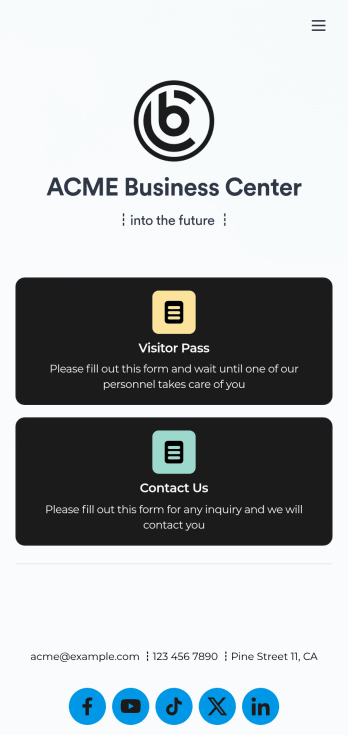
Visitor Sign In App
A visitor sign in app is used by businesses or organizations to log and track sign ins for their building. With this free Visitor Sign In App that downloads instantly onto any device — such as your building’s tablet or computer — you can collect, track, and manage sign-ins with ease. The app also includes a contact form so visitors can quickly get in touch if they encounter any issues, and connects to a Visitor Approval Process Template so you can approve or deny visitors instantly.Feel free to add more forms, upload your logo, update the background image, and make other changes with our drag-and-drop builder. All responses collected through the app are stored securely in your Jotform account and protected with advanced security measures. Switch from paper sign in sheets to an online Visitor Sign In App to collect information more efficiently — no messy paperwork required.
Go to Category:Tracker Apps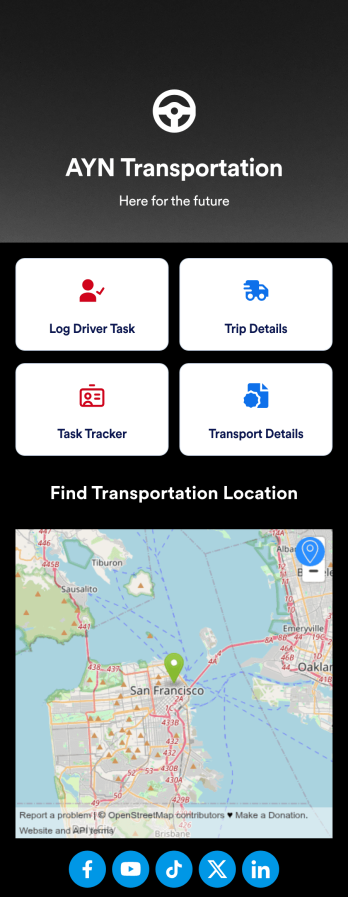
Customizable Driver Dispatch App
A driver dispatch app is used by taxi companies or other transportation services to keep track of trip details for their drivers. With this free Driver Dispatch App from Jotform, you can keep a complete record of trip details without the need for messy, disorganized paper forms. All form submissions through the app are stored in your secure Jotform account, ready to view in Jotform Tables as a spreadsheet or calendar.Customize this app template’s design without coding. Drag and drop to add or remove forms or change other design elements like app icon, logo, and background in a few easy clicks. Once your app is ready to go, download it onto your computer, tablet, or smartphone or copy-paste the app link so others can download it too! Upgrade the way you manage trip details with a powerful Driver Dispatch App.
Go to Category:Log Apps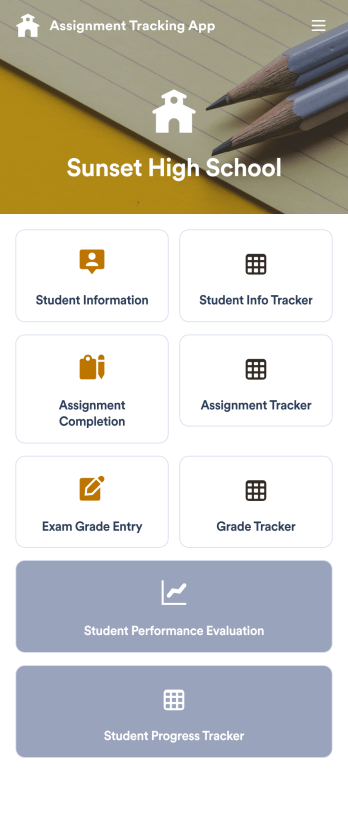
Assignment Tracking App
An assignment tracking app is used by teachers as an all-in-one classroom app for keeping track of students’ assignments and assessments. With Jotform’s Assignment Tracking App, teachers can record student information, completed assignments, test scores, and performance evaluations. Form submissions are automatically compiled in a companion spreadsheet, where teachers can sort, filter, and search through grades and test scores in an easy-to-understand format from any device.This app template works right out of the box, but you can easily customize it to meet your classroom’s needs with our intuitive app builder. No coding necessary — just drag and drop to add or swap out form elements, edit individual forms, upload images and documents, choose a custom app icon and splash screen, and more. When you’re done, you can access and download your very own app on any smartphone, tablet, or desktop for ease of use. Ditch the paperwork and manage your classroom from a single app with this fully-customizable Assignment Tracking App from Jotform!
Go to Category:Education Apps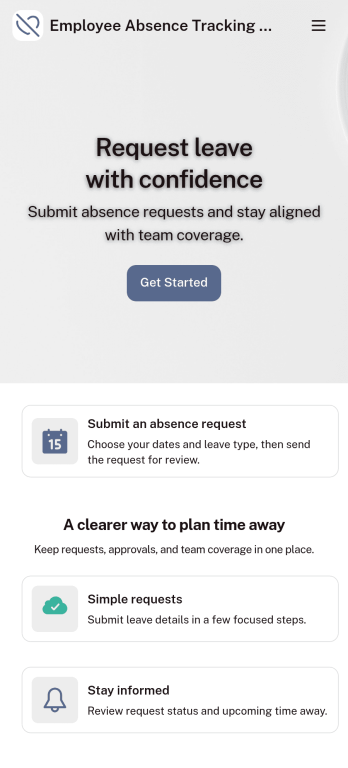
Customizable Employee Absence Tracking App
This Employee Absence Tracking App helps employees request time off and helps HR, managers, and employers track absences from any device. It includes submission tracking, with Admin-only access to view and manage requests and keep information organized and relevant based on the type of leave. All submissions are automatically available in Jotform Tables where admins can review them as a spreadsheet, calendar, or cards for faster follow-up and reporting.The app can be customized with multiple request forms for different leave types, a personalized splash screen or icon, and guidance text to support employees while submitting requests. With Jotform’s Role-based feature, you can control access so tutors, admins, and other users see only the parts of the app relevant to them. For privacy and compliance, sick leave request forms require employee login, ensuring only authenticated users can submit sensitive absence information. Save time and simplify leave management with a secure, streamlined way to handle employee absences.
Go to Category:Company Portal Apps