A task tracker app is used to keep track of tasks on any device. No matter which industry you work in, Jotform’s free Task Tracker App lets you log and manage task details and even assign tasks to employees or teammates! The app is downloadable onto any smartphone, tablet, or computer, and all submissions are stored securely in your Jotform account — ready to access whenever you need them.
Want to make changes to this free app? Add or remove forms, include your company logo, change fonts and colors, and personalize other elements with our drag-and-drop builder. No coding is necessary! Once you’ve got your app looking perfect, share it with a link for others to download directly onto their devices. Track tasks more efficiently with the help of a free Task Tracker App from Jotform.
Related templates
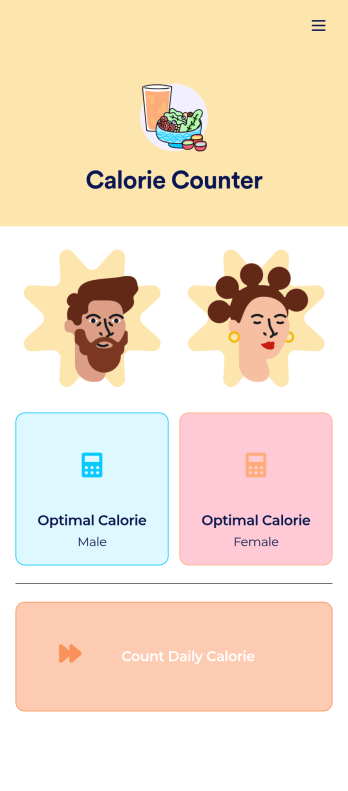
Customizable Calorie Counter App
A calorie counter app is used to track calorie intake from any device. No matter what your weight goals are, start tracking calories with Jotform’s free Calorie Counter App. This customizable app template comes with a calorie calculator and tracking form that you can fill out yourself or assign to clients if you’re a personal trainer or dietician. Submissions will be received instantly and synced to your secure Jotform account.Customize this Calorie Counter App to meet your needs in just a few clicks. Without coding, you can use our drag-and-drop builder to add or remove forms, create new app buttons or pages, embed links, upload images or videos, and include other app elements. When it’s ready to use, your app can be downloaded onto any device and shared via app link or email invite. Make calorie counting easy from anywhere with a custom calorie counter on your favorite device!
Go to Category:Self Care Apps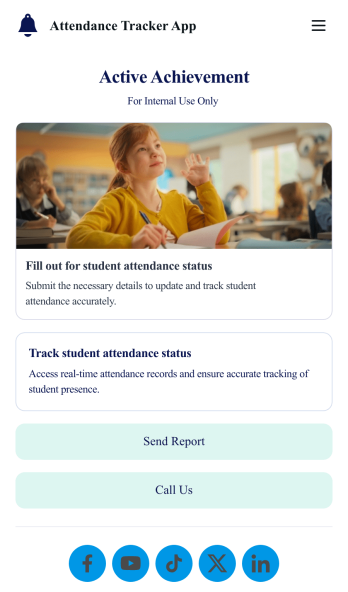
Custom Attendance Tracker App
An attendance tracker app is used by teachers or managers to track attendance for their classroom or company. With Jotform’s free Attendance Tracker App, you can download the app onto your computer, smartphone, or tablet to easily track attendance online. Just fill out the forms to log attendance details, and access your records in a spreadsheet or calendar using Jotform Tables.Need to change elements of this app template? Upload your logo, add or remove forms, include helpful links, and change the app background or icon to get the exact design you need — with no coding knowledge required. Once you’ve used our drag-and-drop builder to customize your app, share it with a link to be downloaded onto any device. Track attendance more efficiently with a free Attendance Tracker App!
Go to Category:Classroom Management Apps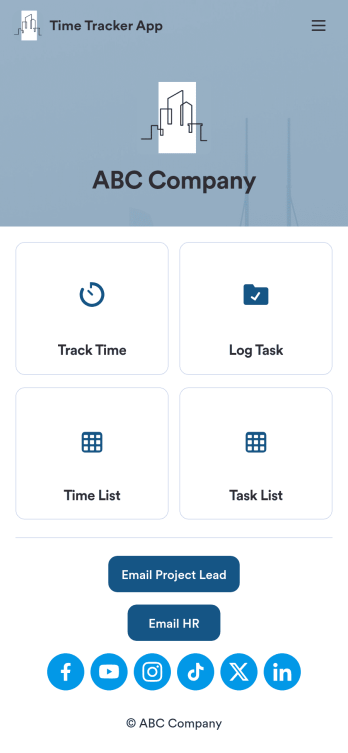
Custom Time Tracker App
A time tracker app is used to keep track of employees’ hours and tasks. With Jotform’s free Time Tracker App, managers can keep a complete record of the times employees punch in or out, task details and the amount of time employees spend on them, and view all the information in a professional spreadsheet. All submissions are stored securely in your Jotform account and ready to access on any device.Need to make changes to this app template? Be sure to add your logo, change the background image, and choose new fonts and colors for a personalized touch. You can also customize the spreadsheet layouts and make changes to the app’s forms to collect other types of information — then share the app for your employees to download onto their devices. Better manage employee information with a free Time Tracker App from Jotform.
Go to Category:Management Apps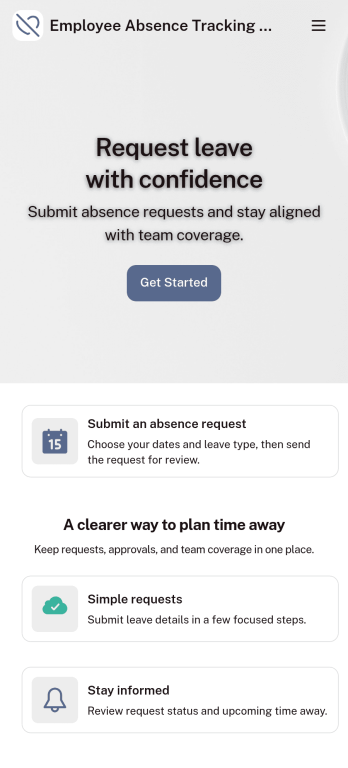
Customizable Employee Absence Tracking App
This Employee Absence Tracking App helps employees request time off and helps HR, managers, and employers track absences from any device. It includes submission tracking, with Admin-only access to view and manage requests and keep information organized and relevant based on the type of leave. All submissions are automatically available in Jotform Tables where admins can review them as a spreadsheet, calendar, or cards for faster follow-up and reporting.The app can be customized with multiple request forms for different leave types, a personalized splash screen or icon, and guidance text to support employees while submitting requests. With Jotform’s Role-based feature, you can control access so tutors, admins, and other users see only the parts of the app relevant to them. For privacy and compliance, sick leave request forms require employee login, ensuring only authenticated users can submit sensitive absence information. Save time and simplify leave management with a secure, streamlined way to handle employee absences.
Go to Category:Company Portal Apps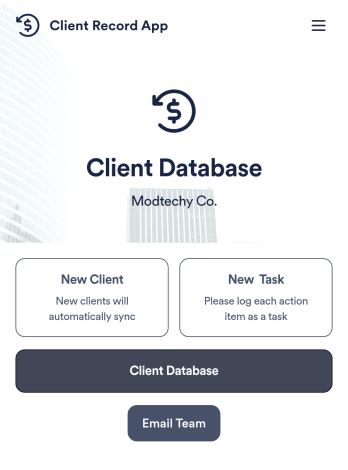
Client Record App
A client record app is used by companies to keep track of clients in a Jotform Tables database. With our Client Record App, you can add general contact information for new clients and view a list of existing clients. There is also a separate task form for employees to log projects. Submissions are stored securely in your online account and can be accessed directly through your app from any smartphone, tablet or computer.This Client Record App can be easily customized without any coding. Our drag-and-drop builder allows you to add and change forms, upload your logo, choose fonts and colors, create a custom app icon and splash screen, and more. When you’re finished, your team can access and download your app on any device with a share link. Keep all your business contacts in one convenient location with this Client Record App!
Go to Category:Freelancer Apps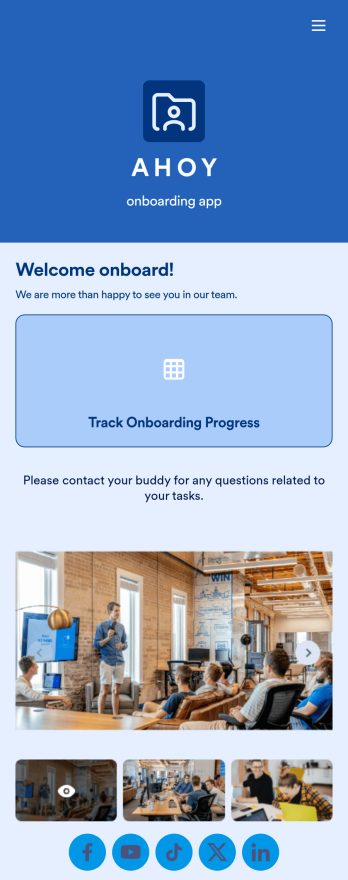
Custom Employee Onboarding App
An employee onboarding app makes it easier to integrate a new employee into your company by making important internal resources available on any device. Simplify the transitional period and successfully onboard new hires with a fully custom Employee Onboard App powered by Jotform. This ready-to-use mobile app includes a table for tracking onboarding progress, company photos and social links, and a separate page with team contact information. New hires can download the app onto their mobile device or computer for easy access at any time.Customize this Employee Onboarding App for your company in just a few clicks. Without coding, you can use our drag-and-drop builder to add forms and tables, embed links, upload documents and training videos, create new pages, update fonts and colors, and much more. When your app is ready to use, it can be sent directly to new hires via email invites or the app link. Successful employee onboarding can be the key to business success — so get started with an efficient, easy-to-use Employee Onboarding App tailored to your company.
Go to Category:Company Portal Apps