
Construction Services CRM App is a ready-to-use app template for contractors, construction companies, project managers, and service coordinators who need one place to manage client-facing work. Teams can browse construction projects, submit service requests, and record or review inspections without relying on disconnected documents and messages. Project details such as the client, project manager, site address, and value remain easy to reference throughout daily operations. The app supports clearer handoffs between office and field teams, faster issue reporting, and better visibility into active client work.
Jotform Apps makes this Construction Services CRM App easy to adapt with a no-code app builder and an intuitive drag-and-drop interface. Customize pages, branding, navigation, and content, then connect forms, tables, notifications, approvals, and other workflow steps as needed. These App Templates help businesses create mobile-friendly self-service experiences while keeping data collection organized. Publish the finished app with a direct link, custom app URL, QR code, or embedded experience so employees, contractors, and clients can reach the right resources from virtually any device.
Related templates
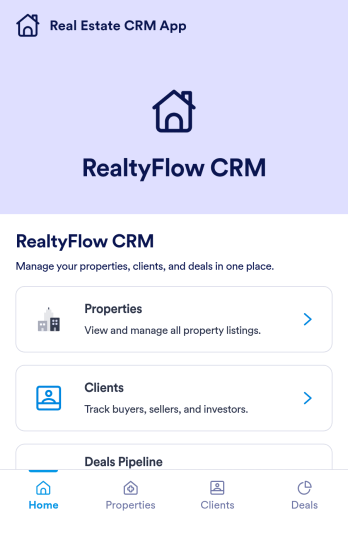
Real Estate CRM App
Real Estate CRM App is an app template designed to centralize client interactions, property listings, and sales activities in a unified management system. It's a ready-to-use solution that efficiently streamlines the inner workings of real estate agencies, brokers, property managers, and sales teams by organizing their client and property relationships into one digital platform. This app is optimized for the collection of critical data, including client communication, property details, and sales records, providing a clear and consistent overview for more effective decision-making. By replacing ad-hoc data collection methods with this template, real estate professionals benefit from a more organized and efficient workflow, thus contributing to improved productivity and client satisfaction. This app is particularly beneficial for those who aim to reduce manual tasks, minimize errors, and optimize operational efficiency in their real estate operations.Jotform's Real Estate CRM App is a robust platform that makes the task of real estate management simple and seamless. With Jotform's user-friendly interface, you can easily customize the app to your specific needs, from adjusting the app's layout and design to adding or modifying data fields. The easy-to-use drag-and-drop feature allows you to personalize your app without any coding required. Furthermore, the app supports the collection of electronic signatures, making it convenient for clients to sign off on important documents digitally. Jotform also features a comprehensive reporting system, enabling you to generate sheets and reports from your collected data with ease. The simplicity and flexibility of Jotform's Real Estate CRM App make it a formidable ally in your daily real estate operations, helping you maintain a high level of efficiency and client satisfaction.
Go to Category:Real Estate Apps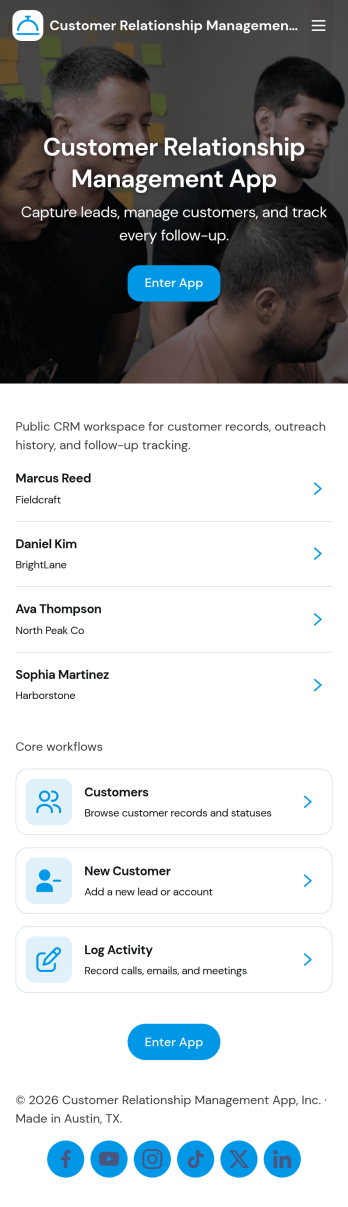
Customer Relationship Management App
Customer Relationship Management App brings your relationships, pipeline, and follow-ups into one place so teams can stay on top of every interaction. Use it to capture and update contacts, review deal progress, and keep daily work moving with task tracking. It fits sales teams, account managers, consultants, and service businesses that need a simple way to organize customer details, monitor opportunities, and avoid missed next steps as leads move from first touch to closed deal.With Jotform, you can tailor this app template to match how your team works using a no-code app builder and a drag-and-drop interface. Connect your contact, deal, and task forms to your workflow, keep data collection consistent across pages, and share a self-service experience with teammates from a single link. As your process grows, you can adjust fields, add steps, and organize records so everyone has clear visibility into customer activity.
Go to Category:Customer Portal Apps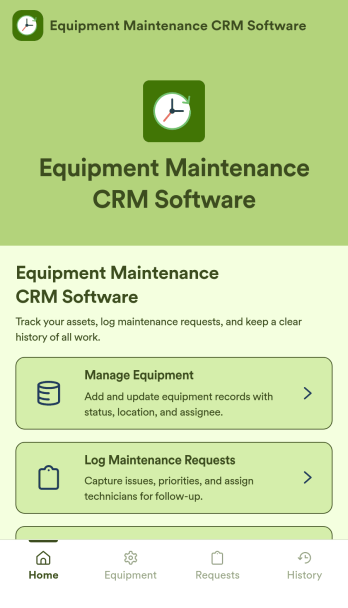
Equipment Maintenance CRM Software
Equipment Maintenance CRM Software is an app template designed to streamline the management of customer data, service histories, and maintenance activities. This robust template is intended for maintenance service companies, field service teams, asset managers, and operations departments who are keen on enhancing their service delivery. It centralizes customer data and service history, significantly reducing downtime and boosting operational efficiency. This template is particularly beneficial in scenarios of regular equipment maintenance checks, enabling a smoother scheduling process and better coordination of service delivery. What's more, it's ready to use right out of the box, making data collection a breeze for teams, whether they're in the field or at the office. This template is best suited for organizations seeking to maintain a comprehensive record of equipment maintenance activities in one accessible system.With Jotform, the Equipment Maintenance CRM Software template becomes an operational powerhouse. Jotform's ease of use and customization abilities allow you to tailor the template to your specific needs without requiring any technical skills. The ability to collect electronic signatures simplifies the verification process of maintenance activities, making it an extremely convenient feature for field service teams. Furthermore, you can generate easily digestible reports and sheets from collected data for an overview of maintenance activities. With Jotform, keeping up with maintenance schedules and coordinating service delivery has never been easier. Collect, track, and manage your maintenance data with precision using the Equipment Maintenance CRM Software from Jotform.
Go to Category:CRM Apps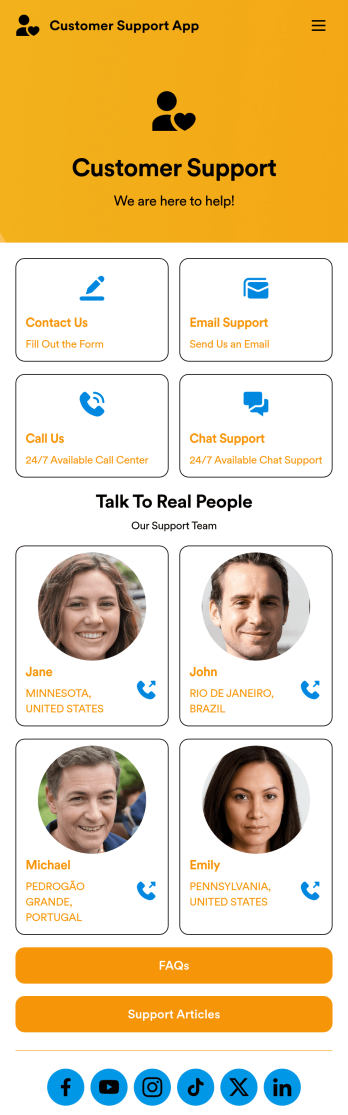
Customer Support App
A customer support app is a type of mobile application used by customer support teams to respond to customer tickets and support requests. Use this free Customer Support App to build a central hub for your support operations. Collect support tickets, link to your chat support, list FAQs, and more. To get started, use this ready-made template and customize it to your liking.Drag and drop to make any changes to this Customer Support App. Upload branding assets and logos, select a custom app icon, add or remove support forms, change your app’s backsplash, and more. You can even integrate your app with 200+ platforms to add an extra layer of customization. Streamline your support process with Jotform Apps.
Go to Category:Customer Portal Apps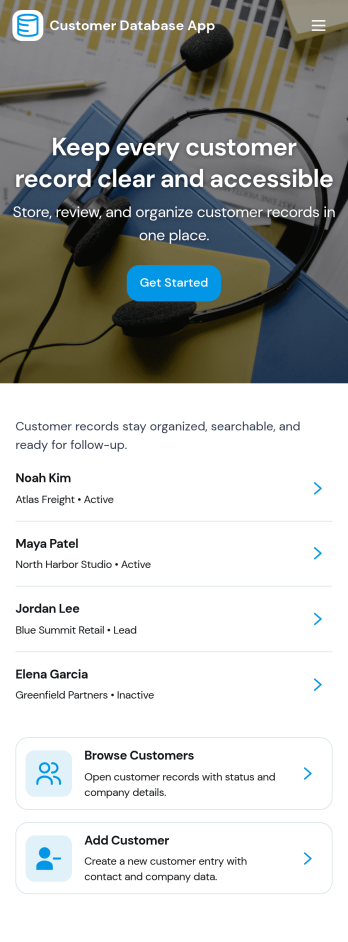
Customer Database App
Customer Database App brings your customer information into one organized place so you can add new customers, browse profiles, and keep a reliable record of every relationship. It fits teams that need quick access to names and details across sales, support, operations, and account management, especially when information is scattered across spreadsheets, inboxes, or individual devices. With an in-app option to add customers and a browse view for customer profiles, staff can find the right record faster and reduce duplicate entries as the list grows.Built with Jotform, this app template can be tailored in a no-code app builder with a drag-and-drop interface, making it easy to adjust pages, navigation, and the customer intake flow as your process evolves. Connect the add-customer form to a central record list, share the app through a link for self-service access, and keep work moving with a clear workflow for capturing and reviewing customer data collection. You can also provide a personal view like My Submissions so team members can quickly revisit the profiles they created or updated.
Go to Category:Customer Portal Apps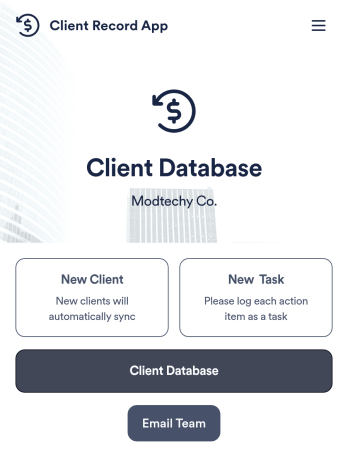
Client Record App
A client record app is used by companies to keep track of clients in a Jotform Tables database. With our Client Record App, you can add general contact information for new clients and view a list of existing clients. There is also a separate task form for employees to log projects. Submissions are stored securely in your online account and can be accessed directly through your app from any smartphone, tablet or computer.This Client Record App can be easily customized without any coding. Our drag-and-drop builder allows you to add and change forms, upload your logo, choose fonts and colors, create a custom app icon and splash screen, and more. When you’re finished, your team can access and download your app on any device with a share link. Keep all your business contacts in one convenient location with this Client Record App!
Go to Category:Freelancer Apps