
Contact Exchange App is an app template for collecting, organizing, and sharing professional contact details within a searchable directory. Event organizers, business communities, networking groups, sales teams, associations, and internal departments can use it to help participants discover relevant people and initiate contact exchanges. Users can browse directory profiles, submit their own contact information, and send exchange requests based on shared interests or discussion topics. This creates a central experience for networking while reducing scattered spreadsheets, paper records, and manual introductions.
Jotform makes this Contact Exchange App easy to adapt with a no-code app builder and drag-and-drop interface. Add branded pages, update navigation, connect forms to data collection workflows, and organize directory content without writing code. The app can be shared through a direct link or QR code, giving users convenient mobile access at events, meetings, workplaces, and community gatherings. Jotform App Templates also connect with forms, tables, notifications, and approval processes, helping teams maintain contact records and provide a polished self-service experience.
Related templates
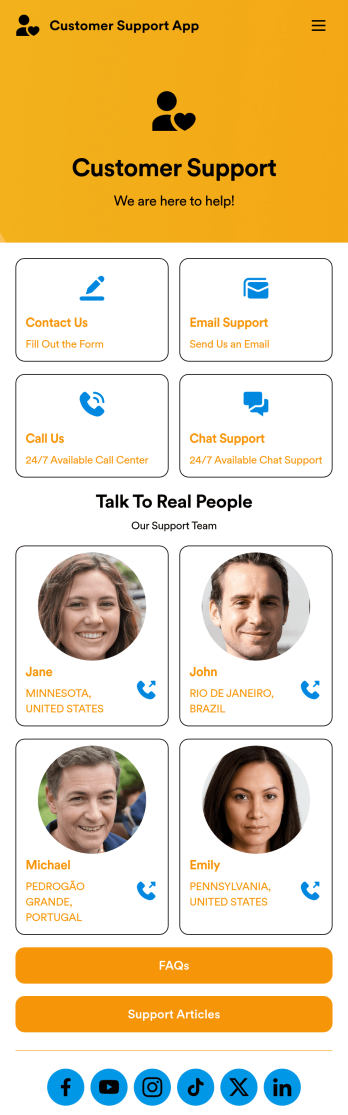
Customer Support App
A customer support app is a type of mobile application used by customer support teams to respond to customer tickets and support requests. Use this free Customer Support App to build a central hub for your support operations. Collect support tickets, link to your chat support, list FAQs, and more. To get started, use this ready-made template and customize it to your liking.Drag and drop to make any changes to this Customer Support App. Upload branding assets and logos, select a custom app icon, add or remove support forms, change your app’s backsplash, and more. You can even integrate your app with 200+ platforms to add an extra layer of customization. Streamline your support process with Jotform Apps.
Go to Category:Customer Portal Apps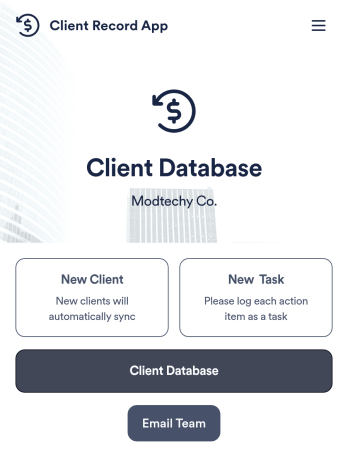
Client Record App
A client record app is used by companies to keep track of clients in a Jotform Tables database. With our Client Record App, you can add general contact information for new clients and view a list of existing clients. There is also a separate task form for employees to log projects. Submissions are stored securely in your online account and can be accessed directly through your app from any smartphone, tablet or computer.This Client Record App can be easily customized without any coding. Our drag-and-drop builder allows you to add and change forms, upload your logo, choose fonts and colors, create a custom app icon and splash screen, and more. When you’re finished, your team can access and download your app on any device with a share link. Keep all your business contacts in one convenient location with this Client Record App!
Go to Category:Freelancer Apps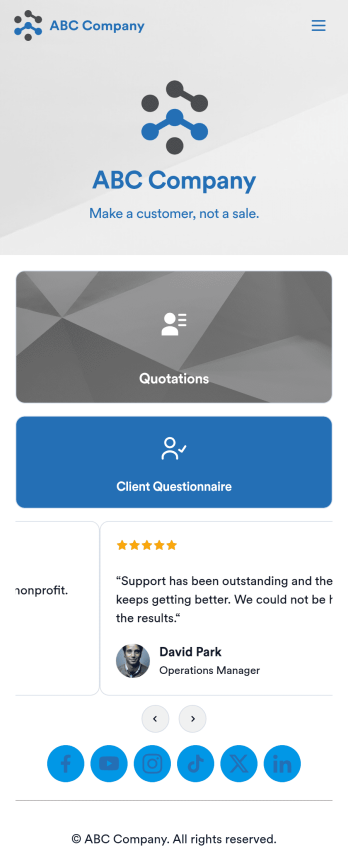
Customizable Quotation Management App
Create and manage quotes for your customers using Jotform’s free Quotation Management App for sales teams. This fully customizable mobile app includes a client questionnaire and a quotation log that syncs to our Simple CRM template. You and other members of your sales team can download and use the app on any computer, tablet, or smartphone to fill out the attached forms or view data in the tables.Customize this Quotation Management App for your business in just a couple of clicks. No coding is necessary — just drag and drop to customize the look and feel of your app. You can easily add forms, tables, links, documents, images, logos, and much more. Then share your mobile with others via the app link or by sending email invites. Make it easier to generate and track customer quotes with a custom Quotation Management App for your sales team.
Go to Category:Management Apps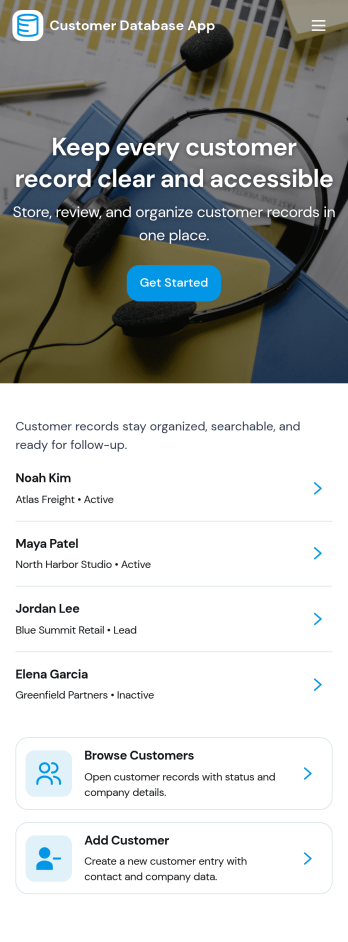
Customer Database App
Customer Database App brings your customer information into one organized place so you can add new customers, browse profiles, and keep a reliable record of every relationship. It fits teams that need quick access to names and details across sales, support, operations, and account management, especially when information is scattered across spreadsheets, inboxes, or individual devices. With an in-app option to add customers and a browse view for customer profiles, staff can find the right record faster and reduce duplicate entries as the list grows.Built with Jotform, this app template can be tailored in a no-code app builder with a drag-and-drop interface, making it easy to adjust pages, navigation, and the customer intake flow as your process evolves. Connect the add-customer form to a central record list, share the app through a link for self-service access, and keep work moving with a clear workflow for capturing and reviewing customer data collection. You can also provide a personal view like My Submissions so team members can quickly revisit the profiles they created or updated.
Go to Category:Customer Portal Apps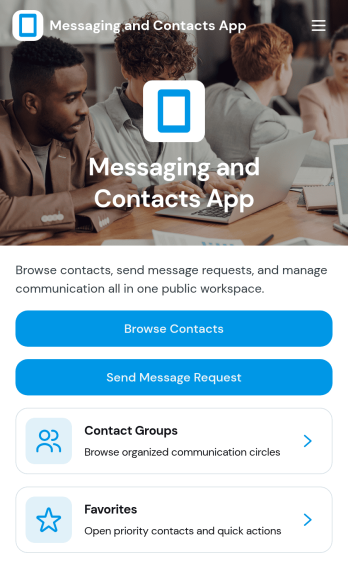
Messaging and Contacts App
Messaging and Contacts App helps teams organize contact details and send message requests from one central, easy-to-share workspace. It’s a practical fit for customer support, sales, community managers, and internal departments that need a simple way to browse contacts, group people by purpose, and quickly reach out when a follow-up is needed. With built-in navigation for browsing contacts, viewing favorites, and working with contact groups, this app keeps communication tasks moving without digging through spreadsheets or scattered tools.Jotform makes it easy to build and publish app templates like Messaging and Contacts App using a no-code app builder with a drag-and-drop interface. Connect buttons to forms for data collection, keep contact records organized, and support a smoother workflow for self-service updates and requests. Share your app through a link or QR code, tailor the branding to match your organization, and update the experience as your contact list and communication needs grow.
Go to Category:CRM Apps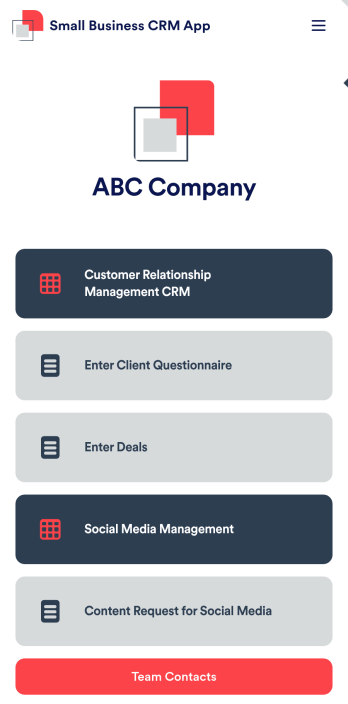
Small Business CRM App
A small business CRM app is used by small businesses for customer relationship management (CRM). This Small Business CRM App lets you receive client questionnaires, track and manage deals, submit content requests for social media, and more. Simply customize the app to perfectly match your needs with no coding required, then share the app to start collecting form submissions.Need to customize this free app template? Drag and drop to get the design you want. Add your company logo and branding, update the included forms, split your app into multiple pages, and make other changes in seconds. You can even integrate the app with 200+ other platforms to automatically sync submissions to your other accounts! Streamline your business’ workflow with a ready-made Small Business CRM App from Jotform.
Go to Category:Company Portal Apps