
The Contractor Prequalification App is a centralized workspace for collecting and reviewing contractor applications before project assignments or bid invitations. Construction firms, general contractors, procurement teams, project managers, and safety teams can use it to gather submissions, compare contractor profiles, and share application guidance. Reviewers can assess key details such as experience, trade specialties, safety programs, insurance, and licensing without searching through scattered emails or files. This creates a more consistent evaluation process, improves visibility across teams, and helps organizations maintain an organized pool of prospective contractors.
Jotform makes this app template easy to adapt with a no-code app builder and a flexible drag-and-drop interface. Add branded pages, update navigation, connect forms and tables, or build approval workflows that match your contractor screening process. Jotform App Templates also support mobile-friendly access and self-service data collection, so contractors can apply from any device while authorized team members review current information in one place. Publish the app through a direct link, personalized URL, QR code, or embedded experience to support qualification activities across offices and job sites.
Related templates
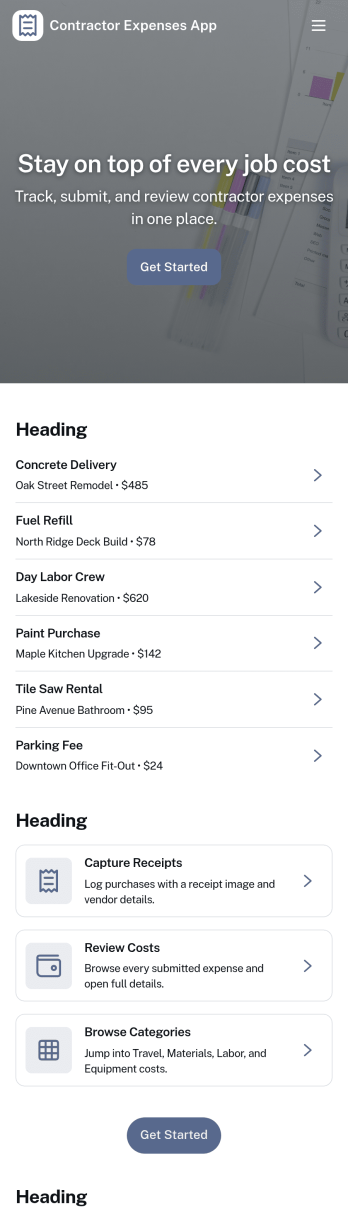
Contractor Expenses App
Contractor Expenses App helps independent contractors and field teams capture, review, and understand job-related spending in one place. Use it to add expenses as they happen, browse past entries, and open individual expense records when you need the details for invoicing, reimbursements, or end-of-month bookkeeping. It’s a practical fit for construction crews, home service pros, subcontractors, and small business owners who need a simple way to keep receipts and costs organized without digging through messages or spreadsheets.Jotform makes it easy to turn this app template into a branded expense workflow using a no-code app builder and a drag-and-drop interface. Connect the app to your expense form for consistent data collection, then share it by link or QR code so contractors can submit expenses from anywhere. As records grow, you can keep information accessible for your team, route entries into the right workflow, and use the built-in insights area to spot trends and track spending over time.
Go to Category:Activity Tracking Apps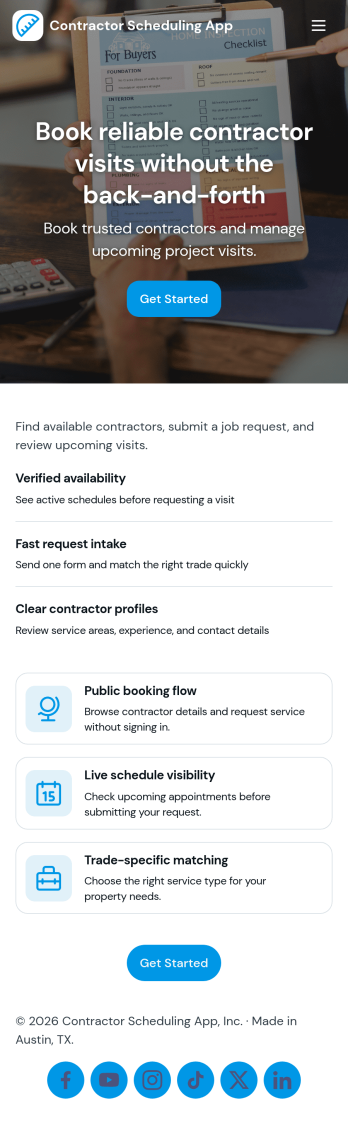
Contractor Scheduling App
Contractor Scheduling App helps teams coordinate contractors, projects, and day-to-day assignments in one organized place. Use it to keep a clear roster of who you work with, capture project details as they come in, and connect each job to the right people and dates. It’s a practical fit for construction companies, home service businesses, property managers, and operations teams that need quick visibility into upcoming work without relying on scattered messages or spreadsheets.With Jotform’s app templates, you can turn your scheduling process into a mobile-friendly experience powered by a no-code app builder and a drag-and-drop interface. Connect forms for adding contractors and projects, display assignment lists for easy self-service access, and keep data collection consistent across your workflow. Customize pages, branding, and navigation so everyone knows where to go to view schedules, update job information, and stay aligned.
Go to Category:Construction Apps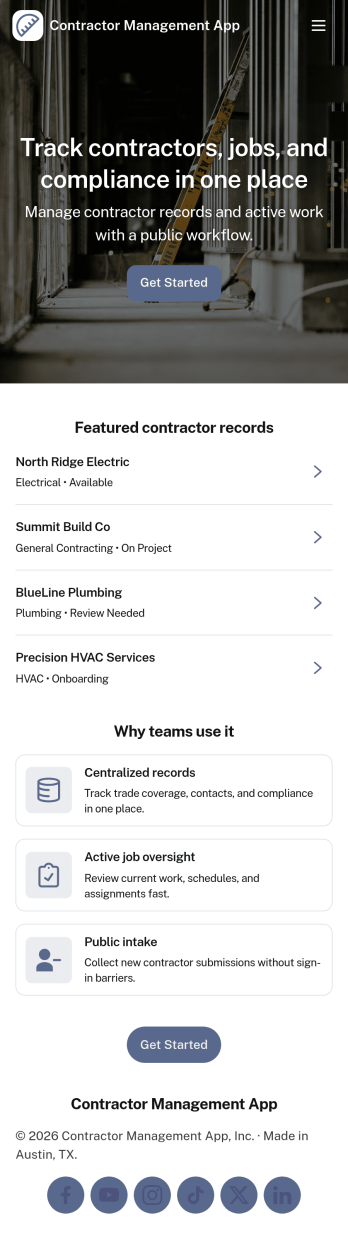
Contractor Management App
Contractor Management App helps businesses organize contractor details, job activity, inspections, and payment records in one place so teams can stay on top of day-to-day coordination. It’s a practical fit for construction companies, property managers, field service teams, and operations leads who need a clear view of who is working, what is in progress, and what has been paid. With a contractor directory and job tracker at the core, the app supports faster lookups, consistent recordkeeping, and smoother handoffs between office staff and the field. The built-in inspection log and payment ledger make it easier to document site checks, track open items, and keep financial follow-ups tied to the right work.Jotform makes it simple to turn this Contractor Management App into a tailored self-service experience using App Templates and a no-code app builder. Customize pages with a drag-and-drop interface, connect your app to workflows, and keep data collection organized through linked records your team can access whenever they need it. Share the app through a link or QR code, update content as projects change, and give stakeholders a single destination for contractor coordination without added complexity.
Go to Category:Construction Apps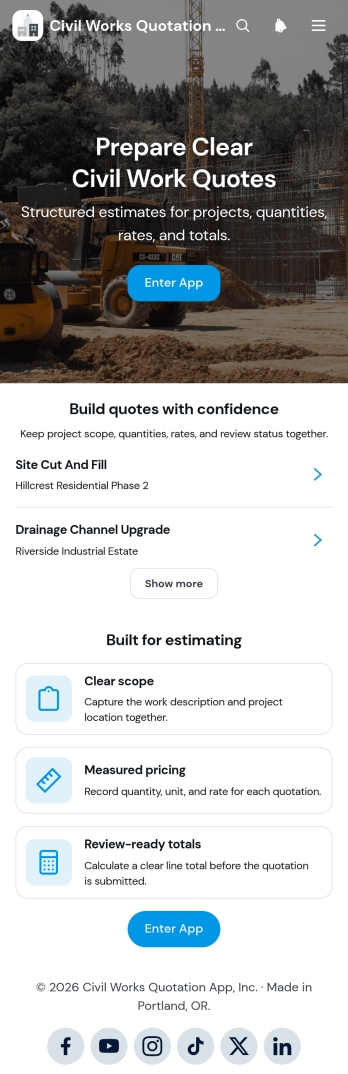
Civil Works Quotation App
The Civil Works Quotation App is a ready-to-use app template for contractors, estimators, civil engineering teams, project managers, and construction businesses preparing itemized project quotations. It brings quotation creation, cost calculation, and quote review into one organized experience. Teams can define the work scope, record quantities and rates, calculate estimated costs, and view review-ready totals before presenting a quotation. It is well suited to earthworks, drainage, concrete work, road repairs, site preparation, and other civil projects where clear pricing and accurate project details support faster decisions. Users can also browse existing quotations, open project summaries, and refer to common quotation questions when checking estimates.Jotform makes this Civil Works Quotation App easy to adapt without coding. Its drag-and-drop app builder lets businesses update pages, buttons, content, and branding to match their estimating workflow. Connected forms support consistent data collection, while tables and automated workflows can help teams organize records and follow up on new quotes. Publish the app with a shareable link or QR code so office and field teams can access it from phones, tablets, or computers. Jotform App Templates provide a practical starting point for creating a mobile-friendly quotation workspace with self-service access to essential estimating tools and project information.
Go to Category:Estimation Apps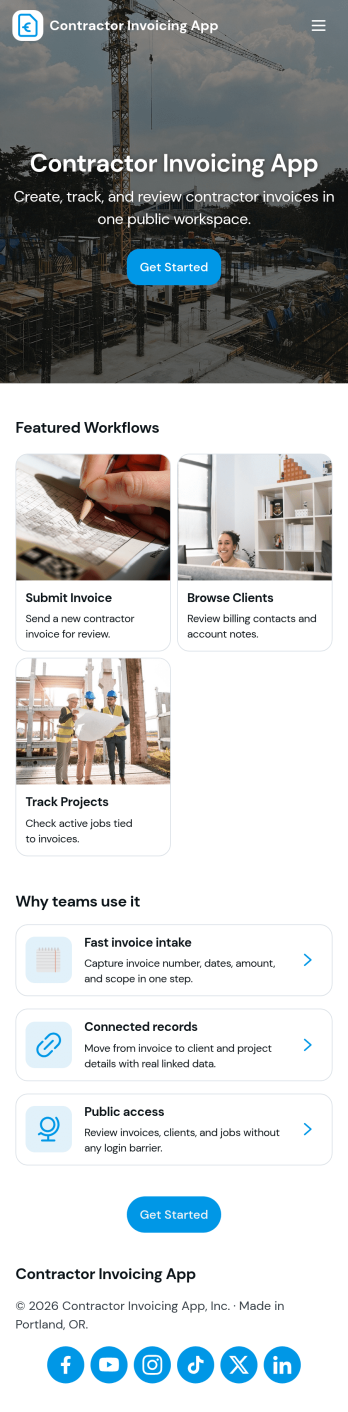
Contractor Invoicing App
Contractor Invoicing App helps independent contractors and small service teams create invoices, keep client details in one place, and stay on top of billing without juggling spreadsheets. From the home screen, you can start a new invoice, add an invoice through a connected form, browse invoice entries in a list, and pull up an invoice snapshot when you need a quick view of what’s been sent. It’s also built to support day-to-day follow-up with a clear path back to your invoice list and a dedicated Clients area for organizing customer records.With Jotform, you can turn invoicing into a branded, self-service workflow using a no-code app builder and a drag-and-drop interface. Connect your app template to the forms and data collection you already rely on, then share a single link with your team so everyone works from the same invoice and client information. As your process grows, you can adjust pages, refine what you track, and use built-in reporting summaries to get a clearer picture of overdue invoices and billing activity.
Go to Category:Construction Apps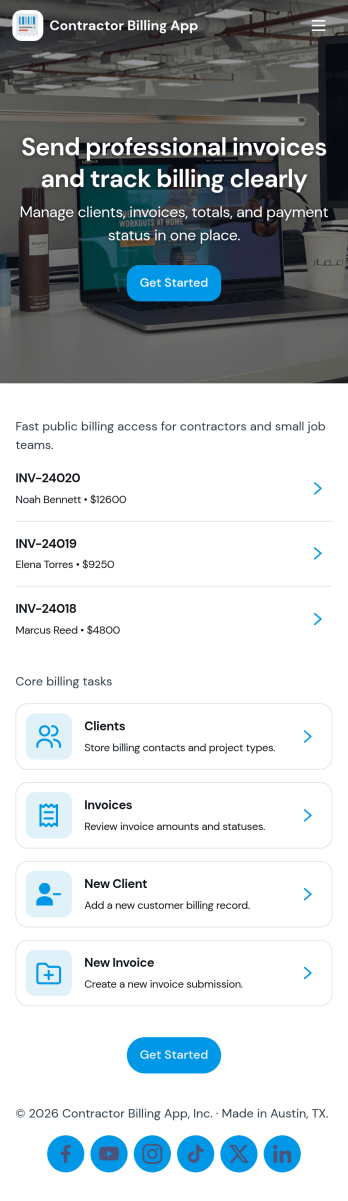
Contractor Billing App
Contractor Billing App brings your billing workflow into one place so independent contractors and service teams can manage client accounts, create and track invoices, and monitor incoming payments without juggling separate tools. With dedicated sections for Clients, Invoices, and Payments plus a billing dashboard view, it fits common contractor scenarios like progress billing, recurring service work, and multi-job projects where you need quick visibility into what’s been billed and what’s still outstanding.Jotform makes it easy to turn this experience into a polished, shareable app using a no-code app builder and a drag-and-drop interface. Connect the app to your form for data collection, route details into a workflow, and keep records organized for fast follow-ups. Update pages as your process changes, collaborate with your team, and share a self-service experience with clients using a simple link.
Go to Category:Construction Apps