
Creative Asset Intake App gives marketing teams, creative departments, agencies, freelancers, and internal project coordinators a central place to receive and manage requests for visual and written materials. Requesters can submit a new brief, browse existing requests, and check a status overview without relying on scattered messages or documents. Key information such as the requester, due date, contact email, priority, project brief, and reference material stays connected to each request. This helps teams clarify expectations early, prioritize incoming work, reduce missing details, and maintain visibility as projects move from intake to delivery.
With Jotform Apps, organizations can turn this app template into a branded intake experience using a no-code app builder and drag-and-drop interface. Teams can adjust pages, navigation, colors, fonts, and content while connecting forms, tables, approvals, notifications, and other workflow steps. The app can be shared through a direct link or QR code for convenient mobile access and self-service. Among Jotform App Templates, this option supports organized data collection while giving creative teams a flexible app builder for managing requests at any volume without writing code.
Related templates
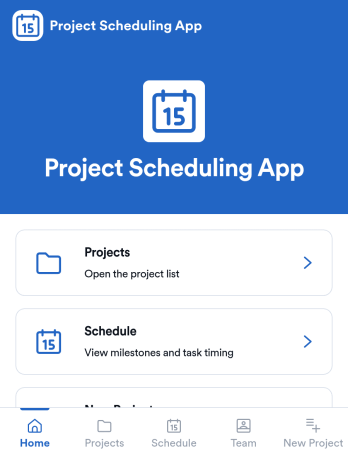
Project Scheduling App
Project Scheduling App brings project timelines, milestones, and task status into a single, easy-to-navigate workspace for teams that need to keep delivery dates visible and work moving. Use it to monitor active projects, spot the next milestone at a glance, and surface overdue tasks before they derail your plan. The built-in dashboard view supports weekly planning and capacity awareness, while project pages help standardize ownership and keep each project’s details, tasks, and team context accessible when decisions need to be made.With Jotform App Templates, you can publish a branded scheduling experience without coding and update it as your workflow evolves. Jotform’s no-code app builder and drag-and-drop interface make it simple to organize pages, link users to a dashboard or project list, and connect an Add Task form for consistent data collection. Share your app through a link for quick self-service access, and keep scheduling information aligned by connecting the app to the same workflow your team uses to capture and review updates.
Go to Category:Management Apps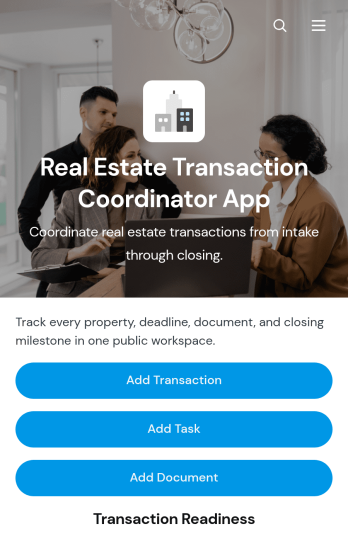
Real Estate Transaction Coordinator App
The Real Estate Transaction Coordinator App is an app template for coordinators, agents, brokerages, and real estate operations teams managing property transactions from intake through closing. It brings transaction records, task coordination, document tracking, contact details, readiness updates, and coordinator notes into one accessible workspace. Teams can add a transaction, assign property-specific tasks, and maintain supporting documents without relying on scattered spreadsheets or email threads. This organized approach helps coordinators monitor active deals, identify unfinished work, keep essential information close at hand, and support consistent service across multiple buyers, sellers, and properties.Jotform Apps makes it easy to adapt this template with a no-code app builder and an intuitive drag-and-drop interface. Add or rearrange pages, update branding, connect forms and tables, and shape the workflow around your brokerage or transaction coordination process. Linked data collection tools can capture new deals, tasks, documents, and contacts while keeping records available for daily follow-up. Once the app is ready, share it by direct link or QR code so authorized team members can access transaction resources from a phone, tablet, or computer. Jotform App Templates help real estate teams create a practical self-service workspace without writing code.
Go to Category:Real Estate Apps
Map Design App
Map Design App is a centralized workspace for organizing map concepts, gathering project requirements, and reviewing location-based design references. It suits cartographers, geographic information teams, urban planners, designers, engineers, agencies, educators, and organizations that commission custom maps. Users can browse a map library, open entries with location details and coordinates, submit a design brief, and revisit submitted briefs. Keeping audience needs, visual preferences, project notes, and geographic information together gives creative and technical teams clearer direction. This app template is useful for planning illustrated maps, visitor guides, event maps, campus resources, development proposals, and other projects that need a consistent briefing process.Jotform makes the Map Design App easy to adapt with a no-code app builder and an intuitive drag-and-drop interface. Teams can update pages, cards, buttons, images, and branding to match their services or internal workflow. Connected forms support data collection, while organized navigation gives clients and team members convenient self-service access to references and brief submission. Publish the finished app with a shareable link or QR code so contributors can use it on phones, tablets, or computers. Jotform App Templates also connect with tables, approvals, notifications, and related workflows, helping teams turn map requests into an accessible and collaborative project experience.
Go to Category:Engineering Apps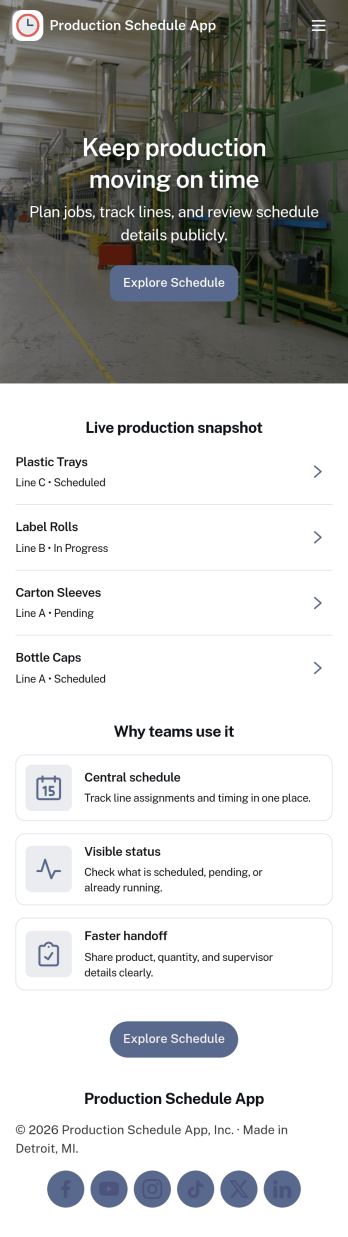
Production Schedule App
A production schedule app brings visibility to what’s planned, what’s in progress, and what’s coming next so teams can coordinate work without relying on scattered spreadsheets. Use it to review scheduled work orders, capture intake for new jobs, and keep a clear view of capacity needs across shifts or work centers. It’s especially helpful for production managers, schedulers, operations leads, and shop-floor supervisors who need a single place to spot bottlenecks, prioritize orders, and keep everyone aligned on job timing.With Jotform, you can turn your production schedule into a mobile-friendly, self-service experience that’s easy to share with the right stakeholders. Using Jotform App Templates and the no-code app builder, you can adjust pages and navigation with a drag-and-drop interface, connect the app to your data collection workflows, and keep scheduling information organized as operations change. Publish with a link so teams can check the schedule, add new work requests, and stay on top of production planning in real time.
Go to Category:Operations & Logistics Portal Apps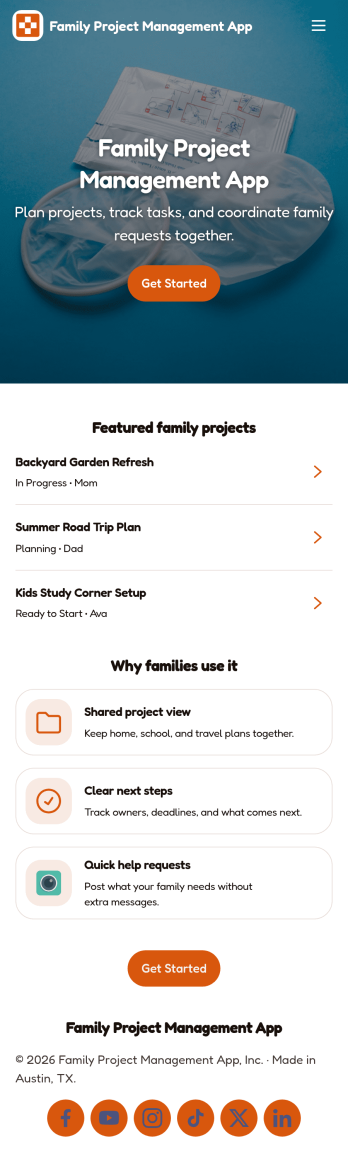
Family Project Management App
Family Project Management App helps households organize shared projects, coordinate tasks, and keep everyone aligned on what needs to happen next. Use it to manage everything from home improvement plans and holiday prep to school activities and recurring routines, with a simple way to browse projects, review open tasks, and maintain a quick family directory for who is involved. Built-in update forms make it easy for anyone to post progress notes as things change, so busy parents, caregivers, teens, and multi-home families can stay on the same page without long message threads.Jotform makes it easy to tailor this app template to your family’s workflow with a no-code app builder and a drag-and-drop interface. Connect the app to forms and tables for ongoing data collection, set up simple workflow steps for updates and follow-ups, and share access with a link so everyone can use it on the go. With Jotform App Templates, you can adjust pages, labels, and structure in minutes to fit how your household plans, tracks, and completes projects through self-service.
Go to Category:Organization Apps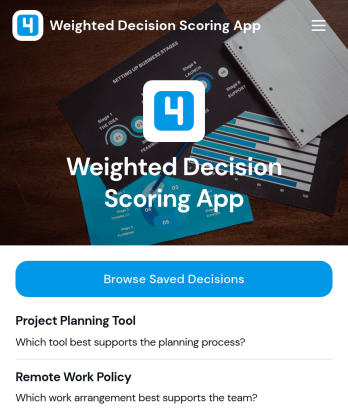
Weighted Decision Scoring App
Weighted Decision Scoring App provides a consistent way to evaluate choices against weighted criteria and compare their results. Managers, project teams, consultants, procurement groups, and business owners can use it when selecting vendors, prioritizing initiatives, reviewing proposals, or choosing between strategic options. Users can begin a weighted scoring exercise in a dedicated workspace and browse saved decisions for later reference. This shared approach reduces reliance on instinct alone, clarifies why one option ranks above another, and helps teams document repeatable decision-making processes.With Jotform Apps, this app template can be adapted to match an organization’s evaluation workflow without coding. The drag-and-drop interface makes it easy to update pages, navigation, visual branding, and supporting resources, while connected forms and tables can extend data collection and record management. Jotform’s no-code app builder also supports links to approvals and other processes, helping teams create a centralized self-service experience. Start with one of Jotform’s App Templates, tailor the scoring journey, and share the finished app through a direct link or QR code.
Go to Category:Management Apps