Curbside Trash Can Service App helps residents, property managers, and waste-hauling teams coordinate curbside cart service without confusion. From one place, users can submit a service request, review open requests, and check the pickup schedule before putting carts out. It’s a practical fit for municipal sanitation departments, private haulers, HOAs, and multi-family communities that need a simple self-service option for issues like cart repairs, replacements, extra pickups, or address-related updates, while keeping request details like type, status, and pickup address easy to reference.
Jotform makes it easy to publish this experience as a shareable app template built with a no-code app builder and a drag-and-drop interface. Connect buttons to forms and organize requests in tables so teams can capture data collection consistently, track each workflow from intake to resolution, and give the public a clear path to the right action. Share the app link or QR code, update pages anytime, and keep everyone aligned with fewer calls and fewer missed details.
Related templates
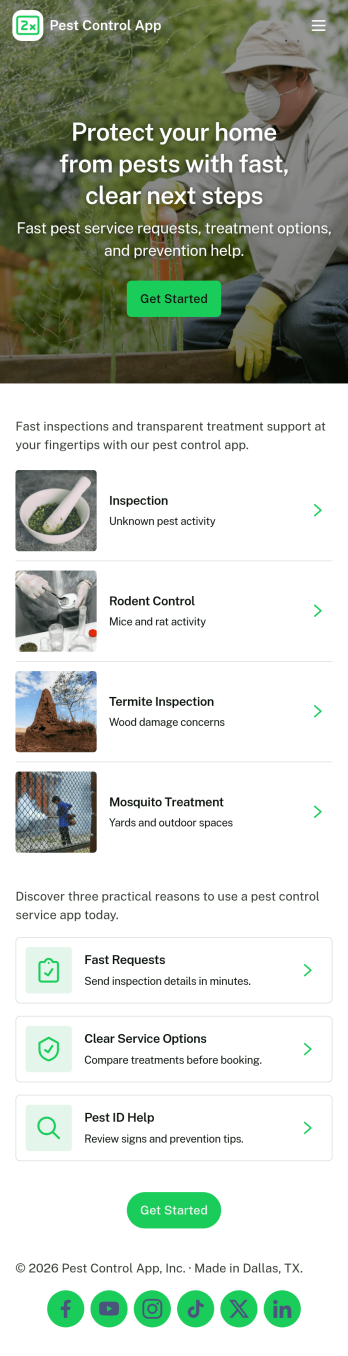
Pest Control App
Pest Control App helps pest control businesses and home service teams offer a simple, customer-friendly way to request treatment, explore common pests, and understand pricing before booking. Visitors can submit a service request, browse pest information to identify what they’re dealing with, and quickly reach your team using built-in contact options like phone, email, and a website link. It’s a practical fit for local exterminators, property managers, and facilities teams who want to reduce missed calls, standardize intake details, and guide customers to the right service faster.With Jotform, you can customize this app template using a no-code app builder and a drag-and-drop interface, then connect it to your forms for consistent data collection. Update service offerings, adjust pricing details, and route requests to the right workflow without rebuilding your process. Share the app through a link or QR code so customers can self-service from any device while your team stays organized with a central place for requests and updates.
Go to Category:Customer Portal Apps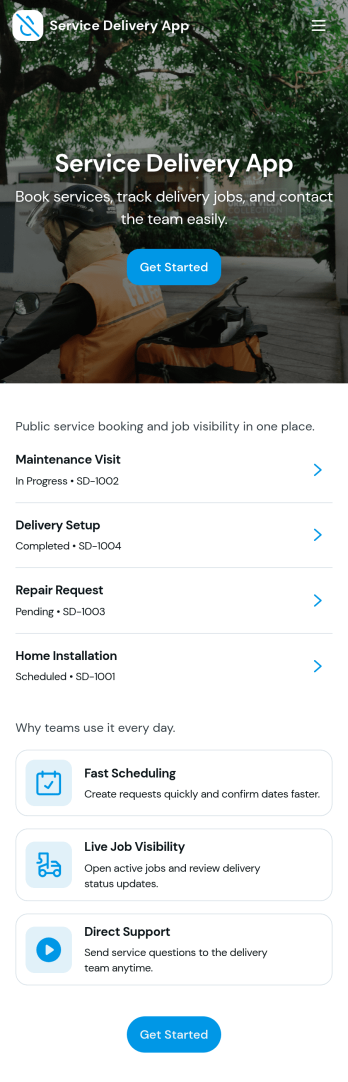
Service Delivery App
Service Delivery App helps service teams capture new requests, keep active jobs organized, and close out completed work without losing track of details. It fits field service providers, internal operations teams, and managed service groups that need one place to collect incoming work and monitor progress from start to finish. With quick navigation to a new request flow and clear sections for active and completed jobs, it supports everyday service delivery when volume is high and turnaround time matters.Jotform makes it easy to turn service workflows into a mobile-friendly self-service experience using App Templates and a no-code app builder. With a drag-and-drop interface, you can tailor pages, buttons, and lists to match how your team works, then connect the app to Jotform forms and tables for consistent data collection and smoother workflow handoffs. Share the app with a link or QR code so customers or staff can submit requests and review updates in one streamlined space.
Go to Category:Online Service Apps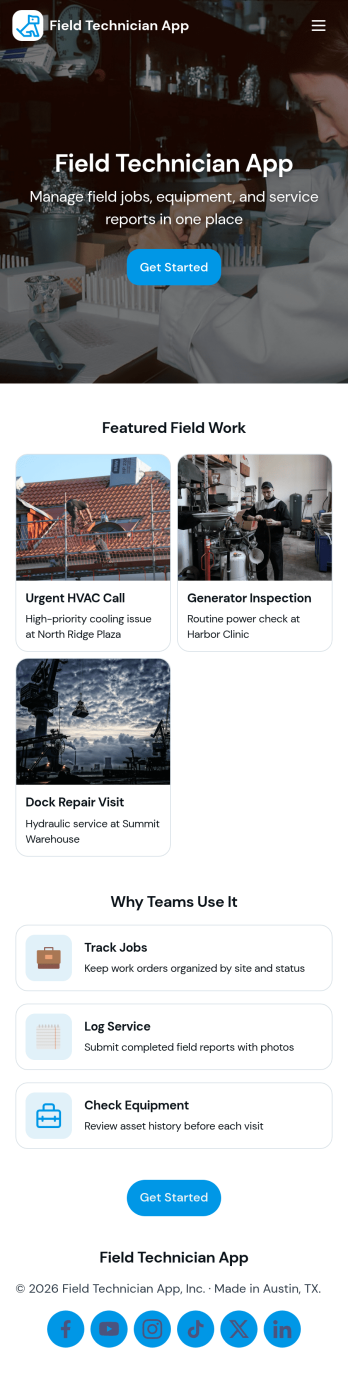
Field Technician App
Field Technician App brings open jobs, job details, and on-site visit logging into one mobile-friendly place for teams that work in the field. It’s built for service managers and coordinators who need technicians to see assigned work, review customer and asset information, and record what happened on a visit without chasing updates through calls or scattered notes. With pages for Open Jobs and job records, plus a simple Log Visit action, this app helps keep day-to-day service work organized while technicians move from site to site.Jotform makes it easy to publish this kind of self-service experience using App Templates and a no-code app builder with a drag-and-drop interface. Connect the app to your existing workflow for data collection, route field updates into the same records your office team relies on, and keep information current with quick refresh actions. You can customize navigation, add your branding, and share the app with your team using a link or QR code so everyone stays aligned from dispatch to completion.
Go to Category:Home Services Apps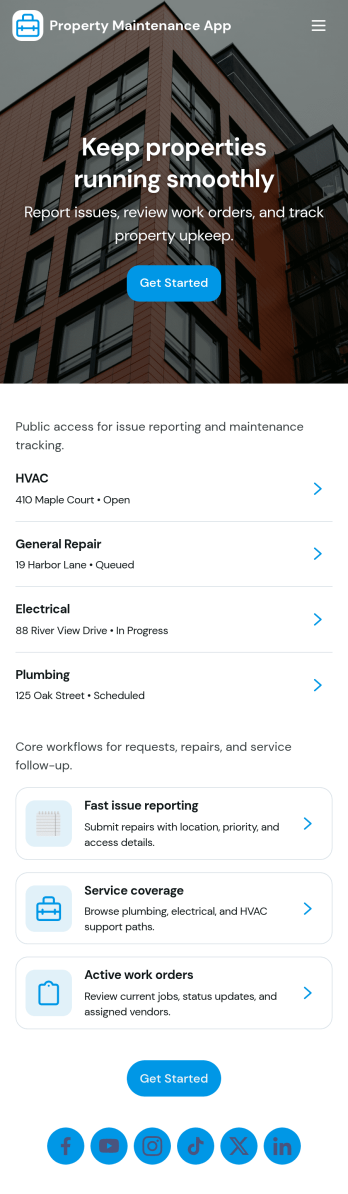
Property Maintenance App
Property Maintenance App gives teams a clear place to log maintenance issues, route them to the right property, and keep work moving without losing context. It’s a practical fit for property managers, landlords, HOAs, and service coordinators who handle recurring repairs across multiple locations and need an easy way to capture new requests, review properties, and follow what’s already been reported.Built with Jotform, this app template brings together self-service request intake and ongoing request visibility in one mobile-friendly experience. Using Jotform’s no-code app builder and drag-and-drop interface, you can tailor pages for your process, connect requests to your data collection, and centralize updates so your maintenance workflow stays organized as volume grows.
Go to Category:Equipment Maintenance Software
Land Mapping App
Land Mapping App helps teams capture and organize parcel details and mapping needs in one place, so field staff and office coordinators can stay aligned from the first record to the final request. Use it to add new parcels as they come in, browse an up-to-date list of parcel entries, and submit mapping requests with clear location notes for survey work, boundary review, planning, or internal documentation. It’s a practical fit for surveyors, engineering groups, construction and land development teams, real estate operations, and municipalities that need a simple way to centralize parcel intake and track ongoing mapping work without relying on scattered emails or spreadsheets.Built with Jotform App Templates, this app template is powered by Jotform’s no-code app builder and a drag-and-drop interface, making it easy to tailor pages, buttons, and navigation to your workflow. Connect the app to forms and tables for reliable data collection, route updates across your workflow, and share a self-service link with the right people so they can add parcels, submit mapping requests, and review records from any device.
Go to Category:Engineering Apps
Maintenance Work Order Management App
Maintenance Work Order Management App helps teams receive, organize, and follow up on maintenance requests in one place, from new issues reported by staff to repairs assigned to technicians. It’s built for facilities teams, property managers, operations leaders, and service organizations that need a clearer way to route requests, review details by work order, and keep everyone aligned on what’s being worked on. With quick navigation to submit a new work order, browse all requests, and open a maintenance dashboard, the app supports faster intake, better visibility, and more consistent handoffs across locations, buildings, and assets.Jotform makes it simple to create and publish app templates like this with a no-code app builder and a drag-and-drop interface, so you can match the experience to your workflow without developer help. Connect the app to your work order form and keep records organized for ongoing data collection, updates, and internal self-service. As your process evolves, you can adjust pages, refine what users see, and share the app through a link or QR code to make maintenance reporting and coordination easier for everyone involved.
Go to Category:Equipment Maintenance Software