
Custom Artwork Commission App is an app template for artists, illustrators, creative freelancers, and small studios that need one organized place to receive and manage made-to-order artwork requests. Clients can submit a commission brief, browse their requests, and follow project progress without relying on scattered messages. Key planning details such as the preferred style, target date, budget range, and current status remain easy to review. This gives creative professionals clearer project requirements while offering clients a convenient self-service experience from the initial idea through ongoing updates.
Jotform Apps helps turn this commission process into a branded, mobile-friendly experience without coding. Start with this app template, then use the no-code app builder and drag-and-drop interface to adjust pages, navigation, colors, fonts, and visual content. Connected forms support data collection, while tables, approvals, payments, and other workflow tools can be added as business needs evolve. The finished app can be shared through a direct link, a personalized web address, a scannable code, or an embedded experience, making it easier for independent artists and creative teams to centralize client requests and manage artwork projects.
Related templates
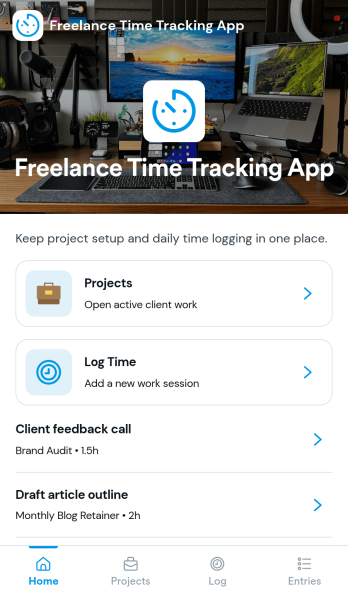
Freelance Time Tracking App
Freelance Time Tracking App helps independent professionals record billable hours across multiple projects without losing track of what was worked on and when. Use it to keep projects organized, log time entries by date, and maintain the details you need to confidently prepare invoices. With built-in actions like logging time, adding projects, starting a timer, and marking work as invoice ready, it fits naturally into daily freelance routines for designers, developers, writers, consultants, and anyone juggling client work.Jotform makes it easy to turn this workflow into a polished self-service experience using its no-code app builder and drag-and-drop interface. Connect forms to capture new projects, rate updates, and time entries, then view and manage records in one place as your workflow evolves. Share your Jotform app through a link and keep your time tracking process consistent from client to client while keeping your data collection organized.
Go to Category:Activity Tracking Apps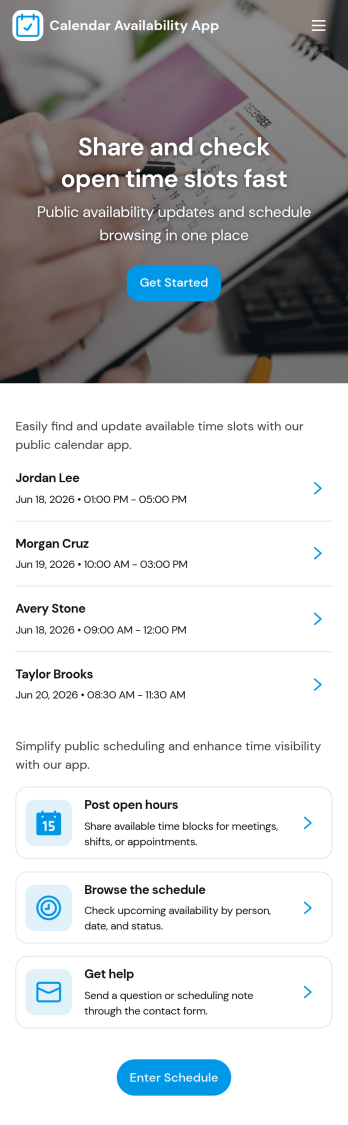
Calendar Availability App
Calendar Availability App helps teams and service-based businesses collect and share open time slots in one place, so scheduling decisions start with accurate availability instead of guesswork. Use it to post open availability for a group, invite people to submit a slot when they’re free, and keep everyone aligned on what’s currently open. It’s useful for office hours, volunteer shifts, tutoring windows, contractor coordination, interview availability, and any situation where multiple people need to offer times before a schedule is finalized.Built with Jotform App Templates, this app template can be tailored in minutes using Jotform’s no-code app builder and drag-and-drop interface. Connect the in-app Add Availability button to a form for fast data collection, then review responses in an Admin View through linked tables and personal submission views. Share the app through a link or QR code for easy self-service access, and keep the workflow moving with centralized availability information your team can trust.
Go to Category:Appointment & Booking Apps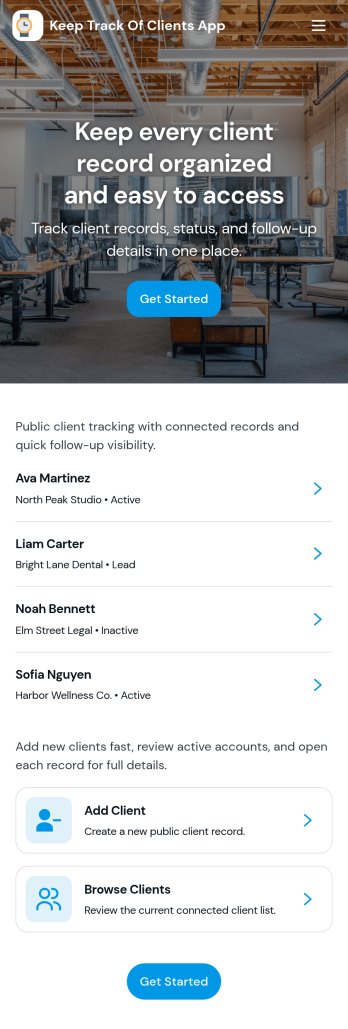
Keep Track of Clients App
Keep Track of Clients App gives you a simple way to organize client records and stay on top of relationship history in one place. Use it to view a client list, open individual client profiles for contact details, and log interactions so your team always has the latest context before a call, meeting, or follow-up. It’s a practical fit for consultants, agencies, service providers, and small teams that need a clear view of who their clients are, what’s been discussed, and what needs to happen next.With Jotform App Templates, you can launch a client-tracking experience fast and tailor it to your workflow using Jotform’s no-code app builder and drag-and-drop interface. Connect your Add Client form to keep data collection consistent, use lists to display records, and share the app as a self-service internal tool for your team. As your process evolves, you can adjust pages, navigation, and connected workflows without starting over.
Go to Category:Customer Engagement Apps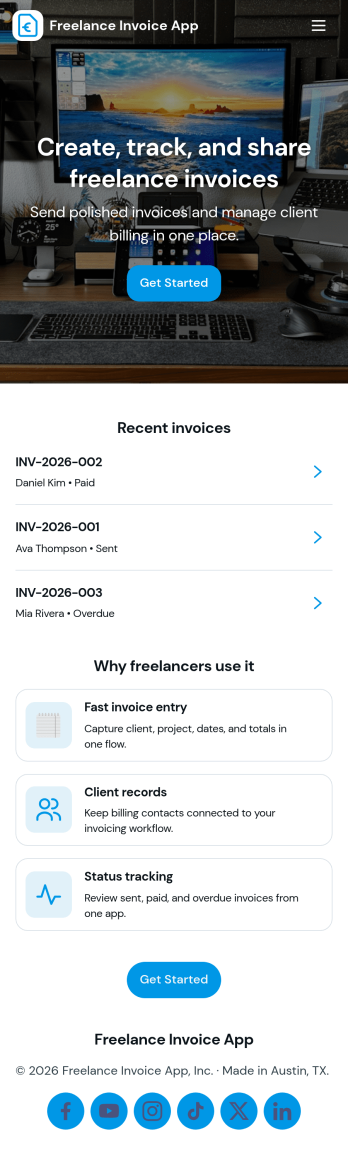
Freelance Invoice App
Freelance Invoice App helps independent professionals create invoices, keep client details organized, and review past invoices from one place. It fits freelancers, consultants, and small service providers who need a simple way to move from client work to getting paid without juggling scattered notes and documents. With pages for creating a new invoice and browsing an invoice list, it supports day-to-day billing tasks, quick lookups, and cleaner recordkeeping when you’re managing multiple clients at once.Built with Jotform, this app template can be tailored to match your billing workflow and the way you work with clients. Use the no-code app builder and drag-and-drop interface to adjust the layout, connect your invoice form, and centralize data collection so invoices and client info stay easy to access. Once published, you can share your self-service invoice experience with a link, helping you stay consistent, organized, and ready to send the next invoice faster.
Go to Category:Finance & Accounting Portal Apps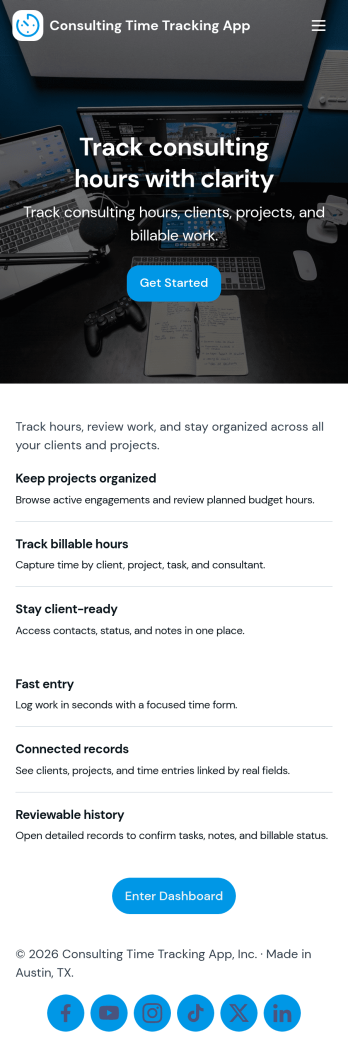
Consulting Time Tracking App
Consulting Time Tracking App helps consulting teams record billable hours, keep project work organized, and maintain clear visibility into who worked on what. Use it to add consultants, create projects, and log time entries as work happens, whether you’re a solo consultant managing multiple clients or a growing firm coordinating several contributors. With simple navigation across consultant and project lists, it’s easier to stay consistent, reduce missed hours, and support accurate invoicing and internal reporting.Built with Jotform, this app template turns everyday time tracking into a mobile-friendly self-service experience you can share with your team. Customize pages with a drag-and-drop interface, connect forms and tables for reliable data collection, and route updates through the right workflow as your operations evolve. From quick time entry logging to keeping consultant and project records in one place, Jotform makes it easy to publish and maintain a time tracking app without coding.
Go to Category:Consulting Apps
Creative Writing Portfolio App
Creative Writing Portfolio App brings your writing samples into one place so readers can browse, discover, and reach out without digging through scattered links. It works well for writers, students, MFA candidates, freelancers, writing groups, and small publications that want a simple way to present pieces by author and genre, invite new submissions, and answer common writing questions in a polished, mobile-friendly format. Visitors can explore the portfolio through a browsable list, open individual entries to read more, and use clear calls to action to submit a writing sample or contact the curator.With Jotform, you can turn this app template into a branded portfolio experience using a no-code app builder and a drag-and-drop interface. Connect the submission forms to your workflow, route new entries to the right person, and keep data collection organized in one system for review and follow-up. Publish and share your app in minutes, then refine pages, buttons, and content as your portfolio grows, giving audiences an easy self-service way to engage with your work.
Go to Category:Influencer Apps