Customer Reviews Dashboard App brings your customer feedback into one place so you can collect reviews, browse published responses, and spot trends that affect retention and reputation. It’s a practical fit for retail teams, service businesses, SaaS companies, restaurants, clinics, and any organization that wants a consistent way to capture customer sentiment and share highlights internally. With quick navigation to submit a review, browse review records, and view insights, the app supports day-to-day follow-up on ratings, recommendations, and product or service experiences without digging through scattered messages.
Built with Jotform, this app template helps you launch a branded review experience fast using a no-code app builder and a drag-and-drop interface. Connect your review form and tables to keep data collection organized, route feedback into the right workflow, and keep self-service access simple for customers and staff. Customize pages, add your own questions, and publish with a shareable link so your team can monitor feedback and keep improving the customer experience.
Related templates
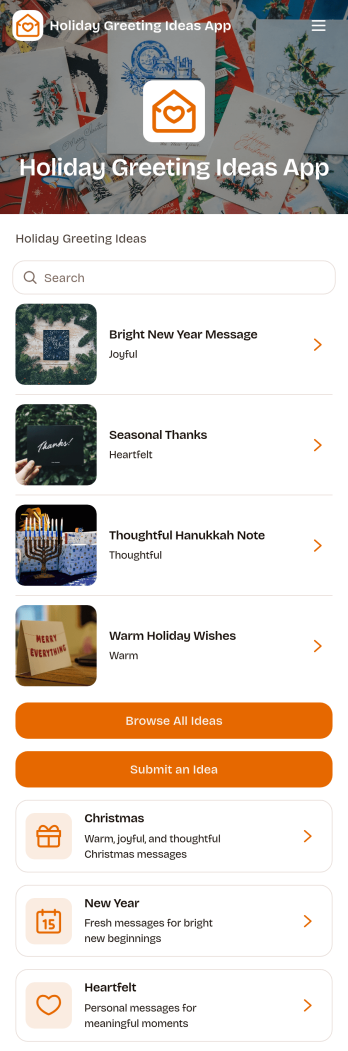
Holiday Greeting Ideas App
The Holiday Greeting Ideas App gives individuals, marketing teams, community managers, nonprofits, and small businesses a welcoming place to discover and share seasonal messages. Users can browse greeting ideas for Christmas, New Year, and heartfelt occasions, then review useful context such as the intended audience, occasion, and tone. A connected submission form also makes it easy for contributors to suggest similar ideas. This app template helps teams maintain a useful source of inspiration, reduce the time spent drafting messages, and keep holiday communication thoughtful across cards, campaigns, community updates, and personal notes.With Jotform Apps, you can adapt the Holiday Greeting Ideas App through a no-code app builder and an intuitive drag-and-drop interface. Update pages, cards, buttons, imagery, fonts, and colors to reflect your brand or seasonal theme. Jotform App Templates can also connect forms, tables, notifications, and workflows, helping you manage data collection and review new contributions from one place. Publish the finished experience with a direct link or QR code so visitors can enjoy convenient self-service access on phones, tablets, and computers.
Go to Category:Customer Engagement Apps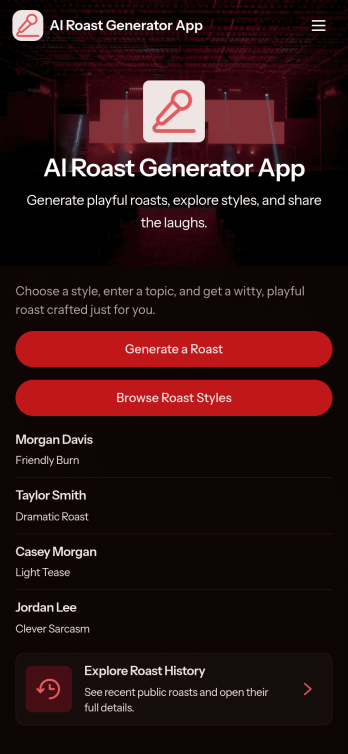
AI Roast Generator App
AI Roast Generator App gives creators, community managers, and event hosts a playful way to collect roast requests and deliver witty, on-brand responses without losing track of what was asked. Use it to gather key details like topic, audience, intensity, and the prompt, then keep everything organized so you can quickly revisit past roasts and follow up when someone wants another round. It’s a great fit for comedy nights, livestream segments, team icebreakers, content studios, and social communities that want a consistent intake flow for humor-driven requests.Built with Jotform, this app template turns your roast workflow into a simple self-service experience with clear actions like creating a request, browsing saved roasts, and submitting another request when inspiration hits. Customize the pages, buttons, and cards with a drag-and-drop interface, connect the request form to your data collection process, and keep submissions neatly accessible for review and reuse. Share the app with a link so fans, employees, or attendees can participate from any device while you manage the workflow behind the scenes.
Go to Category:Entertainment Apps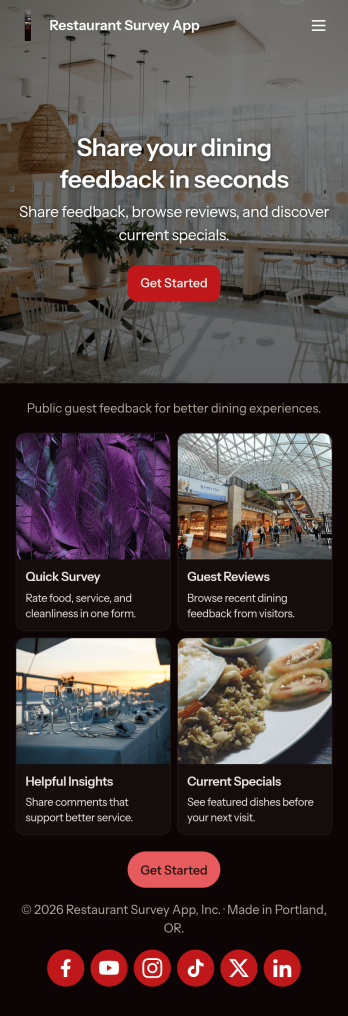
Restaurant Survey App
Restaurant Survey App helps restaurants capture guest feedback after dine-in or takeout, turning quick ratings and comments into clear next steps for service and menu improvements. Guests can jump into Take Survey from a simple home screen, while managers can View Reviews to understand what’s working and what needs attention across shifts, locations, or time periods.With Jotform App Templates, you can publish a branded self-service experience without relying on code, then connect survey responses to the same workflows your team already uses. Use Jotform’s no-code app builder and drag-and-drop interface to tailor pages, add visuals, and keep feedback organized, so you can act faster on customer experience data collection and track patterns over time.
Go to Category:Food & Beverage Apps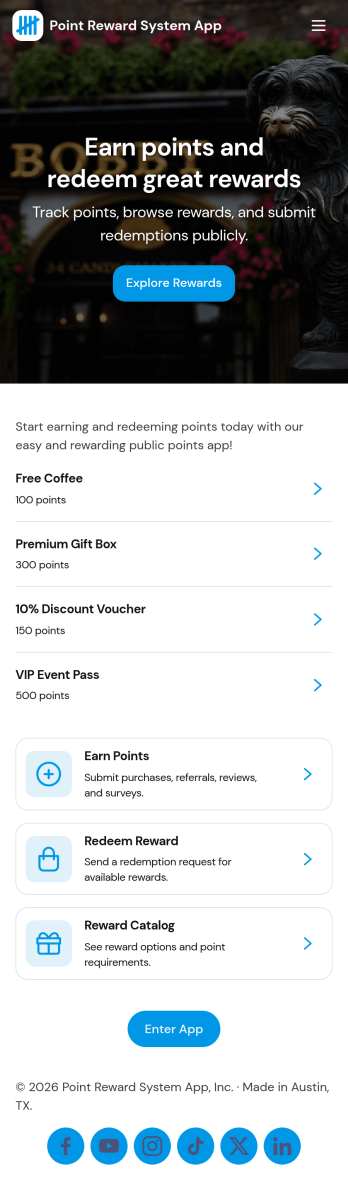
Point Reward System App
Point Reward System App helps businesses and organizations run a simple loyalty-style points experience where people can earn points, view available rewards, review activity, and redeem rewards from one place. It’s a practical fit for retail shops, gyms and studios, cafés, online communities, and internal teams that want to encourage repeat engagement without juggling scattered spreadsheets or manual updates. With dedicated areas for earning points, browsing rewards, and checking activity, users can understand how points are gained and what they can redeem next.Built with Jotform, this app template pairs a no-code app builder with a drag-and-drop interface so you can tailor the flow to your program in minutes. Connect the app to forms and tables for data collection and ongoing tracking, then share it as a self-service experience for customers or employees. You can also keep point entries organized in one place, update reward options as your program evolves, and maintain a clear workflow from point entry to reward redemption.
Go to Category:Community & Engagement Portal Apps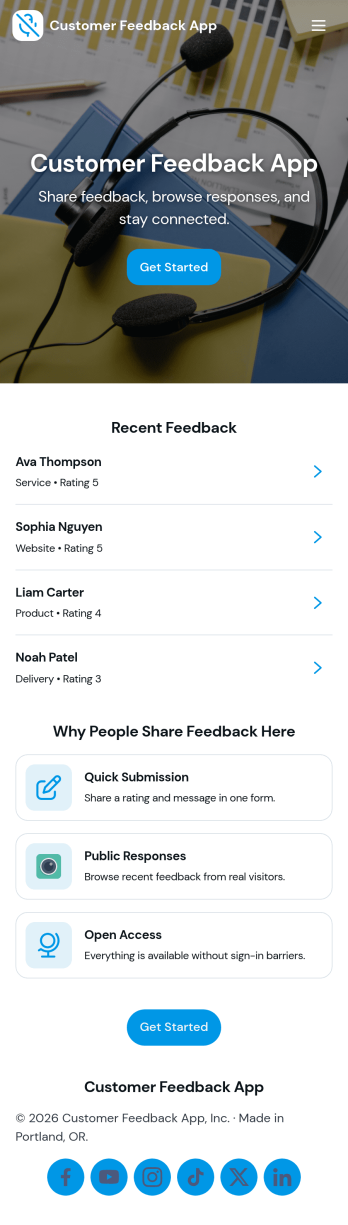
Customer Feedback App
Customer Feedback App helps you collect, organize, and review customer input in one place so teams can act on it without losing context. Use it to invite customers to send feedback, let internal users browse past messages, and sort responses by topic for faster follow-up. It fits product teams tracking feature requests, support managers monitoring recurring issues, retail and service businesses capturing post-visit comments, and community programs looking for a simple way to hear from participants.With Jotform, you can publish this app template quickly and tailor it to your brand using a no-code app builder and a drag-and-drop interface. Connect the app to your feedback form for consistent data collection, route updates through a workflow that matches how your team triages feedback, and share a single self-service link that works on desktop or mobile. As needs change, you can adjust pages, navigation, and what feedback is visible, keeping the experience clear for customers and staff.
Go to Category:Community & Engagement Portal Apps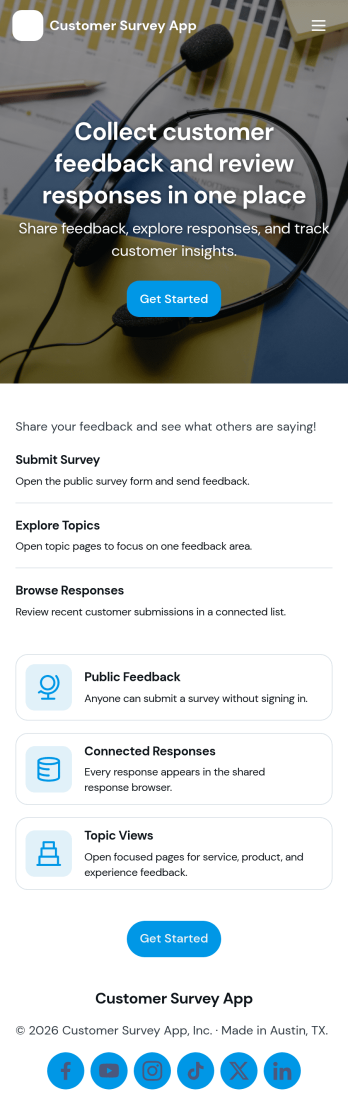
Customer Survey App
Customer Survey App helps teams collect feedback and review results in one place. Use it to share a survey, capture customer opinions, and then browse a responses list to follow up with specific customers when needed. It fits retail and e-commerce brands, service businesses, restaurants, agencies, and product teams that want a simple way to understand satisfaction, spot trends, and prioritize improvements without juggling scattered notes.Built with Jotform, this app template pairs a mobile-friendly survey form with a clear navigation experience for checking responses. Customize pages, text, and cards with a drag-and-drop interface, connect the app to your data collection workflow, and keep feedback organized as it comes in. Share the app by link or QR code for easy self-service, and keep collaboration moving with connected tools that turn responses into action.
Go to Category:Customer Portal Apps