
The Digital Modeling Project Tracker App gives digital modeling studios, design teams, engineering groups, project leads, and reviewers a shared space for following modeling work from intake through review. Team members can submit new projects, browse active project records, and add status updates tied to milestones and target dates. Reviewers can also provide feedback within the same organized experience. By bringing project visibility, progress reporting, and review activity together, this app template helps teams reduce scattered communication, identify upcoming work, and keep contributors informed throughout each project.
Jotform App Templates make it easy to turn repeatable processes into accessible digital experiences without writing code. Customize this app with Jotform’s no-code app builder and drag-and-drop interface, then connect forms and tables to support data collection and workflow management. You can adjust pages, navigation, colors, fonts, and other visual elements to match your organization. Once published, the app can be shared by direct link or QR code, giving employees, contractors, and project partners convenient mobile-friendly self-service access to current project information.
Related templates
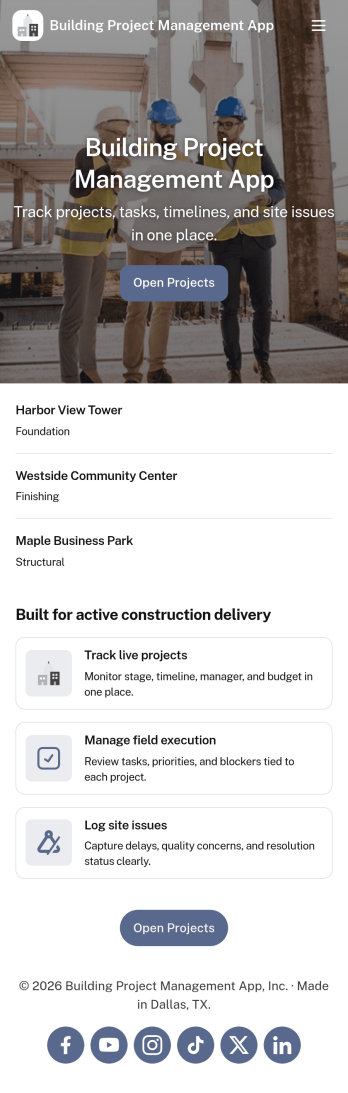
Building Project Management App
Building Project Management App helps teams organize active builds by keeping project records and day-to-day work in one place. It’s a practical fit for construction managers, general contractors, engineering teams, and operations leads who need a clear view of projects, open tasks, and what needs attention next. With dedicated areas to view projects, review open tasks, and add a task directly from a specific project, the app supports smoother handoffs and fewer missed action items as work moves from planning to execution.Jotform makes it simple to publish this kind of workflow as a polished, shareable experience using App Templates and a no-code app builder. Customize pages with a drag-and-drop interface, connect your app to forms and tables for reliable data collection, and keep work moving with a workflow that your team can access from a single link. Whether you’re coordinating multiple job sites or managing internal build initiatives, Jotform helps you turn project updates into a self-service hub your team will actually use.
Go to Category:Construction Apps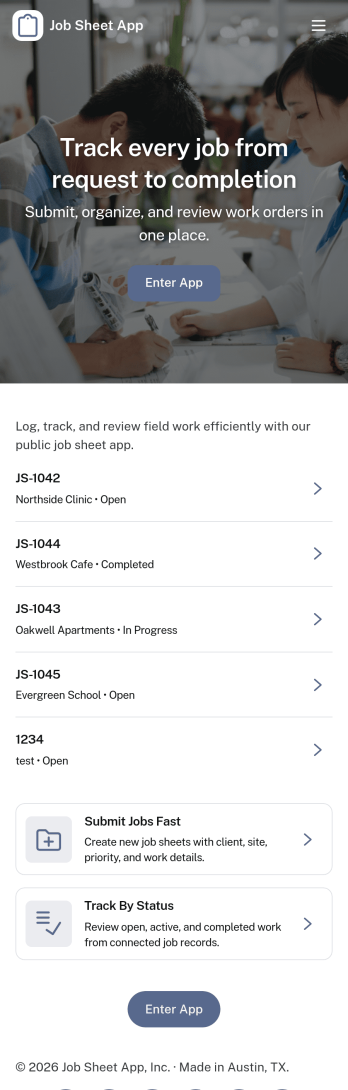
Job Sheet App
A Job Sheet App gives field teams and service businesses a clear place to view open jobs, capture progress updates, and keep work details consistent from start to finish. Use it to reduce missed steps on site visits, standardize job notes across technicians, and keep everyone aligned on what’s next. With quick navigation to Open Jobs and a simple Submit Update path, it works well for contractors, maintenance crews, home services teams, and operations managers who need job information to stay current while work is happening.Jotform makes it easy to publish this kind of job tracking experience without coding using its no-code app builder and drag-and-drop interface. Connect the app to a form for fast data collection, organize job records in a connected workflow, and share a self-service link with your team so updates can be submitted from anywhere. As your process grows, you can adjust pages, add new steps, and keep insights accessible in one mobile-friendly place with Jotform App Templates.
Go to Category:Operations & Logistics Portal Apps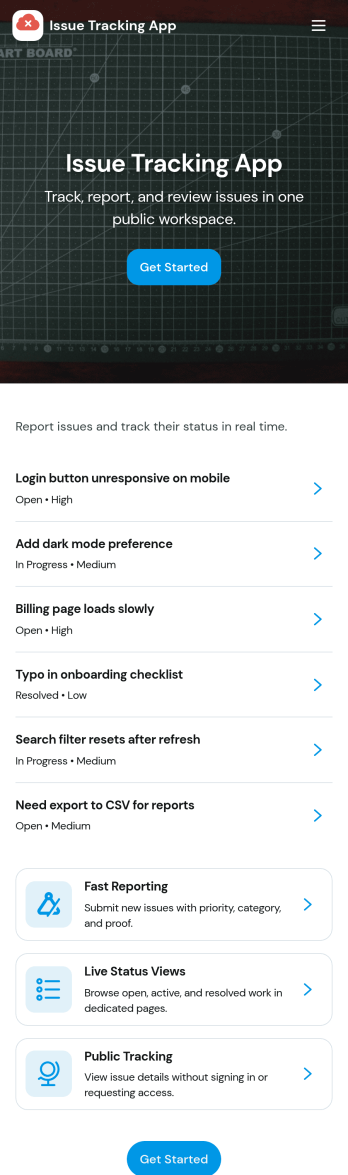
Issue Tracking App
Issue Tracking App helps teams capture, organize, and follow up on problems without losing context. Use it to report new issues as they come up, submit a new ticket in seconds, and keep a personal view of what you’ve raised through My Issues and My Submissions. It fits IT support, engineering, operations, and internal service teams that need a clear place for employees or customers to flag bugs, service interruptions, and process blockers, then monitor what’s still pending review.Built with Jotform App Templates, this app template turns everyday issue reporting into a simple self-service experience you can share as a link or QR code. Customize pages with a drag-and-drop interface, connect the report form to your data collection workflow in Jotform, and keep issue records organized for faster triage and better visibility across the team.
Go to Category:Information Technology Apps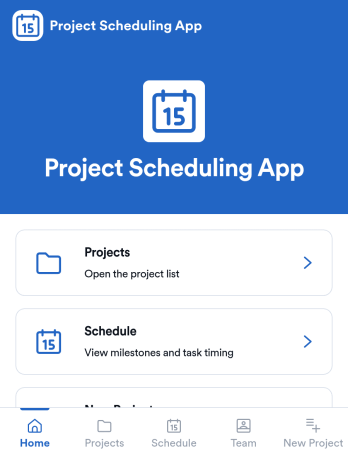
Project Scheduling App
Project Scheduling App brings project timelines, milestones, and task status into a single, easy-to-navigate workspace for teams that need to keep delivery dates visible and work moving. Use it to monitor active projects, spot the next milestone at a glance, and surface overdue tasks before they derail your plan. The built-in dashboard view supports weekly planning and capacity awareness, while project pages help standardize ownership and keep each project’s details, tasks, and team context accessible when decisions need to be made.With Jotform App Templates, you can publish a branded scheduling experience without coding and update it as your workflow evolves. Jotform’s no-code app builder and drag-and-drop interface make it simple to organize pages, link users to a dashboard or project list, and connect an Add Task form for consistent data collection. Share your app through a link for quick self-service access, and keep scheduling information aligned by connecting the app to the same workflow your team uses to capture and review updates.
Go to Category:Management Apps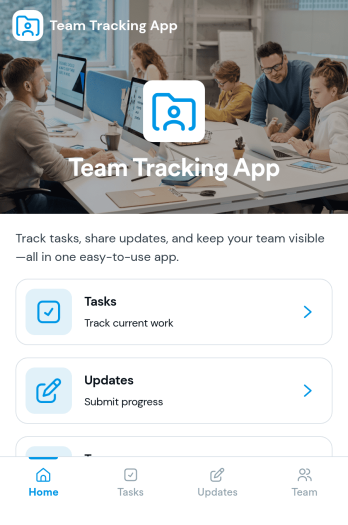
Team Tracking App
Team Tracking App brings day-to-day visibility to who’s working on what, what’s changed, and where help is needed. Use it to organize tasks, post progress updates, and keep a simple directory of team members in one place, so managers and contributors can stay aligned without digging through long message threads. It’s a practical fit for departments, project teams, agencies, and growing businesses that need lightweight tracking for assignments, ownership, and ongoing status.Built with Jotform App Templates, this app template can be customized in minutes using Jotform’s no-code app builder and drag-and-drop interface. Connect task and update forms to your workflow for reliable data collection, then share the app as a self-service destination for your team to review tasks, add updates, and find contact details. With flexible layout options and connected tools across Jotform, you can adapt the experience as your processes evolve.
Go to Category:Management Apps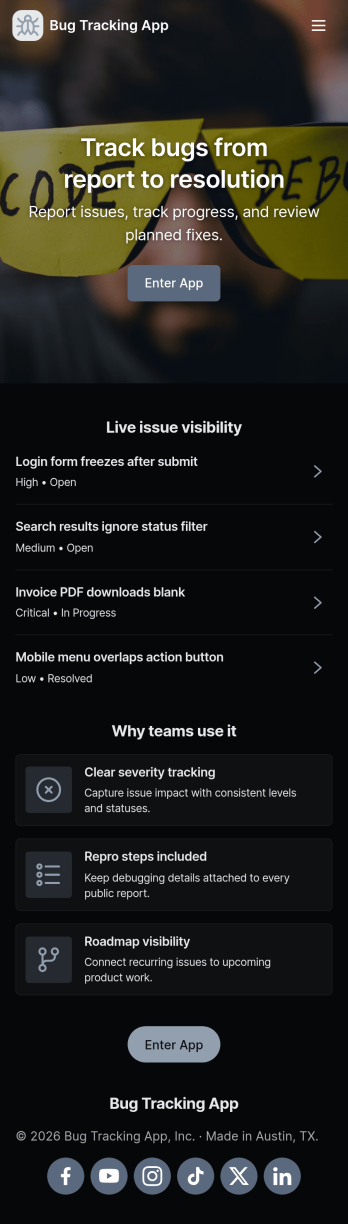
Bug Tracking App
A bug tracking app gives teams one place to report issues, review what’s already been logged, and keep work moving as fixes progress. This template fits software teams, QA groups, IT departments, and agencies that need a simple way to capture new bug reports, browse a growing list of bugs, and check status views without chasing updates across chats and spreadsheets. It’s especially useful for triage workflows where many people can submit problems while a smaller group reviews, prioritizes, and follows up with clear ownership.Jotform makes it easy to turn this Bug Tracking App into a self-service, shareable workflow using App Templates and a no-code app builder. With a drag-and-drop interface, you can tailor pages, buttons, and navigation, connect the app to your form and tables for reliable data collection, and keep your workflow organized as reports come in. Publish the app in minutes, share it with a link, and keep everyone aligned with a centralized view of reported bugs.
Go to Category:Engineering Apps