Easy Food Tracking App helps individuals and wellness-focused teams log meals quickly and keep a simple record of what they eat day to day. With a clear Add Meal flow and a History view, it fits anyone who wants consistent food tracking without complicated setup, whether you’re meal prepping, watching portions, noting patterns that affect energy, or supporting a coaching plan. Use it at home, at work, or on the go to build a reliable routine and reduce forgotten entries.
Jotform makes it simple to turn this app template into a branded, mobile-friendly experience using a no-code app builder and a drag-and-drop interface. Connect the app to forms and tables for fast data collection, organize entries into an easy self-service history, and update the layout as your workflow evolves. Share your Jotform app with a link or QR code so logging and reviewing meals stays convenient for every user.
Related templates
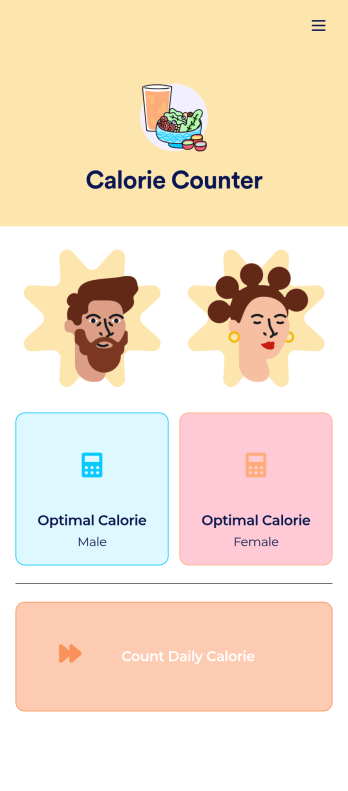
Customizable Calorie Counter App
A calorie counter app is used to track calorie intake from any device. No matter what your weight goals are, start tracking calories with Jotform’s free Calorie Counter App. This customizable app template comes with a calorie calculator and tracking form that you can fill out yourself or assign to clients if you’re a personal trainer or dietician. Submissions will be received instantly and synced to your secure Jotform account.Customize this Calorie Counter App to meet your needs in just a few clicks. Without coding, you can use our drag-and-drop builder to add or remove forms, create new app buttons or pages, embed links, upload images or videos, and include other app elements. When it’s ready to use, your app can be downloaded onto any device and shared via app link or email invite. Make calorie counting easy from anywhere with a custom calorie counter on your favorite device!
Go to Category:Self Care Apps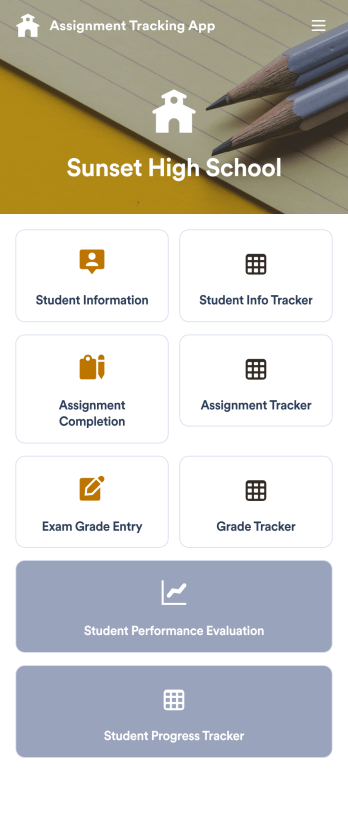
Assignment Tracking App
An assignment tracking app is used by teachers as an all-in-one classroom app for keeping track of students’ assignments and assessments. With Jotform’s Assignment Tracking App, teachers can record student information, completed assignments, test scores, and performance evaluations. Form submissions are automatically compiled in a companion spreadsheet, where teachers can sort, filter, and search through grades and test scores in an easy-to-understand format from any device.This app template works right out of the box, but you can easily customize it to meet your classroom’s needs with our intuitive app builder. No coding necessary — just drag and drop to add or swap out form elements, edit individual forms, upload images and documents, choose a custom app icon and splash screen, and more. When you’re done, you can access and download your very own app on any smartphone, tablet, or desktop for ease of use. Ditch the paperwork and manage your classroom from a single app with this fully-customizable Assignment Tracking App from Jotform!
Go to Category:Education Apps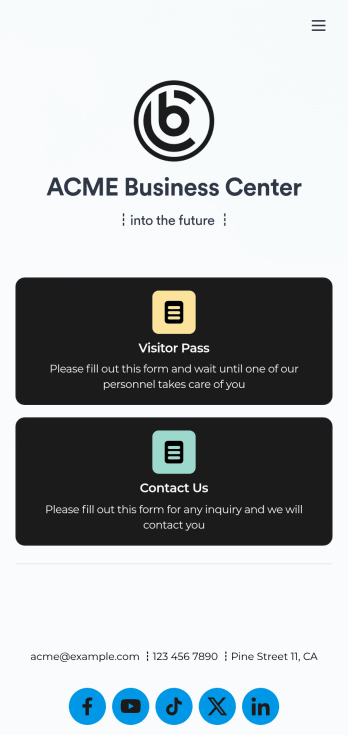
Visitor Sign In App
A visitor sign in app is used by businesses or organizations to log and track sign ins for their building. With this free Visitor Sign In App that downloads instantly onto any device — such as your building’s tablet or computer — you can collect, track, and manage sign-ins with ease. The app also includes a contact form so visitors can quickly get in touch if they encounter any issues, and connects to a Visitor Approval Process Template so you can approve or deny visitors instantly.Feel free to add more forms, upload your logo, update the background image, and make other changes with our drag-and-drop builder. All responses collected through the app are stored securely in your Jotform account and protected with advanced security measures. Switch from paper sign in sheets to an online Visitor Sign In App to collect information more efficiently — no messy paperwork required.
Go to Category:Tracker Apps
Lesson Planner App
Create and manage your classroom lesson plan with this free Lesson Planner app from Jotform. Download this app onto any device and start adding courses, start and end dates, lesson titles and objectives, tasks, resources, and more. There are also separate forms for entering student information and creating daily assignment checklists. Submissions are aggregated and stored in a color-coded and easy-to-understand spreadsheet using Jotform Tables.Want to make changes to this Lesson Planner App? No problem! With Jotform’s no-code app builder, you can build a custom app that meets your classroom’s needs in seconds. Simply drag and drop to add or change form elements, edit text fields and checklist items, install integrations and widgets, change fonts and colors, and more. When you’re done, you can access and download your app onto any smartphone, tablet, or desktop and start using it right away. Manage all your lesson plans and assignments from a single location with this mobile-friendly Lesson Planner App.
Go to Category:Daily Planner Apps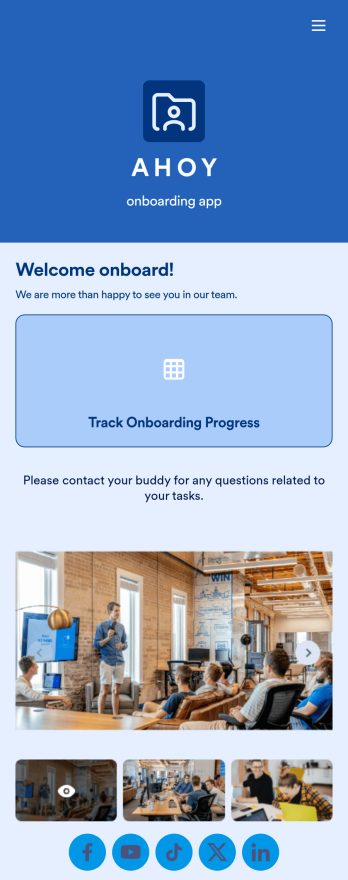
Custom Employee Onboarding App
An employee onboarding app makes it easier to integrate a new employee into your company by making important internal resources available on any device. Simplify the transitional period and successfully onboard new hires with a fully custom Employee Onboard App powered by Jotform. This ready-to-use mobile app includes a table for tracking onboarding progress, company photos and social links, and a separate page with team contact information. New hires can download the app onto their mobile device or computer for easy access at any time.Customize this Employee Onboarding App for your company in just a few clicks. Without coding, you can use our drag-and-drop builder to add forms and tables, embed links, upload documents and training videos, create new pages, update fonts and colors, and much more. When your app is ready to use, it can be sent directly to new hires via email invites or the app link. Successful employee onboarding can be the key to business success — so get started with an efficient, easy-to-use Employee Onboarding App tailored to your company.
Go to Category:Company Portal Apps
Parts Inventory App
A parts inventory app is used by businesses or individuals who need to record and manage product inventory. Jotform’s Parts Inventory App bundles several forms together, allowing you to record inventory information, vendors, and order history from one convenient app. Track your submissions directly from your app with an easy-to-understand Inventory Tracker spreadsheet, which you can sort, filter, and search from your secure Jotform account.Need to make changes to this app template? Jotform’s drag and drop app builder makes it easy to customize this Parts Inventory App in seconds. You can add form elements, choose fonts and colors, upload your own branding, install widgets and integrations with a single click, and much more — all without any coding. Share your app internally by sending email invites or the app link, and employees can then fill out forms from any device. Start keeping digital records of your company’s inventory, vendor, and order history with this readymade Parts Inventory App.
Go to Category:Inventory Apps