
Electrical Field Operations App gives electrical contractors, field technicians, supervisors, and facilities teams a central place to manage work performed at customer and project sites. Users can submit service requests, review site and urgency details, record inspections, complete safety checks, and document finished work with technician and completion information. It supports maintenance calls, installation follow-ups, fault investigations, routine inspections, and other field service scenarios where accurate records and clear handoffs matter. By keeping requests and work records accessible in one mobile-friendly experience, teams can improve visibility, reduce missing information, and maintain a reliable history of on-site activity.
Jotform Apps helps organizations turn processes like this into interactive experiences without writing code. Start with the Electrical Field Operations App template, then use the no-code app builder and drag-and-drop interface to adjust pages, navigation, branding, and connected forms. Jotform App Templates can link data collection with tables, notifications, approvals, and other workflow steps, helping office and field teams stay coordinated. Publish the app through a direct link, personalized URL, embedded experience, or QR code so technicians can access tasks and self-service resources from phones, tablets, or computers.
Related templates
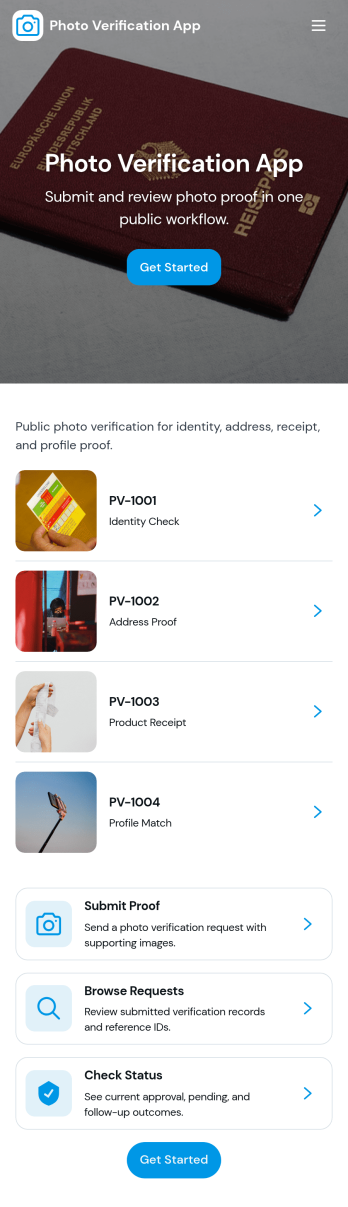
Photo Verification App
Photo Verification App helps teams collect photo-based proof and review it in one organized flow, making it easier to confirm identity, condition, or completion before moving work forward. It fits field service companies validating completed jobs, property managers confirming move-in or move-out conditions, event teams checking credential photos, and operations groups that need quick visual confirmation without relying on scattered messages. With a clear start verification entry point and a dedicated review queue, reviewers can sort what needs attention, open individual records, and keep photo checks consistent across staff.Jotform makes it simple to publish this app template and adapt it to your process using a no-code app builder and a drag-and-drop interface. Connect your verification form to a central list for tracking, route entries to the right reviewers, and keep data collection structured as volume grows. Share the app through a link or QR code so submitters can send photos from mobile, while your team stays focused on approvals, follow-ups, and keeping the workflow moving.
Go to Category:Inspection Apps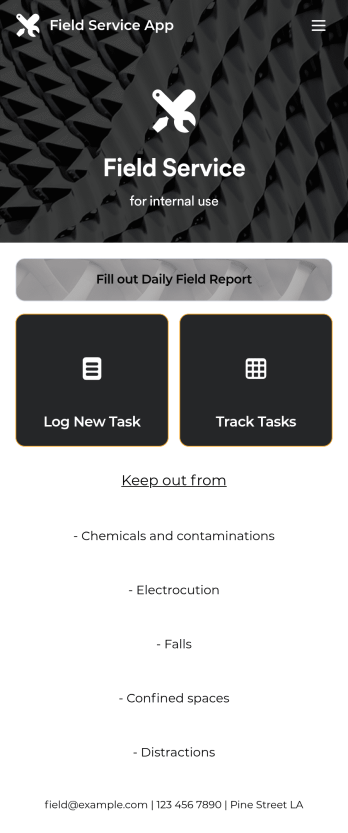
Custom Field Service App
A field service app makes it easier for technicians and other employees who work offsite to submit reports while in the field. Instead of using paper forms or waiting until you’re back at your office computer to submit reports, use this free Field Service App powered by Jotform to work anywhere, anytime. This customizable app template includes forms for submitting daily reports, logging new tasks, and tracking completed tasks. All submissions are instantly synced to your secure Jotform account.Need to modify this Field Service App to meet your needs? Just use our drag-and-drop builder to add forms, links, documents, buttons, pages, text, images, videos, tables, data grids, and much more. When it’s ready to use, download your app onto your smartphone, tablet, laptop, or computer for easy access. You can also share it with others via the app link or email invites. Get work done wherever you are with a custom, easy-to-use Field Service App.
Go to Category:Company Portal Apps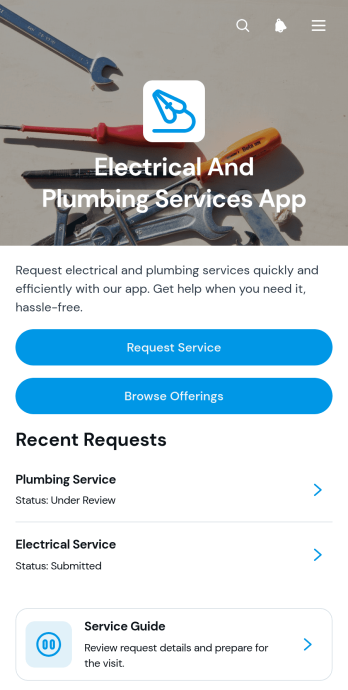
Electrical And Plumbing Services App
Electrical And Plumbing Services App gives electricians, plumbers, contractors, property maintenance teams, and home service businesses one convenient place to present services and receive customer requests. Customers can browse available electrical and plumbing offerings, review essential details such as what is included and starting prices, and submit a request with their issue, address, and preferred date. Teams can also display request summaries and current service statuses, helping customers understand what comes next without relying on scattered calls or messages. This app template is well suited to residential repairs, commercial maintenance, property management support, installation work, and recurring service operations.Jotform App Templates help businesses turn service information and connected processes into accessible digital experiences. Using Jotform’s no-code app builder and drag-and-drop interface, teams can customize pages, buttons, colors, fonts, and navigation to match their operations and visual identity. Forms and tables can support data collection, record organization, notifications, and workflow updates from one connected workspace. Once the app is ready, it can be shared through a direct link or QR code for convenient mobile access. This makes it easier to provide self-service options, organize incoming jobs, maintain accurate service records, and adapt the experience as business needs change.
Go to Category:Home Services Apps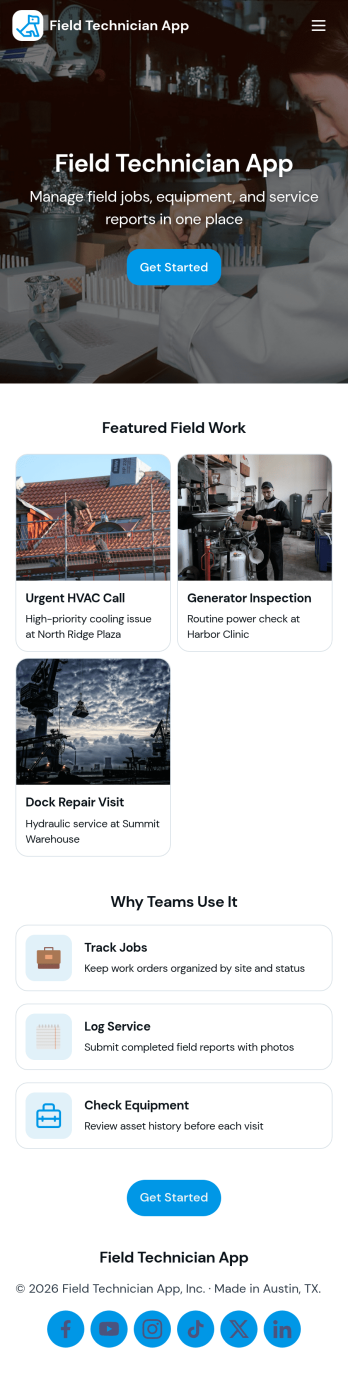
Field Technician App
Field Technician App brings open jobs, job details, and on-site visit logging into one mobile-friendly place for teams that work in the field. It’s built for service managers and coordinators who need technicians to see assigned work, review customer and asset information, and record what happened on a visit without chasing updates through calls or scattered notes. With pages for Open Jobs and job records, plus a simple Log Visit action, this app helps keep day-to-day service work organized while technicians move from site to site.Jotform makes it easy to publish this kind of self-service experience using App Templates and a no-code app builder with a drag-and-drop interface. Connect the app to your existing workflow for data collection, route field updates into the same records your office team relies on, and keep information current with quick refresh actions. You can customize navigation, add your branding, and share the app with your team using a link or QR code so everyone stays aligned from dispatch to completion.
Go to Category:Home Services Apps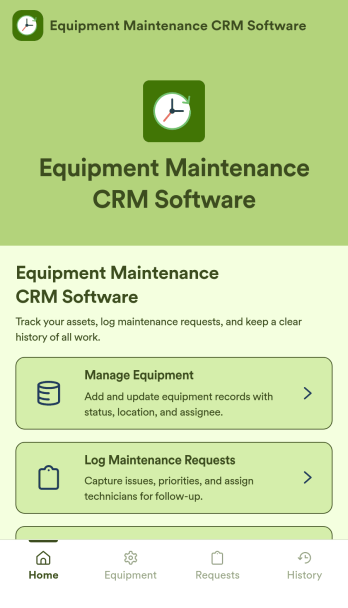
Equipment Maintenance CRM Software
Equipment Maintenance CRM Software is an app template designed to streamline the management of customer data, service histories, and maintenance activities. This robust template is intended for maintenance service companies, field service teams, asset managers, and operations departments who are keen on enhancing their service delivery. It centralizes customer data and service history, significantly reducing downtime and boosting operational efficiency. This template is particularly beneficial in scenarios of regular equipment maintenance checks, enabling a smoother scheduling process and better coordination of service delivery. What's more, it's ready to use right out of the box, making data collection a breeze for teams, whether they're in the field or at the office. This template is best suited for organizations seeking to maintain a comprehensive record of equipment maintenance activities in one accessible system.With Jotform, the Equipment Maintenance CRM Software template becomes an operational powerhouse. Jotform's ease of use and customization abilities allow you to tailor the template to your specific needs without requiring any technical skills. The ability to collect electronic signatures simplifies the verification process of maintenance activities, making it an extremely convenient feature for field service teams. Furthermore, you can generate easily digestible reports and sheets from collected data for an overview of maintenance activities. With Jotform, keeping up with maintenance schedules and coordinating service delivery has never been easier. Collect, track, and manage your maintenance data with precision using the Equipment Maintenance CRM Software from Jotform.
Go to Category:CRM Apps
Land Mapping App
Land Mapping App helps teams capture and organize parcel details and mapping needs in one place, so field staff and office coordinators can stay aligned from the first record to the final request. Use it to add new parcels as they come in, browse an up-to-date list of parcel entries, and submit mapping requests with clear location notes for survey work, boundary review, planning, or internal documentation. It’s a practical fit for surveyors, engineering groups, construction and land development teams, real estate operations, and municipalities that need a simple way to centralize parcel intake and track ongoing mapping work without relying on scattered emails or spreadsheets.Built with Jotform App Templates, this app template is powered by Jotform’s no-code app builder and a drag-and-drop interface, making it easy to tailor pages, buttons, and navigation to your workflow. Connect the app to forms and tables for reliable data collection, route updates across your workflow, and share a self-service link with the right people so they can add parcels, submit mapping requests, and review records from any device.
Go to Category:Engineering Apps