
The Employee ID Card Management App is a centralized app template for HR teams, office administrators, facilities staff, and card support teams that manage employee identification records. It helps authorized users browse employee cards, add card records, review key details, and direct staff to request new or replacement cards. Organizations can use it to keep employee numbers, card statuses, expiration dates, departments, and work contact details accessible from one convenient location. This clearer process reduces scattered requests, improves record visibility, and gives employees a straightforward self-service route for common card needs.
Jotform Apps makes it easy to adapt this Employee ID Card Management App without coding. Using the no-code app builder and its drag-and-drop interface, teams can update pages, buttons, branding, and navigation to match internal procedures. Connected forms can support data collection and card requests, while Jotform Tables and automated workflows help organize records and notify the appropriate team. Publish the finished app with a direct link, QR code, or embedded experience for mobile-friendly access. Jotform App Templates offer a practical starting point that can grow alongside changing HR operations and employee resource needs.
Related templates
Officer Duty Roster App
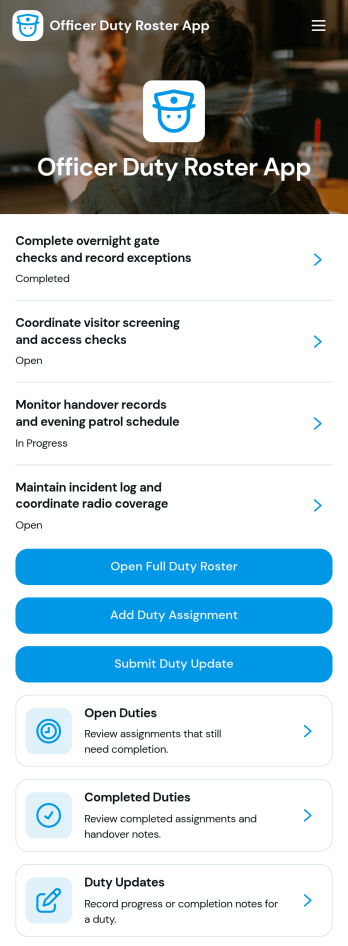
The Officer Duty Roster App gives police departments, security teams, public safety units, and other officer-based organizations a central place to coordinate duty assignments. Supervisors can publish roster entries, add new assignments, review open and completed duties, and receive duty updates from personnel. Each assignment can present the responsible officer, shift, station, current status, briefing notes, and completion notes, helping teams understand who is working, where they are assigned, and what requires attention. It is especially useful for daily deployment planning, shift handovers, station coverage, event security, patrol coordination, and other operations where timely roster information supports accountability and continuity.Jotform makes this app template easy to adapt with a no-code app builder and a drag-and-drop interface. Teams can update pages, navigation, colors, fonts, images, and buttons to reflect their procedures and branding, then connect forms and tables to support data collection and workflow management. The finished app can be shared by direct link or QR code for convenient mobile access, giving officers and supervisors a practical self-service resource wherever duties are performed. Jotform App Templates also help organizations launch faster while retaining the flexibility to revise assignments, resources, and connected processes as operational needs change.
Go to Category:Scheduling and Planning Apps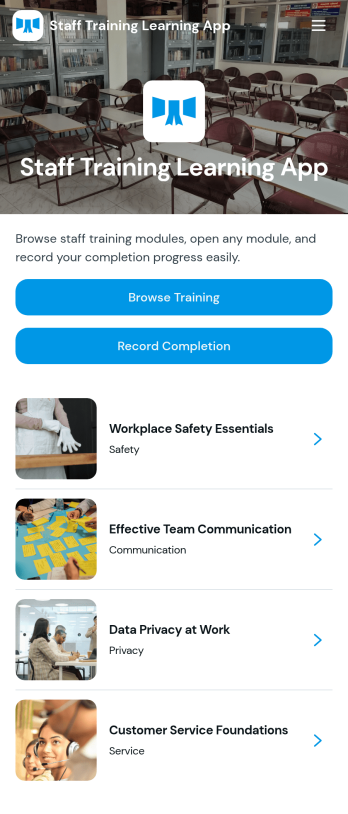
Staff Training Learning App
Staff Training Learning App helps teams share internal training in one place so employees can browse available courses, open a course page to review key details, and request enrollment when they’re ready. It’s a practical fit for HR teams, operations managers, and department leads who need a clear way to roll out onboarding lessons, role-based training, or refresher learning across locations without relying on scattered documents and links.Built with Jotform, this app template can be customized with a no-code app builder and a drag-and-drop interface, so you can organize course information and connect the enrollment request form to your workflow. Publish a branded self-service experience, share it by link or QR code, and keep data collection consistent as training offerings change over time.
Go to Category:Employee Self Service Apps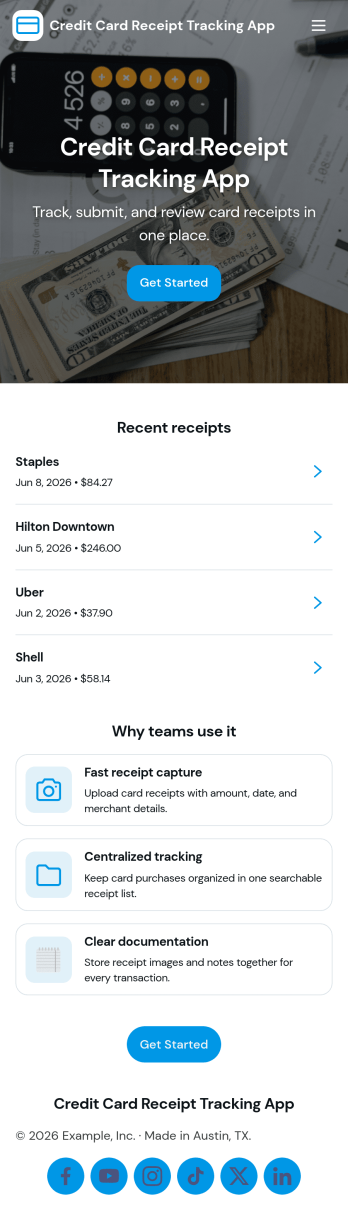
Credit Card Receipt Tracking App
Credit Card Receipt Tracking App helps you capture, organize, and review card purchase receipts in one place so expenses don’t get lost in inboxes, wallets, or chat threads. Use it to log a receipt as soon as a purchase happens, browse saved receipts later, and keep a clear record of merchant details for reimbursements, month-end close, or budgeting. It’s a practical fit for employees who submit expenses, finance teams who need cleaner documentation, and small business owners tracking day-to-day spending across company cards.With Jotform, you can turn receipt tracking into a guided self-service experience that works on desktop or mobile. Start with this app template, adjust pages and buttons with a no-code app builder, and connect the app to your underlying receipt form and a central table view for easier review. As receipts come in, teams can keep information consistent, reduce missing documentation, and maintain a reliable workflow for expense tracking without adding complexity.
Go to Category:Finance Apps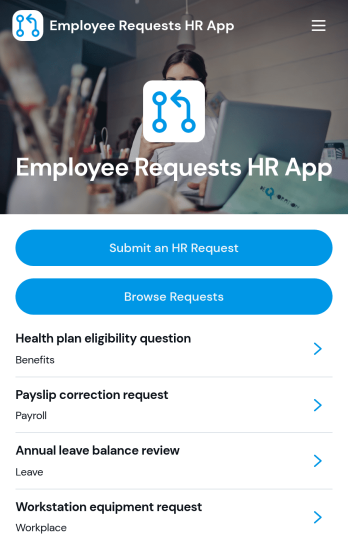
Employee Requests HR App
Employee Requests HR App gives employees a clear place to submit HR requests and follow up without confusion. Use it to centralize common needs like policy questions, workplace concerns, benefits support, or employment verification so HR teams can keep requests organized and easy to review. With quick navigation to submit a new request, browse existing requests, and open a request record to see key details like employee name, email, and preferred response method, it helps reduce missed messages and keeps communication consistent across the organization.Built with Jotform, this app template can be tailored to match your internal workflow and the types of requests you handle most often. Using Jotform’s no-code app builder and drag-and-drop interface, you can adjust pages, connect the app to your form and data collection, and keep request activity in one workflow that’s simple to share with staff. Publish it as a mobile-friendly self-service experience so employees can submit and review requests from anywhere while HR maintains one reliable source of truth.
Go to Category:Employee Self Service Apps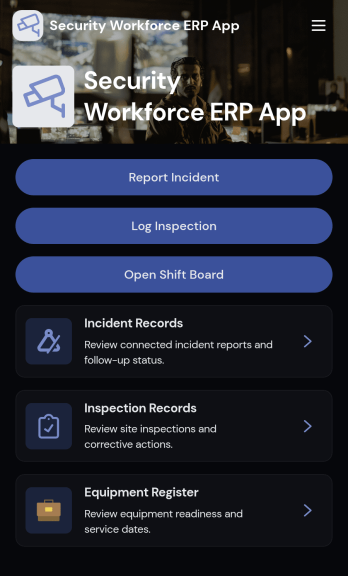
Security Workforce ERP App
Security Workforce ERP App brings your guard force and site operations into one place so supervisors can add workforce records, set up security sites, record shift coverage, and capture incident reports without juggling spreadsheets or scattered messages. It’s built for security companies, contract guarding teams, and in-house security departments that need a dependable way to keep rosters current, track who covered which shift, and document incidents with clear details for follow-up and review.Jotform makes it easy to turn these everyday workflows into a polished, shareable experience with App Templates you can customize in minutes. Using Jotform’s no-code app builder and drag-and-drop interface, you can organize pages for workforce, coverage, sites, and incidents, connect forms for data collection, and keep your workflow moving with a self-service hub that works on any device. As records grow, you can continue adapting the app to match how your team schedules, responds, and reports in the field.
Go to Category:Operations & Logistics Portal Apps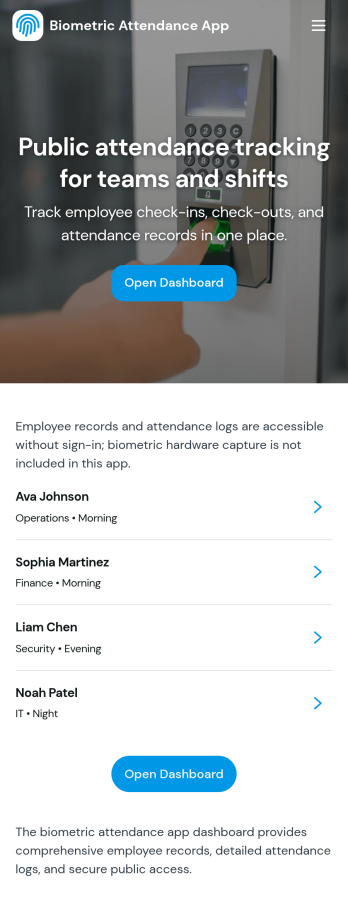
Biometric Attendance App
A biometric attendance app gives teams a central place to manage employee records, log attendance activity, and review time-based insights for day-to-day operations. This template fits HR teams, operations managers, and supervisors who need a clear view of who is on site, who is absent, and how shifts are being covered across locations or departments. Use it to add employees, record attendance logs, and keep shift windows organized so your workforce data stays consistent and easy to reference.Built with Jotform, this app template can be customized in a no-code app builder using a drag-and-drop interface, so you can match your existing workflow without engineering help. Connect forms and tables to keep data collection in one place, route information to the right people, and make self-service updates simple for authorized staff. Share the finished app by link or QR code and keep attendance details and reporting accessible on any device.
Go to Category:HR Portal Apps