Equipment Maintenance Tracking App helps teams keep a clear, up-to-date record of assets, inspections, and maintenance work orders in one place. It’s built for facility managers, operations teams, maintenance technicians, and growing businesses that need a practical way to view assets, log inspections, and create work orders without relying on scattered spreadsheets or long email threads. Use it to stay on top of routine checks, document findings, and make sure maintenance requests are tied to the right equipment for faster follow-through.
With Jotform, you can customize this app template using a drag-and-drop interface, then connect it to forms and data collection workflows that match how your team works. Publish the app for self-service access, share it by link, and keep maintenance records organized so the right people can review updates and take action. As needs evolve, you can adjust pages, buttons, and records views to support new equipment, new locations, or new internal processes.
Related templates
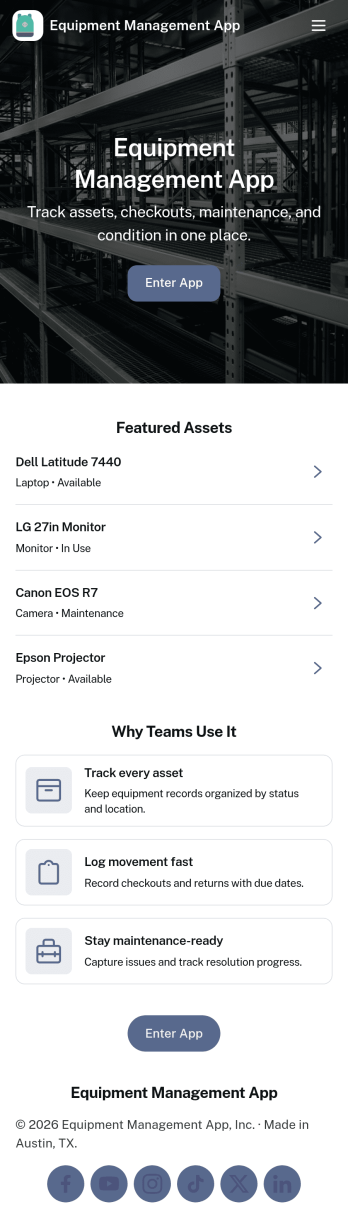
Equipment Management App
Equipment Management App helps teams track company assets from one central place, so tools and devices don’t disappear between jobs, departments, or locations. Use it to browse your inventory, check equipment out to staff, log maintenance activity, and route equipment requests without relying on scattered spreadsheets or long email threads. It’s a great fit for operations teams, IT, facilities, construction crews, schools, and rental-style environments that need clear ownership, due dates, and visibility into what’s available.With Jotform, you can turn this app template into a branded, mobile-friendly self-service experience using a no-code app builder and a drag-and-drop interface. Connect your equipment records to forms and tables for consistent data collection, set up notifications to keep workflows moving, and adjust pages and buttons to match how your organization manages assets. Share the app with a link or QR code so staff can quickly find inventory details, submit requests, and keep maintenance history up to date.
Go to Category:Equipment Maintenance Software
Lifting Equipment Maintenance Software
Lifting Equipment Maintenance Software is a purpose-built app template designed to simplify the process of monitoring and maintaining heavy lifting machinery. It consolidates the task of tracking various lifting equipment such as cranes and forklifts, scheduling regular inspections, and maintaining comprehensive service records. Safety managers, maintenance teams, and operations managers in industries like construction, manufacturing, and logistics find this app indispensable in fostering a safe work environment and maintaining reliable operations by preventing equipment malfunctions and breakdowns. The app collects detailed information about each piece of equipment, including its service history, dates of scheduled inspections, and current operational status. With this information on hand, businesses can maintain a proactive approach to equipment maintenance, reducing unexpected downtimes and enhancing productivity.With Jotform's No-Code App Builder, customizing the Lifting Equipment Maintenance Software to your business requirements becomes an effortless task. You can easily modify forms, add or remove fields, and adjust the layout to fit your operational workflow, all without writing a single line of code. The app's cross-platform compatibility ensures that your maintenance teams can access the app from any device, whether it's a smartphone, tablet, or desktop, promoting real-time updates and communication. The app's seamless experience makes it easier for your teams to manage equipment lifecycle from a single interface, reducing the need for multiple platforms and enhancing efficiency. Moreover, the app’s Publish Options can be set to Public, Private, or Company-only, ensuring that only authorized personnel can access sensitive equipment information.
Go to Category:Equipment Maintenance Software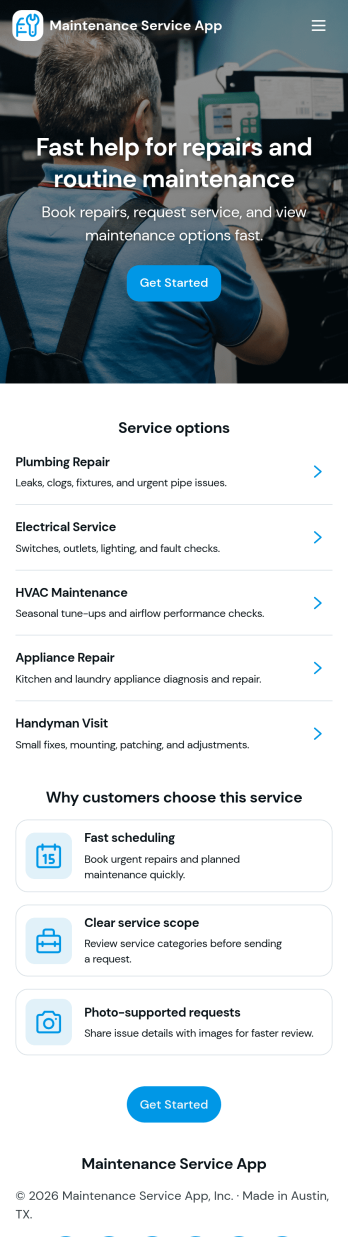
Maintenance Service App
Maintenance Service App brings maintenance requests and work orders into one place so teams can capture new issues, monitor active jobs, and reference completed work without hunting through emails or spreadsheets. It works well for home service providers, property managers, facilities teams, and small operations groups that need a simple way to accept incoming requests and keep technicians aligned on what is open, in progress, or finished. With quick navigation for creating a new request, viewing open work orders, and checking job history, the app supports faster response times and clearer handoffs from intake to completion.Built with Jotform App Templates, this app template can be customized in minutes using Jotform’s no-code app builder and drag-and-drop interface. Connect the request flow to your existing forms and tables for consistent data collection, keep records organized for day-to-day workflow tracking, and share a self-service link with staff or customers to reduce manual follow-ups. As your process evolves, you can update pages, buttons, and lists to match how your maintenance operation actually runs.
Go to Category:Equipment Maintenance Software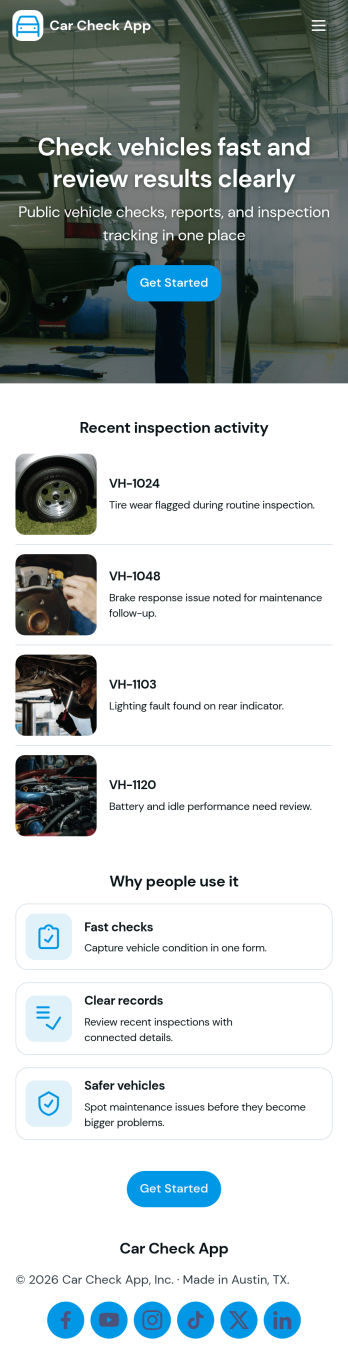
Car Check App
Car Check App helps teams capture vehicle inspection details, flag problems fast, and keep service activity organized in one place. It’s a practical fit for fleet managers, rental operators, delivery businesses, auto service teams, and anyone responsible for routine vehicle checks across multiple cars or locations. With quick actions to start an inspection, report an issue, and review records, the app supports day-to-day operations like pre-trip checks, return inspections, and documenting damage or maintenance needs without relying on scattered paperwork.Built with Jotform App Templates, Car Check App turns your inspection workflow into a mobile-friendly self-service experience that’s easy to share and update. Use Jotform’s no-code app builder and drag-and-drop interface to tailor the pages to your process, connect inspection and issue forms for consistent data collection, and keep records accessible for your team. As your workflow grows, you can expand the app into a central hub for tracking inspections, monitoring open issues, and staying on top of the service queue.
Go to Category:Vehicle Inspection Apps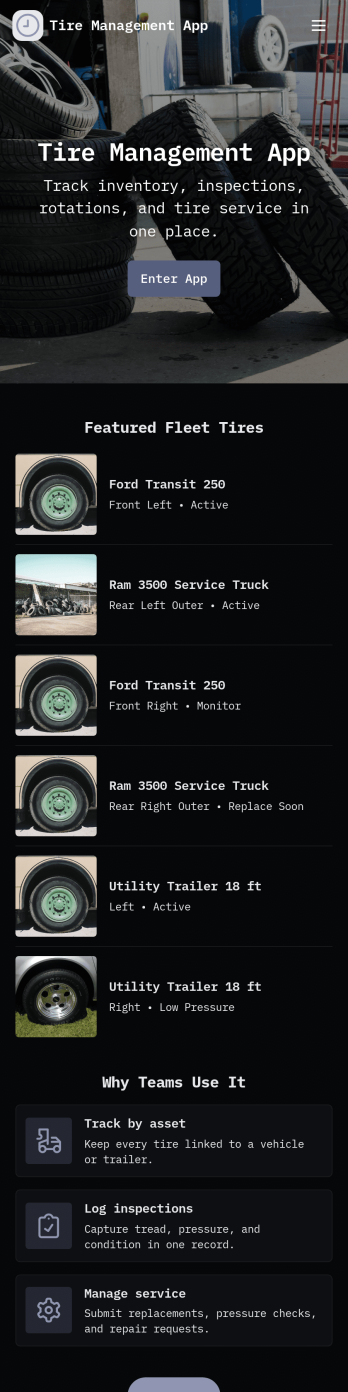
Tire Management App
Tire Management App helps teams track tire inventory, document service history, and spot maintenance needs before they turn into costly downtime. It’s a practical fit for fleet operators, logistics teams, rental businesses, tire shops, and service departments that need a clear view of what tires are in use, where they are, and what condition they’re in. With sections for Inventory and a Service Log, plus quick actions to add a tire or add a service record, staff can keep records consistent and easy to find. Built-in cues like a low tread alert view and a service queue help prioritize what needs attention next, while insights support better planning across multiple vehicles or locations.Jotform makes it easy to turn this Tire Management App into a working, shareable experience without coding. Using Jotform’s no-code app builder and drag-and-drop interface, you can adjust pages, navigation cards, and the details captured in connected forms to match your process. Connect the app to tables for organized data collection, route updates through approvals when needed, and share the finished app with your team through a link or QR code for faster self-service updates in the field.
Go to Category:Automotive Apps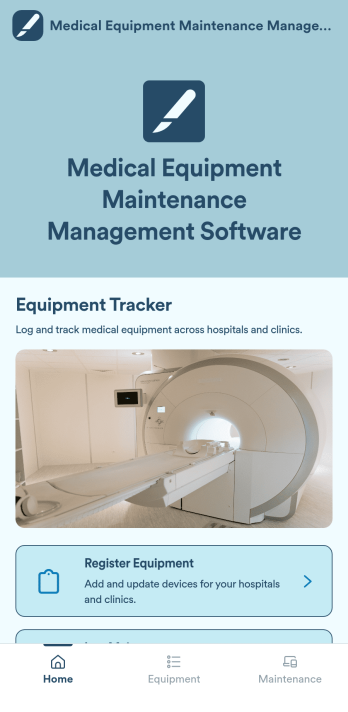
Medical Equipment Maintenance Management Software
Medical Equipment Maintenance Management Software is a versatile app template designed to systematize administrative tasks within healthcare settings. This app facilitates the logging of maintenance activities, registration of new medical equipment, and maintenance of a comprehensive record of all assets in a centralized system. By consolidating these critical tasks, the app promotes accurate tracking of service history and eases the process of equipment registration. The app is tailored to healthcare facilities, maintenance teams, and equipment managers who are tasked with managing medical devices. It is also advantageous for administrators aiming to uphold precise equipment records and align with industry standards. Additionally, the app is a go-to solution for organizations that require a systematic approach to overall maintenance organization.Jotform's No-Code App Builder, integral to the Medical Equipment Maintenance Management Software, empowers healthcare professionals to create a fully personalized, streamlined mobile solution without writing a single line of code. Leveraging the intuitive drag-and-drop interface, users can effortlessly adapt the app to their facility's branding, modifying colours, and integrating necessary forms. Jotform enables a seamless user experience, bundling multiple forms, links, and resources into one accessible package. The app's cross-platform compatibility ensures its seamless functionality across smartphones, tablets, or desktops. This means they can be installed directly to the device's home screen, ensuring instant access without requiring an App Store download. With Jotform, managing medical equipment maintenance has never been easier or more efficient.
Go to Category:Inspection Apps