
The Favorites Organizer App is a ready-to-use app template for individuals, households, hobby groups, and teams that want to keep preferred discoveries organized in one accessible place. It can hold favorite books, films, articles, products, destinations, ideas, or other useful finds that might otherwise become scattered across notes and bookmarks. Users can add favorites through a connected form, browse saved entries in organized lists, and review details such as a personal rating, current status, standout qualities, and a source link. This makes the app useful for building personal collections, comparing options, curating recommendations, or maintaining a shared reference library.
Jotform App Templates help users turn everyday information and workflows into convenient digital experiences without coding. With Jotform’s no-code app builder and drag-and-drop interface, this template can be adapted with custom pages, colors, fonts, buttons, and navigation. Connected forms support consistent data collection, while links and organized content encourage easy self-service. Once customized, the app can be published and shared through a direct link or QR code, giving users a mobile-friendly way to add, view, and revisit favorites from almost any device.
Related templates
Task Tracker App
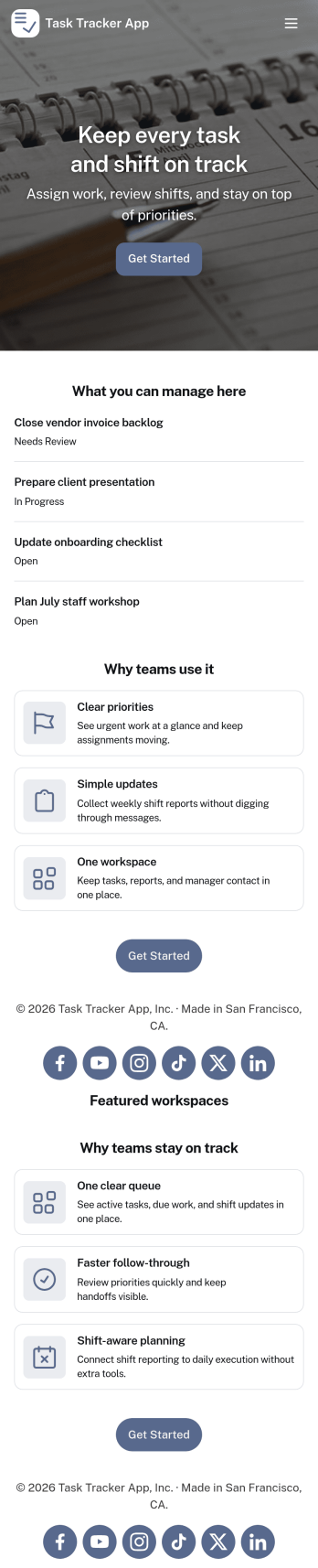
A task tracker app is used to keep track of tasks on any device. No matter which industry you work in, Jotform’s free Task Tracker App lets you log and manage task details and even assign tasks to employees or teammates! The app is downloadable onto any smartphone, tablet, or computer, and all submissions are stored securely in your Jotform account — ready to access whenever you need them.Want to make changes to this free app? Add or remove forms, include your company logo, change fonts and colors, and personalize other elements with our drag-and-drop builder. No coding is necessary! Once you’ve got your app looking perfect, share it with a link for others to download directly onto their devices. Track tasks more efficiently with the help of a free Task Tracker App from Jotform.
Go to Category:Organization Apps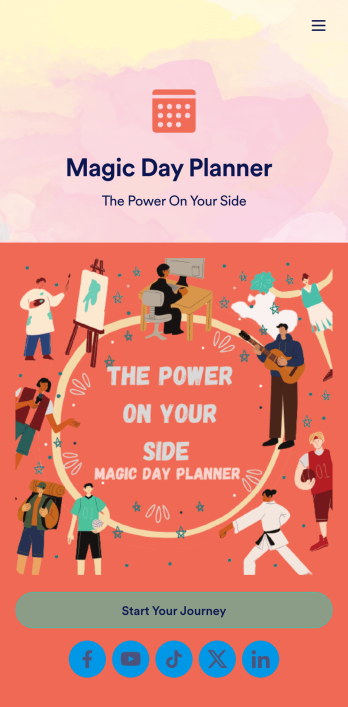
Day Planner App
Want a simple way to track your or your clients’ goals? Well, look no further than this Day Planner App from Jotform — perfect for anyone looking to get their life together. Add daily or weekly check in forms, show open consulting appointments, upload payment forms, and more helpful features to make your app intuitive and easy to use.Making design changes to this Day Planner App is quick and easy. Simply drag and drop to switch up fonts and colors, upload personal or company branding, integrate with helpful payment or scheduling widgets, and much more. To share this handy app with others, all you’ll have to do is send a link, generate a QR code, or embed it straight into your own website or portal.
Go to Category:Daily Planner Apps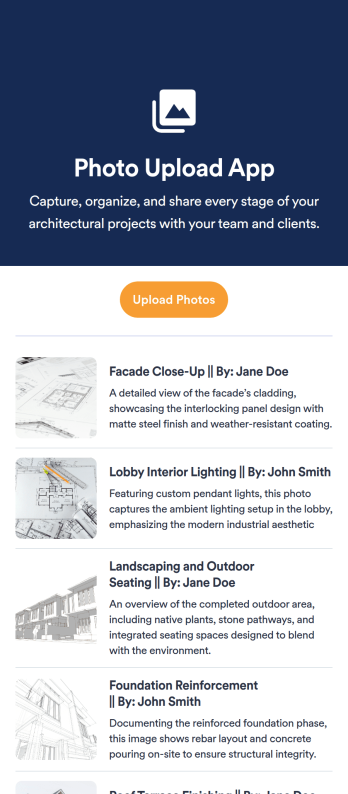
Photo Upload App
Looking to create a Photo Upload App? Jotform App allows event organizers, teachers, photographers, and businesses to easily collect and showcase photos without any coding knowledge. With Jotform's free app builder, users can add forms, widgets, products, and branding to create a fully customized app that can be downloaded on any device. This template is perfect for capturing memories at events, curating portfolios, or showcasing products through user-generated content. Say goodbye to manual photo uploads and streamline the process with Jotform's Photo Upload App template.Ready to streamline your photo collection process and enhance user engagement? With Jotform's App builder, users can take advantage of powerful features like drag-and-drop builder, 70+ app widgets, and flexible app designer to create a stunning photo upload app. Customizable layouts, e-signature capabilities, and data management with Jotform Tables ensure that your app is tailored to your needs. Whether you're looking to collect photos for events, projects, or marketing campaigns, Jotform's Photo Upload App template makes it easy to create a seamless experience for both users and administrators. Explore the possibilities with Jotform and start building your custom app today.
Go to Category:Education Apps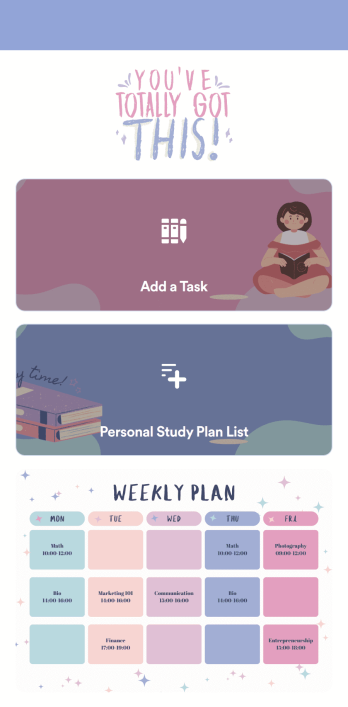
Customizable Study Planning App
A study planning app lets students create a student plan and track it on their mobile device. With this ready-made Study Planning App from Jotform, you can quickly and efficiently start tracking tasks, schedules, and study plans no matter where you are. Just customize the app to meet your study needs and download it for iOS, Android, or onto your computer for easy access.Need to make changes to this Study Planning App template? No problem — just drag and drop to get the design you want. Split your app into multiple pages, add more forms or tables, and make other changes in seconds with no coding knowledge required. You can even connect your app to 250+ other platforms like Trello, Asana, and more to monitor your study plans in your other accounts!
Go to Category:Organization Apps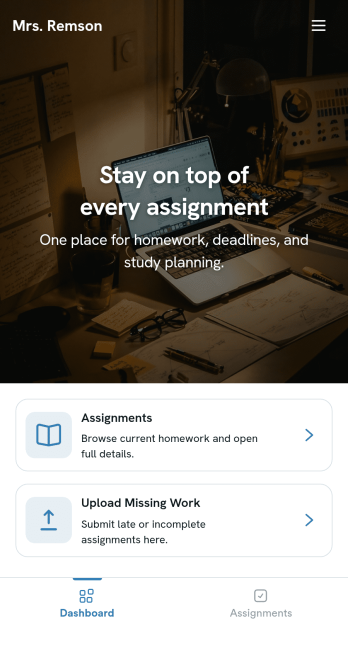
Homework Management App
A homework management app is used by teachers to collect homework assignments from their students. Give your students an easier way to submit homework for your remote or in-person classroom with a free Homework Management App from Jotform. Students can upload documents through the app’s homework or missing assignment forms, which you can view easily on any device from your secure online account.Need to make changes to this app template? Add or remove forms, update the app icon or background, include important information for your classroom, or add helpful links with no coding required. You can then copy and paste the app link to share your custom Homework Management App with your students, who can download it onto their computer, tablet, or smartphone to submit their homework instantly.
Go to Category:Classroom Management Apps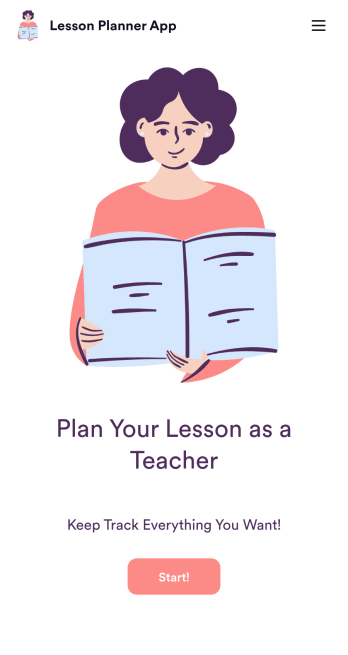
Lesson Planner App
Create and manage your classroom lesson plan with this free Lesson Planner app from Jotform. Download this app onto any device and start adding courses, start and end dates, lesson titles and objectives, tasks, resources, and more. There are also separate forms for entering student information and creating daily assignment checklists. Submissions are aggregated and stored in a color-coded and easy-to-understand spreadsheet using Jotform Tables.Want to make changes to this Lesson Planner App? No problem! With Jotform’s no-code app builder, you can build a custom app that meets your classroom’s needs in seconds. Simply drag and drop to add or change form elements, edit text fields and checklist items, install integrations and widgets, change fonts and colors, and more. When you’re done, you can access and download your app onto any smartphone, tablet, or desktop and start using it right away. Manage all your lesson plans and assignments from a single location with this mobile-friendly Lesson Planner App.
Go to Category:Daily Planner Apps