
Festival Entry Judging App is an app template for festival organizers who need one accessible place to receive entries, present submission details to judges, collect evaluations, and review judging results. It supports arts festivals, food competitions, cultural programs, film showcases, and community events that assess entrants across defined categories. Entrants can submit new work, while judges can browse available entries, review entrant and category information, read entry descriptions, and complete evaluations. Event teams gain clearer oversight of evaluation records and results, reducing scattered documents, missing assessments, and manual coordination during busy judging periods.
With Jotform Apps, organizers can adapt this Festival Entry Judging App using a no-code app builder and an intuitive drag-and-drop interface. Pages, navigation, forms, tables, buttons, and visual elements can be updated to reflect festival branding and judging procedures. Connected data collection and workflow tools keep entry information and evaluation activity organized within a mobile-friendly experience. Start with one of Jotform’s App Templates, customize the app template for specific award categories or judging teams, and share it by direct link or QR code to support convenient self-service access.
Related templates
Interactive Event App
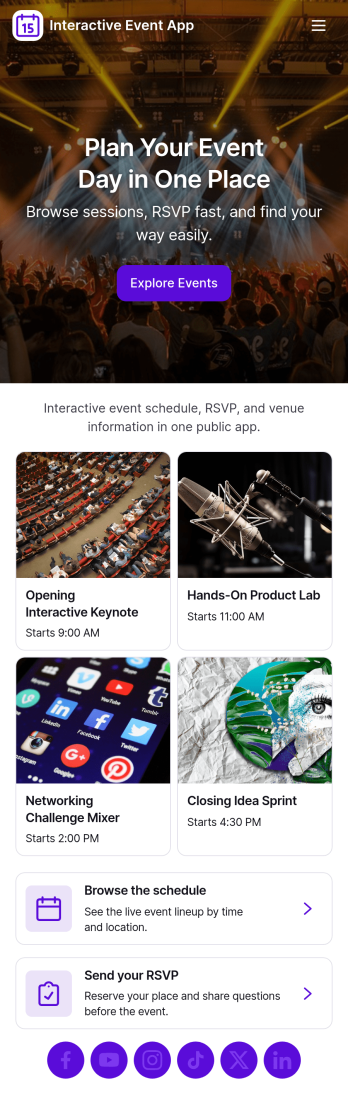
Interactive Event App brings event details into one place so attendees can browse events, check the schedule, register, and share feedback without hunting through emails or scattered links. It’s a strong fit for conference teams, community organizers, schools, nonprofits, and internal company events that need a simple, self-service experience for guests. Use it to reduce day-of questions, guide people to the right sessions, and keep participation high with clear navigation and quick actions.Built with Jotform App Templates, this app template is easy to tailor for any event and publish in minutes using a no-code app builder and a drag-and-drop interface. Connect buttons to registration and feedback forms for smooth data collection, and organize event listings so updates are easy to manage. Share your Jotform app through a link or QR code, keep the experience on-brand, and support your workflow from planning through post-event follow-up.
Go to Category:Event Planner Apps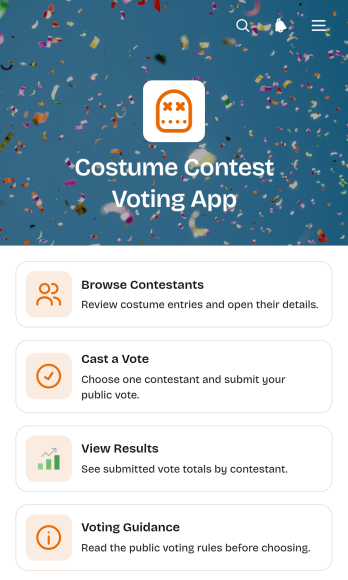
Costume Contest Voting App
Costume Contest Voting App is an interactive app template for running audience voting at parties, school celebrations, community gatherings, workplace events, fundraisers, and themed competitions. Event organizers, entertainment teams, educators, nonprofits, and local groups can use it to present contestants and give guests a clear way to participate. Attendees can browse costume entries, review contestant details, cast a vote through a connected form, read voting guidance, and view submitted totals. Keeping these actions in one mobile-friendly destination makes the contest easier to manage, reduces confusion about participation, and creates a more engaging experience for both in-person and remote audiences.Jotform App Templates help teams launch polished digital experiences without writing code. Using Jotform’s no-code app builder and drag-and-drop interface, organizers can customize colors, fonts, images, pages, buttons, and navigation to fit their event. The app can connect data collection with forms and other workflow tools, giving teams a convenient place to manage voting while offering participants simple self-service access. Once the Costume Contest Voting App is ready, it can be published and shared through a direct link or QR code for quick access on phones, tablets, and computers.
Go to Category:Event Management Apps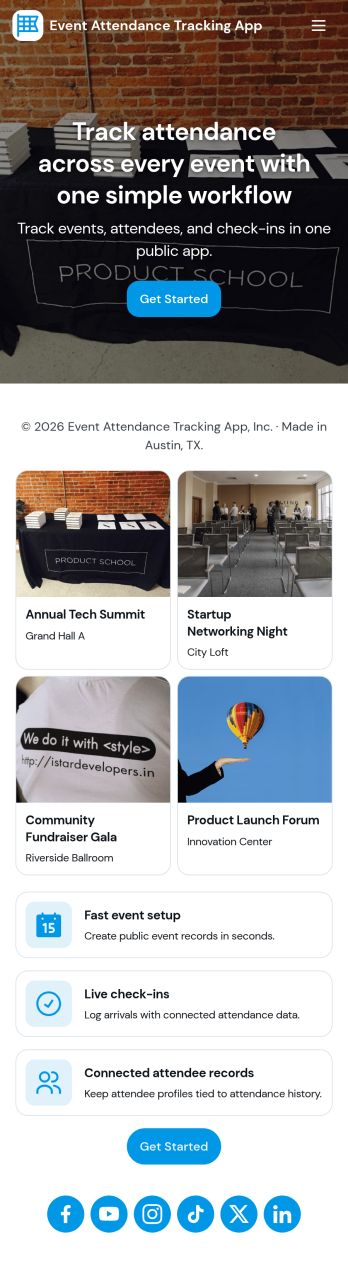
Event Attendance Tracking App
Event Attendance Tracking App helps organizers keep an accurate record of who registered and who actually showed up, without juggling paper lists or scattered spreadsheets. Use it to register attendees ahead of time, add walk-ins at the door, and log check-ins as guests arrive. It’s a strong fit for event teams running conferences, workshops, campus events, community meetups, trainings, and internal company sessions where headcounts, attendance history, and quick lookups matter throughout the day.With Jotform, you can turn attendance tracking into a simple self-service experience using App Templates and a no-code app builder. Build the flow with a drag-and-drop interface, connect registration and check-in forms, and keep records organized in linked tables for fast searching and reporting. Share the app with staff using a link or QR code so everyone works from the same up-to-date attendee list while your workflow stays consistent from registration to check-in.
Go to Category:Event Planner Apps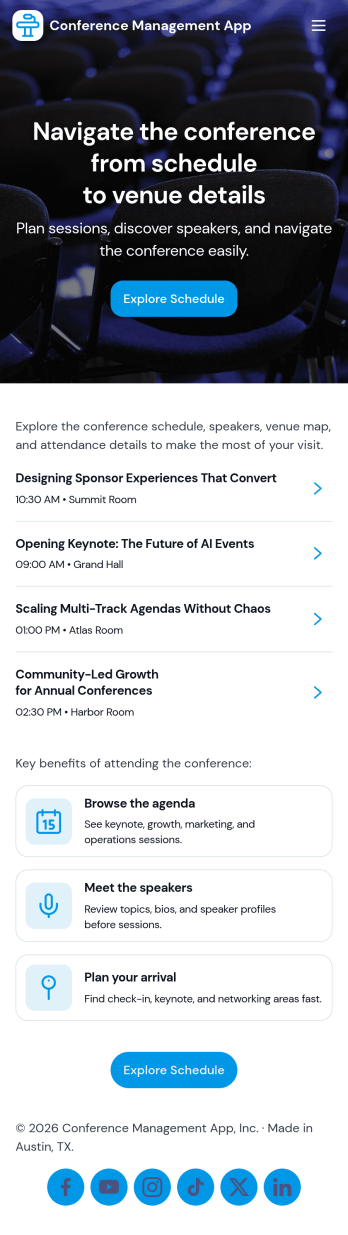
Conference Management App
Conference Management App brings your event experience into one place so attendees and organizers can stay aligned from planning through post-event follow-up. Use it to publish the conference agenda, highlight speakers, and guide participants to key actions like registration, check-in, and feedback without sending them across multiple links. It fits in-person, virtual, or hybrid conferences run by event teams, associations, corporate marketing departments, and community organizers who need a clear, mobile-friendly way to share schedules and reduce day-of confusion.Jotform makes it easy to turn conference workflows into a polished, shareable app experience using its no-code app builder and drag-and-drop interface. Connect the app to Jotform forms for data collection like registrations, on-site check-ins, and attendee feedback, then update your agenda and speaker information as plans change. With Jotform App Templates, you can launch quickly, match your branding, and deliver convenient self-service access from a single link.
Go to Category:Event Planner Apps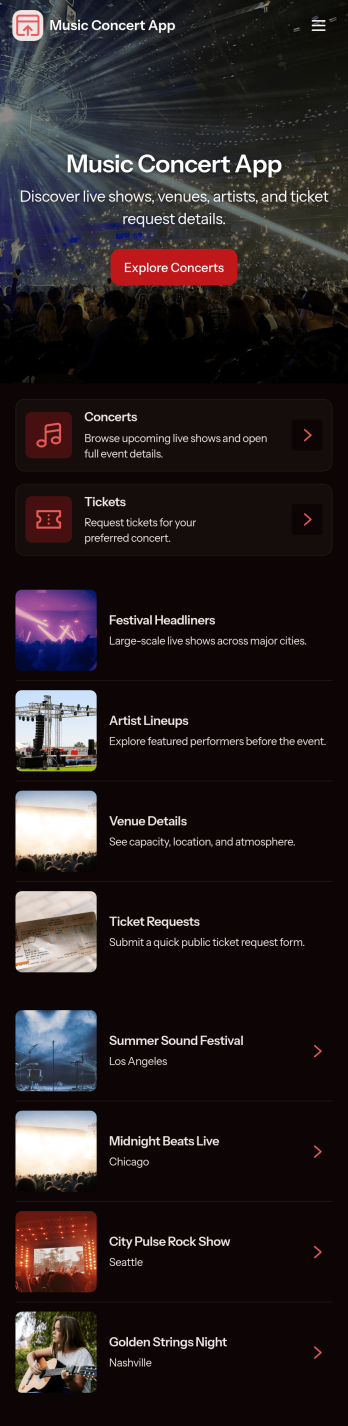
Music Concert App
Music Concert App brings upcoming shows into one place so fans can browse concerts, view key details, and quickly navigate to booking. It’s a practical fit for concert promoters, venues, artist teams, and event coordinators who want a simple, mobile-friendly way to showcase a lineup and guide attendees from discovery to reservation without relying on scattered posts or long email threads. With dedicated pages for exploring concerts and a clear path to book tickets, the app helps reduce missed inquiries, improves the attendee experience, and keeps event information easy to find and share.Built with Jotform App Templates, this app template is easy to tailor using Jotform’s no-code app builder and drag-and-drop interface. Connect the app to your booking form to support consistent data collection, route information to the right workflow, and keep your concert list and booking history organized. Share your Music Concert App with a link or QR code, update content anytime, and deliver a polished self-service experience for your audience.
Go to Category:Entertainment Apps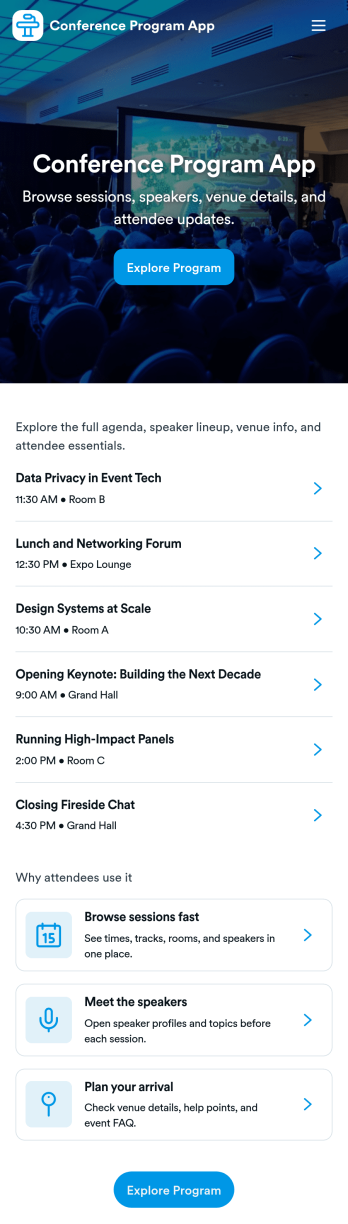
Conference Program App
Conference Program App helps event organizers publish a clear, mobile-friendly program that attendees can use before and during the conference. Share the schedule, highlight sessions, and introduce speakers in one place, with simple navigation to view the full agenda, browse speaker bios, and jump into registration when someone is ready to attend. It’s a practical fit for conferences, summits, multi-track meetups, and internal company events where participants need quick answers without hunting through emails or PDFs.With Jotform, you can build and personalize app templates like this using a no-code app builder and a drag-and-drop interface. Connect the experience to your existing workflow by linking to a registration form, organizing session and speaker details for easy browsing, and updating content as plans evolve. When you’re ready, share the app through a link or QR code so attendees can self-service key event information on any device.
Go to Category:Event Planner Apps