
The Garment Workshop Management App is a ready-to-use workspace for tailoring businesses, apparel producers, workshop supervisors, stock coordinators, and quality teams managing garment orders from intake through completion. It brings work order tracking, material inventory, and production and quality updates into one accessible location. Teams can review customer and order details, monitor priorities and due dates, record fabric or supply quantities, follow production stages, document defects, and determine next steps. This shared view helps workshops reduce missed updates, spot low-stock materials earlier, maintain clearer production records, and coordinate daily work across cutting, sewing, finishing, and inspection activities.
With Jotform, this app template can be adapted to match the workflow of a small workshop or a growing production team. The no-code app builder and drag-and-drop interface make it easy to adjust pages, navigation, visual branding, and connected forms without programming. Link data collection forms, tables, notifications, approvals, and other processes to create a practical self-service resource for staff. Jotform App Templates can also be shared by link or QR code, giving authorized team members mobile-friendly access to order, stock, inspection, and progress information wherever work takes place.
Related templates
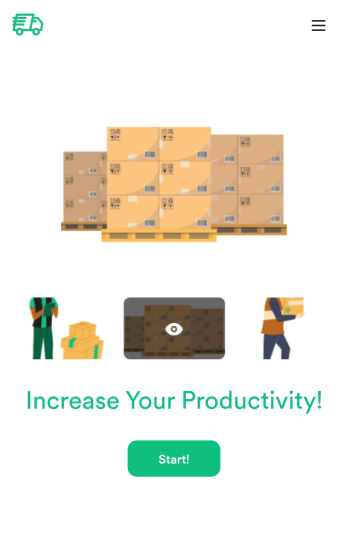
Custom Logistics Management App
A logistics management app is used by logistic companies to log important company information. With this Logistics Management App from Jotform, managers can keep track of vehicles, drivers, and driver availability information. Drivers can download this app on their mobile devices to record trip information such as truck number, departure date, and total mileage using a Drivers Log Sheet. You can also manage driver job applicants from an easy-to-understand Driver Application Tracking Log.Making changes to this Logistics Management App is easy with Jotform’s no-code app builder. Simply drag and drop to add or change form elements, edit text fields and checklist items, choose fonts and colors, upload your company’s branding, and much more. Share your custom app with management and other drivers by sending email invites or the app link, where they can then download it on any device. Ditch the paperwork and use this Logistics Management App to keep digital records of all your vehicle and driver information.
Go to Category:Automotive Apps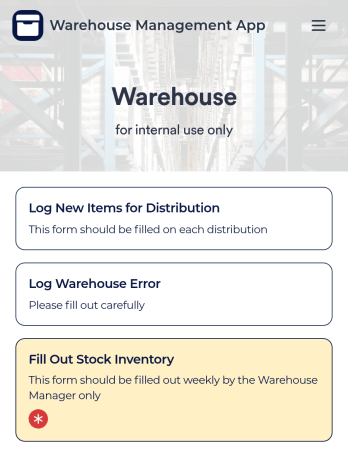
Warehouse Management App
A Warehouse Management App is used by businesses to keep track of new warehouse inventory. With this fully-customizable app, you can record item names, descriptions, quantities, model and serial numbers, as well as account and payment details from the distributor and receiving company. An easy-to-read stock inventory list is stored securely in your online account and can be accessed and downloaded on any device.Want to customize this Warehouse Management App to match your company’s branding? Our drag-and-drop interface makes it easy to add forms, upload your logo, change fonts and colors, create a custom app icon, and more — no coding necessary. When you’re done, employees can download your app on any smartphone, tablet, or desktop for future use. Keep a bird’s eye view on your warehouse inventory with this Warehouse Management App.
Go to Category:Management Apps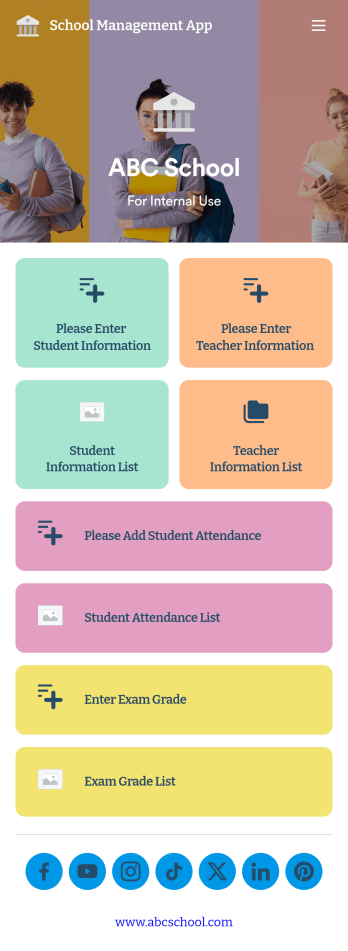
School Management App
A school management app is used by schools and educational institutions to record and compile student information. Our School Management App bundles together four useful forms, allowing school administrators and teachers to easily add school and teacher contact information, log attendance, and record exam scores from any device. Each form automatically feeds data into an easy-to-understand companion spreadsheet, which you can sort, filter, and search from your secure Jotform account.Make this School Management App template your own in seconds with Jotform’s no-code app builder. Just drag and drop to add or change form elements, edit form text and fields, change the color scheme to match your school’s colors, upload your ensignia, attach documents and external links, and more. When you’re finished customizing, you can share your app by sending the app link, attaching it to an email invitation, or embedding it in an internal-use school website. Teachers and staff can then download it onto any smartphone, tablet, or desktop and begin using it right away. Create an all-in-one app for managing student data with just a few clicks with this free School Management App from Jotform.
Go to Category:Education Apps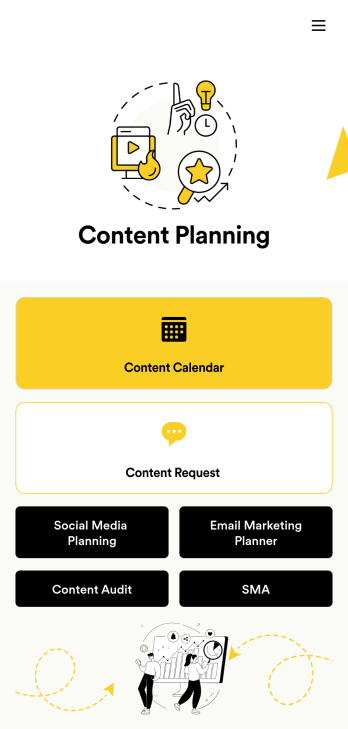
Content Planning App
A content planning app is commonly used by marketing teams to manage content calendars. With Jotform Apps, you can build your own Content Planning App for free. Add a content calendar, brainstorm notes, content audits, and so much more. You can even integrate your app with 250+ platforms to send data straight to your other marketing accounts — all with no coding required.Customizing your Content Planning App is easy and intuitive with Jotform’s drag-and-drop builder. Add or remove forms, switch up fonts and colors, choose a unique app icon, upload branding assets and images, and so much more. Once you’re happy with your app, all you need to do is share it with your team. Embed it in your online workspace or send it via link so your team members can download it to their mobile, tablet, or desktop device.
Go to Category:Company Portal Apps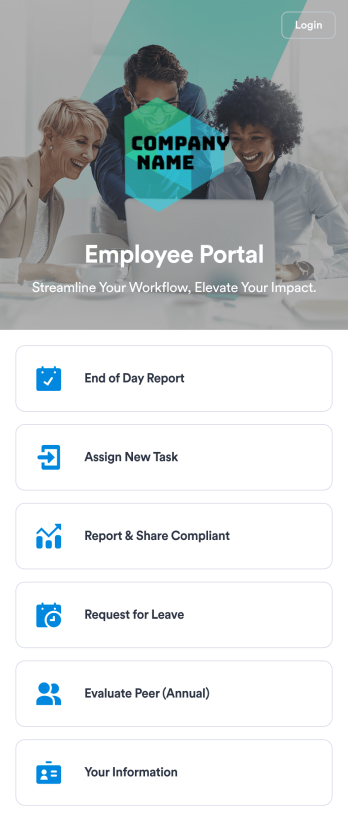
Employee Portal App
An employee portal app allows employees to access all internal company documents and links from any mobile device or computer. Create your own company portal in just a few clicks with Jotform’s free Employee Portal App. This customizable template includes a report form, task form, complaint form, leave request form, evaluation form, and employee information form all in one app. Employees will be able to fill out these forms from any smartphone, tablet, or computer, and submissions will be stored in your secure Jotform account.Customize this Employee Portal App to better meet your company’s needs. Without any coding, you can add forms, documents, links, images, buttons, videos, and much more to the template. You can also change the app icon and name and include your company branding in just a few clicks. When it’s ready to use, send email invites to employees directly or share the app link. With a fully-custom Employee Portal App for your company, your employees will enjoy more organized team collaboration and communication, no matter which device they prefer!
Go to Category:Company Portal Apps
Custom Patient Management App
Patient Management App is an app template designed to streamline the workflows of healthcare providers, clinics, hospitals, and medical practices. By offering a centralized system that manages patient information, appointments, and care plans, the app helps improve operational efficiency. Suitable for healthcare administrators who are tasked with scheduling patients, updating medical records, tracking treatment plans, and facilitating communication throughout the patient care journey, it collects critical data in a structured and consistent manner. The app's value lies in its ability to simplify complex operational tasks, thus reducing the likelihood of errors and enhancing the quality of care provided.Jotform's intuitive design tools make it easy to customize the Patient Management App to match your healthcare practice's branding. Using Jotform's No-Code App Builder, you can quickly adjust forms, pick fonts and colors, and upload your logo without writing a single line of code. Once set up, your patients can access and download the app onto any device; be it a smartphone, tablet, or desktop, through a shareable link. This ease of access maximizes the app's adoption and use, further improving the efficiency of your healthcare practice. The Patient Management App from Jotform embodies the perfect blend of utility and usability, making patient management a breeze.
Go to Category:HIPAA Apps