
Government Information Submission App provides public agencies, administrative offices, program teams, and authorized contributors with a central place to collect and review information. People can submit details through a connected form, read an important submission notice, and attach supporting documents when additional evidence or context is needed. Staff can then browse submitted records and view key details such as the subject, submitter, and email address. This app template is well suited to community programs, public service initiatives, internal government reporting, research requests, and administrative data collection. It reduces scattered email exchanges, gives contributors a clear submission path, and helps teams keep incoming information organized for review and follow-up.
Jotform Apps makes it easy to adapt this Government Information Submission App without coding. Its drag-and-drop interface lets teams update pages, navigation, colors, fonts, buttons, and content to reflect departmental processes and visual guidelines. Users can connect forms, tables, notifications, approvals, and other workflow steps to create a more coordinated experience. Once ready, the app can be shared by direct link, QR code, or embedded access for convenient use on mobile and desktop devices. Jotform App Templates offer a practical starting point for building self-service resources while keeping data collection and operational tasks connected in one customizable app builder.
Related templates

Law Firm App
Need an efficient way to manage your law firm? Keep track of your associates and fellows, manage your case documents, review client forms, and more with our Law Firm App – free from Jotform. With your custom app, you’ll be able to receive and manage all types of internal information. All your data will be stored on your Jotform account in one accessible place – go paperless and manage your firm in a centralized place.Want to give your Law Firm App a professional, polished touch? Jotform’s no-code drag-and-drop app builder allows you to customize your app just the way you want. Use your logo or pick an app icon and background image that represents your firm the best. Your lawyers can access the app through direct messaging, email, or via a scannable QR code. Relieve some of your daily stress and try Jotform’s free Law Firm App today.
Go to Category:Legal Apps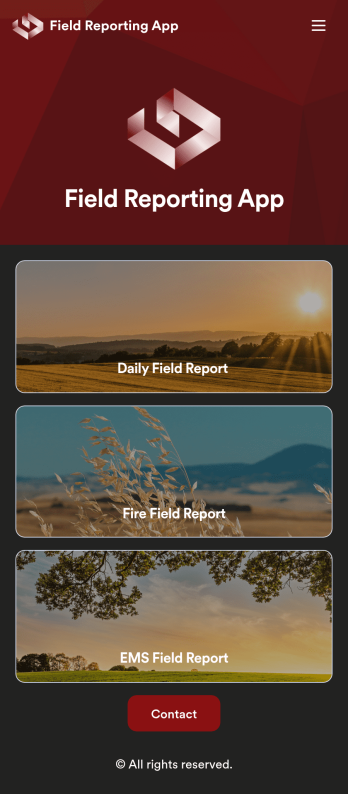
Custom Field Reporting App
A field reporting app can be used by any company that completes field reports. With this free Field Reporting App from Jotform, your employees can complete their reports directly from their smartphone or tablet! No more messy paper forms — instantly collect information online and save it to your secure Jotform account, ready to access on any device.Need to make changes to this app template? Drag and drop to get the look you want. You can upload your logo, change existing forms or add new ones, and make other design changes with no coding required. Once your custom Field Reporting App is ready to go, share it with a link to be downloaded instantly onto any iOS or Android device.
Go to Category:Booking Apps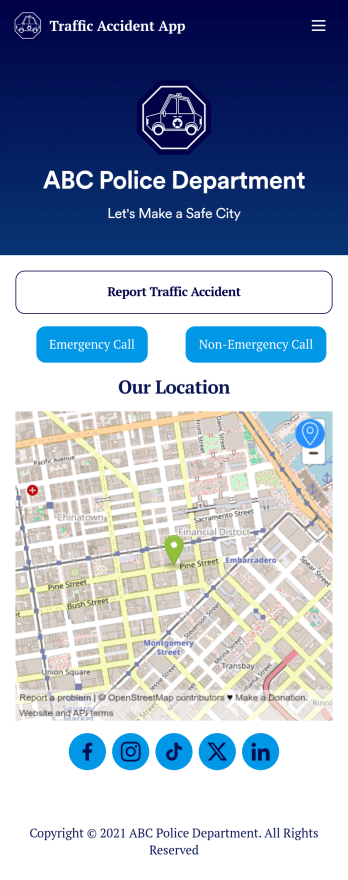
Custom Traffic Accident App
A traffic accident app is used by private citizens to record the details of a traffic accident to give to the police. This free Traffic Accident App contains a form where drivers can take down general contact information for both parties, describe any bodily injuries or vehicular damage, draw a diagram of the accident site, and provide a digital signature. There is also space to add any witnesses who may have been on the scene.Need to change a few things? Using our drag-and-drop interface, you can easily add forms and text, choose fonts and colors, upload images, and more — all with no coding. Accident reports are stored securely in your online account and can be accessed on any device to share with the police. You can even share your report via link or attach it to an email. Provide a thorough description of a traffic accident this fully customizable Traffic Accident App.
Go to Category:Report Apps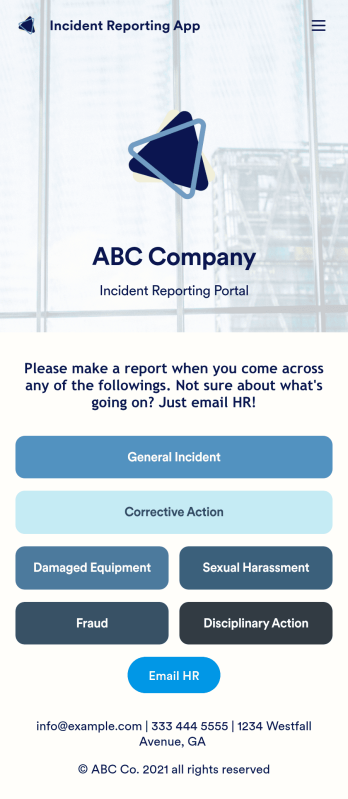
Incident Reporting App
Reporting workplace incidents helps address safety hazards and prevent future accidents. Create a custom Incident Reporting App for your company with our free readymade template. This app features report forms for general incidents, fraud, and corrective and disciplinary actions. You’ll be able to customize and share your form with other managers or supervisors, who can then access, download, and interact with your app from any device. This Incident Reporting App is ready to use as if — but feel free to make modifications using our drag-and-drop interface. Without coding, you can add new report forms, update text, upload images, and change the name, icon, and splash page of your app. When it’s ready, you can access your app from any smartphone, tablet, or computer and share it with others via link. Make it easier to record, report, and respond to incidents at your workplace with a custom Incident Reporting App!
Go to Category:Report Apps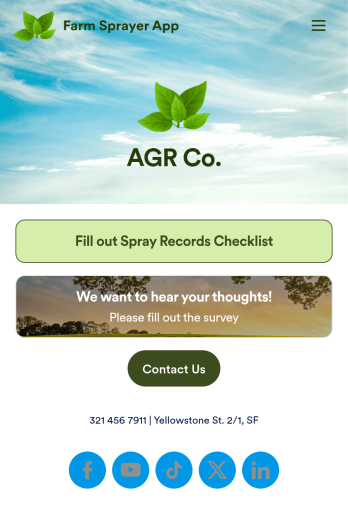
Farm Sprayer App
A farm sprayer app is used by farmers, agricultural applicators, orchard applicators, crop advisers and growers for keeping records of farm pesticide sprays. Our Farm Sprayer App comes with a Spray Records Checklist Form, which makes it easy for farm workers to keep detailed records of spray locations, pesticide amount, date, time of application, wind conditions, and more. Users can also calculate the cost per acre, sign off on farm spray reports using an e-signature form, and collect farm and land survey data with an included Agricultural Survey Form.This ready-made app template can be customized to your liking with Jotform’s no-code app builder. Simply drag and drop to add or change form elements, edit text fields and checklist items, create additional forms, update your app’s splash screen and icon, and more. You can even add your own branding with just a few clicks. When you’re finished making changes, share your app with other farm workers by sending email invites or the app link. Users can then download your app on any device and start filling out reports right away. Submissions are instantly synced and stored in your Jotform account for ease of access. Record and manage your farm’s pesticide spray data from a single convenient location with Jotform’s Farm Sprayer App.
Go to Category:Checklist Apps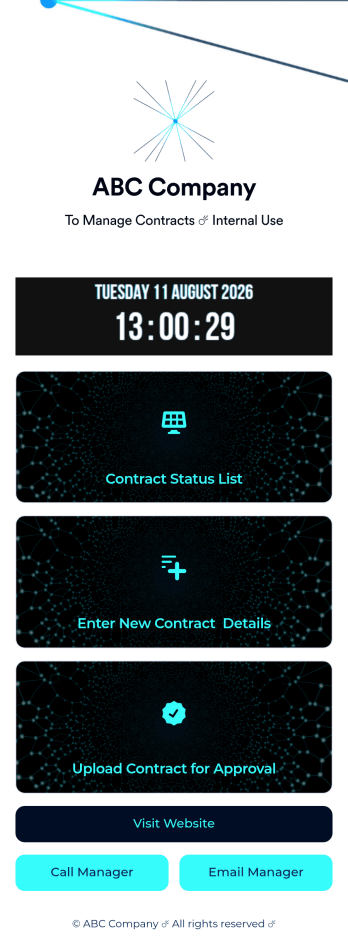
Customizable Contract App
A contract app is used by contractors to manage contract status, contract content, and approval status. Contractors can download this ready-made Contract App on any device and record details such as customer contact information, job request description and status, cost estimate, and more. This app template comes bundled with a Contract Approval Form as well as an easy-to-read Contractor Estimate Table for keeping track of contract details in one secure location.Want to make changes to this app template? No problem — just use Jotform’s drag-and-drop app builder to add form elements, edit text fields and checklist items, choose fonts and colors, upload your brand’s unique logo, install widgets and templates, and much more. Once you’re finished, share your custom app with employees by sending email invites or the app link, and they can begin filing contracts right away. Create a mobile-friendly Contract App for documenting and fulfilling job requests with this free app template from Jotform.
Go to Category:Construction Apps