
The Guitar Lesson App is a ready-to-use learning space for independent guitar instructors, music tutors, schools, and students who want lessons and practice activity in one accessible place. Learners can explore available lessons, review each session’s focus and format, and log their practice with details such as time spent, confidence, and reflections. It works well for private instruction, remote learning, supplementary classroom practice, and self-paced study. By connecting lesson discovery with practice tracking, the app helps students build consistent habits while giving instructors clearer insight into progress and areas that may need attention.
Jotform makes this app template easy to adapt without writing code. Use the drag-and-drop app builder to update pages, adjust navigation, add branded visual elements, and connect forms or tables to your learning workflow. The mobile-friendly layout gives students convenient self-service access from any device, whether they are reviewing a technique at home or recording practice after a session. Once the Guitar Lesson App matches your teaching approach, publish it through a direct link or QR code and update its content as your lesson library grows.
Related templates
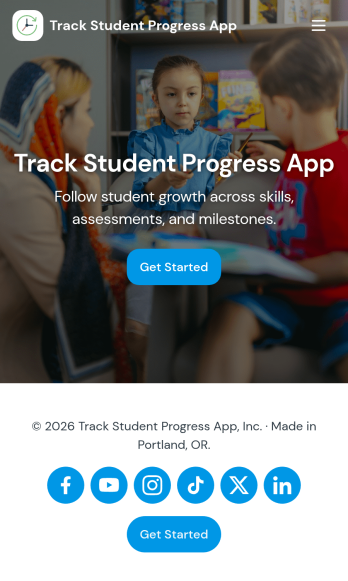
Track Student Progress App
Track Student Progress App helps educators and academic teams monitor learner growth in one place, using a roster view for quick navigation and progress logs to capture updates over time. It works well for classroom teachers, tutors, special education staff, and program coordinators who need a reliable way to review student profiles, record subject-level notes, and quickly see who is on track versus who needs support.With Jotform, you can turn this workflow into a shareable self-service app experience without coding. Use a no-code app builder with a drag-and-drop interface to connect forms for data collection, keep records organized, and support a consistent workflow for adding students and logging progress. Publish the app as a simple link for staff access, then refine the layout, branding, and pages as your tracking process evolves.
Go to Category:Classroom Management Apps
Lesson Planner App
Create and manage your classroom lesson plan with this free Lesson Planner app from Jotform. Download this app onto any device and start adding courses, start and end dates, lesson titles and objectives, tasks, resources, and more. There are also separate forms for entering student information and creating daily assignment checklists. Submissions are aggregated and stored in a color-coded and easy-to-understand spreadsheet using Jotform Tables.Want to make changes to this Lesson Planner App? No problem! With Jotform’s no-code app builder, you can build a custom app that meets your classroom’s needs in seconds. Simply drag and drop to add or change form elements, edit text fields and checklist items, install integrations and widgets, change fonts and colors, and more. When you’re done, you can access and download your app onto any smartphone, tablet, or desktop and start using it right away. Manage all your lesson plans and assignments from a single location with this mobile-friendly Lesson Planner App.
Go to Category:Daily Planner Apps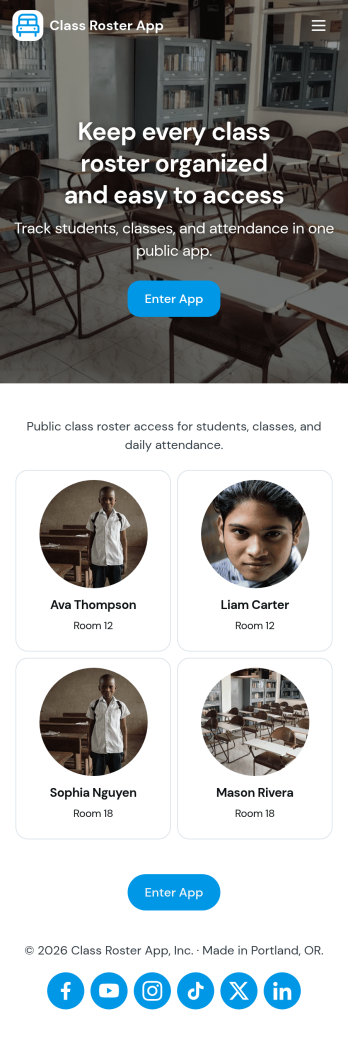
Class Roster App
Class Roster App helps teachers and academic staff keep a clear, up-to-date view of who is in each class and what is happening day to day. Use it to browse a student list, open individual student details, add new students as enrollment changes, and record attendance without jumping between scattered spreadsheets or paper notes. It’s a practical fit for K–12 classrooms, tutoring centers, after-school programs, and small training groups where rosters shift and quick access matters.With Jotform, you can turn this class roster app template into a mobile-friendly hub that supports self-service data collection and simple workflows. Customize pages with a drag-and-drop interface, connect buttons to forms for adding students or attendance, and keep records organized in one place. Share the app by link or QR code, collaborate with other instructors, and update the layout and branding anytime using Jotform’s no-code app builder.
Go to Category:Classroom Management Apps
Puzzle Learning App
Puzzle Learning App gives educators, tutors, training teams, and independent learners an interactive space for practicing reasoning and problem-solving skills. Learners can browse available puzzles, open helpful clues, submit attempts, and review their responses, reflections, confidence levels, and progress. It works well for classroom enrichment, tutoring sessions, remote learning, skills workshops, and self-paced study. By bringing puzzle content and learner activity into one accessible experience, the app reduces scattered materials, encourages thoughtful reflection, and helps instructors understand how participants approach each challenge.Jotform makes this app template easy to adapt with a no-code app builder and a flexible drag-and-drop interface. Add or rearrange pages, update puzzle resources, connect forms for data collection, and organize learning workflows without writing code. Jotform App Templates can also support notifications and connected records, helping instructors monitor new attempts and manage learning activity. Once customized, the Puzzle Learning App can be published for mobile-friendly access and shared through a direct link, QR code, or embedded experience, giving learners a convenient self-service resource wherever they study.
Go to Category:Quiz Apps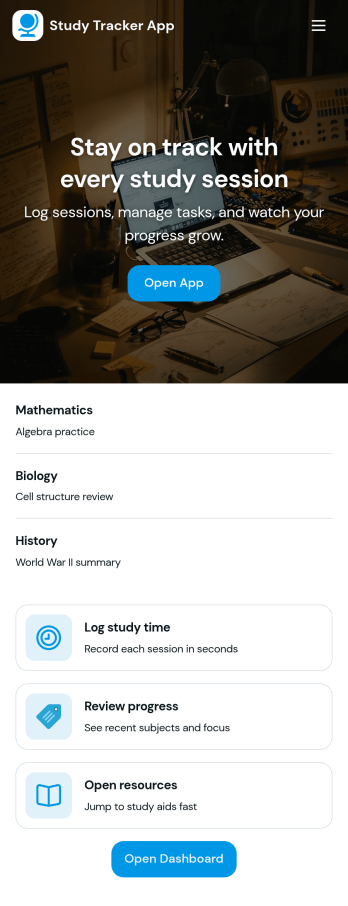
Study Tracker App
Study Tracker App helps students and lifelong learners build consistent study habits by logging study time, organizing sessions by subject, and keeping a clear view of progress over time. Use it to record each session with quick add buttons, revisit your top focus areas, and review what you covered across different topics. It’s a practical fit for high school and college students, exam takers, tutors, and study groups who want a simple way to track effort, spot patterns, and stay accountable without juggling multiple tools.Jotform makes it easy to turn this Study Tracker App into a personalized self-service experience using its no-code app builder and drag-and-drop interface. Connect your session logging form to your data collection workflow, present entries in clean lists and cards, and share the app with a link so it’s always available on any device. You can also tailor pages for progress review and study resources, helping you keep tracking and reference materials in one place with Jotform App Templates.
Go to Category:Education Apps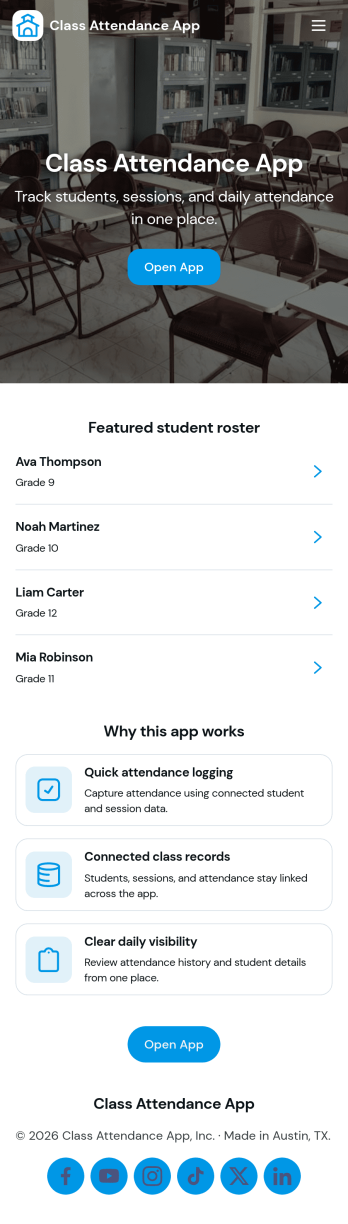
Class Attendance App
Class Attendance App helps teachers and training coordinators record attendance, manage a student roster, and review attendance history in one place. Use it in K–12 classrooms, tutoring centers, after-school programs, coaching sessions, and recurring workshops where you need a reliable roll-call flow and quick access to student lists. With dedicated areas to take attendance, add students, and open records, it supports day-to-day routines while keeping participation details organized for follow-ups, reporting, and student support.Built with Jotform, this app template turns routine tracking into a clear self-service experience that works on any device. Customize pages with a no-code app builder and a drag-and-drop interface, then connect your roster and attendance data collection to forms and tables for a smooth workflow. Share the app with staff using a link or QR code, keep records consistent across classes, and update the layout as your program grows.
Go to Category:Activity Tracking Apps