Healthcare Prior Authorization App helps healthcare teams collect and organize prior authorization requests in one place, while giving staff a simple way to check where each request stands. It’s built for clinics, specialty practices, imaging centers, and billing teams that need a consistent intake process, quick access to payer requirements, and a clear path to appeal a denial. With guided request submission, status lookups, and support contact options, the app reduces missed details and keeps everyone aligned on next steps.
Jotform makes it easy to tailor this app template to your workflow using a no-code app builder and a drag-and-drop interface. Connect request forms to your internal workflow, route updates to the right people, and centralize self-service access to key resources like payer requirements and authorization reference details. Share the app with your team through a link or QR code, then update pages and navigation as your processes change without rebuilding from scratch.
Related templates
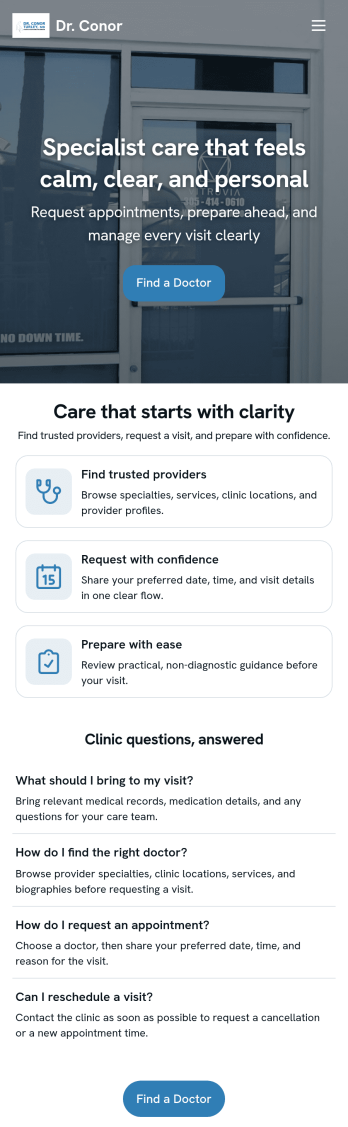
Doctor Appointment App
A doctor appointment app is used by healthcare providers to book appointments and collect patient information. Using Jotform’s Doctor Appointment App — complete with forms for collecting medical history, informed consent, and appointment requests—doctors or nurses can collect and manage patient information and store it securely online. With Jotform’s advanced security measures, you can even further protect data with HIPAA compliance features.Need to customize this app template to better match your practice? Include more links or forms, add your branding and logo, change the background or app icon, and make other changes with our simple drag-and-drop builder. Use Jotform’s easily trainable AI Chatbot guides users through your app and answers questions in real time. Once your app is ready to go, share it with a link to download instantly onto your office’s computer or tablet for easy access. Give your patients a cleaner alternative to messy paper forms with a powerful Doctor Appointment App.
Go to Category:Appointment & Booking Apps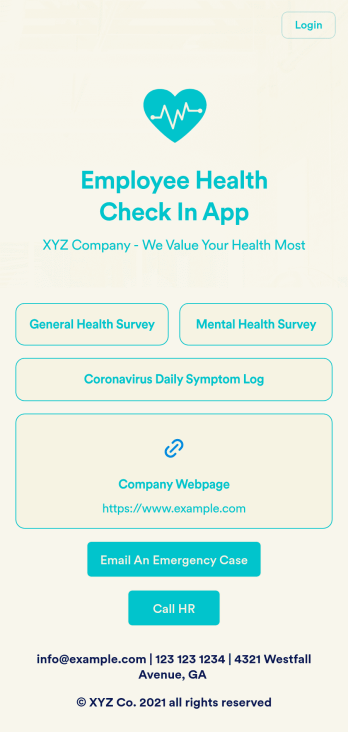
Employee Health Check In App
Screening your employees can help keep your workplace safe and free of contagious diseases. Conduct company health screenings and surveys in one place with our free Employee Health Check In App. Employees will be able to record possible coronavirus symptoms through the COVID-19 Daily Symptom Tracker and answer surveys from any smartphone, tablet, and computer.Customize your Employee Health Check In App for your company in just a few clicks. No coding necessary — simply drag and drop to add forms, surveys, spreadsheets, links, text, images, and more. You’ll even be able to modify the app name, icon, and splash page for a more professional and personalized look. When it’s ready, your app can be shared with employees via link and downloaded onto any device. Take care of your employees’ health and your business with a custom Employee Health Check In App for your company.
Go to Category:Human Resources Apps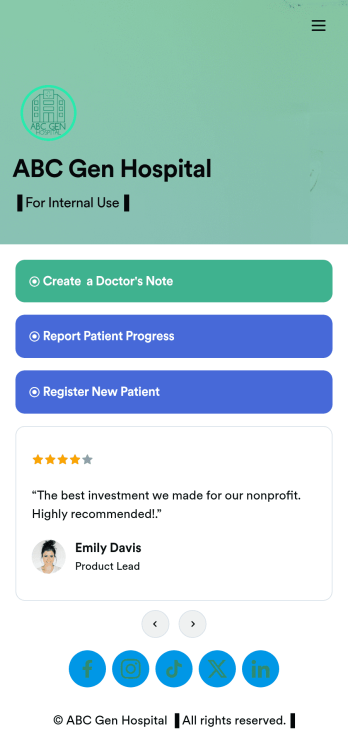
Doctors Note App
A doctor’s note app is used by hospitals and medical professionals to document a medical appointment when a patient is feeling unwell. Doctors can record general information about the patient and hospital, provide a medical diagnosis, and sign off on the note with a digital signature. Once submitted, a PDF of the doctor’s note will be automatically generated using our Doctor’s Note Template. Doctors can report patient progress and update treatment plans in a separate form through this app.Want to customize your Doctor’s Note App? No coding required — our drag-and-drop interface allows you to add forms and text, choose fonts and colors, change your app icon and splash screen, and more. After you’re done, you can share notes and progress updates with patients via link, where they can be viewed and downloaded on any smartphone, tablet, or desktop. Simplify the paperwork and let your patients focus on getting well with this customizable Doctor’s Note App.
Go to Category:HIPAA Apps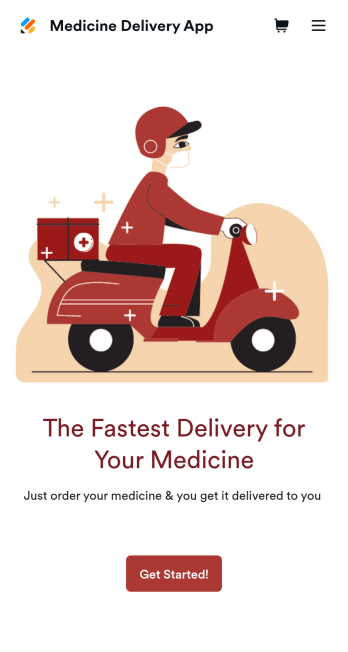
Medicine Delivery App
If your pharmacy offers medicine delivery services and is wondering how to sell medicine deliveries online, collect orders and payments from any device with Jotform’s free Medicine Delivery App. This customizable app includes a medicine order form as well as a feedback form that patients can fill out using any computer, tablet, or smartphone. Submitted orders will be received instantly, so you and your pharmaceutical staff can begin filling prescriptions without any delay.Customize this Medicine Delivery App for your pharmacy without coding. Simply drag and drop to add forms, tables, links, documents, text, images, logos, and other app elements. Then share your app with patients by sending them email invites to download it onto their own devices, or by posting the app link on your website. With a fully-custom Medicine Delivery App that works anywhere, you can sell medicine deliveries online and ensure that patients can refill their prescriptions with ease.
Go to Category:Delivery Apps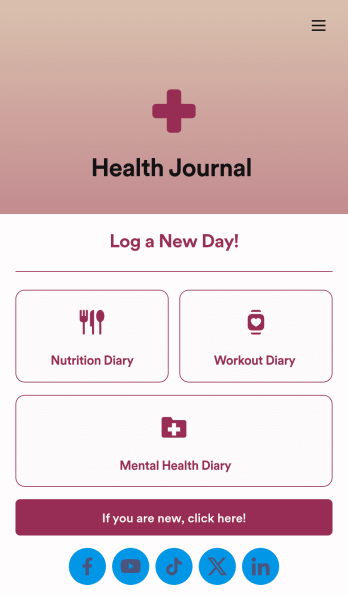
Health Journal App
Does your health services organization need an interactive and thoughtful way to track client data and progress? Give Jotform’s Health Journal App a shot. Have your patients log their moods, exercise goals, nutrition concerns, and health records. You can even receive payments and schedule appointments through your app.Use this Health Journal App ready-made, or use our drag-and-drop app builder to add your own personal flair. Make it your own by uploading images or videos, choosing colors and fonts you like, integrating with payment or scheduling widgets, including branding assets, and more. Get your clients on track to be their healthiest selves with Jotform Apps.
Go to Category:Healthcare Apps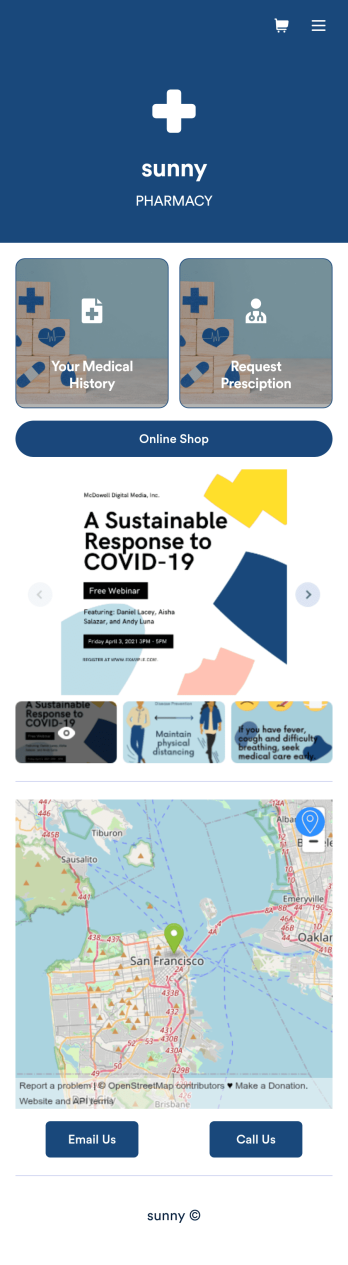
Pharmacy App
A pharmacy app is used by pharmacies for logging patient data and filling prescriptions. Need to know how to sell prescriptions online? Patients can download this Pharmacy App on any device and fill out a form with their personal and medical information, make prescription requests, and schedule COVID-19 vaccination appointments. This app also includes a COVID-19 consent form that patients can digitally sign prior to their appointment. Patient data and prescription refill requests are stored in your secure Jotform account for ease of access.Want to make this app template your own? No problem — just use Jotform’s no-code app builder to drag and drop form elements, choose fonts and colors, upload images, customize your app icon, and more. You can also use your splash screen to add informative content and make announcements. When you're finished customizing, share your app by embedding a link in your website or email newsletter. Manage your pharmacy from one convenient location with this free Pharmacy App from Jotform.
Go to Category:Delivery Apps