
The Japanese Vowel Learning App is an educational app template for students, independent learners, tutors, and language instructors who want a focused way to teach and practice Japanese vowel pronunciation. Learners can select vowel sounds, begin guided practice, review mouth-position guidance, and follow concise practice cues from one accessible resource. It works well for introductory language courses, tutoring sessions, classroom assignments, pronunciation workshops, and self-paced study. By keeping essential pronunciation support together, the app helps learners build consistent study habits and gives educators a reusable resource for lessons and practice outside class.
Jotform makes this app template easy to adapt with a no-code app builder and a flexible drag-and-drop interface. Educators can update content, adjust navigation, add learning resources, and connect forms for knowledge checks, feedback, or data collection without writing code. The finished app can be shared by link or QR code for convenient mobile access. Jotform App Templates also support connected workflows, helping tutors and schools turn a simple learning resource into an engaging self-service experience that fits their teaching approach and visual style.
Related templates

Football News App
A football news app is used to display football-related news, scores, and collect subscriptions from fans. As the app owner, you can aggregate news articles from other websites, or upload your own original work. Football fans can download your app onto their favorite device and sign up to receive email updates whenever your app is updated with football news or scores. Subscriber information is stored securely in your Jotform account.This Football News App can be fully customized to your liking with Jotform’s intuitive app builder. No coding knowledge required — simply drag and drop to add form elements, create new pages and forms, customize your app’s main screen, upload your own images and branding, and much more. You can even install one of our 30+ payment gateway integrations to charge for premium subscriptions fees. Create an all-in-one Football News App to keep sports fans in the know with this free app template from Jotform.
Go to Category:Education Apps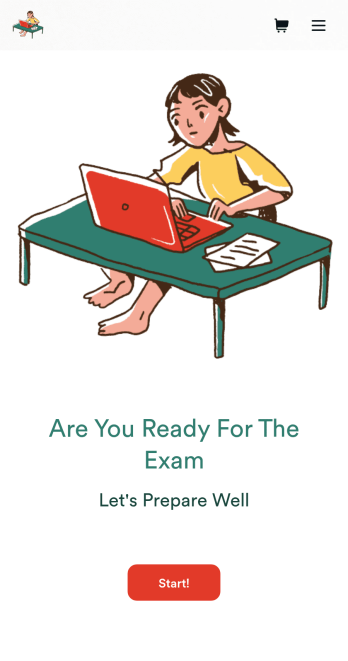
Custom Exam Preparation App
Whether you’re a teacher or a tutor, help students prepare for their exams with Jotform’s free Exam Preparation App. This fully customizable mobile app includes an exam registration form, sample exam questions, and contact buttons for students to easily access from any computer or mobile device. All submissions will be instantly synced to your Jotform account — ready to view, download, share, and approve.You won’t need to take a coding class to customize this Exam Preparation App. Simply drag and drop to add forms, images, documents, links, buttons, pages, and other app elements. Then share your app with students by posting the app link on your website or sending email invites to newly registered students. With a fully custom Exam Preparation App your students can easily access from any device, you can ensure they’ll be ready for their next exam!
Go to Category:Course & Training Registration Apps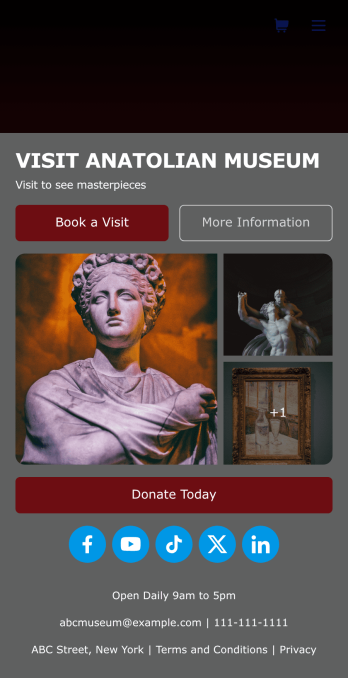
Museum App
A museum app makes it easier for visitors or members to book visits, submit donations, and more. Whether you manage a natural history museum, science center, or art gallery, make a mobile app for your museum with Jotform’s free Museum App. This customizable app template includes a homepage with a booking form and donation form, as well as menu pages containing exhibit details and FAQs. Visitors can easily download the app onto their computer or mobile device, so they can schedule their visits, pay for tickets, give donations, and submit feedback no matter where they are.Customize this Museum App for your museum or gallery in just a few clicks. With Jotform’s drag-and-drop builder, you won’t need to do any coding to add or remove forms, update text and images, upload logos, and include other app elements such as links, documents, or tables. Once your app is ready to use, share it on your museum website or social media accounts for visitors to save onto their own devices. With a fully-custom Museum App, you’ll make it easier for visitors to plan their next visit, helping to increase museum attendance!
Go to Category:Booking Apps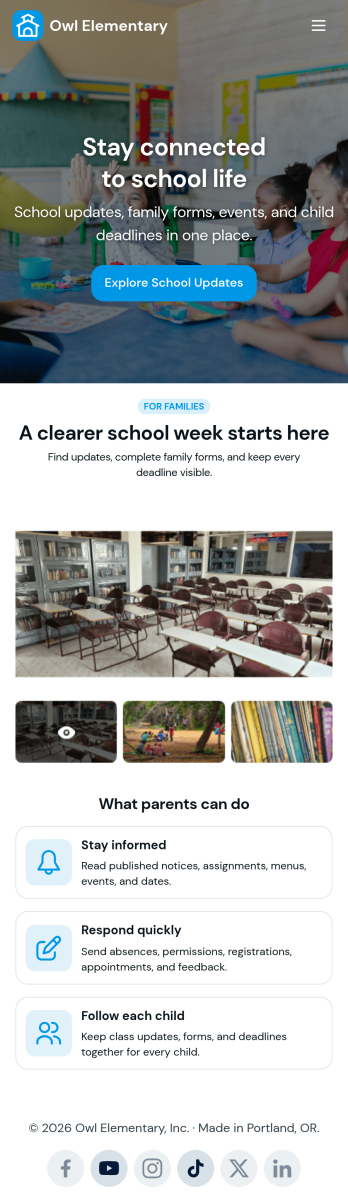
Custom School Parent App
A school parent app is a parent portal that allows parents to access and provide student data from any device. Create a parent portal mobile app for your school with our free School Parent App. This ready-made template includes a student information form, student enrollment form, concern report form, and summer camp registration form, as well as links to a parent handbook and school website. Parents can download and use your app from any smartphone, tablet, or desktop computer.Customize your School Parent App without any coding using our drag-and-drop builder. Jotform’s List Element feature lets you connect Tables and add actions, making it easy to organize data and manage your app’s flow. You can add or remove forms, embed links to other education sites, include tables, update text, upload your school logo, and modify app settings. Share your app with parents by sending them the link via email or by posting it on your school’s education website—they’ll be able to save the app onto their preferred devices for easy access. Give parents secure, real-time access to student information with an easily accessible online School Parent App.
Go to Category:Education Apps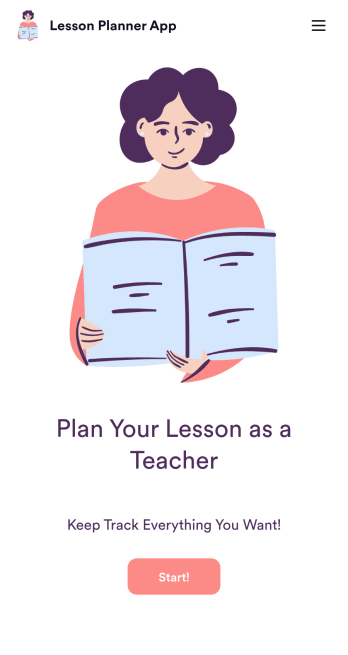
Lesson Planner App
Create and manage your classroom lesson plan with this free Lesson Planner app from Jotform. Download this app onto any device and start adding courses, start and end dates, lesson titles and objectives, tasks, resources, and more. There are also separate forms for entering student information and creating daily assignment checklists. Submissions are aggregated and stored in a color-coded and easy-to-understand spreadsheet using Jotform Tables.Want to make changes to this Lesson Planner App? No problem! With Jotform’s no-code app builder, you can build a custom app that meets your classroom’s needs in seconds. Simply drag and drop to add or change form elements, edit text fields and checklist items, install integrations and widgets, change fonts and colors, and more. When you’re done, you can access and download your app onto any smartphone, tablet, or desktop and start using it right away. Manage all your lesson plans and assignments from a single location with this mobile-friendly Lesson Planner App.
Go to Category:Daily Planner Apps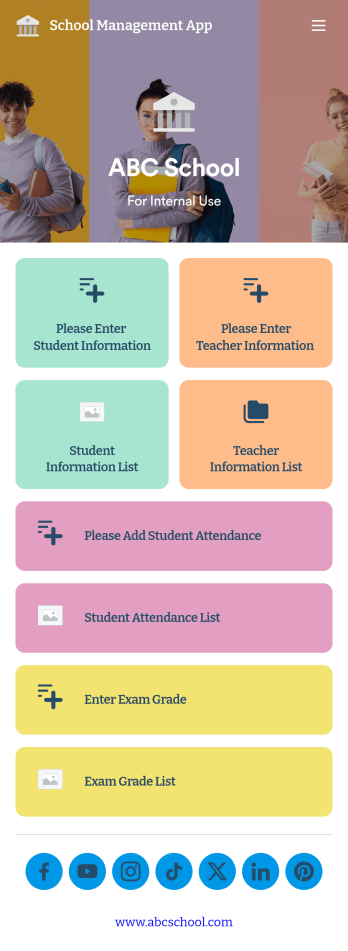
School Management App
A school management app is used by schools and educational institutions to record and compile student information. Our School Management App bundles together four useful forms, allowing school administrators and teachers to easily add school and teacher contact information, log attendance, and record exam scores from any device. Each form automatically feeds data into an easy-to-understand companion spreadsheet, which you can sort, filter, and search from your secure Jotform account.Make this School Management App template your own in seconds with Jotform’s no-code app builder. Just drag and drop to add or change form elements, edit form text and fields, change the color scheme to match your school’s colors, upload your ensignia, attach documents and external links, and more. When you’re finished customizing, you can share your app by sending the app link, attaching it to an email invitation, or embedding it in an internal-use school website. Teachers and staff can then download it onto any smartphone, tablet, or desktop and begin using it right away. Create an all-in-one app for managing student data with just a few clicks with this free School Management App from Jotform.
Go to Category:Education Apps